Switching From Stitch? 5 Alternatives for 2026
5 options for Stitch alternatives, with entry costs, free tiers and the buyer each one serves. Every pick gets a straight assessment. Budget notes included.
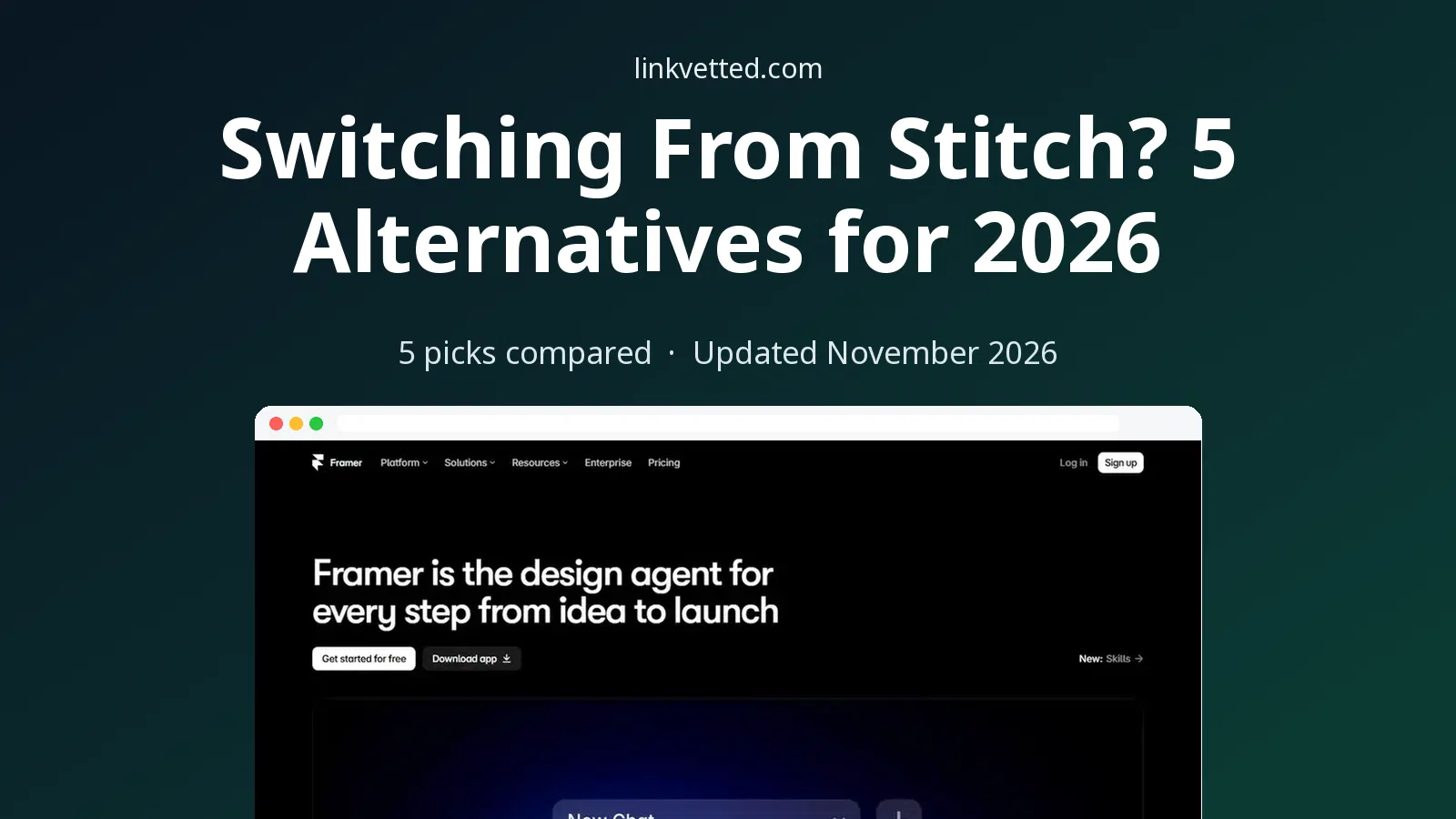
- Editor's choice
 Framer
Design-led website launches with a design agent
Starts at$10 a monthVisit framer.comFull review - Great alternative
 Adobe XD
Teams already inside Adobe workflows
Starts atSee websiteVisit adobe.comFull review - Also consider
 Figma
Collaborative design and production handoff
Starts at$3 per monthVisit figma.comFull review
Direct answer
Our first pick is Framer, best for design-led website launches with a design agent. Listed starting prices: Framer from $10 a month, Figma from $3 per month and Penpot from $7 per editor per month. Alternatives: Adobe XD for teams already inside Adobe workflows, and Figma for collaborative design and production handoff. Details, prices and limits for the rest of the 5 tools are below.
TL;DR:
- This list starts with Framer, which is built for design-led website launches with a design agent.
- For the cheapest start, look at Figma: $3 per month.
- Webflow fits designing, building and optimizing business websites.
- One limit worth knowing about Adobe XD: less prominent in recent design discussions.
- Framer, Penpot, Webflow: these are the 3 tools out of 5 that offer a free plan.
Last checked November 2026. Prices and plan details were read from the vendors' own pages in November 2026; vendors change plans often, so confirm the current price on the vendor site before you buy.
Quick comparison
| Tool | Best for | Starts at | Free plan? | |
|---|---|---|---|---|
| Framer | Design-led website launches with a design agent | $10 a month | Yes | Visit |
| Adobe XD | Teams already inside Adobe workflows | See website | Not stated | Visit |
| Figma | Collaborative design and production handoff | $3 per month | Not stated | Visit |
 Penpot | Open-source design collaboration at scale | $7 per editor per month | Yes | Visit |
 Webflow | Designing, building and optimizing business websites | $15 a month | Yes | Visit |
Tool-by-tool breakdown
Choosing Stitch usually comes down to price, fit and limits. This LinkVetted guide sets 5 tools side by side on those three points, with the facts kept short and checkable.
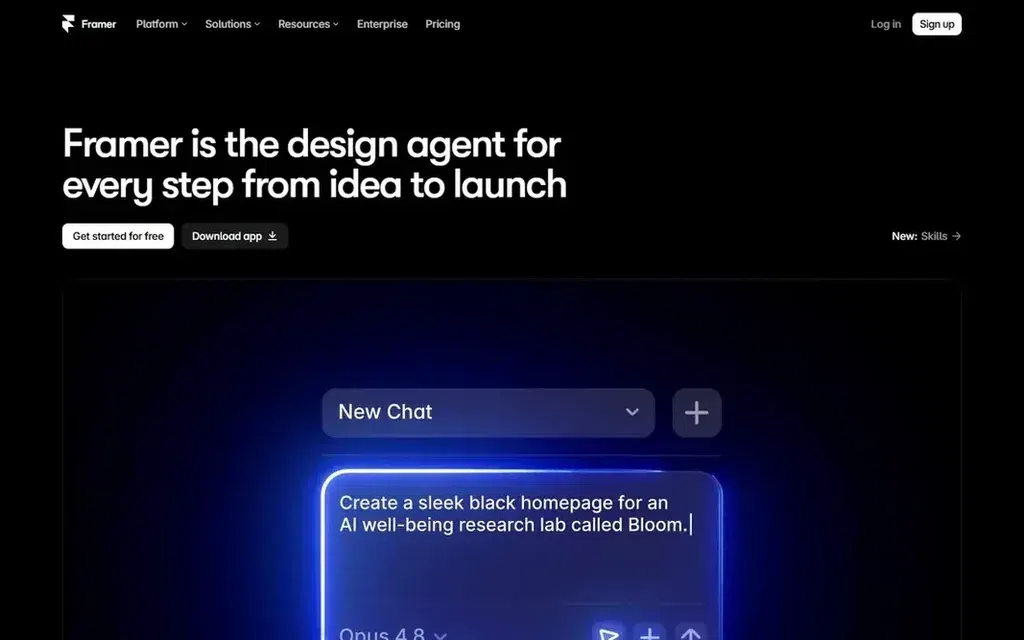
Framer is a good fit for design-led website launches with a design agent. Framer describes itself as a website builder with a design agent that carries an idea through to launch, with hosting, CMS, analytics, SEO and AEO built in.
Trade-offs to know: Less suited to deep app design systems.
What you pay to start with Framer: $10 per month. Framer has a free plan.
Best features of Framer: analytics and SEO built in.
- Changes stay editable after publishing
- Hosting, CMS
- Centered on websites rather than product UI
Think of Adobe XD for teams already inside Adobe workflows. It remains a recognizable choice for wireframing, screen design and interactive prototypes.
Drawbacks to consider: Less prominent in recent design discussions.
It can be a reasonable fit when a studio standardizes on Adobe software. More specifically, for active live collaboration or open-source needs, Figma or Penpot may be the better fit. Adobe XD does not show a starting price in this comparison, so check the vendor site for current pricing. Trial and free access: Not stated.
- Interface design and prototyping focus
- Suits alongside other Adobe creative tools
- Collaboration story is narrower than some rivals
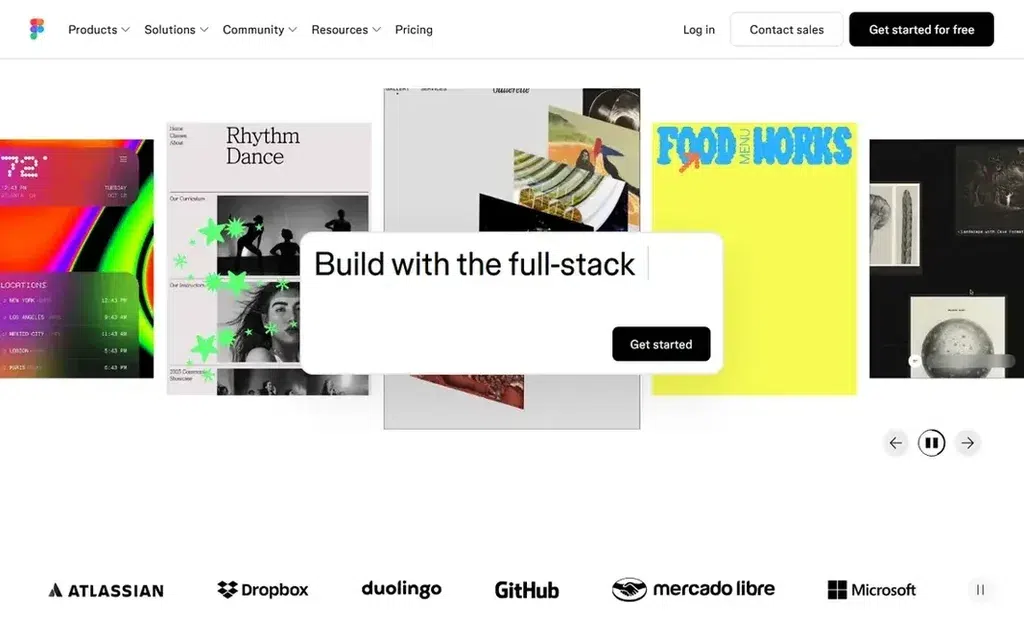
Figma was built for collaborative design and production handoff. Figma presents itself as a collaborative canvas where design, code and AI come together, letting teams move from first idea to shipped product in one place.
Main advantages: Includes concept through production.
On top of that, teams wanting a design agent centred on launching a website, or a completely open-source stack, may prefer Framer or Penpot instead. For everyday use, the emphasis on collaboration and end-to-end production makes it a natural reference point for anyone comparing Stitch alternatives. On cost, Figma starts like this: $3 per month. Free access: Not stated. Points against: Needs dependable internet for best use.
- Code and AI in one canvas
- Design
- Wide feature set can overwhelm newcomers
Penpot serves open-source design collaboration at scale. Penpot describes itself as the open-source design system for teams building digital products at scale, enabling deeper collaboration across design, code and AI workflows.
Price to start with Penpot: $7 per editor per month. You can start on Penpot without paying.
Trade-offs to know: Open-source setup may need internal support.
- Open-source product for teams
- Bridges design
- Ecosystem is smaller than established rivals
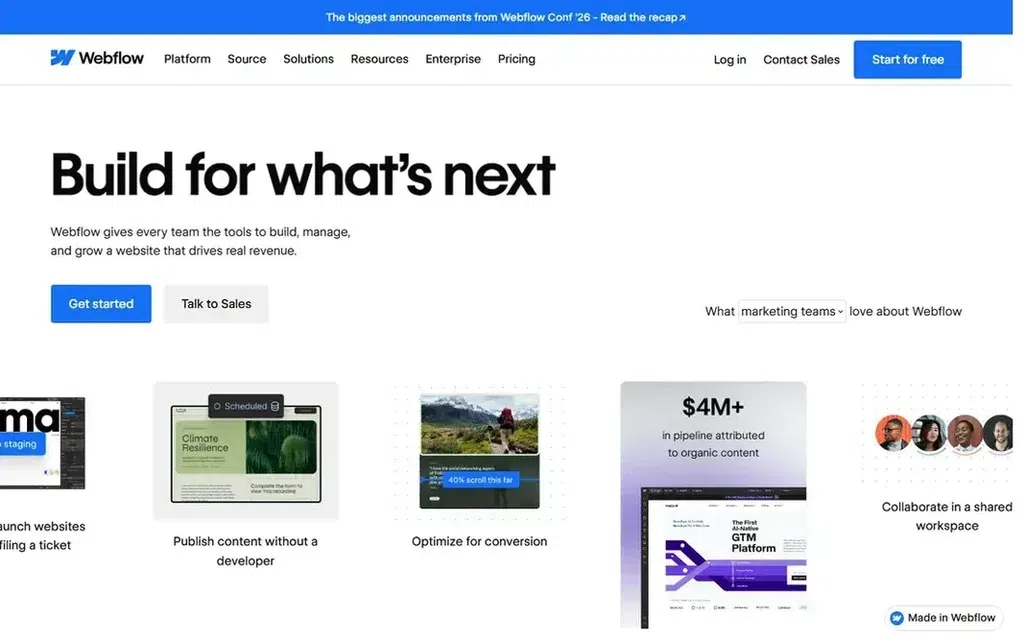
Pick Webflow if this describes you: designing, building and optimizing business websites. Webflow is oriented toward web delivery instead of product interface design, so app teams may need a separate design tool.
More specifically, Webflow positions itself as an agentic web product for modern companies, handling design, build, optimization and AI search ranking in one place, with enterprise-grade security, CMS, hosting and AEO included. On cost, Webflow starts like this: $15 per month. Webflow includes a free tier.
The main drawbacks: Feature depth can need a ramp-up time.
- CMS and hosting
- Build and optimize in one system
- Targeted at web delivery instead of app UI
How these tools were picked
What to confirm before you sign up
- Confirm the entry price on the vendor page. For Adobe XD that means a quote rather than a fixed price.
- Read the fine print on the free plans from Framer, Penpot and Webflow; seat, project and feature caps differ.
- Before choosing Framer, weigh its main limit: centered on websites instead of product UI.
- Add up seats, add-ons and usage charges for Adobe XD before comparing it with cheaper entries.
- List the apps you already depend on and check that Webflow supports each one on the plan you would buy.
FAQ
Is there an open-source option among these tools?
Yes, Penpot is described as an open-source design product for teams building digital products at scale. It centres on collaboration across design, code and AI workflows, which fits organizations that prefer open-source tooling.
Can I try these tools before paying?
Often, yes. Framer, Penpot and Webflow have a free plan. Use your own data and a real task during the test, and check what the free tier or trial limits before you rely on it.
Which options for Stitch have a free plan?
Framer, Penpot and Webflow offer a free plan in this list. Free plans usually cap users, projects or features, so check the limits on the vendor page.
Is Framer the right pick for everyone comparing Stitch?
No single tool suits every team. Framer comes first because it fits design-led website launches with a design agent, while Adobe XD suits teams already inside Adobe workflows and Figma suits collaborative design and production handoff. Match the tool to your own size, budget and workflow before deciding.
Do these tools publish their prices?
Not all of them. Adobe XD publishes no starting price, so expect a quote request for it. The rest, Framer included, show a starting price, though seats and billing terms still change the final cost. Prices, free plan details and limits for all 5 tools in this Stitch alternatives roundup sit on the individual cards above.
Sources
- https://www.framer.com
- https://www.adobe.com/products/xd.html
- https://www.figma.com
- https://penpot.app
- https://webflow.com