Switching From Unbounce? 5 Alternatives for 2026
5 options for Unbounce alternatives, with entry costs, free tiers and the buyer each one serves. Includes honest limits for each tool. See which fits.
- Editor's choice
 Carrd
Straightforward responsive one-page sites
Starts atSee websiteVisit carrd.coFull review - Great alternative
 Instapage
Advanced personalization and A/B testing
Starts at$79 a monthVisit instapage.comFull review - Also consider
 Webflow
Design-led sites with CMS and hosting
Starts at$15 a monthVisit webflow.comFull review
Direct answer
For straightforward responsive one-page sites, Carrd is where this list starts. Listed starting prices: Instapage from $79 a month, Webflow from $15 a month and Leadpages from $25 a month. For a different need, Instapage covers advanced personalization and A/B testing and Webflow covers design-led sites with CMS and hosting. The full list of 5 tools follows, with prices and free plan facts.
TL;DR:
- Number one here is Carrd, a fit for straightforward responsive one-page sites.
- Before buying Carrd, weigh this: restricted to single-page structures.
- Just one of the 5 tools, Webflow, has a free plan.
- Leadpages is the one to check for AI-assisted landing pages with marketing integrations.
Last checked November 2026. Prices and plan details were read from the vendors' own pages in November 2026; vendors change plans often, so confirm the current price on the vendor site before you buy.
Quick comparison
| Tool | Best for | Starts at | Free plan? | |
|---|---|---|---|---|
| Carrd | Straightforward responsive one-page sites | See website | Not stated | Visit |
| Instapage | Advanced personalization and A/B testing | $79 a month | Free trial | Visit |
| Webflow | Design-led sites with CMS and hosting | $15 a month | Yes | Visit |
 HubSpot Marketing Hub | Landing pages inside a marketing suite | See website | Not stated | Visit |
 Leadpages | AI-assisted landing pages with marketing integrations | $25 a month | Free trial | Visit |
Our 5 picks for Unbounce
This LinkVetted guide covers 5 options for Unbounce. Each profile lists a starting price, free plan details, strengths and drawbacks, so you can drop poor fits quickly.
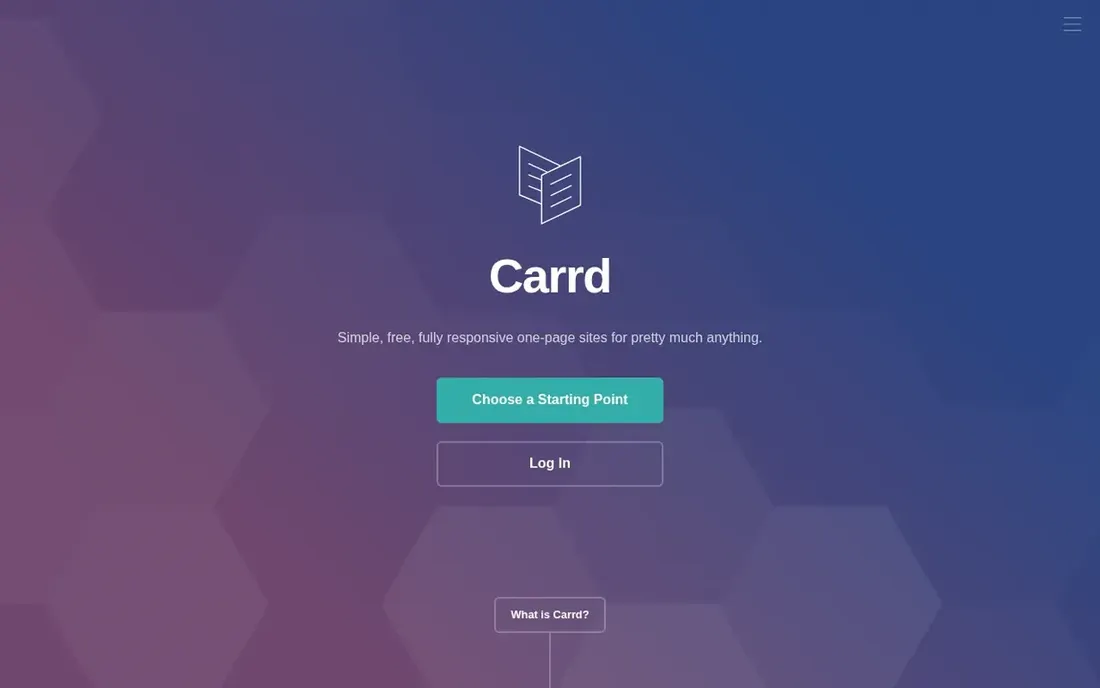
Pick Carrd if this describes you: straightforward responsive one-page sites. Carrd is a product for building straightforward, completely responsive one-page sites for many different purposes.
Limits to weigh: Not designed for advanced testing workflows.
More specifically, teams that require A/B testing or broad integrations should choose Leadpages or Instapage instead. No starting price is listed for Carrd here; confirm pricing on the vendor site. On free options: Not stated.
- Concentrated on one-page sites
- Straightforward to set up
- Restricted to single-page structures
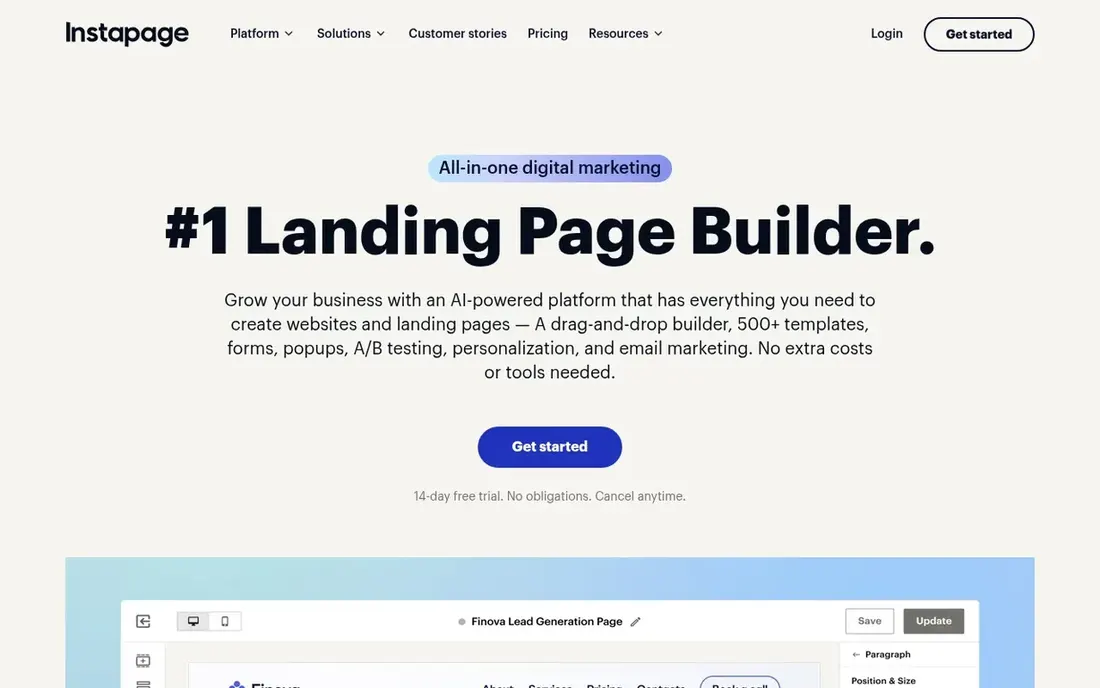
For advanced personalization and A/B testing, Instapage is a natural candidate. If your goal is a single straightforward page, Carrd or Leadpages is a lighter starting point.
What to check first: Overkill for a single entry-level page.
As for the details, the breadth of testing and personalization features can be more than a small team needs, and more straightforward projects may move quicker elsewhere. Its drag-and-drop builder, broad template selection, AI content and personalization tools support teams running structured testing programs. Instapage starts at: $79 per month. Trial and free access: Free trial.
- Drag-and-drop builder
- Large template library
- Feature depth may overwhelm straightforward projects
Webflow serves design-led sites with CMS and hosting. It provides designers close control over layout and structure, which makes it a fit for teams that want landing pages inside a broader, custom-built site instead of a standalone builder.
Trade-offs to know: Steeper ramp-up time.
In practice, the design freedom includes a ramp-up time, and teams wanting fast page launches may find it slower than a dedicated builder. The starting price for Webflow: $15 per month. A free plan is available with Webflow.
- CMS and hosting included
- Enterprise-grade security features
- More platform than a page builder alone
Where HubSpot Marketing Hub fits: landing pages inside a marketing suite. HubSpot Marketing Hub is marketing software built to grow and convert demand, with landing pages as one part of a wider set of marketing capabilities. From a buyer's view, for page-specific work, Leadpages or Instapage keeps the scope narrower.
Adopting a full marketing suite is a bigger commitment than picking up a focused page builder. Teams that only need pages may find it heavy. Pricing for HubSpot Marketing Hub is not stated here, so ask the vendor for current figures. Free access: Not stated.
Downsides: Setup effort grows with complexity.
- Marketing software for demand and conversion
- Pages connected to broader marketing tools
- Broader suite than a standalone page builder
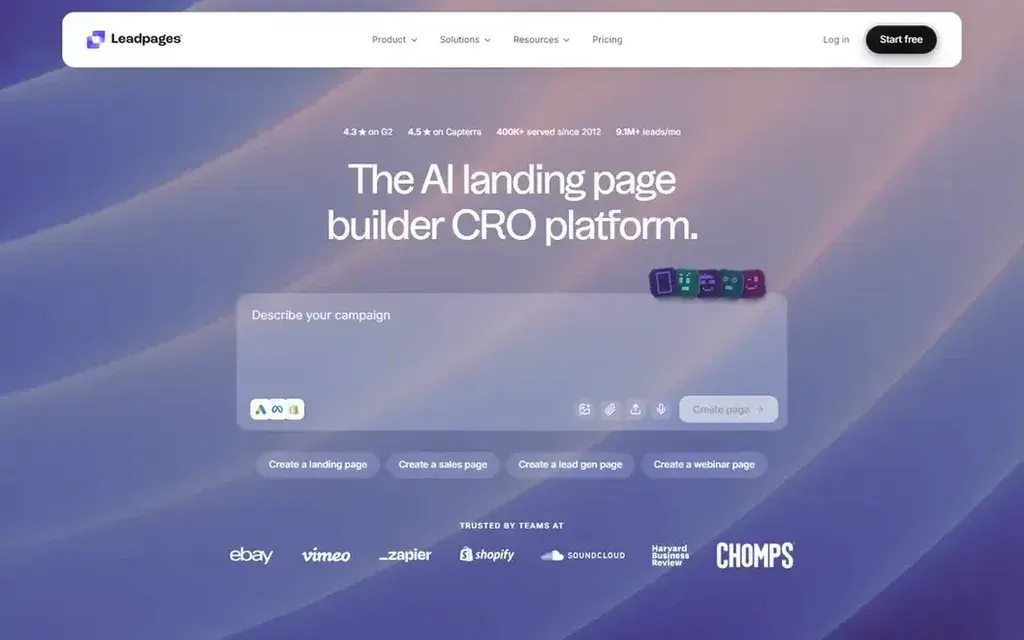
Leadpages was built for AI-assisted landing pages with marketing integrations. Leadpages is a landing page builder centered on launching pages quickly, with AI assistance, templates, testing and analytics built in.
It suits small firms and marketers who want a focused page builder without assembling separate tools for testing and measurement. Leadpages starts at: $25 per month. Free access: Free trial.
What Leadpages does well: AI landing page builder.
Drawbacks to consider: Less suited to completely custom site builds.
- Testing and analytics
- Built-in marketing integrations
- Advanced needs may need another product
What went into this list
LinkVetted used vendor pricing pages and product documentation as the base, then compared plans, free access and documented limits for 5 tools. Prices and plan limits come from vendor pages and can change, so confirm them on the vendor site before you buy. Position on the page reflects fit for a typical buyer first, with price clarity and free access breaking ties. Treat it as a guide, not a ruling.
What to confirm before you sign up
- Ask Carrd and HubSpot Marketing Hub for a written quote, since no starting price is shown.
- Look at the free plan from Webflow closely: its caps decide whether it is usable for real work.
- Run a trial of Instapage and Leadpages with real work before paying for a year; your own workflow is the best test.
- Read the limits listed for Carrd first: restricted to single-page structures.
- Involve the people who will use Carrd daily; a short pilot beats a long feature checklist.
- Before rolling out Webflow, verify the integrations your workflow depends on.
FAQ
Do these tools replace a full website builder?
Most are centred on landing pages instead of complete websites. Webflow is the closest to a full site product among these choices, whereas Carrd is intentionally restricted to one-page sites.
What is the cheapest option for Unbounce in this list?
On published monthly entry prices, Webflow is the lowest here at $15 per month. Entry price is only part of the cost, because seats, add-ons and billing terms can change the total.
Do these tools publish their prices?
Not all of them. Carrd and HubSpot Marketing Hub publish no starting price, so expect a quote request for those. The rest, Instapage included, show a starting price, though seats and billing terms still change the final cost.
Is Carrd the right pick for everyone comparing Unbounce?
No single tool suits every team. Carrd comes first because it fits simple responsive one-page sites, while Instapage suits advanced personalization and A/B testing and Webflow suits design-led sites with CMS and hosting. Match the tool to your own size, budget and workflow before deciding.
Which options for Unbounce have a free plan?
Webflow is the only tool in this list with a free plan. Free plans usually cap users, projects or features, so check the limits on the vendor page. Several others offer a trial instead.
Sources
- https://carrd.co
- https://instapage.com
- https://webflow.com
- https://www.hubspot.com/products/marketing
- https://www.leadpages.com