Switching From Twinmotion? 5 Alternatives for 2026
Weighing Twinmotion alternatives? We lined up 5 products by cost, free access and fit. Each tool is judged on the same checks. Pricing and limits included.
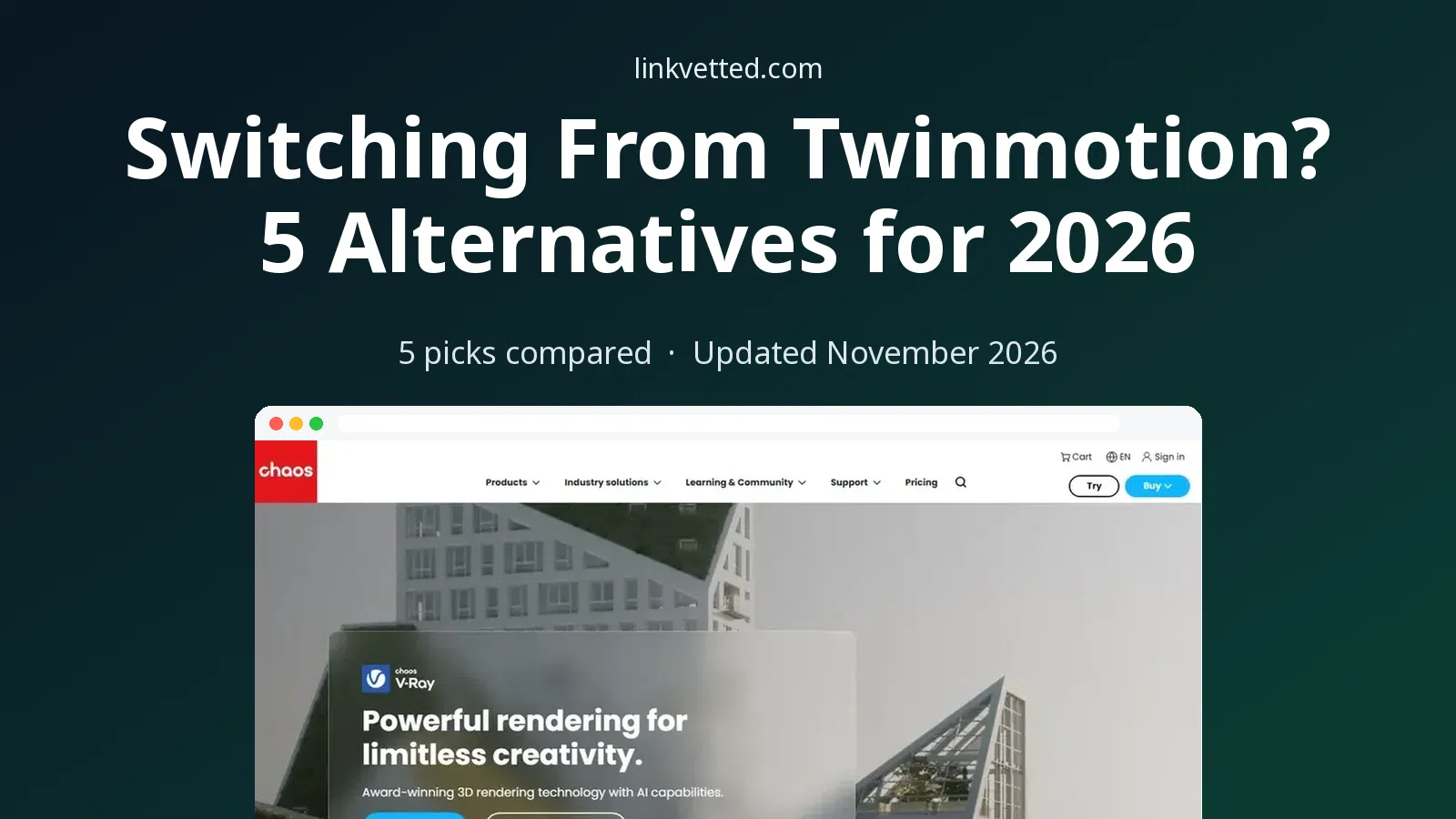
- Editor's choice
 V-Ray
Photorealistic rendering across numerous products
Starts atSee websiteVisit chaos.comFull review - Great alternative3ds Max
Full modeling, animation and rendering pipeline
Starts atSee websiteVisit autodesk.comFull review - Also consider
 KeyShot
Live product design visualization
Starts at$7.92 a monthVisit keyshot.comFull review
Direct answer
V-Ray comes first here, mainly for Photorealistic rendering across plenty of products. Listed starting prices: KeyShot from $7.92 a month and Lumion from $96 named user a month. Look at 3ds Max for full modeling, animation and rendering pipeline, and at KeyShot for live product design visualization. Prices, free plans and limits for all 5 tools follow.
TL;DR:
- Number one here is V-Ray, a fit for Photorealistic rendering across plenty of products.
- KeyShot is the lowest-priced starter here at $7.92 per month.
- Lumion suits architects wanting quick live visualization.
- The main caution on KeyShot: oriented to product work over architecture.
- V-Ray, Lumion and the 3 others all need a premium plan or a trial, since no free plan is listed.
Last checked November 2026. Prices and plan details were read from the vendors' own pages in November 2026; vendors change plans often, so confirm the current price on the vendor site before you buy.
Quick comparison
| Tool | Best for | Starts at | Free plan? | |
|---|---|---|---|---|
| V-Ray | Photorealistic rendering across numerous products | See website | Not stated | Visit |
| 3ds Max | Full modeling, animation and rendering pipeline | See website | Not stated | Visit |
| KeyShot | Live product design visualization | $7.92 a month | Free trial | Visit |
 Enscape | One-click rendering inside design software | See website | Not stated | Visit |
 Lumion | Architects wanting quick live visualization | $96 named user a month | Free trial | Visit |
The best Twinmotion
LinkVetted put together this guide to Twinmotion for readers who want a clear shortlist without reading every vendor page. It compares 5 tools on starting price, free plans, who each one suits and where each one falls short.

V-Ray is aimed squarely at Photorealistic rendering across plenty of systems. V-Ray from Chaos is a photorealistic 3D rendering plugin available for widely used design products, including 3ds Max, SketchUp, Rhino, Maya and Blender. As for the details, V-Ray is a plugin, so it needs a compatible host application and does not stand alone as a modeling environment.
Drawbacks to consider: More setup than one-click tools.
Its depth of control can mean more setup than one-click live tools. Choose V-Ray when photorealism and system adaptability matter; if you want instant in-model previews with minimal configuration, a live tool may be the better fit. V-Ray does not show a starting price in this comparison, so check the vendor site for current pricing. Free options: Not stated.
- Also supports Maya and Blender
- Photorealistic rendering focus
- Needs a host modeling application
3ds Max
Best for: Full modeling, animation and rendering pipeline
Where 3ds Max fits: full modeling, animation and rendering pipeline. It suits studios and artists who require a complete pipeline instead of only a renderer, including those who later add plugins like V-Ray or Corona.
Worth adding: for teams that require modeling, animation and rendering under one roof, it serves as a foundation application. 3ds Max shows no starting price here, so confirm the cost on the vendor site. As for free access: Not stated.
Points against: Wide toolset can be complicated to learn.
- Suited to expansive scene creation
- Built-in rendering capabilities
- Heavier than focused render plugins
KeyShot is built with live product design visualization in mind. KeyShot is 3D rendering and AI visualization software whose vendor positions it around live rendering and collaboration from concept to product launch for product design firms. It is a rendering and visualization tool instead of a complete modeling suite.
In practice, choose KeyShot when product imagery and quick iteration are central. Consider an architecture-focused renderer or a full modeling package if your work is scene-heavy or needs broad modeling. KeyShot pricing: $7.92 per month. As for free access: Free trial.
The main drawbacks: Oriented to product work over architecture.
- Real-time rendering for product design
- Supports collaboration from concept to launch
- Not a full modeling suite

In short, Enscape is for one-click rendering inside design software. Enscape is a live rendering and virtual reality tool from Chaos that plugs into Revit, SketchUp, Rhino, ArchiCAD and Vectorworks. More specifically, the vendor flags a one-click rendering approach, which fits architects and designers who want to see results without leaving their modeling environment.
Strengths: ArchiCAD and Vectorworks.
Also, Enscape relies on the design software it supports, so teams outside those systems will need another choice. Its live focus may not satisfy projects needing the heaviest offline-quality rendering. Enscape does not show a starting price in this comparison, so check the vendor site for current pricing. As for free access: Not stated. Downsides: Less suited to standalone product rendering.
- Runs inside Revit, SketchUp, Rhino
- One-click rendering workflow
- Tied to supported design systems

Lumion is a good fit for architects wanting quick live visualization. Lumion is live 3D rendering software aimed at architects. Its vendor describes a workflow that carries a design from concept through to the final render, with attention to speed, image quality and simplicity.
Its live approach also means very demanding photorealistic shots can need more effort than with offline renderers. Consider it when architectural visualization speed matters most, and look elsewhere when maximum photorealism for complicated scenes is the priority. On cost, Lumion starts like this: $96 named user per month. On free options: Free trial.
Trade-offs to know: Centred on architecture instead of product work.
- Emphasis on speed and ease
- Live rendering from concept to final image
- Live quality can trail offline renderers
How we chose
The comparison looks at four things: starting price, free access, how well the feature set matches Twinmotion, and the main limit of each tool. Where a vendor does not publish a price, the entry says quote. Where a price depends on seats or billing term, the entry says so. The order reflects how well each tool fits the most common buying scenario for Twinmotion, then price clarity, then free plan access. It is a starting point, not a verdict.
Before you commit
- Confirm the entry price on the vendor page. For V-Ray, 3ds Max and Enscape that means a quote rather than a fixed price.
- Run a trial of KeyShot and Lumion with real work before paying for a year; your own workflow is the best test.
- Before choosing V-Ray, weigh its main limit: needs a host modeling application.
- Check the integration list for Lumion against the tools you run today, and note which ones need a higher plan.
- Look at the renewal terms for KeyShot: auto-renewal, notice periods and price changes can matter more than the first-year price.
FAQ
Do these tools publish their prices?
Not all of them. V-Ray, 3ds Max and Enscape publish no starting price, so expect a quote request for those. The rest, KeyShot included, show a starting price, though seats and billing terms still change the final cost.
What is the closest alternative to Twinmotion for architects?
Enscape is another choice for teams that want rendering inside their design software. Both are oriented toward architecture instead of product visualization.
What is the cheapest option for Twinmotion in this list?
On published monthly entry prices, KeyShot is the lowest here at $7.92 per month. Entry price is only part of the cost, because seats, add-ons and billing terms can change the total. Prices, free plan details and limits for all 5 tools in this Twinmotion alternatives roundup sit on the individual cards above.
Is V-Ray the right pick for everyone comparing Twinmotion?
No single tool suits every team. V-Ray comes first because it fits Photorealistic rendering across many platforms, while 3ds Max suits full modeling, animation and rendering pipeline and KeyShot suits real-time product design visualization. Match the tool to your own size, budget and workflow before deciding.
How are the tools for Twinmotion ordered?
The order follows typical fit for Twinmotion, with V-Ray first and Lumion last, then price clarity and free access. It is editorial judgement, not a score, so another team could rank the tools differently.
Sources
- https://www.chaos.com/vray
- https://www.autodesk.com/products/3ds-max
- https://www.keyshot.com
- https://enscape3d.com
- https://lumion.com