Switching From Skillshare? 5 Alternatives for 2026
Skillshare alternatives, compared. 5 tools with published prices, free plans and limits. Every pick gets a straight assessment. Updated November 2026.
- Editor's choiceTreehouse
Learning to code and build with AI
Starts at$25 a monthVisit teamtreehouse.comFull review - Great alternative
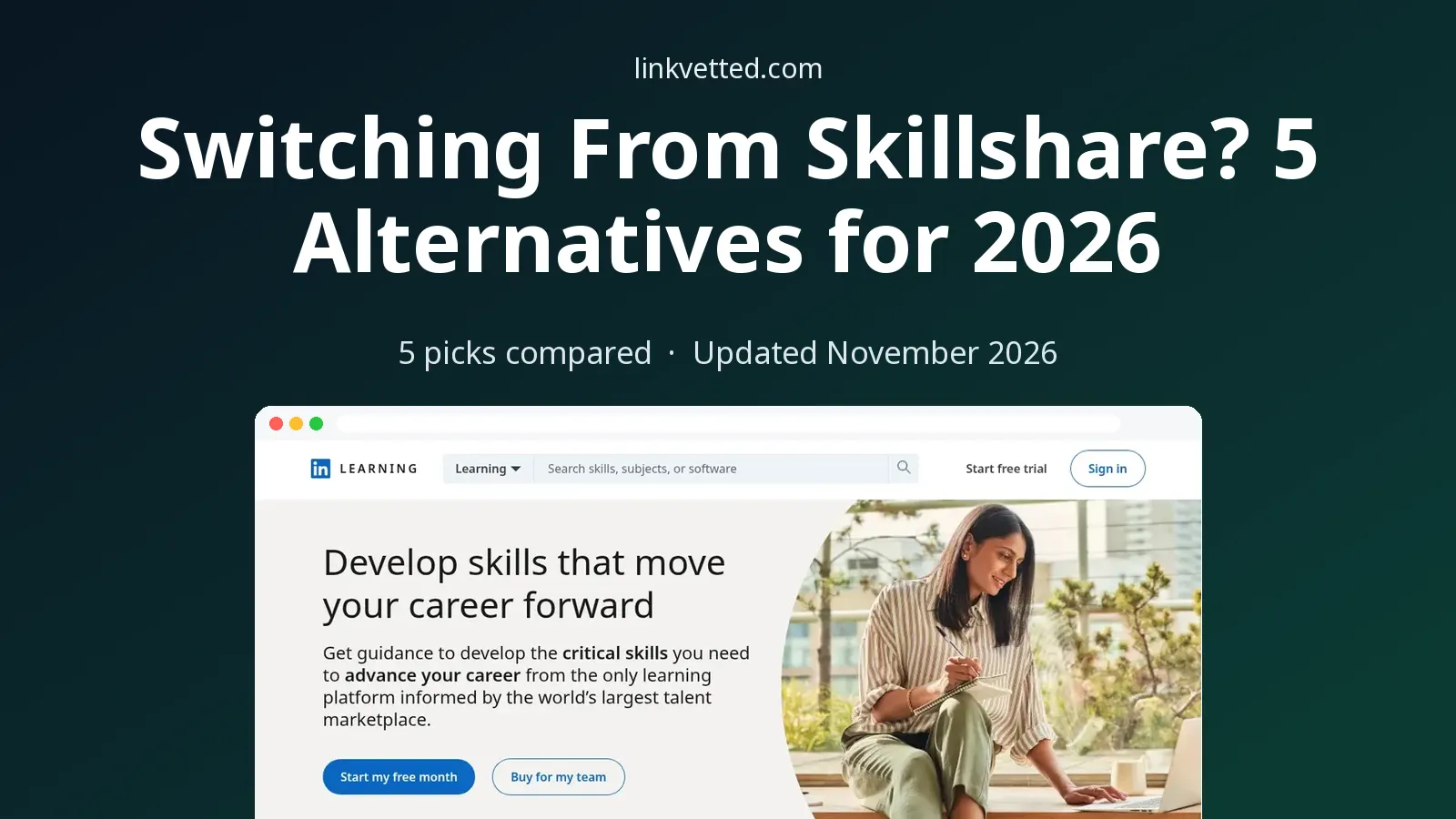
 LinkedIn Learning
Career development and professional skills
Starts atSee websiteVisit linkedin.comFull review - Also considerPluralsight
Tech teams building AI, cloud, and security skills
Starts at$399 a month per userVisit pluralsight.comFull review
Direct answer
Start with Treehouse if you need Learning to code and build with AI. Listed starting prices: Treehouse from $25 a month and Pluralsight from $399 a month per user. LinkedIn Learning is better for career development and professional skills, and Pluralsight is better for tech teams building AI, cloud, and security skills. Prices, free plans and limits for all 5 tools follow.
TL;DR:
- Treehouse sits first on this list: Learning to code and build with AI.
- Treehouse, CreativeLive and the 3 others all need a premium plan or a trial, since no free plan is listed.
- The lowest published monthly entry price here is $25 per month, from Treehouse.
- One limit worth knowing about LinkedIn Learning: certificate value relies on employer.
Last checked November 2026. Prices and plan details were read from the vendors' own pages in November 2026; vendors change plans often, so confirm the current price on the vendor site before you buy.
Quick comparison
| Tool | Best for | Starts at | Free plan? | |
|---|---|---|---|---|
| Treehouse | Learning to code and build with AI | $25 a month | Free trial | Visit |
| LinkedIn Learning | Career development and professional skills | See website | Not stated | Visit |
| Pluralsight | Tech teams building AI, cloud, and security skills | $399 a month per user | Free trial | Visit |
 Coursera | Job-ready skills and credentials | See website | Not stated | Visit |
| CreativeLive | Creative and business skills from working creators | See website | Not stated | Visit |
Every option for Skillshare explained
Short on time? The summary and table above give the quick view of 5 tools for Skillshare, and the profiles that follow give the detail behind each entry.
Treehouse
Best for: Learning to code and build with AI
Treehouse targets Learning to code and build with AI. Treehouse is an online learning product for coding and building with AI. It provides courses in HTML, CSS, JavaScript, and Python, along with guidance on using AI tools like Claude and ChatGPT, even without coding experience.
More specifically, for a broader range of topics, products like Coursera or CreativeLive offer more variety. For everyday use, Treehouse is tightly concentrated on coding and AI, so it may not serve learners interested in creative or business subjects. What you pay to start with Treehouse: $25 per month. Free options: Free trial.
Limits to weigh: Narrow focus on coding and AI.
- Handles HTML, CSS, JavaScript, Python
- Comes with AI tools like Claude and ChatGPT
- Less right for non-technical creative skills

Choose LinkedIn Learning for career development and professional skills. Whereas the system gives you a broad set of courses, the depth of each course can vary. The value of certificates may rely on how employers view them.
Also, if you need practical technical labs for cloud or security skills, Pluralsight may be more suitable. Beyond that, LinkedIn Learning is an online training system centred on accelerating skills and career development for individuals and teams. It handles business, AI, tech, and creative skills, and links up with LinkedIn so learners can display completed courses on their profiles. Pricing for LinkedIn Learning is not stated here, so ask the vendor for current figures. Trial and free access: Not stated.
What to check first: Course depth varies by topic.
Highlights: creative topics.
- Choices for individuals and teams
- Integrated with LinkedIn profile
- Certificate value relies on employer
Pluralsight
Best for: Tech teams building AI, cloud, and security skills
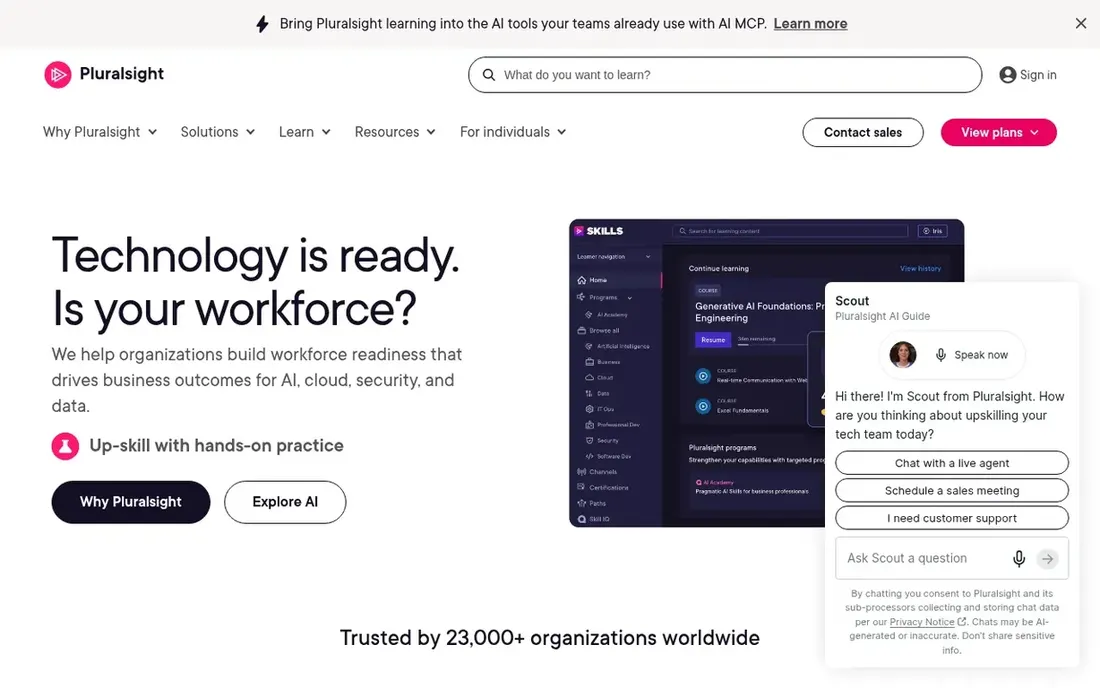
In short, Pluralsight is for tech teams building AI, cloud, and security skills. Pluralsight is an online tech learning system for building AI, cloud, data, and security skills through courses and labs.
Trade-offs to know: Less focus on creative skills.
It is built for teams and organizations that require to upskill technical staff, and its content is tailored to technology roles instead of general creative or business topics. What you pay to start with Pluralsight: $399 per month per user. Free options: Free trial.
- Courses and practical labs
- Focus on AI, cloud, data, security
- Content is technical and role-specific
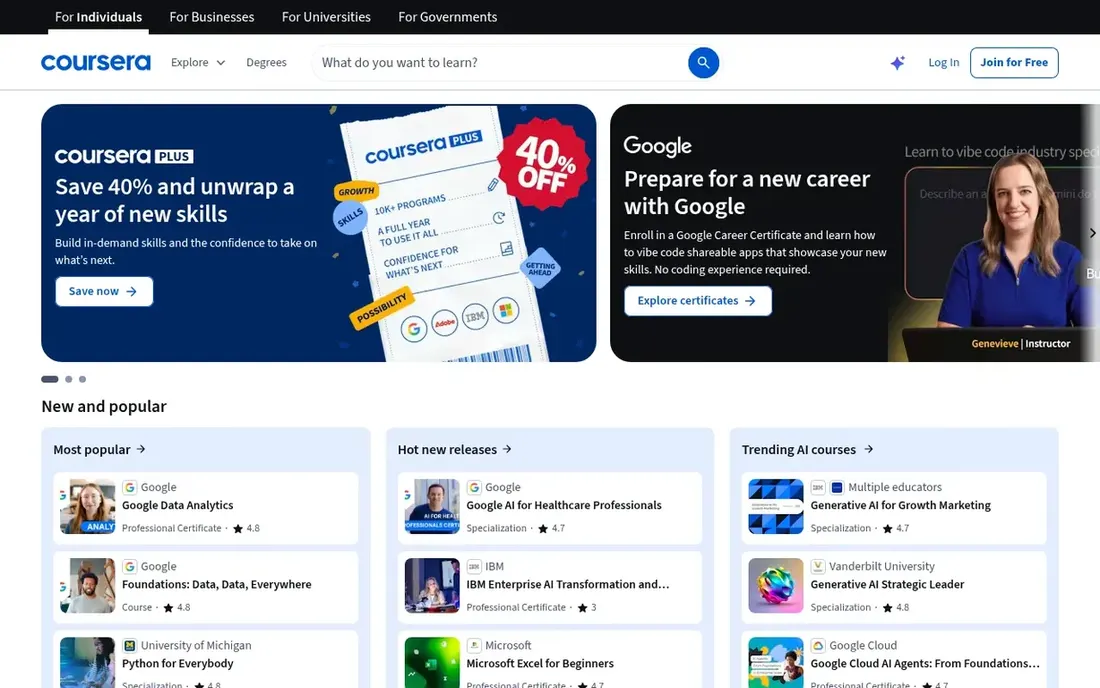
In short, Coursera is for job-ready skills and credentials. Coursera is an online learning system that supplies courses, Professional Certificates, Specializations, and degrees from firms and universities like Google, Meta, Anthropic, DeepLearning.AI, and Stanford.
It fits learners who want to build job-ready skills and earn recognized credentials, whether for career advancement or personal enrichment. Check the vendor site for Coursera pricing; none is listed in this comparison. Free plan details: Not stated.
What to check first: Some courses have strict schedules.
- Courses, certificates, degrees
- Adaptable online format
- Degree programs need significant time
CreativeLive
Best for: Creative and business skills from working creators
CreativeLive is a good fit for creative and business skills from working creators. Whereas CreativeLive supplies a rich creative curriculum, it does not focus on formal degrees or technical certifications.
This comparison lists no price for CreativeLive; ask the vendor. Free access: Not stated.
Where it is weaker: Course depth varies by instructor.
- Taught by working creators
- Engaging learning format
- Less emphasis on formal credentials
How we compared the tools
The comparison looks at four things: starting price, free access, how well the feature set matches Skillshare, and the main limit of each tool. Plan names, prices and limits change often. Treat the figures here as a starting point and verify them with the vendor. Tools are placed by general fit for Skillshare, with price clarity and free access as tie-breakers. A different team can reasonably rank them differently.
What to check before you buy
- Get a written quote from LinkedIn Learning, Coursera and CreativeLive; the list shows no starting price for them.
- Use real work to test the free trial from Treehouse and Pluralsight, rather than a demo project.
- Before choosing Treehouse, weigh its main limit: narrow focus on coding and AI.
- Find out whether the entry plan of LinkedIn Learning covers your must-haves or only a trimmed-down version.
- Let daily users try Pluralsight on real work; their feedback beats any feature checklist.
FAQ
What is the best Skillshare alternative for creative professionals?
Start with Treehouse if you need Learning to code and build with AI. LinkedIn Learning is the better match for career development and professional skills, and Pluralsight for tech teams building AI, cloud, and security skills. The best choice depends on budget, team size and workflow.
Can I earn certificates or degrees from these products?
Coursera gives you Professional Certificates, Specializations, and degrees from firms and universities. LinkedIn Learning offers certificates of completion that can be displayed on your LinkedIn profile.
Does any tool for Skillshare here have a free plan?
A permanent free plan is not offered by Treehouse, CreativeLive or the other tools here. Treehouse, Pluralsight offer a trial. Plan a short evaluation period instead.
Can I try these tools before paying?
Often, yes. Treehouse and Pluralsight offer a free trial. Use your own data and a real task during the test, and check what the free tier or trial limits before you rely on it.
Are these systems suitable for team training?
LinkedIn Learning and Pluralsight are made for both individuals and teams. In practice, LinkedIn Learning supports career development for teams, and Pluralsight is made for organizations upskilling technical staff in AI, cloud, data, and security.
Is Treehouse the right pick for everyone comparing Skillshare?
No single tool suits every team. Treehouse comes first because it fits Learning to code and build with AI, while LinkedIn Learning suits career development and professional skills and Pluralsight suits tech teams building AI, cloud, and security skills. Match the tool to your own size, budget and workflow before deciding.
Sources
- https://teamtreehouse.com
- https://www.linkedin.com/learning
- https://www.pluralsight.com
- https://www.coursera.org
- https://www.creativelive.com