Switching From Snappa? 5 Alternatives for 2026
Weighing Snappa alternatives? We lined up 5 products by cost, free access and fit. VistaCreate takes the lead for template-driven social and print design.
- Editor's choice
 VistaCreate
Template-driven social and print design
Starts atSee websiteVisit create.vista.comFull review - Great alternative
 Piktochart
Infographics, reports, and data visuals
Starts at$10 per member a monthVisit piktochart.comFull review - Also considerCrello
Familiar template-based design entry
Starts atSee websiteVisit crello.comFull review
Direct answer
VistaCreate leads the list, best for template-driven social and print design. Listed starting prices: Piktochart from $10 per member a month and Pablo by Buffer from $5 a month. For a different need, Piktochart covers Infographics, reports, and data visuals and Crello covers familiar template-based design entry. The other 2 tools in the list cover narrower or pricier cases.
TL;DR:
- VistaCreate takes the first slot, best suited to template-driven social and print design.
- Pablo by Buffer suits quick social image resizing.
- Only 4 of the 5 tools have a free plan (VistaCreate, Piktochart, Crello, Pablo by Buffer), so check the caps.
- What to know about Canva first: many advanced choices can overwhelm beginners.
Last checked November 2026. Prices and plan details were read from the vendors' own pages in November 2026; vendors change plans often, so confirm the current price on the vendor site before you buy.
Quick comparison
| Tool | Best for | Starts at | Free plan? | |
|---|---|---|---|---|
| VistaCreate | Template-driven social and print design | See website | Yes | Visit |
| Piktochart | Infographics, reports, and data visuals | $10 per member a month | Yes | Visit |
| Crello | Familiar template-based design entry | See website | Yes | Visit |
 Canva | All-around design across formats | See website | Not stated | Visit |
| Pablo by Buffer | Quick social image resizing | $5 a month | Yes | Visit |
The full Snappa list
This LinkVetted guide covers 5 options for Snappa. Each profile lists a starting price, free plan details, strengths and drawbacks, so you can drop poor fits quickly.
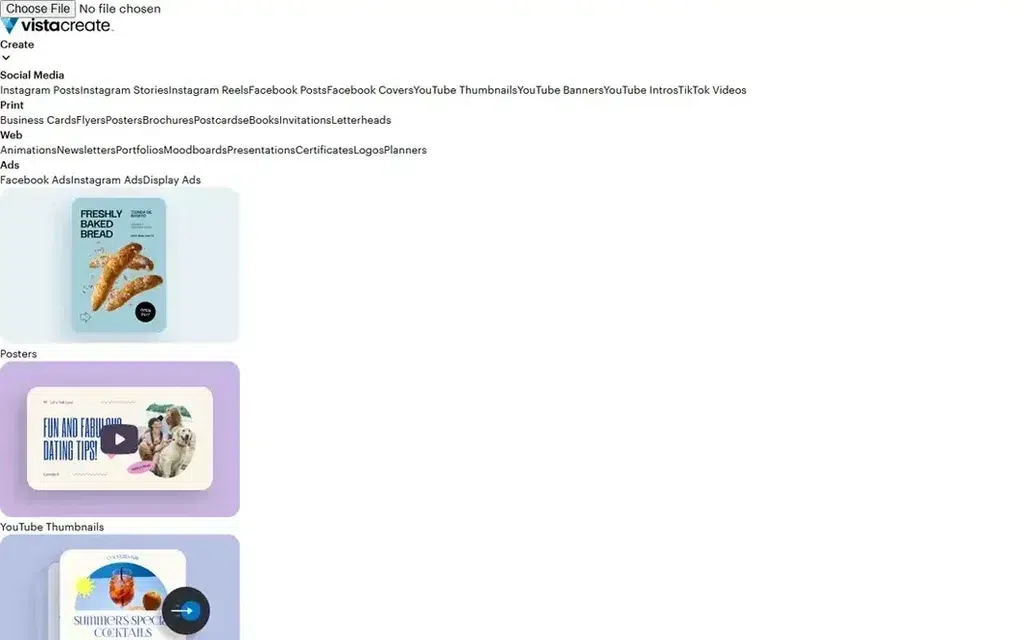
Where VistaCreate fits: template-driven social and print design. VistaCreate describes itself as an AI graphic design tool for online and print, turning photos, ideas, or templates into finished designs for social media, ads, and print. On top of that, since it leans on templates and AI suggestions, fine control over typography and layout is more restricted than in professional software.
VistaCreate performs best when speed and consistent branding across plenty of formats are the priority. On top of that, pick something else if you need precise vector work or complicated photo compositing. VistaCreate shows no starting price here, so confirm the cost on the vendor site. VistaCreate includes a free tier.
Honest limits: Output quality relies on template choice.
- Takes care of both digital and print formats
- AI-assisted design for online and print
- Fewer deep editing controls than pro tools
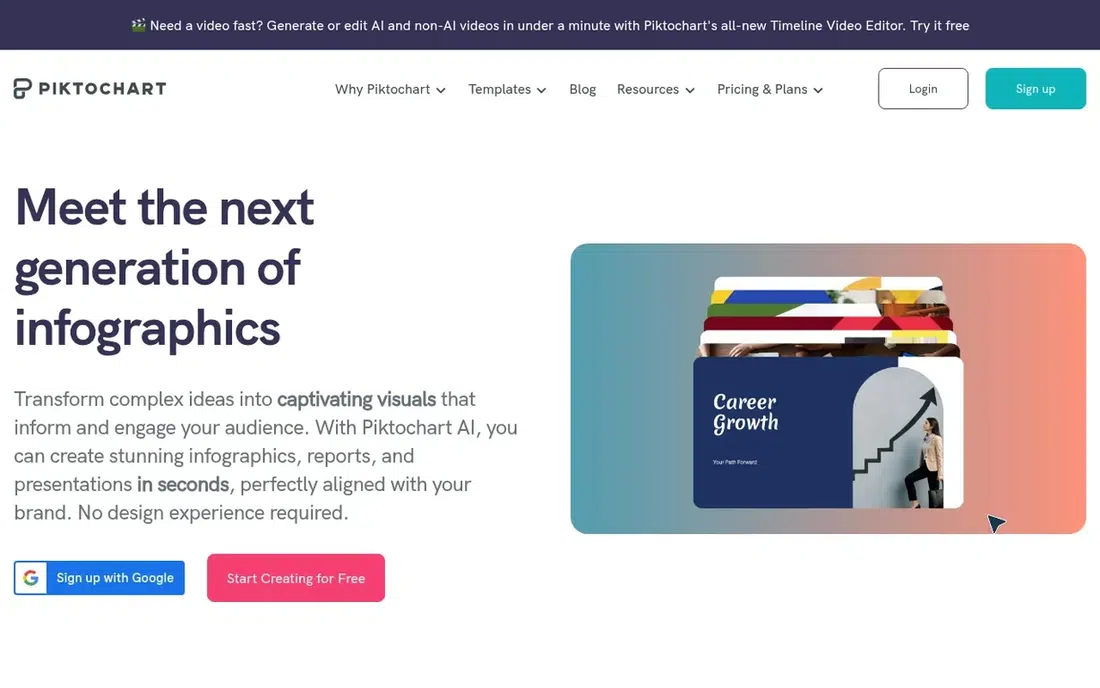
Piktochart was built for Infographics, reports, and data visuals. Piktochart positions its AI infographic tools around turning data into visuals rapidly, with Pikto AI Studio handling designs, presentations, reports, ebooks, and videos, and it states no design experience is needed. Teams needing both infographics and a full social calendar may prefer pairing it with a general tool.
Drawbacks to consider: Less a strong match for fast single social posts.
For everyday social posts, Piktochart provides less variety than wide design systems, and heavy photo editing is outside its scope. Worth adding: choose it when the deliverable is a data story instead of a promotional image. Piktochart pricing: $10 per member per month. Piktochart offers a free plan.
- Built around infographic and report creation
- Suited to data-heavy content
- Narrower template range outside data visuals
Crello
Best for: Familiar template-based design entry
Choose Crello for familiar template-based design entry. Crello now points to VistaCreate, and its homepage carries the same description: an AI graphic design tool for online and print that turns photos, ideas, or templates into professional designs for social media, ads, and print.
Trade-offs to know: Overlaps heavily with VistaCreate.
Choose it only if you already work within that ecosystem; otherwise compare the other tools here. People who remember Crello as a Snappa-style template editor will recognize the approach. Pricing for Crello is not stated here, so ask the vendor for current figures. A free plan is available with Crello.
- Template-led design for social and print
- AI-assisted creation workflow
- Restricted advanced editing controls
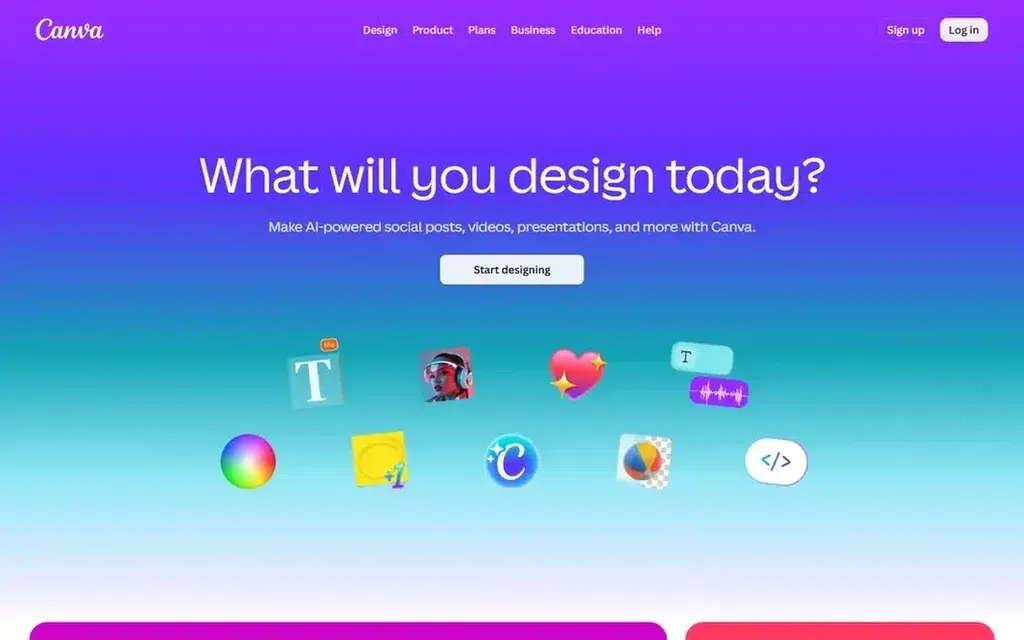
Canva is designed for all-around design across formats. Canva presents itself as a visual suite for everyone, and its homepage lists social media posts, presentations, posters, videos, logos, and more. That breadth makes it a natural landing spot for people who used Snappa for fast social graphics but now need presentations, straightforward video, or branded documents.
Watch-outs: Plenty of advanced choices can overwhelm beginners.
What users get: Large template and element library. If your work is largely data visualization, a dedicated infographic tool may serve you better, and precise layered photo retouching belongs in a professional editor. From a buyer's view, choose Canva when variety and speed matter more than specialist precision. In daily use, the trade-off is depth in specialized editing and the risk of template-dependent designs that feel familiar. Canva shows no starting price here, so confirm the cost on the vendor site. Free access: Not stated.
- Browser and mobile access
- Includes social posts, presentations, posters, video
- Template-heavy output can look generic
Pablo by Buffer
Best for: Quick social image resizing
Pablo by Buffer is designed for quick social image resizing. Pablo by Buffer is described as a free social media image resizer that adapts one image for Instagram, Facebook, X, LinkedIn, Pinterest, YouTube, TikTok, Threads, Bluesky, Mastodon, and Google Business Profile at once.
The main drawbacks: Not a full design suite.
For that narrow job it is quicker than opening a full design system. Use it as a companion for resizing, and choose Canva or VistaCreate for the actual design work. Pablo by Buffer cost at the entry level: $5 per month. A free plan is available with Pablo by Buffer.
- Fast workflow for text-on-image posts
- Resizes one image for plenty of networks at once
- Narrow feature set beyond resizing
How these tools were picked
Selection started from tools commonly considered for Snappa, then narrowed to 5 that have clear pricing information or a clear quote process. Where a price is missing, the vendor does not list one publicly or ties it to a quote. Always confirm before budgeting. The order reflects how well each tool fits the most common buying scenario for Snappa, then price clarity, then free plan access. It is a starting point, not a verdict.
What to check before you buy
- Confirm the entry price on the vendor page. For VistaCreate, Crello and Canva that means a quote rather than a fixed price.
- Look at free plan limits closely: VistaCreate, Piktochart, Crello and Pablo by Buffer have one, and the caps decide whether it is usable for real work.
- Read the limits listed for VistaCreate first: fewer deep editing controls than pro tools.
- Confirm the exact Canva plan that includes your must-have features.
- Find out what support VistaCreate includes on your plan, and whether onboarding help costs extra.
FAQ
What is the cheapest option for Snappa in this list?
On published monthly entry prices, Pablo by Buffer is the lowest here at $5 per month. Entry price is only part of the cost, because seats, add-ons and billing terms can change the total.
How are the tools for Snappa ordered?
The order follows typical fit for Snappa, with VistaCreate first and Pablo by Buffer last, then price clarity and free access. It is editorial judgement, not a score, so another team could rank the tools differently.
Which Snappa alternative is best for social media graphics?
VistaCreate comes first here and is built for template-driven social and print design. Buyers with other needs may prefer Piktochart (for Infographics, reports, and data visuals) or Crello (for familiar template-based design entry). Compare costs and limits first.
Is VistaCreate the right pick for everyone comparing Snappa?
No single tool suits every team. VistaCreate comes first because it fits template-driven social and print design, while Piktochart suits Infographics, reports, and data visuals and Crello suits familiar template-based design entry. Match the tool to your own size, budget and workflow before deciding.
Can I try these tools before paying?
Often, yes. VistaCreate, Piktochart, Crello and Pablo by Buffer have a free plan. Use your own data and a real task during the test, and check what the free tier or trial limits before you rely on it.
Sources
- https://create.vista.com
- https://piktochart.com
- https://crello.com
- https://www.canva.com
- https://pablo.buffer.com