Switching From BCWipe? 5 Alternatives for 2026
BCWipe alternatives, compared. 5 tools with published prices, free plans and limits. The weak spots sit next to the strengths. Current for November 2026.
- Editor's choiceAOMEI Partition Assistant
Partition management with wiping features
Starts atSee websiteVisit aomeitech.comFull review - Great alternative
 CCleaner
System cleaning with privacy features
Starts at$44.95Visit ccleaner.comFull review - Also consider
 Active@ KillDisk
Disk-level data destruction
Starts atSee websiteVisit lsoft.netFull review
Direct answer
This list puts AOMEI Partition Assistant first for Partition management with wiping features. Listed starting prices: CCleaner from $44.95. For a different need, CCleaner covers system cleaning with privacy features and Active@ KillDisk covers disk-level data destruction. Details, prices and limits for the rest of the 5 tools are below.
TL;DR:
- This list starts with AOMEI Partition Assistant, which is built for Partition management with wiping features.
- CCleaner stands alone as the one tool in this list with a free plan.
- Before buying Active@ KillDisk, weigh this: interface can be complicated.
- Eraser fits open-source secure file erasure.
- For AOMEI Partition Assistant, Active@ KillDisk, Stellar Data Eraser and Eraser, you have to request a quote because no starting price is shown.
Last checked November 2026. Prices and plan details were read from the vendors' own pages in November 2026; vendors change plans often, so confirm the current price on the vendor site before you buy.
Quick comparison
| Tool | Best for | Starts at | Free plan? | |
|---|---|---|---|---|
| AOMEI Partition Assistant | Partition management with wiping features | See website | Not stated | Visit |
| CCleaner | System cleaning with privacy features | $44.95 | Yes | Visit |
| Active@ KillDisk | Disk-level data destruction | See website | Not stated | Visit |
| Stellar Data Eraser | Secure erasure with data recovery expertise | See website | Not stated | Visit |
 Eraser | Open-source secure file erasure | See website | Not stated | Visit |
The best BCWipe
LinkVetted put together this guide to BCWipe for readers who want a clear shortlist without reading every vendor page. It compares 5 tools on starting price, free plans, who each one suits and where each one falls short.
AOMEI Partition Assistant
Best for: Partition management with wiping features
AOMEI Partition Assistant is aimed squarely at Partition management with wiping features. It is suitable for users who require to handle disk partitions and occasionally need secure erasure.
Limits to weigh: Restricted cross-platform support.
No starting price is listed for AOMEI Partition Assistant here; confirm pricing on the vendor site. On free options: Not stated.
- Contains disk wiping
- Approachable for Windows users
- Erasure is not the primary focus
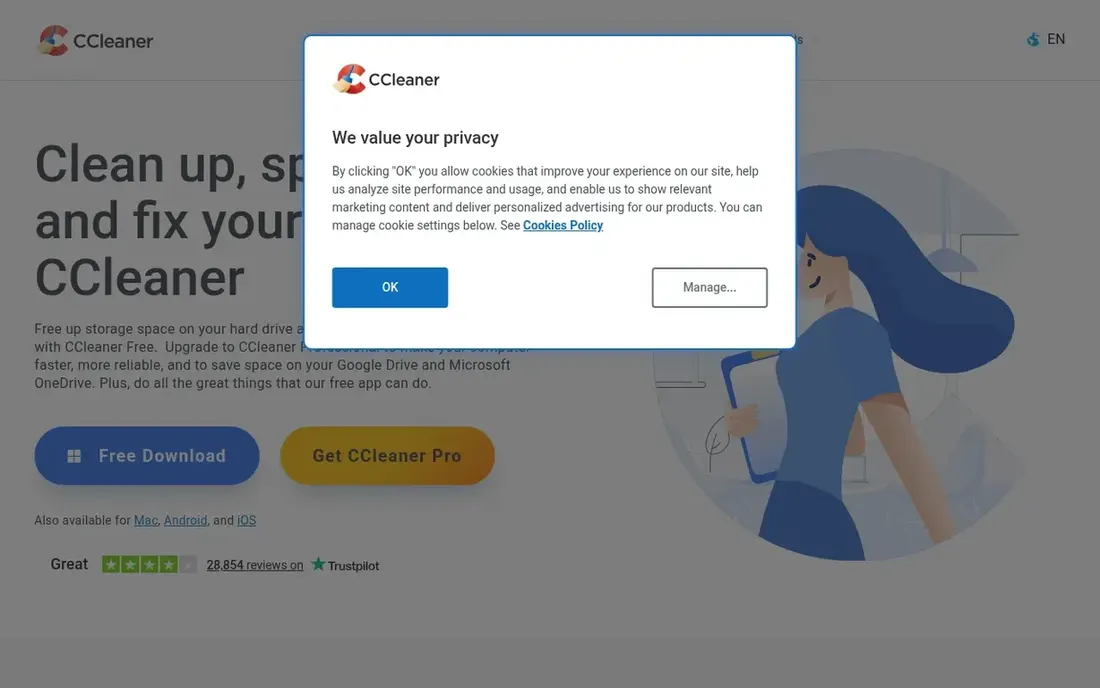
CCleaner works best for system cleaning with privacy features. CCleaner is a popular PC cleaning tool that also provides secure deletion features, like drive wiping and file shredding.
It may not supply certification or support for many different devices. Entry price for CCleaner: $44.95. Free access exists with CCleaner.
Downsides: Secure deletion is a secondary feature.
- Cleans temporary files and traces
- Approachable interface
- Not concentrated on certified erasure
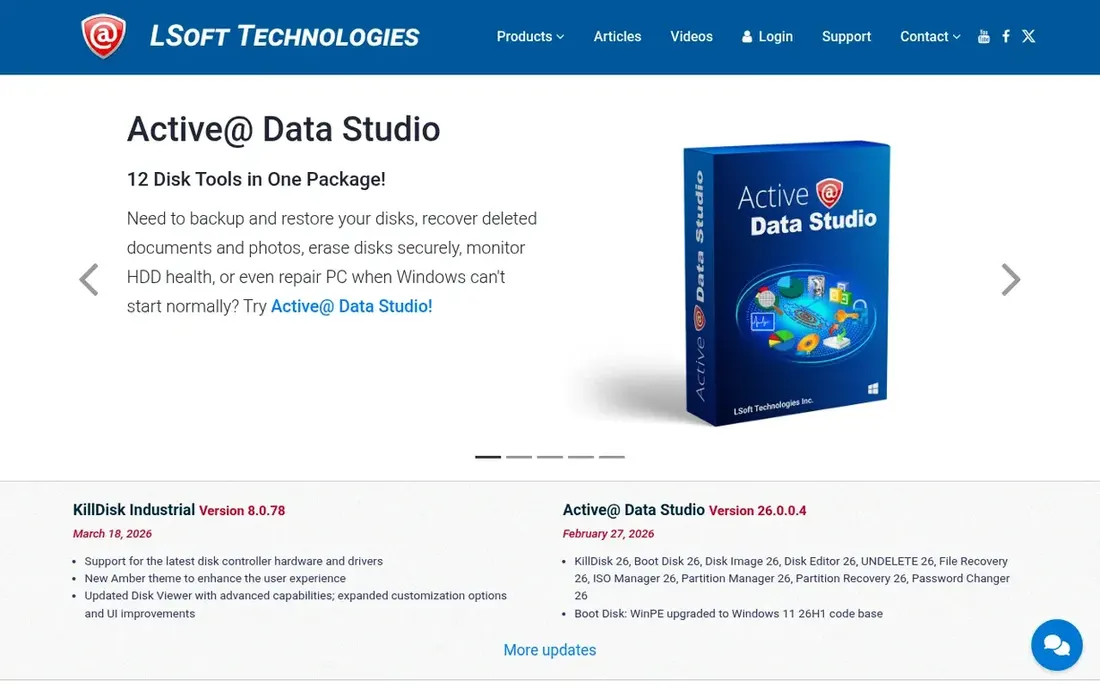
Active@ KillDisk is built with disk-level data destruction in mind. Active@ KillDisk is a tool for securely erasing whole disks, including hard drives and SSDs.
Where it is weaker: Interface can be complicated.
It supports several data sanitization standards and is available in versions for both home and industrial use. From a buyer's view, active@ KillDisk is primarily built for disk-level erasure, so it may not be ideal for selectively erasing individual files. This comparison lists no price for Active@ KillDisk; ask the vendor. As for free access: Not stated.
- Supports several erasure standards
- Bundles industrial sanitation choices
- Concentrated on disk wiping instead of file-level
Stellar Data Eraser
Best for: Secure erasure with data recovery expertise
Pick Stellar Data Eraser if this describes you: secure erasure with data recovery expertise. It securely erases files, folders, and whole drives, and is right for users who value a brand with a long history in data management.
Worth adding: Stellar Data Eraser is a commercial tool, and in-depth technical specifications are less publicly documented than some alternatives. This comparison lists no price for Stellar Data Eraser; ask the vendor. As for free access: Not stated.
Where it is weaker: Commercial product.
- From a company with data recovery background
- Erases files, folders, drives
- Restricted information on certification
Eraser is a good fit for open-source secure file erasure. Eraser is a free, open-source tool for securely erasing files from hard drives.
It overwrites data with several passes to prevent recovery. Eraser does not offer certified erasure reports or support for mobile devices. Eraser shows no starting price here, so confirm the cost on the vendor site. Free plan details: Not stated.
Trade-offs to know: Restricted to file and folder erasure.
- Free and open-source
- Plugs into Windows Explorer
- Windows only
How we built this list
A buyer's checklist
- Confirm the entry price on the vendor page. For AOMEI Partition Assistant, Active@ KillDisk, Stellar Data Eraser and Eraser that means a quote rather than a fixed price.
- Test the free plan from CCleaner against your real workload before relying on it.
- Read the limits listed for AOMEI Partition Assistant first: erasure is not the primary focus.
- Ask the daily users to test Eraser on a live task before you roll it out to everyone.
- Look at the renewal terms for CCleaner: auto-renewal, notice periods and price changes can matter more than the first-year price.
FAQ
Can I try these tools before paying?
Often, yes. CCleaner has a free plan. Use your own data and a real task during the test, and check what the free tier or trial limits before you rely on it.
Do these tools publish their prices?
Not all of them. AOMEI Partition Assistant, Active@ KillDisk, Stellar Data Eraser and Eraser publish no starting price, so expect a quote request for those. The rest, CCleaner included, show a starting price, though seats and billing terms still change the final cost.
Which options for BCWipe have a free plan?
CCleaner is the only tool in this list with a free plan. Free plans usually cap users, projects or features, so check the limits on the vendor page.
What is the best free alternative to BCWipe?
The first pick on this list is AOMEI Partition Assistant, because it suits Partition management with wiping features. CCleaner is better for system cleaning with privacy features, and Active@ KillDisk for disk-level data destruction. Check price and limits against your own needs before choosing.
Is AOMEI Partition Assistant the right pick for everyone comparing BCWipe?
No single tool suits every team. AOMEI Partition Assistant comes first because it fits Partition management with wiping features, while CCleaner suits system cleaning with privacy features and Active@ KillDisk suits disk-level data destruction. Match the tool to your own size, budget and workflow before deciding.
Sources
- https://www.aomeitech.com
- https://www.ccleaner.com
- https://www.lsoft.net
- https://www.stellarinfo.com
- https://eraser.heidi.ie