Best 360 Review Software in 2026: 8 Tools Compared
Find the best 360 review software for fair, useful feedback, with pricing, survey depth and manager tools compared across 8 platforms. Compare. Read more.
- Editor's choice
 Lattice
Reviews tied to performance and goals
Starts at$11 per user per month for Performance, billed annuallyVisit lattice.comFull review - Great alternative
 Culture Amp
Research-backed surveys and benchmarks
Starts atSee websiteVisit cultureamp.comFull review - Also consider
 Leapsome
Modular people platform for global teams
Starts atSee websiteVisit leapsome.comFull review
TL;DR:
- 360 feedback works best when it sits inside a review cycle, not as a one-off survey with no follow-up.
- Survey science and benchmarks matter, but so do anonymity controls, manager tools and a clear action step after results land.
- Published pricing is patchy in this category, so we mark quote only products plainly and give the published tier where one exists.
- Small teams should favour a tool they can launch quickly over an enterprise suite that needs a long implementation.
Quick comparison
| Tool | Best for | Starts at | Free plan? | |
|---|---|---|---|---|
| Lattice | Reviews tied to performance and goals | $11 per user per month for Performance, billed annually | No | Visit |
| Culture Amp | Research-backed surveys and benchmarks | See website | No | Visit |
| Leapsome | Modular people platform for global teams | See website | Free trial | Visit |
 15Five | Manager-led feedback and check-ins | $4 per user per month for Engage, billed annually | Free trial | Visit |
 PerformYard | Custom review workflows | $5 per person per month, billed annually | No | Visit |
 Qualtrics 360 | Enterprise survey depth and analysis | See website | No | Visit |
 Workday Peakon | Continuous listening in Workday estates | See website | No | Visit |
 Quantum Workplace | Surveys linked to action planning | See website | No | Visit |
The best 360 review software
We compared official feature pages, pricing pages, app store listings and public documentation for each option below, and we kept only products that are available now and fit the topic directly. Read the shortlist first, then use the buying guide to match one product to your budget and workflow.
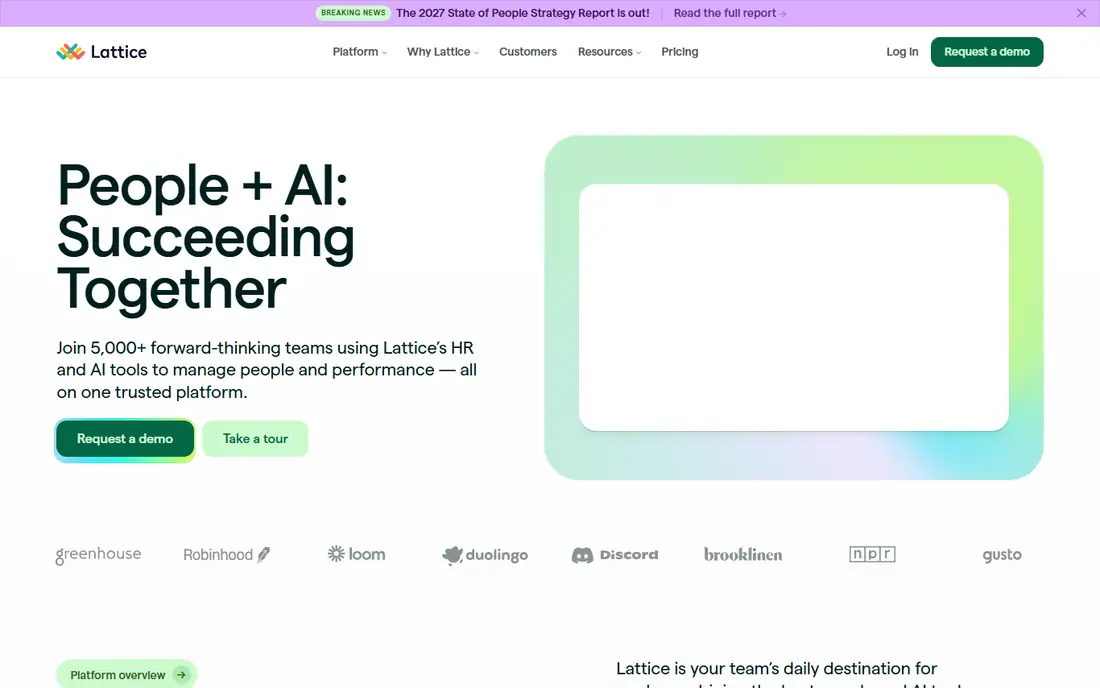
For teams that want reviews tied to performance and goals without a long setup, Lattice is a practical first look. Lattice fits mid-sized companies that want 360 feedback inside a wider performance system rather than a standalone survey tool. Reviews, goals, feedback and engagement sit in one place, so a peer comment can be read next to goal progress and a manager note instead of living in a separate survey file.
The modular price adds up, since engagement costs extra on top of performance, so total the modules you will actually use before you compare the headline rate. That trade-off does not rule it out, but it does mean you should test it against your own data and team before you sign a longer contract. A short trial or demo with a real use case will tell you more than a sales page can.
- Configurable review cycles
- 360 feedback plus goals and engagement in one system
- Clear manager tools
- Engagement is a paid add-on
- Annual minimum can raise cost for small teams
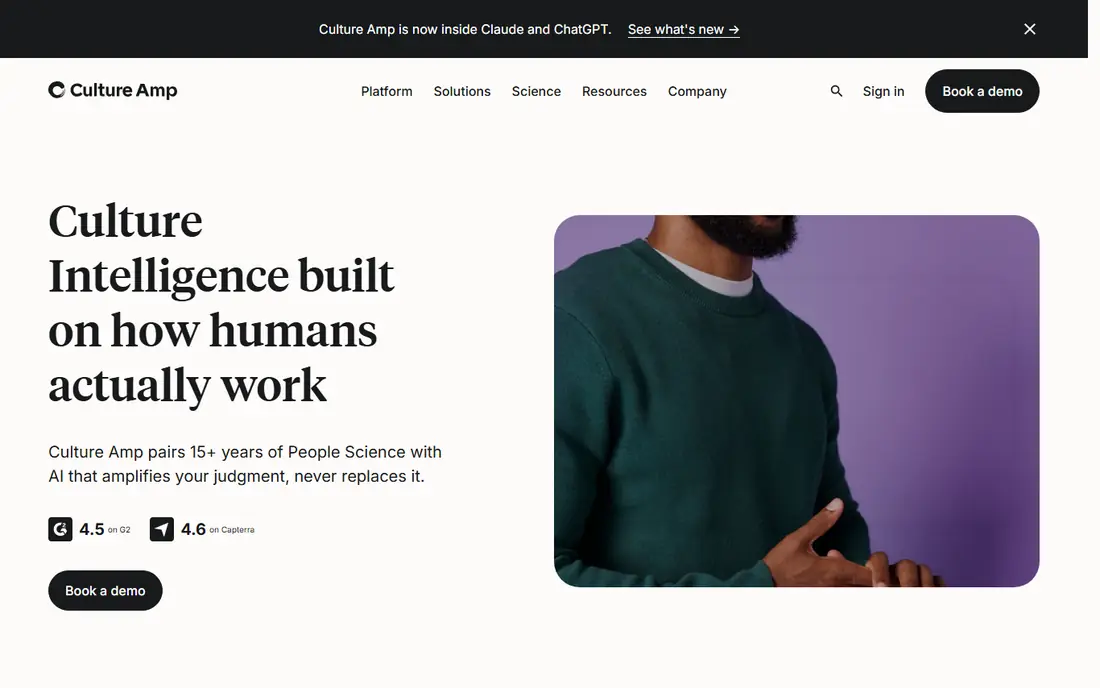
Start with Culture Amp if research-backed surveys and benchmarks is the main job on your list. Culture Amp fits companies that want survey quality and benchmarks more than a quick form builder. Its question sets are built around employee experience research, and benchmarks let you compare results with similar companies, which helps leaders judge whether a score is actually low.
The quote only model and longer setup make it a poor fit for a team that needs a 360 cycle running this week on a tight budget. That trade-off does not rule it out, but it does mean you should test it against your own data and team before you sign a longer contract. A short trial or demo with a real use case will tell you more than a sales page can.
- Strong survey science
- Benchmark comparisons
- Action planning for managers
- Quote only
- Onboarding can take time
- Price suits larger teams
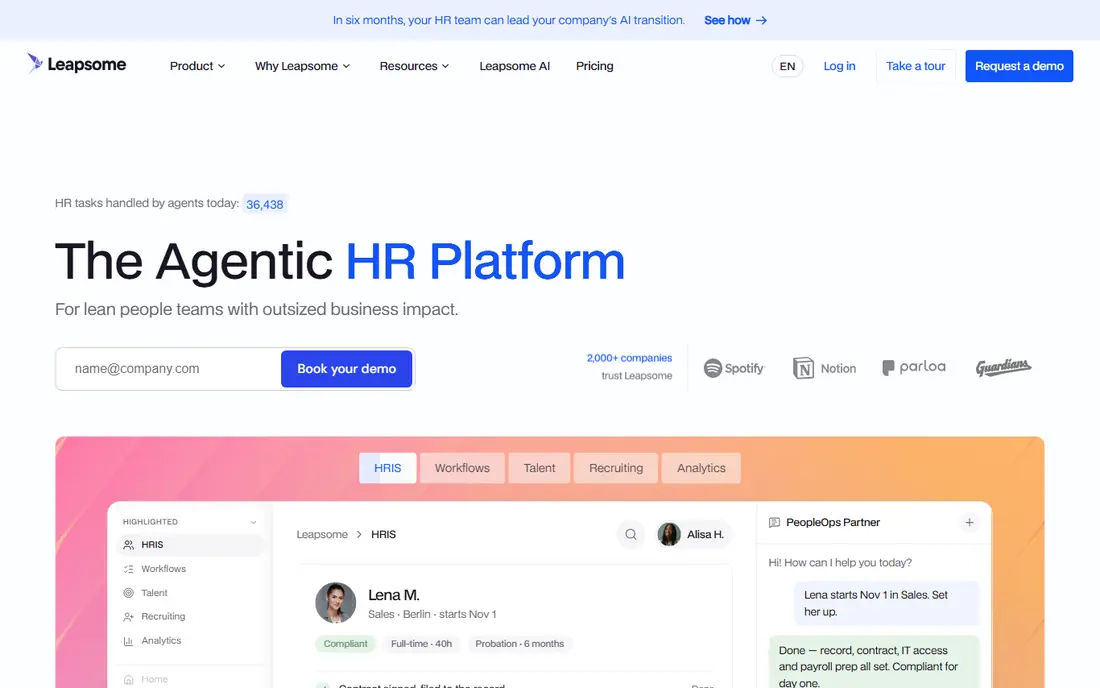
Leapsome stands out for buyers who care most about modular people platform for global teams. Leapsome fits European and global teams that want one people platform with reviews, goals and learning together. Its modular design lets a team start with reviews and add engagement or learning later, which suits companies that grow across countries and languages.
Because pricing is not published, you will need a sales conversation to get a firm number, so allow time for that step in your buying timeline. That trade-off does not rule it out, but it does mean you should test it against your own data and team before you sign a longer contract. A short trial or demo with a real use case will tell you more than a sales page can.
- 360 reviews, goals, engagement and learning in one platform
- Multilingual support
- Flexible cycles
- Pricing is quote based
- Some depth needs higher tiers
If your shortlist is built around manager-led feedback and check-ins, 15Five deserves a close read. 15Five fits teams that want feedback to be a weekly habit, not an annual event. Weekly check-ins, structured 1-on-1 agendas and pulse surveys keep managers close to team mood between formal cycles, and the Perform tier adds fuller review cycles on top.
Buyers who only want a one-off 360 survey may pay for manager tools they do not use, so check whether Engage alone meets your review needs. That trade-off does not rule it out, but it does mean you should test it against your own data and team before you sign a longer contract. A short trial or demo with a real use case will tell you more than a sales page can.
- Weekly check-ins and 1-on-1 tools
- 360 reviews in Perform tier
- Manager coaching content
- Full 360 cover needs the Perform tier at $11 per user per month
- Annual billing only
Buyers who put custom review workflows first will find PerformYard easy to justify. PerformYard fits HR teams with an established review process they want software to match, not replace. Custom cycles, templates and rating scales let you mirror a process your managers already know, which can cut training time and resistance at launch.
Evaluation runs through a demo rather than a free trial, so prepare a real review scenario to test in that demo before you sign. That trade-off does not rule it out, but it does mean you should test it against your own data and team before you sign a longer contract. A short trial or demo with a real use case will tell you more than a sales page can.
- Highly customisable cycles and rating scales
- 360 reviews in the core plan
- Dedicated support
- No self-serve trial
- Analytics are less deep than larger rivals
Qualtrics 360 is the option we point to when enterprise survey depth and analysis keeps coming up in a brief. Qualtrics 360 fits large organisations that need complex survey logic and detailed analysis across many teams. Its survey engine handles branching, weighting and large respondent sets with ease, and reporting tools let analysts slice results by team, location or tenure.
That depth comes with complexity, so small HR teams may spend more time building a cycle than running it, and pricing requires a sales quote. That trade-off does not rule it out, but it does mean you should test it against your own data and team before you sign a longer contract. A short trial or demo with a real use case will tell you more than a sales page can.
- Deep survey design
- Strong analytics and reporting
- Enterprise controls
- Quote only
- Complexity can overwhelm small teams
- Implementation takes planning
When continuous listening in workday estates matters more than a long feature list, Workday Peakon fits well. Workday Peakon fits large employers already running Workday who want listening data joined to HR records. Because it sits inside the Workday estate, results can be read alongside headcount and organisation data without a separate data project, and comment analysis surfaces themes from open text.
Outside Workday, much of that advantage fades, so buyers on another HR system should compare standalone survey tools first. That trade-off does not rule it out, but it does mean you should test it against your own data and team before you sign a longer contract. A short trial or demo with a real use case will tell you more than a sales page can.
- Continuous listening and comment analysis
- Fits Workday HR data
- Enterprise scale
- Quote only
- Best value inside Workday
- Limited appeal outside it
Consider Quantum Workplace early if surveys linked to action planning is where your current tool falls short. Quantum Workplace fits teams that want survey results to turn into named actions, not just a report. Its action planning tools push managers from a low score to a dated plan, which is where many survey programmes stall, and dashboards keep that progress visible.
Quote only pricing means you cannot budget from a published rate, so ask for a total that includes implementation and any benchmark access. That trade-off does not rule it out, but it does mean you should test it against your own data and team before you sign a longer contract. A short trial or demo with a real use case will tell you more than a sales page can.
- Research-backed surveys
- Action planning tools
- Manager dashboards
- Quote only
- Less well known than the largest rivals
How we picked these
We compared official product and pricing pages, review cycle features, anonymity and reporting controls, and manager tools for 360 feedback. We kept products that support multi-rater feedback from peers, managers, direct reports and self review, and that are sold today. We favoured tools that let HR control rater selection, anonymity thresholds and reporting, and we set aside pure survey builders with no review workflow.
How to run a 360 review that people trust
Protect anonymity in practice, not just in policy
Set a minimum number of raters before results are shown, keep open comments separate from scores where needed, and tell staff plainly who sees what. Trust falls fast when a small team can guess who wrote a comment.
Keep the form short and focused
A 360 form with too many questions produces rushed answers. Pick a small set of behaviours tied to the role, use a clear rating scale, and add one or two open questions that ask for an example, since examples help more than a score alone.
Close the loop with a plan
Results without a next step waste goodwill. Give each person a short development plan, a manager conversation and a date to revisit progress. Without that step, the next cycle will draw fewer honest answers.
FAQ
What is 360 review software?
It collects feedback on a person from peers, managers, direct reports and the person themselves, then presents the results in one report. Good tools control anonymity, rater selection and reporting so results are fair and usable.
How many raters should a 360 review include?
Aim for a mix that covers the main working relationships, often five to ten raters plus self review, with a minimum threshold before reports are released. Too few raters weakens anonymity, while too many adds work without better insight.
Is 360 feedback anonymous?
Most tools allow anonymous peer and report feedback, but anonymity depends on group size and settings. HR should confirm the threshold and explain it to staff before the cycle opens.
How often should we run 360 reviews?
Many companies run a full cycle once a year and use shorter pulse or check-in feedback between cycles. Running full 360 reviews too often can tire raters and lower response quality.
Can small companies use 360 review software?
Yes, but they should pick a tool with a low minimum and a fast launch, such as PerformYard or 15Five, rather than an enterprise suite that needs a long setup and a large annual contract.