Fusion 360 Alternatives in 2026: 5 Options Vetted
5 tools for Fusion 360 alternatives, compared on pricing, free plans and best-fit use. Fit and flaws are laid out for each entry. Skim the table first.

- Editor's choiceInventor
Industrial design, simulation and documentation
Starts atSee websiteVisit autodesk.comFull review - Great alternativeAlibre Design
Straightforward parametric CAD for small teams
Starts atSee websiteVisit alibre.comFull review - Also consider
 Onshape
Cloud-native CAD with built-in data management
Starts at$1,500 per user a yearVisit onshape.comFull review
Direct answer
Our first pick is Inventor, best for industrial design, simulation and documentation. Listed starting prices: Onshape from $1,500 per user a year. Alternatives: Alibre Design for straightforward parametric CAD for small teams, and Onshape for cloud-native CAD with built-in data management. The other 2 tools in the list cover narrower or pricier cases.
TL;DR:
- Inventor takes the first slot, best suited to industrial design, simulation and documentation.
- Solid Edge suits Parametric and synchronous modeling for machinery.
- Onshape stands alone as the one tool in this list with a free plan.
- For the cheapest start, look at Onshape: $1,500 per user per year.
- Alibre Design comes with a trade-off: smaller ecosystem than major vendors.
Last checked November 2026. Prices and plan details were read from the vendors' own pages in November 2026; vendors change plans often, so confirm the current price on the vendor site before you buy.
Quick comparison
| Tool | Best for | Starts at | Free plan? | |
|---|---|---|---|---|
| Inventor | Industrial design, simulation and documentation | See website | Not stated | Visit |
| Alibre Design | Straightforward parametric CAD for small teams | See website | Not stated | Visit |
| Onshape | Cloud-native CAD with built-in data management | $1,500 per user a year | Yes | Visit |
| PTC Creo | Advanced parametric design and simulation | See website | Not stated | Visit |
| Solid Edge | Parametric and synchronous modeling for machinery | See website | Not stated | Visit |
5 options for Fusion 360 in detail
Short on time? The summary and table above give the quick view of 5 tools for Fusion 360, and the profiles that follow give the detail behind each entry.
Inventor
Best for: Industrial design, simulation and documentation
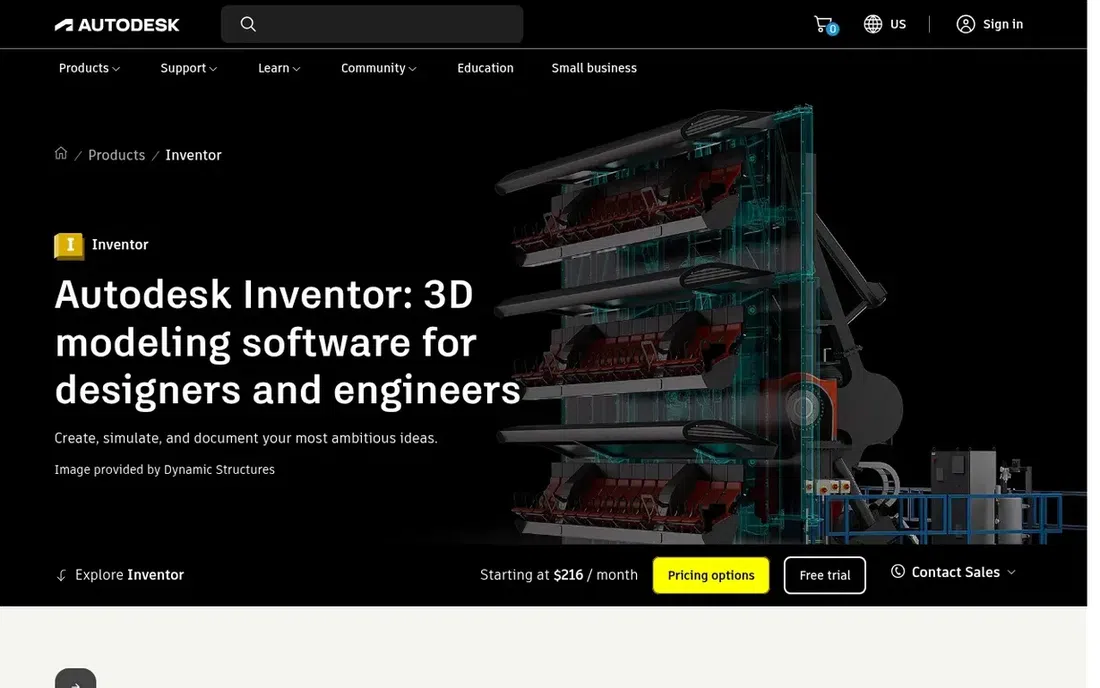
Think of Inventor for industrial design, simulation and documentation. It suits mechanical design teams that want a wide desktop toolset and are comfortable working inside the Autodesk ecosystem for files and collaboration.
Worth adding: pick Inventor when simulation, in-depth drawings and Autodesk interoperability are central to your process. Pricing for Inventor is not stated here, so ask the vendor for current figures. Free access: Not stated.
Where it falls short: Subscription-based access.
- Suits the wider Autodesk ecosystem
- Solid modeling and documentation
- Desktop install and hardware needs
Alibre Design
Best for: Straightforward parametric CAD for small teams
In short, Alibre Design is for straightforward parametric CAD for small teams. Alibre's ecosystem and external integrations are narrower than those of the largest CAD vendors, and very large assemblies or specialized simulation may push users elsewhere. Choose it for focused mechanical design; look to a bigger system when breadth is essential.
As for the details, Alibre Design is parametric 3D CAD software from Alibre geared toward mechanical design work for small and mid-size teams. It centers on part and assembly modeling with drawing creation, keeping the workflow focused instead of sprawling. No starting price is listed for Alibre Design here; confirm pricing on the vendor site. Trial and free access: Not stated.
Honest limits: Less suited to very large assemblies.
- Focused parametric modeling
- Desktop workflow familiar to CAD users
- Smaller ecosystem than major vendors
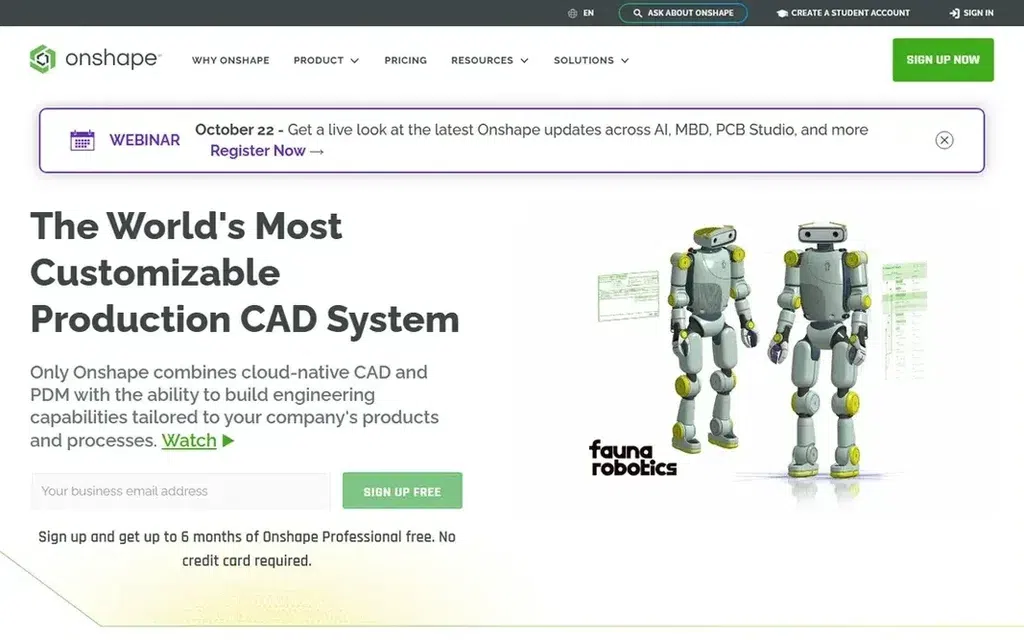
Onshape serves cloud-native CAD with built-in data management. Onshape is a cloud-native CAD and product development system that merges parametric modeling with built-in product data management.
Where it is weaker: Requires a dependable internet connection.
Since it runs in a browser, teams can open and edit designs from different devices without local installs or server setup. The trade-off is dependence on connectivity and on the vendor's cloud, which can be a blocker for organizations with strict data residency or offline requirements. On cost, Onshape starts like this: $1,500 per user per year. A free plan is available with Onshape.
- Built-in PDM and version control
- Customization and automation features
- Cloud model may not suit offline or classified work
PTC Creo
Best for: Advanced parametric design and simulation

In short, PTC Creo is for advanced parametric design and simulation. Creo Parametric is the core modeling application, and the wider family layers on capabilities for specialized design tasks. From a buyer's view, if you want minimal setup and instant sharing, a cloud-native tool is a better match.
Choose Creo when advanced parametric control matters more than simplicity. From a buyer's view, Creo is capable but demands training, and its depth can overwhelm small teams or straightforward projects. It is a desktop-centered workflow, so browser-based collaboration is not its focus. PTC Creo is a professional 3D CAD system targeted at advanced parametric design, with tools that extend into simulation and downstream engineering work. Check the vendor site for PTC Creo pricing; none is listed in this comparison. Free plan details: Not stated.
Downsides: Heavier setup than cloud tools.
- Scales to complicated products
- Wide design and simulation toolset
- Steep ramp-up time
Solid Edge
Best for: Parametric and synchronous modeling for machinery
Solid Edge works best for Parametric and synchronous modeling for machinery. It sits within Siemens Digital Industries Software, so it can link with broader engineering and manufacturing tools.
This comparison lists no price for Solid Edge; ask the vendor. Free plan details: Not stated.
Watch-outs: Ramp-up time across modeling modes.
- Fits mechanical and machinery design
- Part of the Siemens software family
- Desktop-oriented workflow
Our selection method
Before you commit
- Ask Inventor, Alibre Design, PTC Creo and Solid Edge for a written quote, since no starting price is shown.
- Test the free plan from Onshape against your real workload before relying on it.
- Read the limits listed for Inventor first: subscription-based access.
- Compare total cost, not headline price: for Inventor, add extra seats, add-ons and any usage-based charges.
- Get the contract term, renewal terms and any onboarding fees from Solid Edge in writing.
FAQ
How are the tools for Fusion 360 ordered?
Inventor sits first and Solid Edge last because the order follows typical fit for Fusion 360, then price clarity and free access. It is a judgement call, so read each profile for fit and limits.
What is the cheapest option for Fusion 360 in this list?
On published monthly entry prices, Onshape is the lowest here at $1,500 per user per year. Entry price is only part of the cost, because seats, add-ons and billing terms can change the total. Each of the 5 options in this Fusion 360 alternatives guide has its own card above with the price, free plan and limits.
Do these alternatives support simulation and documentation?
Onshape centres on cloud CAD with data management, whereas Alibre Design keeps to core modeling and drawings. Confirm the specific simulation type you need on each vendor page.
Do these tools publish their prices?
Not all of them. Inventor, Alibre Design, PTC Creo and Solid Edge publish no starting price, so expect a quote request for those. The rest, Onshape included, show a starting price, though seats and billing terms still change the final cost.
Is Inventor the right pick for everyone comparing Fusion 360?
No single tool suits every team. Inventor comes first because it fits industrial design, simulation and documentation, while Alibre Design suits straightforward parametric CAD for small teams and Onshape suits cloud-native CAD with built-in data management. Match the tool to your own size, budget and workflow before deciding.
Sources
- https://www.autodesk.com/products/inventor/overview
- https://www.alibre.com
- https://www.onshape.com
- https://www.ptc.com/en/products/creo
- https://solidedge.siemens.com