How to Pick Document Translation Software: 8 Tools Compared
Best document translation software in 2026: 8 contenders with entry costs and free tiers. Fit, price and catches for every tool. Skim the table first.
- Editor's choice
 Google Cloud Translation
Developers embedding translation into document pipelines
Starts at$20 per 1M charactersVisit cloud.google.comFull review - Great alternative
 memoQ
Professional translators and language service providers
Starts atSee websiteVisit memoq.comFull review - Also consider
 Microsoft Translator
Microsoft 365 organizations translating Office documents
Starts atSee websiteVisit microsoft.comFull review
Direct answer
If you need developers embedding translation into document pipelines, Google Cloud Translation is the first tool to look at here. Look at memoQ for professional translators and language service providers, and at Microsoft Translator for Microsoft 365 organizations translating Office documents. All 8 tools are compared below on price, free plan and limits.
TL;DR:
- Top of the list is Google Cloud Translation, which targets developers embedding translation into document pipelines.
- SYSTRAN is the lowest-priced starter here at $18.99 per user/month.
- Crowdin comes with a trade-off: designed for software strings first, documents second.
- Lokalise is the one to check for product and marketing teams that want AI-led localization.
Quick comparison
| Tool | Best for | Starts at | Free plan? | |
|---|---|---|---|---|
| Google Cloud Translation | Developers embedding translation into document pipelines | $20 per 1M characters | Yes | Visit |
| memoQ | Professional translators and language service providers | See website | Not stated | Visit |
| Microsoft Translator | Microsoft 365 organizations translating Office documents | See website | Yes | Visit |
 Crowdin | Software teams localizing docs alongside their product | See website | Free trial | Visit |
 Pairaphrase | Regulated teams translating sensitive documents | $285/month (billed yearly) | Not stated | Visit |
 DeepL Pro | Teams that want the best raw translation quality for documents | See website | Free trial | Visit |
 SYSTRAN | Governments and enterprises that require on-premise translation | $18.99 per user/month (billed annually) | Free trial | Visit |
 Lokalise | Product and marketing teams that want AI-led localization | See website | Free trial | Visit |
The best document translation software
LinkVetted compared 8 tools for document translation software. The goal is a practical shortlist: published prices, free plan facts, best-fit use cases and honest limits for every entry.
Google Cloud Translation
Best for: Developers embedding translation into document pipelines
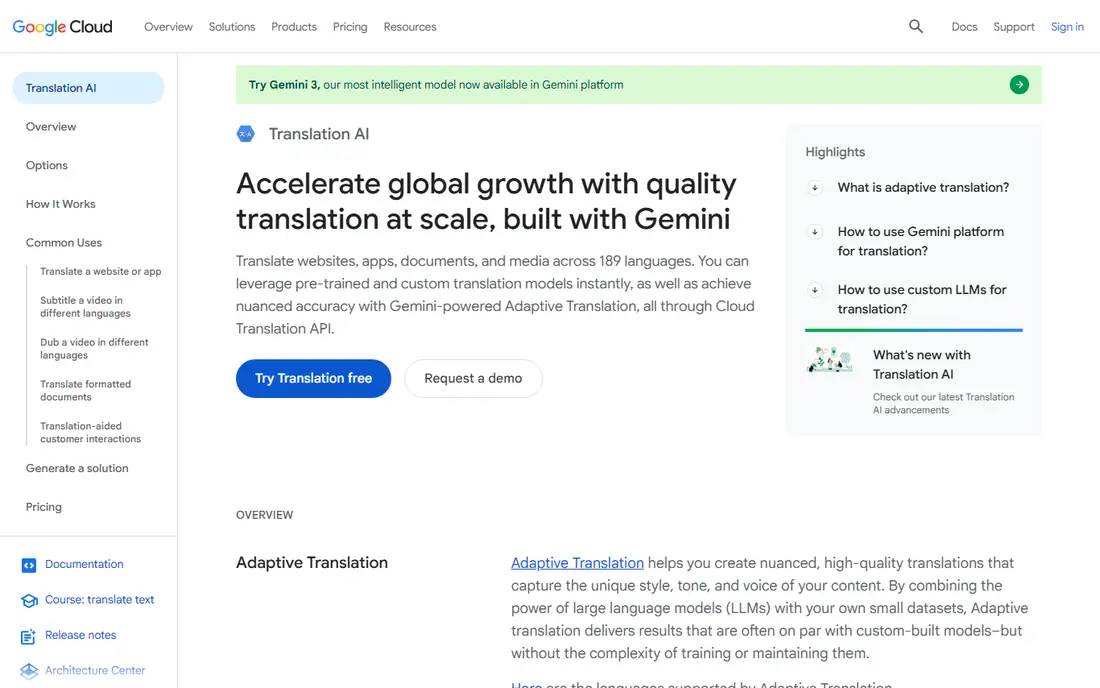
Think of Google Cloud Translation for developers embedding translation into document pipelines. The advanced level adds custom models and quality prediction at $0.50 per page.
Honest limits: API-first; Enterprise support costs additional.
For everyday use, the first 500,000 characters per month are free, then it is $20 per million characters for neural machine translation, which makes experimentation nearly free and production pricing predictable. The starting price for Google Cloud Translation: $20 per 1M characters. Google Cloud Translation includes a free tier.
- Translation Hub manages formatted documents with human review
- Pay-per-use pricing with a real free level
- Not a friendly app for non-technical users
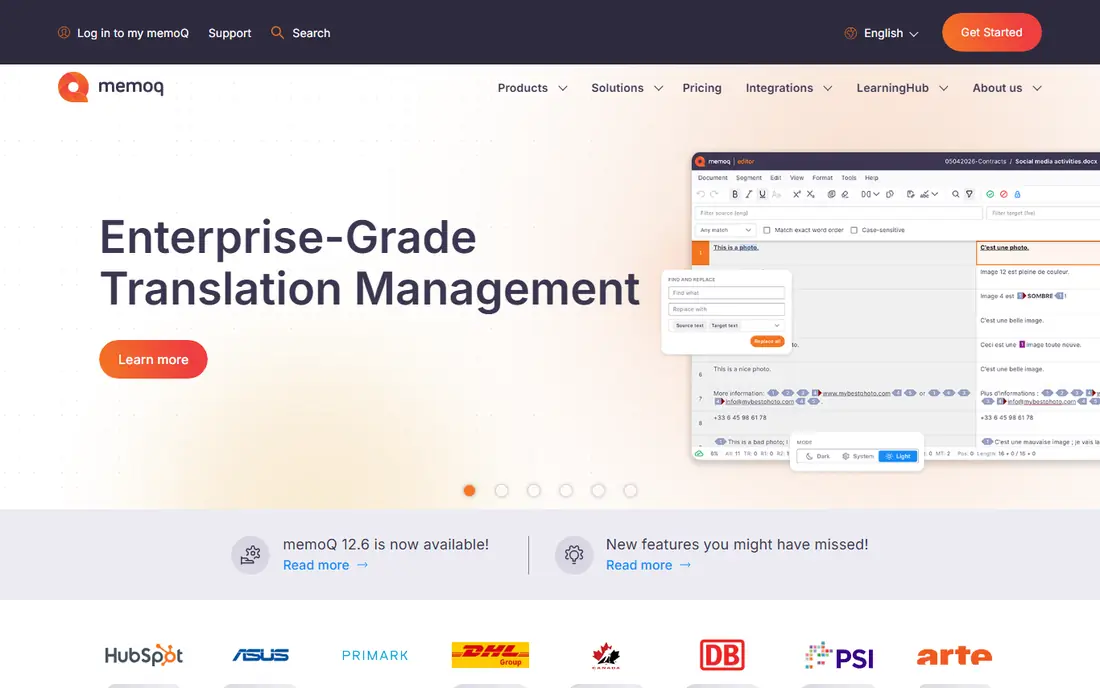
memoQ makes the most sense for professional translators and language service providers. memoQ is the translator's workbench. It is a computer-assisted translation tool, which means it does not replace the human: it remembers every sentence you have ever translated, recommends matches, enforces your glossaries and runs quality checks.
Compared to Trados, memoQ is widely considered simpler to learn, and its web-based project management makes it practical for coordinating teams of translators. It takes care of dozens of file formats and plugs into machine translation engines for a first draft that you then refine. On top of that, for freelancers and agencies producing client-ready documents, that memory is money. For everyday use, the desktop app is Windows-first, which frustrates Mac-based translators, and memoQ does not publish pricing. No starting price is listed for memoQ here; confirm pricing on the vendor site. Free options: Not stated.
Where it falls short: Mac users need workarounds; Smaller app ecosystem than Trados.
- Simpler ramp-up time than Trados
- Decent project management for agencies
- Windows desktop focus
Microsoft Translator
Best for: Microsoft 365 organizations translating Office documents
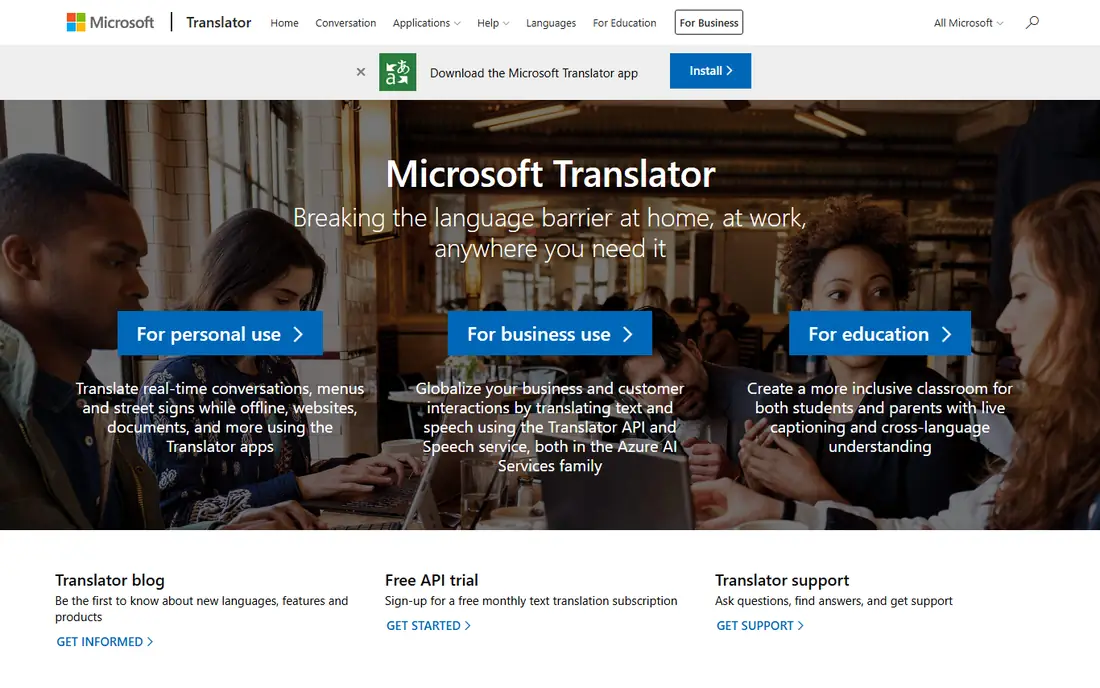
Pick Microsoft Translator if this describes you: Microsoft 365 organizations translating Office documents. Pricing follows Azure's usage model with a free level for getting started, which fits teams with intermittent needs. The free app takes care of text and speech, whereas the Azure AI Translator service layers on document translation: upload Office files and get translated copies with formatting intact, right where your files already live.
Limits to weigh: Weaker than DeepL on multiple European pairs.
the main limit is discovery: business pricing lives in Azure's catalog, and raw quality does not beat DeepL on the European pairs most buyers test first. In daily use, if your company lives in Microsoft 365, Translator is the path of least resistance. No starting price is listed for Microsoft Translator here; confirm pricing on the vendor site. Microsoft Translator includes a free tier.
- Free consumer app and an API free level
- Tight Microsoft 365 integration
- API setup needs Azure know-how
Pick Crowdin if this describes you: software teams localizing docs alongside their product. Crowdin started as a localization system for software, and it displays in the best way: GitHub syncs, Figma plugins, in-context editing. If your documentation lives next to your code, translating it in the same pipeline keeps everything in sync rather than emailing Word files around.
As for the details, the main limit is fit: Crowdin is not a document-first tool, formatting-heavy PDFs are not its strength, and hosted-word pricing takes effort to model. In daily use, use it when docs and product ship together; look elsewhere for standalone document piles. In daily use, for help centers, knowledge bases and product docs, this workflow beats desktop tools. Check the vendor site for Crowdin pricing; none is listed in this comparison. On free options: Free trial.
Honest limits: Hosted-word pricing takes effort to model.
- Free level for small projects
- 700+ integrations with dev tools
- Made for software strings first, documents second
In short, Pairaphrase is for regulated teams translating sensitive documents. Healthcare systems, school districts and legal teams use it to translate patient forms, IEPs and compliance materials with encrypted handling, access controls and audit trails that consumer tools cannot offer.
Where Pairaphrase stands out: Preserves formatting across 30+ file types.
The main drawbacks: Smaller vendor with less external validation. If your documents are not sensitive or regulated, you will get similar output less expensive elsewhere. The main limit is the price floor: Bronze opens at $3,420 per year, so this is not a tool for occasional use, and AI features are gated by level. Price to start with Pairaphrase: $285/month. Free access: Not stated.
- FERPA and SOC 2
- OCR for scanned PDFs
- AI features gated by level
DeepL Pro serves teams that want the best raw translation quality for documents. If your primary complaint about machine translation is quality, start here. In daily use, for internal documents, reports and marketing copy that a human will lightly review, it saves real editing time.
Limits to weigh: API access costs additional on top.
What works well: Translates Word, PowerPoint. Beyond that, the document mode is the practical draw: upload a Word file or PDF and get back a translated copy with headings, tables and formatting largely intact. You can lock in company terminology with glossaries so product names and legal phrases translate the same way every time. That matters more than most buyers expect. DeepL Pro has built its reputation on translations that read more naturally than Google's, particularly for German, French, Spanish and other European languages. Check the vendor site for DeepL Pro pricing; none is listed in this comparison. Free plan details: Free trial.
- PDF and Excel whereas keeping layout
- Consistently solid quality on European languages
- Per-user pricing gets pricey for big teams
SYSTRAN is designed for governments and enterprises that require on-premise translation. For defense, government and highly regulated enterprises, that is frequently a hard requirement no cloud API can meet.
Drawbacks to consider: Per-user pricing brings up with headcount.
Buy SYSTRAN when data residency decides the purchase; otherwise newer tools offer more for less. The Translate Pro plans start at $18.99 per user a month on annual commitment ($25.99 month to month), handling unlimited text translation plus Word, Excel, PowerPoint, PDF and XML file translation across 55 languages, with a 14-day trial to evaluate. What you pay to start with SYSTRAN: $18.99 per user/month. As for free access: Free trial.
- On-premise server choice for maximum data control
- Per-user plans with PDF and Office file translation
- Interface and brand feel dated
Lokalise was built for product and marketing teams that want AI-led localization. For teams with spiky translation volumes, that can be less expensive than legacy TMS pricing. For steady high volumes, model it carefully before signing.
Where it falls short: Skews toward product content over long documents.
For everyday use, the honest catch is predictability: AI features, advanced seats and processed-word levels make invoices harder to forecast. The tool skews toward product content over long documents. Also, every plan starts with a 14-day trial. Demo it with your real content mix. Check the vendor site for Lokalise pricing; none is listed in this comparison. Free options: Free trial.
- Unlimited translator seats and hosted words on premium plans
- 60+ integrations
- Newer pricing model with fewer public benchmarks
Our selection method
Pricing pages, product documentation and feature lists were the main sources, and every entry carries at least one honest drawback. Figures are shown as the vendors publish them. Billing terms, seat minimums and add-ons can change the real cost. Tools are placed by general fit for document translation software, with price clarity and free access as tie-breakers. A different team can reasonably rank them differently.
Before you commit
- Ask memoQ, Microsoft Translator, Crowdin and others for a written quote, since no starting price is shown.
- Look at free plan limits closely: Google Cloud Translation and Microsoft Translator have one, and the caps decide whether it is usable for real work.
- Run a trial of Crowdin, DeepL Pro, SYSTRAN and Lokalise with real work before paying for a year; your own workflow is the best test.
- Before choosing Google Cloud Translation, weigh its main limit: API-first, not a friendly app for non-technical users.
- See whether DeepL Pro offers onboarding or training, and whether it is included in the price.
- Make sure Microsoft Translator lets you export your data in a format another tool can read.
FAQ
What is the difference between machine translation and a CAT tool?
Machine translation converts text automatically. A CAT tool is a workbench for human translators: it recommends matches from translation memory, enforces glossaries and runs quality checks, but a person makes the final call.
Do I still need human translators?
For internal drafts and low-stakes content, commonly not. The realistic workflow most teams land on is machine translation plus human post-editing, which is quicker and less expensive than translation from scratch.
Can document translation software keep my PDF formatting?
It relies on the PDF. Worth adding: text-based PDFs from Word or InDesign typically translate with layout largely intact in tools like DeepL Pro, Pairaphrase and Google Translation Hub. As for the details, Scanned PDFs are images, so you need a tool with OCR (Pairaphrase, SYSTRAN) and should expect some cleanup. Complicated layouts with tables and footnotes always deserve a visual check.
Is Google Cloud Translation the right pick for everyone comparing document translation software?
No single tool suits every team. Google Cloud Translation comes first because it fits developers embedding translation into document pipelines, while memoQ suits professional translators and language service providers and Microsoft Translator suits Microsoft 365 organizations translating Office documents. Match the tool to your own size, budget and workflow before deciding.
Do these tools publish their prices?
Not all of them. memoQ, Microsoft Translator, Crowdin and others publish no starting price, so expect a quote request for those. The rest, Google Cloud Translation included, show a starting price, though seats and billing terms still change the final cost.
How are the tools for document translation software ordered?
Google Cloud Translation sits first and Lokalise last because the order follows typical fit for document translation software, then price clarity and free access. It is a judgement call, so read each profile for fit and limits.