Best Document Coauthoring Software for Bid Teams in 2026: Prices, Free Plans and 6 Picks
6 best document coauthoring software for bid teams, compared on pricing, free plans and best-fit use. Details on cost, catches and fit. Updated November 2026.
- Editor's choice
 SharePoint
Secure content management and collaboration
Starts atSee websiteVisit microsoft.comFull review - Great alternative
 Notion
All-in-one workspace with AI automation
Starts at$10 per member a monthVisit notion.comFull review - Also consider
 Microsoft Word
Formal bid documents with AI assistance
Starts atSee websiteVisit microsoft.comFull review
Direct answer
If you need secure content management and collaboration, SharePoint is the first tool to look at here. Listed starting prices: Notion from $10 per member a month and Quip from $10 per user a month. Alternatives: Notion for all-in-one workspace with AI automation, and Microsoft Word for formal bid documents with AI assistance. The remaining 3 options are covered below with prices and limits.
TL;DR:
- Number one here is SharePoint, a fit for secure content management and collaboration.
- The cheapest monthly starting price in the list is $10 per member per month, offered by Notion.
- For blending docs, spreadsheets, and apps, Coda is worth a look.
- Just one of the 6 tools, Notion, has a free plan.
- The main caution on Notion: can be overwhelming because of plenty of features.
Last checked November 2026. Prices and plan details were read from the vendors' own pages in November 2026; vendors change plans often, so confirm the current price on the vendor site before you buy.
Quick comparison
| Tool | Best for | Starts at | Free plan? | |
|---|---|---|---|---|
| SharePoint | Secure content management and collaboration | See website | Not stated | Visit |
| Notion | All-in-one workspace with AI automation | $10 per member a month | Yes | Visit |
| Microsoft Word | Formal bid documents with AI assistance | See website | Not stated | Visit |
 Google Docs | Live coauthoring and AI drafting | See website | Not stated | Visit |
 Quip | Salesforce-integrated document collaboration | $10 per user a month | No | Visit |
 Coda | Blending docs, spreadsheets, and apps | See website | Not stated | Visit |
Our 6 document coauthoring software for bid teams
If you are comparing document coauthoring software for bid teams, this page covers 6 tools in one place: what each is best for, what it costs to start, whether it has a free plan, and the main limit to know about.
SharePoint targets secure content management and collaboration. SharePoint is a collaborative content management system that makes it possible for teams to produce, share, and govern knowledge. It powers collaboration and automation across Microsoft 365, making it a good match for bid teams that require secure document storage and coauthoring within the Microsoft ecosystem.
As for the details, SharePoint can be complicated to set up and run, frequently requiring IT involvement. For teams seeking a more straightforward coauthoring tool, Google Docs or Quip may be simpler to deploy. Pricing for SharePoint is not stated here, so ask the vendor for current figures. Trial and free access: Not stated.
Drawbacks to consider: Complicated setup and administration.
- Secure file sharing and governance
- Integration with Microsoft 365
- May need IT support
In short, Notion is for all-in-one workspace with AI automation. If your priority is traditional document coauthoring, Microsoft Word or Google Docs might be more suitable.
Where it is weaker: Less specialized for formal document formatting.
- Custom agents and AI search across apps
- Automates busywork
- Can be overwhelming because of numerous features
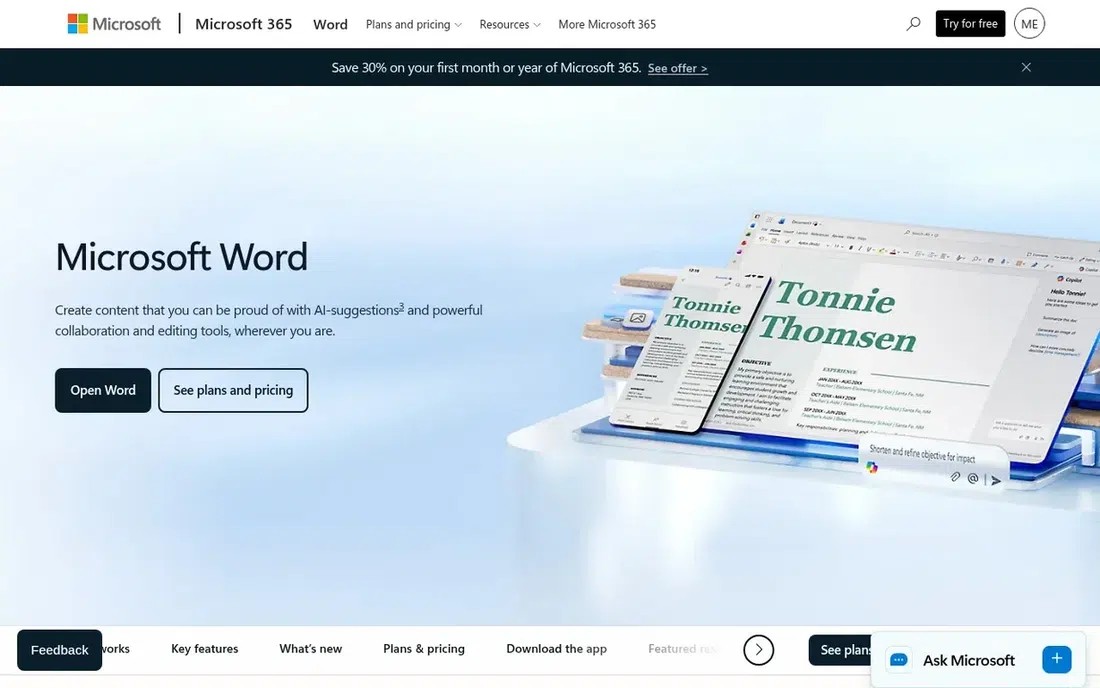
Microsoft Word makes the most sense for formal bid documents with AI assistance. Microsoft Word is a widely used document editor that supports online editing and collaboration. From a buyer's view, if your team prioritizes live collaboration over complicated formatting, consider Google Docs or another choice.
Limits to weigh: Coauthoring can be less fluid than some web-native tools.
Also, Word suits bid teams that require to produce refined, formatted documents and are already familiar with the Microsoft ecosystem. However, Word's coauthoring experience may not be as smooth as web-native tools, and some advanced features need a subscription. Microsoft Word shows no starting price here, so confirm the cost on the vendor site. Trial and free access: Not stated.
- Familiar interface for most users
- Live coauthoring across devices
- Advanced features may need a subscription
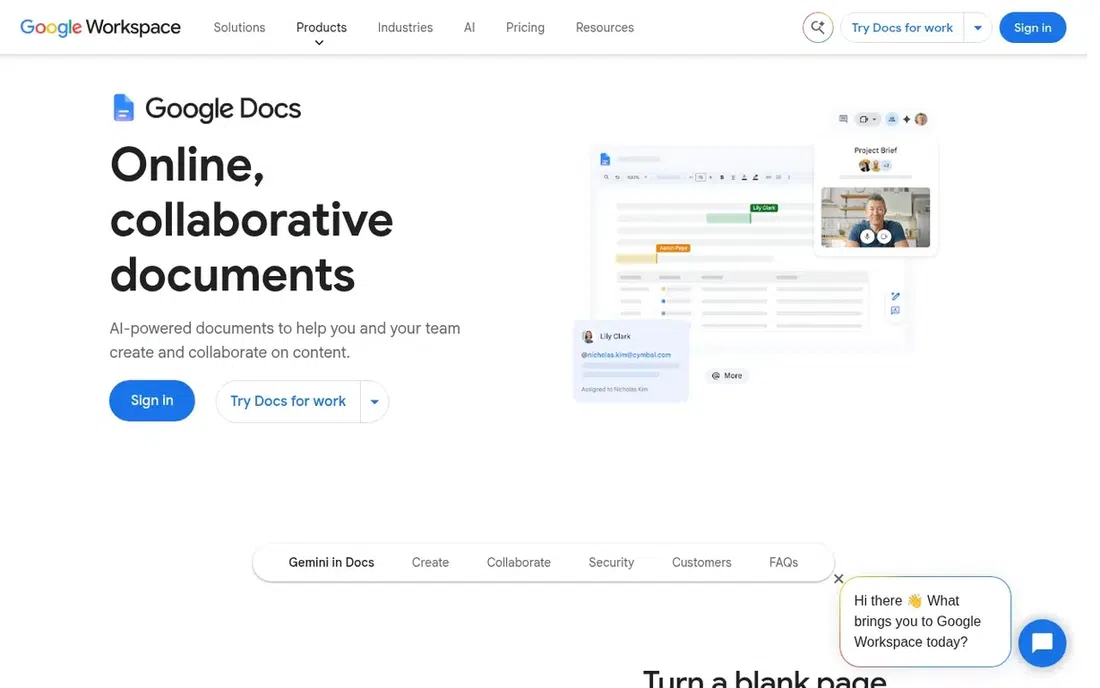
Google Docs serves live coauthoring and AI drafting. Google Docs is an online document editor that permits several users to collaborate in live. It comes with AI features to create drafts and templates, which can accelerate bid writing.
Its formatting choices are less broad than those of Microsoft Word, and it depends on an internet connection. Also, if you need complicated document layouts or offline access, Microsoft Word might be a better fit. This comparison lists no price for Google Docs; ask the vendor. Free access: Not stated.
Downsides: Restricted advanced formatting compared with desktop editors.
- Live collaboration from any device
- AI to produce drafts and templates
- Needs internet connection for full functionality
Pick Quip if this describes you: Salesforce-integrated document collaboration. Quip gives you live collaborative documents, spreadsheets, and chat embedded inside Salesforce. It transforms business processes by combining document coauthoring with communication, making it well suited to bid teams that already use Salesforce and want to simplify workflows.
Also, Quip's value is closely tied to Salesforce integration, so teams not using Salesforce may find it less beneficial. If you need a standalone coauthoring tool, consider Google Docs or Microsoft Word. Quip pricing: $10 per user per month. Quip has no free plan.
Where it falls short: Restricted standalone features without Salesforce.
- Chat embedded in documents
- Integrated with Salesforce
- May not suit teams outside Salesforce ecosystem
Coda serves blending docs, spreadsheets, and apps. It bundles AI to enhance productivity, making it right for bid teams that require to run data and content in a single workspace.
Where it is weaker: Steeper ramp-up time.
For teams preferring traditional document editors, Microsoft Word or Google Docs might be more straightforward. This comparison lists no price for Coda; ask the vendor. Free plan details: Not stated.
- Adaptable and configurable
- AI-powered intelligence
- May need setup for complicated bid processes
How we chose
We compared the tools on published pricing, free plan or trial availability, feature coverage for document coauthoring software for bid teams, and the limits each vendor documents. Where a vendor does not publish a price, the entry says quote. Where a price depends on seats or billing term, the entry says so. We ordered the tools by general fit, then by how clearly pricing is shown, then by free access. A buyer with unusual needs may reorder them.
What to check before you buy
- Get a written quote from SharePoint, Microsoft Word, Google Docs and Coda; the list shows no starting price for them.
- Test the free plan from Notion against your real workload before relying on it.
- Before choosing SharePoint, weigh its main limit: complicated setup and administration.
- Confirm you can export your data from Coda, so leaving later does not mean losing records.
- Run a one or two week pilot of Microsoft Word with the people who will use it every day.
FAQ
Is SharePoint the right pick for everyone comparing document coauthoring software for bid teams?
No single tool suits every team. SharePoint comes first because it fits secure content management and collaboration, while Notion suits all-in-one workspace with AI automation and Microsoft Word suits formal bid documents with AI assistance. Match the tool to your own size, budget and workflow before deciding.
Which options for document coauthoring software for bid teams have a free plan?
Notion is the only tool in this list with a free plan. Free plans usually cap users, projects or features, so check the limits on the vendor page. Prices, free plan details and limits for all 6 tools in this document Coauthoring software for bid teams roundup sit on the individual cards above.
How do bid teams benefit from AI in coauthoring tools?
AI can help draft content, suggest grammar and style improvements, and summarize information, speeding up the bid writing process. Tools like Microsoft Word and Google Docs offer AI features tailored to these tasks.
Do these tools publish their prices?
Not all of them. SharePoint, Microsoft Word, Google Docs and Coda publish no starting price, so expect a quote request for those. The rest, Notion included, show a starting price, though seats and billing terms still change the final cost.
How important is integration with other tools for bid teams?
Integration can simplify workflows, notably if your team uses Salesforce or Microsoft 365. Quip connects with Salesforce, whereas SharePoint and Microsoft Word work within Microsoft 365, reducing friction.
Can I try these tools before paying?
Often, yes. Notion has a free plan. Use your own data and a real task during the test, and check what the free tier or trial limits before you rely on it. Each of the 6 options in this document Coauthoring software for bid teams guide has its own card above with the price, free plan and limits.
Sources
- https://www.microsoft.com/en-us/microsoft-365/sharepoint/collaboration
- https://www.notion.com
- https://www.microsoft.com/en-us/microsoft-365/word
- https://workspace.google.com/products/docs
- https://quip.com
- https://coda.io