8 Best Document Control Software for 2026
Compare the best document control software for 2026, with version control, approvals, audit trails, e-signatures and retention for regulated and general teams.
- Editor's choice
 MasterControl Quality Excellence
Life sciences and manufacturing teams under strict regulation
Starts atSee websiteVisit mastercontrol.comFull review - Great alternative
 Veeva Vault QualityDocs
Life sciences companies that need cloud document control at scale
Starts atSee websiteVisit veeva.comFull review - Also consider
 Microsoft SharePoint
Companies already on Microsoft 365 that need practical document control
Starts atSee websiteVisit microsoft.comFull review
TL;DR:
- Good document control means one approved version, a clear approval trail, and automatic access to the current copy, not a shared drive full of similar files.
- MasterControl and Veeva Vault suit regulated life sciences work, while SharePoint and M-Files suit broader business document control.
- Construction teams should shortlist Aconex and Procore, because project mail, submittals, and drawing revisions need different controls than office policies.
- Most enterprise tools use quoted pricing, so ask about implementation, validation, migration, and training before you compare headline costs.
Quick comparison
| Tool | Best for | Starts at | Free plan? | |
|---|---|---|---|---|
| MasterControl Quality Excellence | Life sciences and manufacturing teams under strict regulation | See website | No | Visit |
| Veeva Vault QualityDocs | Life sciences companies that need cloud document control at scale | See website | No | Visit |
| Microsoft SharePoint | Companies already on Microsoft 365 that need practical document control | See website | No | Visit |
 M-Files | Teams that want to find documents by what they are, not where they sit | See website | No | Visit |
 DocuWare | Midsize teams that want workflow automation with document control | See website | No | Visit |
 Oracle Aconex | Large construction projects with many external parties | See website | No | Visit |
 Procore | Construction teams that need documents tied to field work | See website | No | Visit |
 Alfresco | IT-led teams that want an open, scalable content platform | See website | No | Visit |
The best document control software
MasterControl Quality Excellence
Best for: Life sciences and manufacturing teams under strict regulation
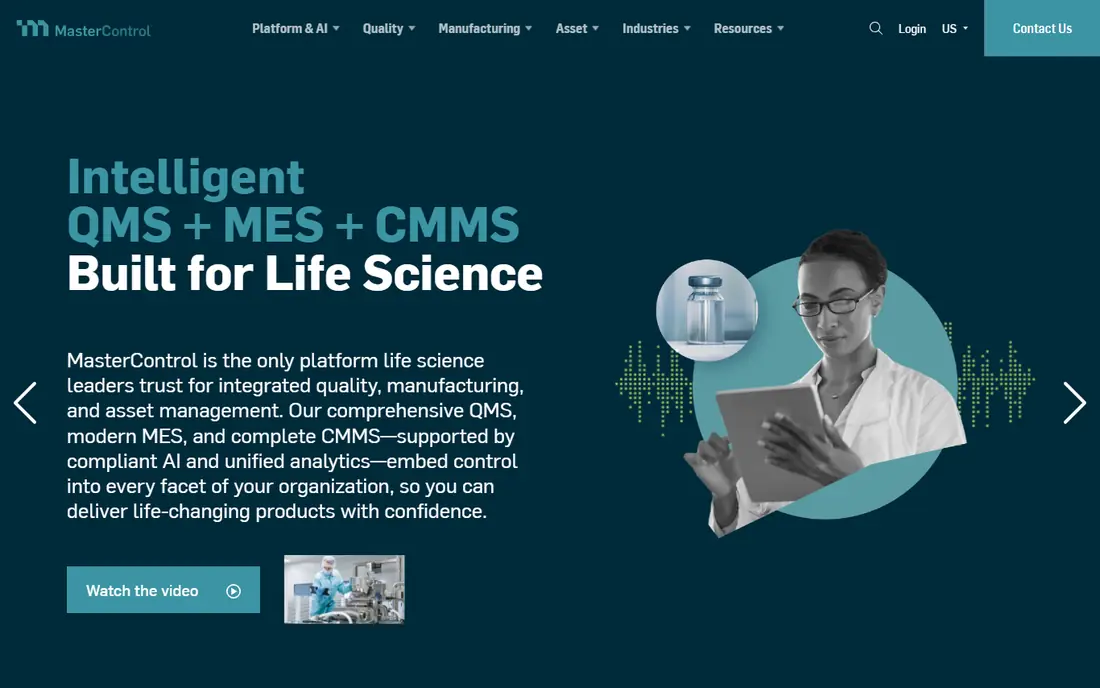
MasterControl is built for companies where a wrong document version can cause a failed audit or a product recall. It controls creation, review, approval, release, and training in one system, so staff only see the approved version and are prompted to train when a procedure changes. Electronic signatures and audit trails support rules such as FDA 21 CFR Part 11, which matters for medical device and pharmaceutical teams. The trade-off is scale. MasterControl is an enterprise system, and a rollout involves process design, validation, and migration from paper or shared drives. Smaller companies may find it heavier than they need, and they should check total implementation cost early. For regulated manufacturers that need audit-ready control, that depth is the point, not a drawback.
- Strong version control, electronic signatures, audit trails, and training linked to document changes
- Enterprise pricing and implementation effort, with a learning curve for new users
Veeva Vault QualityDocs
Best for: Life sciences companies that need cloud document control at scale

Veeva Vault QualityDocs gives life sciences teams a cloud system for controlled documents, with versioning, approval workflows, and a full audit trail. It connects well to other Veeva quality applications, so a document change can link to training, change control, and related quality events. That connection helps teams show auditors a complete story, not just a single approved file. The limit is focus. Veeva is designed for life sciences, and general businesses may find its terminology and pricing less suited to simple policy control. Implementation also needs planning, especially for companies moving from paper or legacy systems. For pharmaceutical, biotech, and medical device firms already in the Veeva ecosystem, QualityDocs is a natural core system.
- Cloud document control with strong approvals, audit trails, and links to quality processes
- Life sciences focus and enterprise pricing, with less appeal for general office use
Microsoft SharePoint
Best for: Companies already on Microsoft 365 that need practical document control
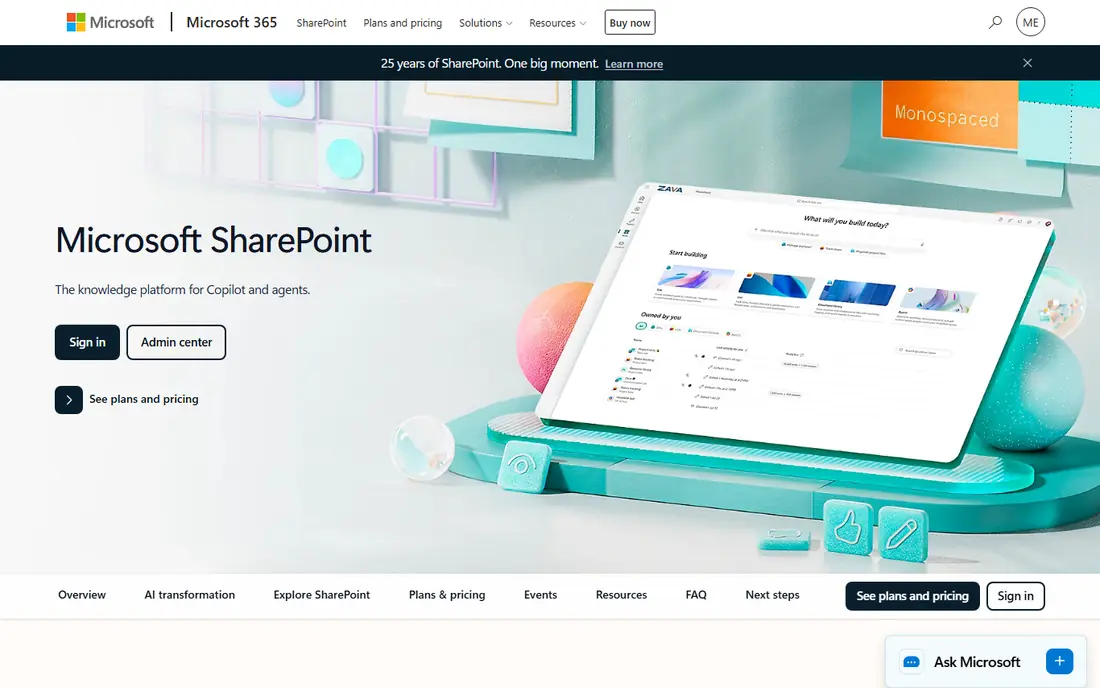
SharePoint is the most common starting point for document control, because many companies already own it through Microsoft 365. It offers version history, check-in and check-out, permissions, approval workflows, and retention rules, all inside tools staff already use. For general policies, procedures, and templates, that combination is often enough, especially when paired with clear ownership and naming rules. The weakness is discipline. SharePoint can become a messy library if sites, permissions, and retention are left unmanaged, and strict regulated control may need added configuration or companion tools. Teams should assign owners, define approval flows, and test how easy it is to find the current approved version. For most non-regulated businesses, SharePoint offers the best balance of cost, familiarity, and control.
- Version history, permissions, workflows, and search inside a familiar Microsoft 365 environment
- Needs careful configuration to meet strict regulated control, and governance can drift without ownership
M-Files
Best for: Teams that want to find documents by what they are, not where they sit
M-Files organizes documents by metadata, such as customer, project, document type, and status, rather than by folder location. That means the same document can appear in every relevant view without duplicate copies, and workflows can route it for review based on its metadata. Automation can also apply permissions, retention, and notifications as a document moves through its life. The trade-off is change. Teams used to folders need training and a clear metadata plan, or the system can feel confusing at first. Pricing is also quote-based, so buyers should compare total cost with SharePoint or DocuWare. For companies with documents scattered across systems and a need for consistent control, the metadata model solves a real problem that folders cannot.
- Metadata-driven organization, automation, and secure access across repositories
- Concept shift for folder-based teams, and enterprise pricing for larger deployments
DocuWare
Best for: Midsize teams that want workflow automation with document control
DocuWare helps midsize companies move from paper and email attachments to a central, searchable archive with controlled access and automated workflows. Documents can be indexed, routed for approval, and archived with retention rules, which cuts time spent searching for the current version. Its cloud option also suits distributed teams that need access from different offices. The limit is regulated depth. DocuWare covers general compliance and workflow well, but life sciences firms with strict validation needs may prefer MasterControl or Veeva. Buyers should also check integration with their accounting or ERP systems, since that often decides day-to-day value. For general business document control with strong workflow, DocuWare is a practical mid-market pick.
- Cloud document management with indexing, workflow automation, and archiving
- Less depth for highly regulated life sciences validation than MasterControl or Veeva
Oracle Aconex is built for construction, where drawings, specifications, and correspondence flow between owners, contractors, and consultants. It acts as a controlled project mailroom, tracking every transmittal, revision, and response, so teams can prove who received what and when. That audit trail matters when claims, delays, or defects are disputed later. The drawback is scope. Aconex is a project system, not a general office policy tool, and its pricing and setup reflect large projects. Small firms or single-office teams may find Procore or SharePoint simpler. For major projects with many external parties and strict revision control, Aconex remains a standard choice.
- Project mailroom control, drawing revisions, and audit trails across contractors and consultants
- Project-based pricing and complexity, with less value for simple office document control
Procore combines document control with broader construction management, so drawings, specifications, RFIs, and submittals sit alongside schedules, punch lists, and field reports. Field teams can access current drawings on mobile devices, which reduces the risk of building from an outdated revision. Version control and markup tools help teams track changes without losing the approved original. The trade-off is breadth. Procore is a construction platform, so companies outside construction should look elsewhere. Pricing is quoted by project or company scope, and implementation needs training for field and office staff alike. For contractors and owners who want documents connected to daily field work, Procore offers more than a standalone document vault.
- Central documents, drawings, RFIs, and submittals linked to field workflows
- Construction focus and quoted pricing, with a learning curve for new project teams
Alfresco, now part of Hyland, provides content services for document repositories, records management, and governance, with an open platform that IT teams can extend. It suits organizations that need to manage large volumes of documents across departments, with rules for retention, access, and audit. Its flexibility also helps firms with custom workflows or integration needs. The weakness is effort. Alfresco rewards teams with technical resources, and business users without IT support may find deployment and upkeep harder than with SharePoint or DocuWare. Buyers should also confirm which edition and support model fits their needs, since open source and commercial options differ. For IT-led enterprises that want control and scale, Alfresco is a credible alternative to closed platforms.
- Open content services, records management, and governance at enterprise scale
- Needs technical skill to deploy and maintain, and the open model suits IT teams best
How we picked these
We looked for software where document control is a core strength, not just file storage. That meant version control, approval workflows, permissions, audit trails, and retention had to be central, not added extras. We covered regulated life sciences, general business, and construction, because document control looks different in each setting, and we mixed cloud, Microsoft-native, and open options. We did not rank on review scores alone, and we used See website where pricing was quoted rather than published. A trial should test the full life of a document, from draft to approval to retirement, with your own document types and approvers. If that flow feels clear to non-technical staff, the tool is more likely to stay in use.
What to check before you buy
Test the full document life
Create, review, approve, release, revise, and retire a test document during your trial. Check who sees each version, how approvals are recorded, and how training or notification is triggered. A tool that handles creation well but fumbles revision will cause problems within months.
Check audit and retention needs
Ask how audit trails are stored, how long they are kept, and how easily an auditor can view them. Confirm retention rules, legal holds, and electronic signature support if your industry requires them. These details matter more after an audit notice than during a demo.
Plan migration and ownership
Decide which legacy documents move over, which stay archived, and who owns each document type going forward. Assign owners, set review dates, and clean up duplicates before migration. Without ownership, even a strong system will drift back toward shared-drive habits.
FAQ
Which software is best for document control?
The best choice depends on your industry and regulation level. MasterControl and Veeva Vault suit regulated life sciences, SharePoint suits most general businesses on Microsoft 365, and Aconex or Procore suit construction projects. M-Files suits teams with scattered documents, while DocuWare suits midsize workflow-led control.
What is the difference between document control and document management?
Document management covers storing, searching, and sharing files. Document control adds strict rules for versions, approvals, access, and retention, so only the current approved version is in use and every change is traceable. Regulated firms need control, while general teams may only need management with some approval features.
Is SharePoint enough for document control?
For many general businesses, yes, if it is configured with versioning, permissions, approvals, and retention, and if owners maintain it. Regulated firms may need added validation, electronic signatures, and training links that SharePoint alone does not provide out of the box. Test your audit requirements before deciding.
How much does document control software cost?
Most enterprise tools use quoted pricing based on users, modules, and implementation scope. SharePoint is often included in a Microsoft 365 plan, which makes it the lowest incremental cost for Microsoft shops. Ask for implementation, migration, validation, and training costs, because those often exceed the license fee in year one.
Do I need on-premises or cloud document control?
Cloud suits most teams now, because it offers easier access, updates, and backup. On-premises may still suit firms with strict data residency, air-gapped systems, or legacy integration needs. Check your regulator, customer contracts, and IT policy before choosing, and confirm data export options in either case.
Sources
https://www.mastercontrol.com https://www.veeva.com https://www.microsoft.com/en-us/microsoft-365/sharepoint https://www.m-files.com https://www.docuware.com https://www.oracle.com/construction-engineering/aconex/ https://www.procore.com https://www.alfresco.com