Ivy Mobility Alternatives in 2026: 5 Options Vetted
Ivy Mobility alternatives, compared. 5 tools with published prices, free plans and limits. Fit and flaws are laid out for each entry. Skim the table first.
- Editor's choice
 ServiceTitan
Home and commercial trade contractors
Starts atSee websiteVisit servicetitan.comFull review - Great alternative
 Kickserv
Home service firms managing jobs and payments
Starts at$60 a monthVisit kickserv.comFull review - Also considerMicrosoft Dynamics 365 Field Service
Enterprises wanting integrated scheduling and dispatch
Starts atSee websiteVisit microsoft.comFull review
Direct answer
ServiceTitan leads the list, best for home and commercial trade contractors. Listed starting prices: Kickserv from $60 a month. Look at Kickserv for home service companies managing jobs and payments, and at Microsoft Dynamics 365 Field Service for enterprises wanting integrated scheduling and dispatch. The other 2 tools in the list cover narrower or pricier cases.
TL;DR:
- The list opens with ServiceTitan, aimed at home and commercial trade contractors.
- Jobber fits small home and commercial service firms.
- ServiceTitan, Jobber and the 3 others all need a premium plan or a trial, since no free plan is listed.
- The lowest published monthly entry price here is $60 per month, from Kickserv.
- What to know about ServiceNow Field Service Management first: configuration demands specialist skills.
Last checked November 2026. Prices and plan details were read from the vendors' own pages in November 2026; vendors change plans often, so confirm the current price on the vendor site before you buy.
Quick comparison
| Tool | Best for | Starts at | Free plan? | |
|---|---|---|---|---|
| ServiceTitan | Home and commercial trade contractors | See website | Free trial | Visit |
| Kickserv | Home service firms managing jobs and payments | $60 a month | Free trial | Visit |
| Microsoft Dynamics 365 Field Service | Enterprises wanting integrated scheduling and dispatch | See website | Not stated | Visit |
| ServiceNow Field Service Management | Workflow-driven enterprises with complicated service operations | See website | Not stated | Visit |
 Jobber | Small home and commercial service companies | See website | Not stated | Visit |
Tool-by-tool breakdown
Short on time? The summary and table above give the quick view of 5 tools for Ivy Mobility, and the profiles that follow give the detail behind each entry.
For home and commercial trade contractors, ServiceTitan is a natural candidate. It suits established trade firms that want service, project and back-office work handled in a single system designed around how contractors operate day to day.
In practice, very small crews that largely need quoting, scheduling and invoicing may be better served by a more straightforward tool for example Jobber or Kickserv. Pricing for ServiceTitan is not stated here, so ask the vendor for current figures. As for free access: Free trial.
Points against: Centred on trade firms.
- All-in-one software for contractors
- Aimed at the trades
- May be more than small crews need
Kickserv targets home service firms managing jobs and payments. It fits smaller service firms that want a focused tool to track work and get premium without adopting a large enterprise system or a contractor-specific suite.
Downsides: Entry-level compared to large suites.
Kickserv keeps things simple, so teams needing advanced automation, deep analytics or complicated multi-department workflows may outgrow it. What you pay to start with Kickserv: $60 per month. Trial and free access: Free trial.
- Straightforward field service focus
- Communication and payment tools
- Fewer enterprise capabilities
Microsoft Dynamics 365 Field Service
Best for: Enterprises wanting integrated scheduling and dispatch
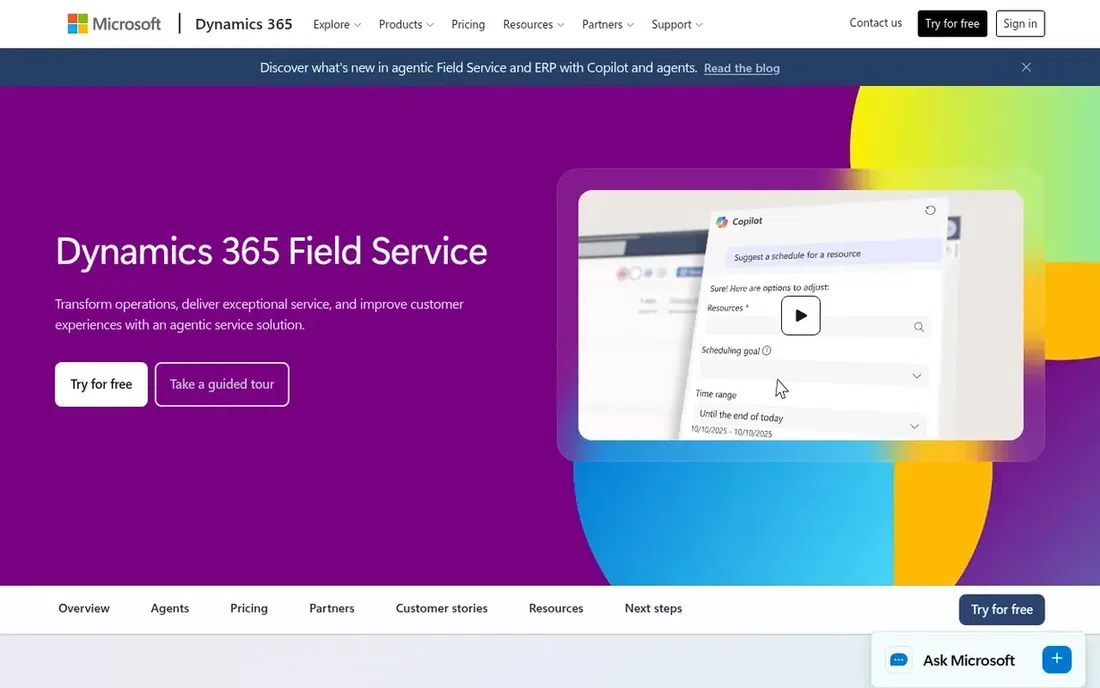
For enterprises wanting integrated scheduling and dispatch, Microsoft Dynamics 365 Field Service is a natural candidate. The breadth of the system means implementation and administration take real effort, and smaller teams may find it heavier than needed.
If you chiefly need straightforward quoting, scheduling and invoicing for a small crew, a lighter tool like Jobber or Kickserv is frequently a better fit. This comparison lists no price for Microsoft Dynamics 365 Field Service; ask the vendor. Trial and free access: Not stated.
Downsides: Setup effort is substantial.
- AI-driven self-service scheduling
- Automatic service reminders
- Wide system can feel complicated
ServiceNow Field Service Management
Best for: Workflow-driven enterprises with complicated service operations
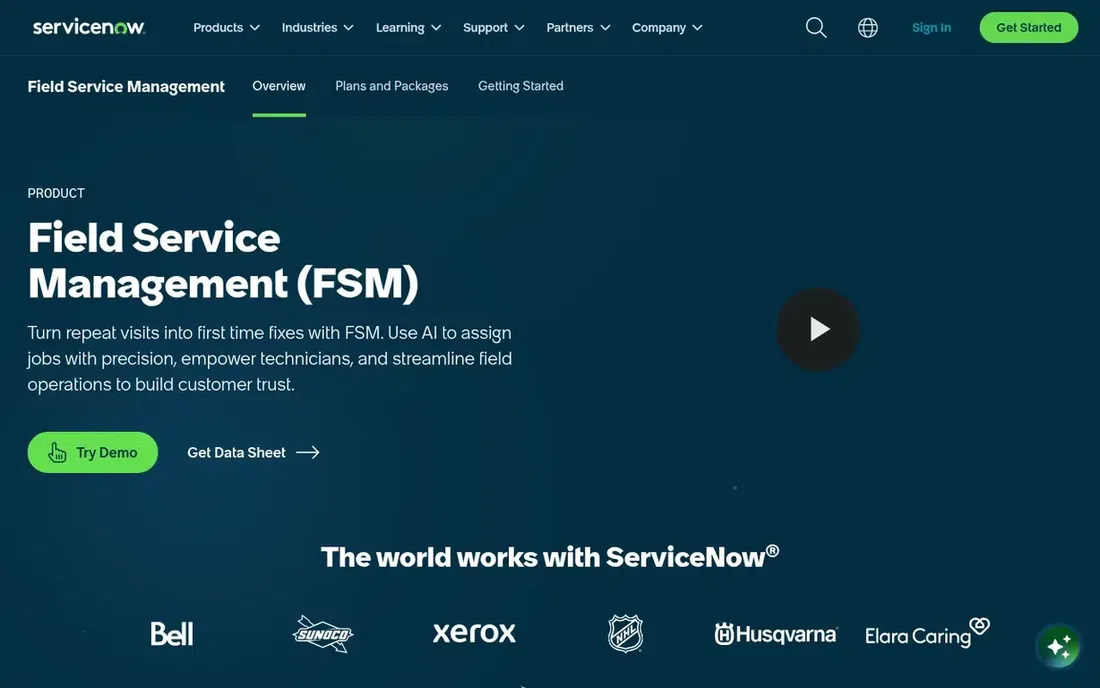
ServiceNow Field Service Management is designed for workflow-driven enterprises with complicated service operations. ServiceNow Field Service Management extends the ServiceNow workflow product into field service, letting employees work the way they want instead of how software dictates, and helping customers get what they need when they need it.
Honest limits: Configuration demands specialist skills.
It fits bigger organizations that already standardize service processes on digital workflows and want field work connected to the rest of their operations. ServiceNow Field Service Management does not show a starting price in this comparison, so check the vendor site for current pricing. Free access: Not stated.
- Suits large service organizations
- Adaptable process configuration
- Overkill for small teams
Jobber targets small home and commercial service companies. As a business grows into complicated multi-team dispatch or enterprise workflow needs, Jobber may feel restricted compared to products like Microsoft Dynamics 365 Field Service or ServiceNow.
Its easy-to-use app powers sales, operations and customer service, making it a practical fit for small and expanding service businesses that want to replace spreadsheets and disconnected tools. Check the vendor site for Jobber pricing; none is listed in this comparison. Free options: Not stated.
Where it is weaker: Limited advanced dispatch features.
- Schedule and invoice in one place
- Easy-to-use app
- Less depth for large enterprises
Our selection method
The comparison looks at four things: starting price, free access, how well the feature set matches Ivy Mobility, and the main limit of each tool. Where a price is missing, the vendor does not list one publicly or ties it to a quote. Always confirm before budgeting. Order on the page follows fit for the typical buyer first, then price transparency and free access. Your own requirements should decide the final pick.
A buyer's checklist
- Confirm the entry price on the vendor page. For ServiceTitan, Microsoft Dynamics 365 Field Service, ServiceNow Field Service Management and Jobber that means a quote rather than a fixed price.
- Take the trial from ServiceTitan and Kickserv and push a live task through it before you pay.
- Before choosing ServiceTitan, weigh its main limit: centred on trade firms.
- Ask Jobber whether prices are locked for the first term and what happens at renewal.
- Let daily users try ServiceNow Field Service Management on real work; their feedback beats any feature checklist.
FAQ
Do these tools publish their prices?
Not all of them. ServiceTitan, Microsoft Dynamics 365 Field Service, ServiceNow Field Service Management and Jobber publish no starting price, so expect a quote request for those. The rest, Kickserv included, show a starting price, though seats and billing terms still change the final cost.
When does an enterprise product make more sense?
If field service must link to broader business applications or standardized digital workflows across departments, Microsoft Dynamics 365 Field Service or ServiceNow Field Service Management are more solid candidates. Expect more setup and administration effort in return.
Can I try these tools before paying?
Often, yes. ServiceTitan and Kickserv offer a free trial. Use your own data and a real task during the test, and check what the free tier or trial limits before you rely on it.
Is ServiceTitan the right pick for everyone comparing Ivy Mobility?
No single tool suits every team. ServiceTitan comes first because it fits home and commercial trade contractors, while Kickserv suits home service businesses managing jobs and payments and Microsoft Dynamics 365 Field Service suits enterprises wanting integrated scheduling and dispatch. Match the tool to your own size, budget and workflow before deciding.
Which alternative fits small service firms?
Jobber and Kickserv are geared toward smaller home service companies that want quoting, scheduling, invoicing and payments in one place. They tend to be more straightforward to adopt than enterprise systems like Microsoft Dynamics 365 Field Service or ServiceNow.
How are the tools for Ivy Mobility ordered?
ServiceTitan sits first and Jobber last because the order follows typical fit for Ivy Mobility, then price clarity and free access. It is a judgement call, so read each profile for fit and limits.
Sources
- https://www.servicetitan.com
- https://www.kickserv.com
- https://www.microsoft.com/en-us/dynamics-365/products/field-service
- https://www.servicenow.com/products/field-service-management.html
- https://getjobber.com