Choosing Document Sharing Software for Startups in 2026: 6 Options Compared
Best document sharing software for startups in 2026: 6 tools with starting prices, free plans and limits. Hidden costs and gaps are flagged. Facts only.
- Editor's choice
 Dropbox
Straightforward syncing and file transfer
Starts at$9.99 per monthVisit dropbox.comFull review - Great alternative
 Box
Security-focused content management
Starts atSee websiteVisit box.comFull review - Also consider
 Google Drive
Startups already working in Google Workspace
Starts atSee websiteVisit workspace.google.comFull review
Direct answer
Our first pick is Dropbox, best for straightforward syncing and file transfer. Listed starting prices: Dropbox from $9.99 per month, Notion from $10 per member a month and ShareFile from $16.50 per user a month. Box is better for security-focused content management, and Google Drive is better for startups already working in Google Workspace. All 6 tools are compared below on price, free plan and limits.
TL;DR:
- This list starts with Dropbox, which is built for straightforward syncing and file transfer.
- The lowest published monthly entry price here is $9.99 per month, from Dropbox.
- Only Notion offers a free plan among these 6 tools.
- Microsoft OneDrive is the one to check for teams standardized on Microsoft 365.
Last checked November 2026. Prices and plan details were read from the vendors' own pages in November 2026; vendors change plans often, so confirm the current price on the vendor site before you buy.
Quick comparison
| Tool | Best for | Starts at | Free plan? | |
|---|---|---|---|---|
| Dropbox | Straightforward syncing and file transfer | $9.99 per month | Free trial | Visit |
| Box | Security-focused content management | See website | Not stated | Visit |
| Google Drive | Startups already working in Google Workspace | See website | Not stated | Visit |
 Notion | Docs, wikis and light sharing | $10 per member a month | Yes | Visit |
 ShareFile | Secure document workflows | $16.50 per user a month | Free trial | Visit |
 Microsoft OneDrive | Teams standardized on Microsoft 365 | See website | Not stated | Visit |
The best document sharing software for startups
If you are comparing document sharing software for startups, this page covers 6 tools in one place: what each is best for, what it costs to start, whether it has a free plan, and the main limit to know about.
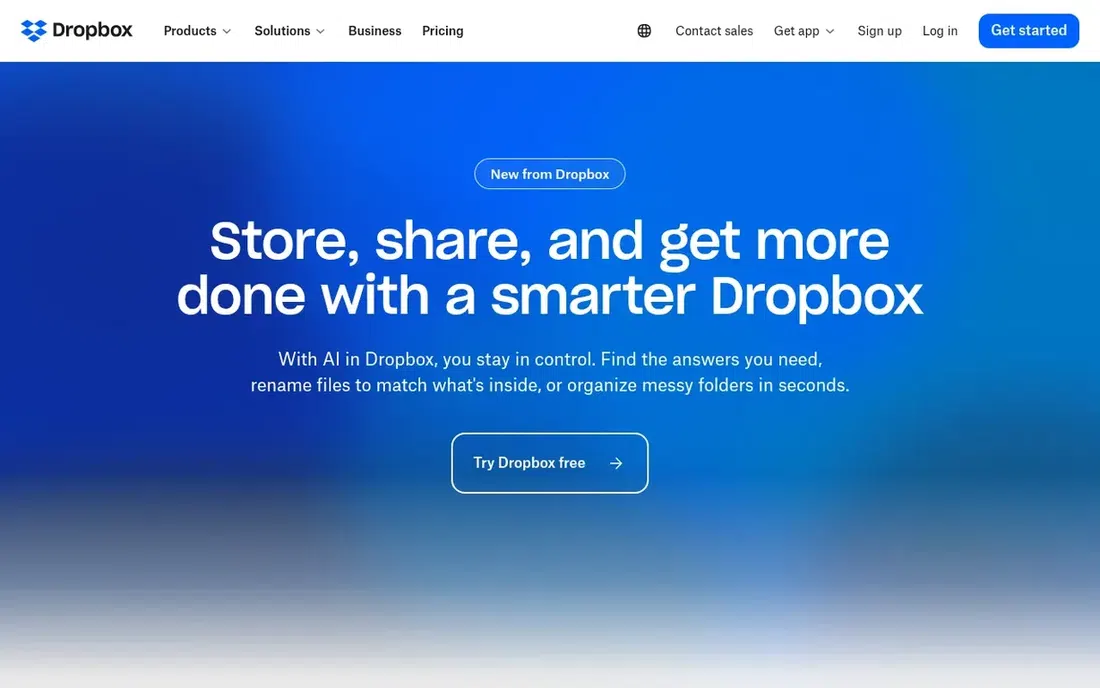
Dropbox is built with straightforward syncing and file transfer in mind. In daily use, collaboration depth is also restricted compared to workspace systems. Teams that already exchange large files with clients or partners frequently find the sharing flow intuitive.
Drawbacks to consider: Collaboration depth is restricted.
Worth adding: Dropbox is less of a document creation suite. So teams that require live editing and structured knowledge may end up pairing it with another tool. On cost, Dropbox starts like this: $9.99 per month. On free options: Free trial.
- Works from any device
- Sharing and signing in one place
- Less of a document editing suite
Box targets security-focused content management. Teams planning to scale their document processes commonly prefer this kind of content product over plain storage.
It fits startups that deal with regulated or confidential documents and need structure around who can access what. Pricing for Box is not stated here, so ask the vendor for current figures. As for free access: Not stated.
Where it is weaker: More product than a small team needs.
- Protection for sensitive data
- Internal and external collaboration
- Setup favors structured organizations
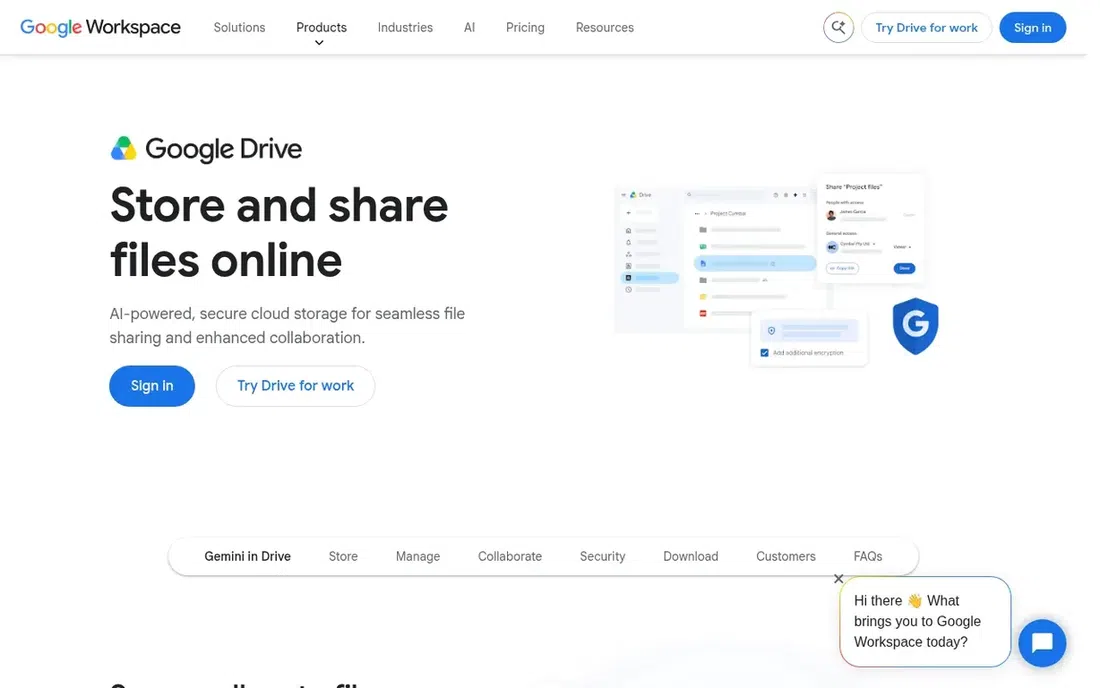
Google Drive is aimed squarely at startups already working in Google Workspace. Google Drive is a file sharing and cloud storage system from Google Workspace that lets teams store content and share it with other users. For startups, its primary draw is that sharing files feels familiar to most new hires, and documents can be edited with others in the same ecosystem.
Drawbacks to consider: Storage is shared across Google services.
Startups with strict data governance or heavy external sharing requirements may want a product built around content management. For everyday use, the limits present up as teams grow: storage is pooled across Google services, and fine-grained controls take deliberate configuration. Pricing for Google Drive is not stated here, so ask the vendor for current figures. Free options: Not stated.
- Works across devices and browsers
- Pairs with Google's document editors
- Advanced controls need setup
For docs, wikis and lightweight sharing, Notion is a natural candidate. For startups, it works as a home for shared documents, notes and internal knowledge instead of as a classic file drive.
Notion starts at: $10 per member per month. Notion includes a free tier.
Downsides: Structure relies on how you build it.
- Adaptable workspace for documents
- Search across connected apps
- Not a traditional file storage tool
ShareFile was built for secure document workflows. ShareFile is narrower than general-purpose storage products, so startups primarily seeking a shared drive may not need it. Worth adding: teams with repeatable document workflows, like onboarding packets or approvals, tend to get the most from it.
Also, ShareFile is secure document workflow and file sharing software positioned around sharing and collaborating without sacrificing security. Getting value also needs planning your document processes instead of just uploading files. Price to start with ShareFile: $16.50 per user per month. Free access: Free trial.
Where it falls short: Narrower general-purpose storage appeal.
- Security-first sharing approach
- Aimed at client collaboration
- Needs process planning
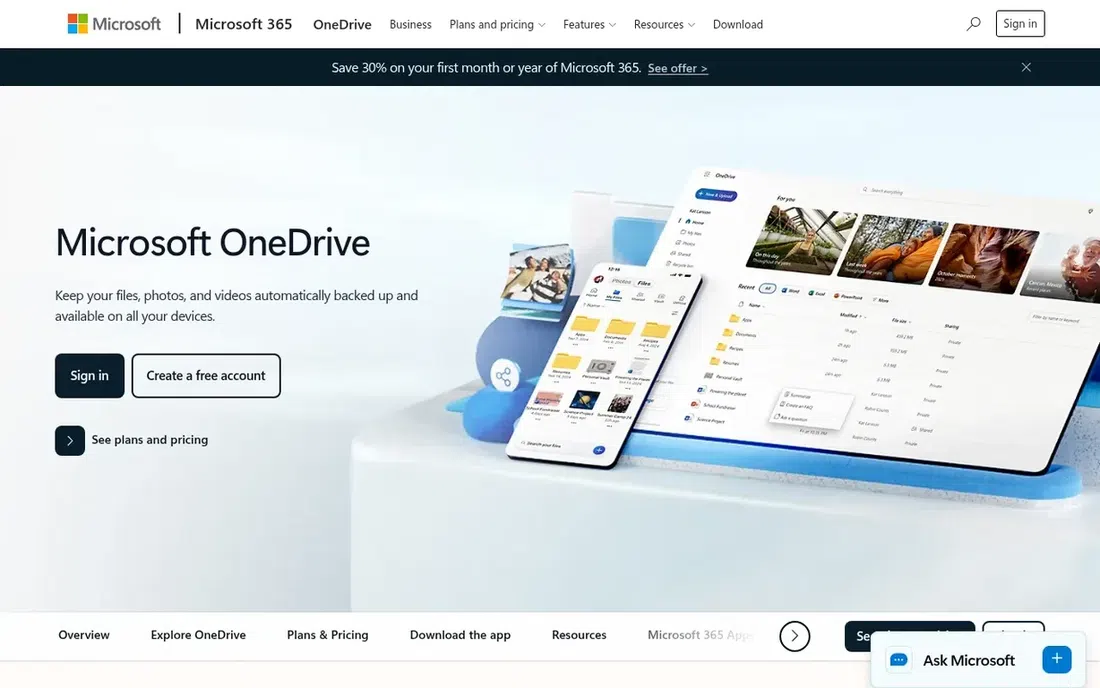
Microsoft OneDrive is built with teams standardized on Microsoft 365 in mind. Startups that already run on Microsoft tools get a sharing layer that feels built in, with documents opening in familiar applications. OneDrive is most solid inside the Microsoft ecosystem, and teams using other suites may find the integration less compelling.
As for the details, sharing settings can also confuse people who are new to the system. As for the details, consider a dedicated content product if your startup needs advanced external collaboration controls or workflow automation. Microsoft OneDrive shows no starting price here, so confirm the cost on the vendor site. Trial and free access: Not stated.
Points against: Sharing settings can confuse newcomers.
- Familiar to Windows users
- Integrated with Microsoft document tools
- Best value inside the Microsoft ecosystem
Our selection method
A buyer's checklist
- Confirm the entry price on the vendor page. For Box, Google Drive and Microsoft OneDrive that means a quote rather than a fixed price.
- Test the free plan from Notion against your real workload before relying on it.
- Run a trial of Dropbox and ShareFile with real work before paying for a year; your own workflow is the best test.
- Read the limits listed for Dropbox first: less of a document editing suite.
- Ask Box how an export works before you move any records in; an easy exit lowers the risk.
- See whether Microsoft OneDrive offers onboarding or training, and whether it is included in the price.
FAQ
Is Dropbox the right pick for everyone comparing document sharing software for startups?
No single tool suits every team. Dropbox comes first because it fits simple syncing and file transfer, while Box suits security-focused content management and Google Drive suits startups already working in Google Workspace. Match the tool to your own size, budget and workflow before deciding.
What is the cheapest option for document sharing software for startups in this list?
On published monthly entry prices, Dropbox is the lowest here at $9.99 per month. Entry price is only part of the cost, because seats, add-ons and billing terms can change the total. Each of the 6 options in this document sharing software for startups guide has its own card above with the price, free plan and limits.
Which options for document sharing software for startups have a free plan?
Notion is the only tool in this list with a free plan. Free plans usually cap users, projects or features, so check the limits on the vendor page. Several others offer a trial instead. All 6 picks in this document sharing software for startups comparison list a starting price, free plan details and the main limits on their cards above.
Can I try these tools before paying?
Often, yes. Notion has a free plan and Dropbox and ShareFile offer a free trial. Use your own data and a real task during the test, and check what the free tier or trial limits before you rely on it.
How should a startup evaluate document sharing choices?
Start with how your team actually shares files: internal only, external, or both. Then check permissions, storage limits, search and how documents are organized over time.
Sources
- https://www.dropbox.com
- https://www.box.com
- https://workspace.google.com/products/drive
- https://www.notion.com
- https://www.sharefile.com
- https://www.microsoft.com/en-us/microsoft-365/onedrive/online-cloud-storage