The 6 Best Document Signing Software for Real Estate Transactions in 2026, Ranked
6 best document signing software for real estate transactions, compared on pricing, free plans and best-fit use. Hidden costs and gaps are flagged. Start here.
- Editor's choice
 Adobe Acrobat Sign
Teams already working in Adobe PDF tools
Starts atSee websiteVisit adobe.comFull review - Great alternativePactSafe
Standard and clickwrap agreement signing
Starts atSee websiteVisit pactsafe.comFull review - Also consider
 DocuSign
Wide eSignature with agreement management
Starts at$45 per user a monthVisit docusign.comFull review
Direct answer
This list puts Adobe Acrobat Sign first for teams already working in Adobe PDF tools. Listed starting prices: DocuSign from $45 per user a month, dotloop from $29 per user a month and Dropbox Sign from $15 USD / mo. PactSafe is better for standard and clickwrap agreement signing, and DocuSign is better for wide eSignature with agreement management. The remaining 3 options are covered below with prices and limits.
TL;DR:
- This list starts with Adobe Acrobat Sign, which is built for teams already working in Adobe PDF tools.
- Before buying DocuSign, weigh this: feature depth can add setup complexity.
- Neither Adobe Acrobat Sign nor Dropbox Sign, nor any of the other 4 tools, has a permanent free plan; trials and quotes are the norm.
- The lowest published monthly entry price here is $29 per user per month, from dotloop.
Last checked November 2026. Prices and plan details were read from the vendors' own pages in November 2026; vendors change plans often, so confirm the current price on the vendor site before you buy.
Quick comparison
| Tool | Best for | Starts at | Free plan? | |
|---|---|---|---|---|
| Adobe Acrobat Sign | Teams already working in Adobe PDF tools | See website | Not stated | Visit |
| PactSafe | Standard and clickwrap agreement signing | See website | Not stated | Visit |
| DocuSign | Wide eSignature with agreement management | $45 per user a month | Not stated | Visit |
 dotloop | Real estate transaction management with signing | $29 per user a month | Free trial | Visit |
 OneSpan Sign | Secure signing with identity assurance | See website | Not stated | Visit |
 Dropbox Sign | Straightforward send and run signatures | $15 USD / mo | Free trial | Visit |
The best document signing software for real estate transactions
LinkVetted put together this guide to document signing software for real estate transactions for readers who want a clear shortlist without reading every vendor page. It compares 6 tools on starting price, free plans, who each one suits and where each one falls short.
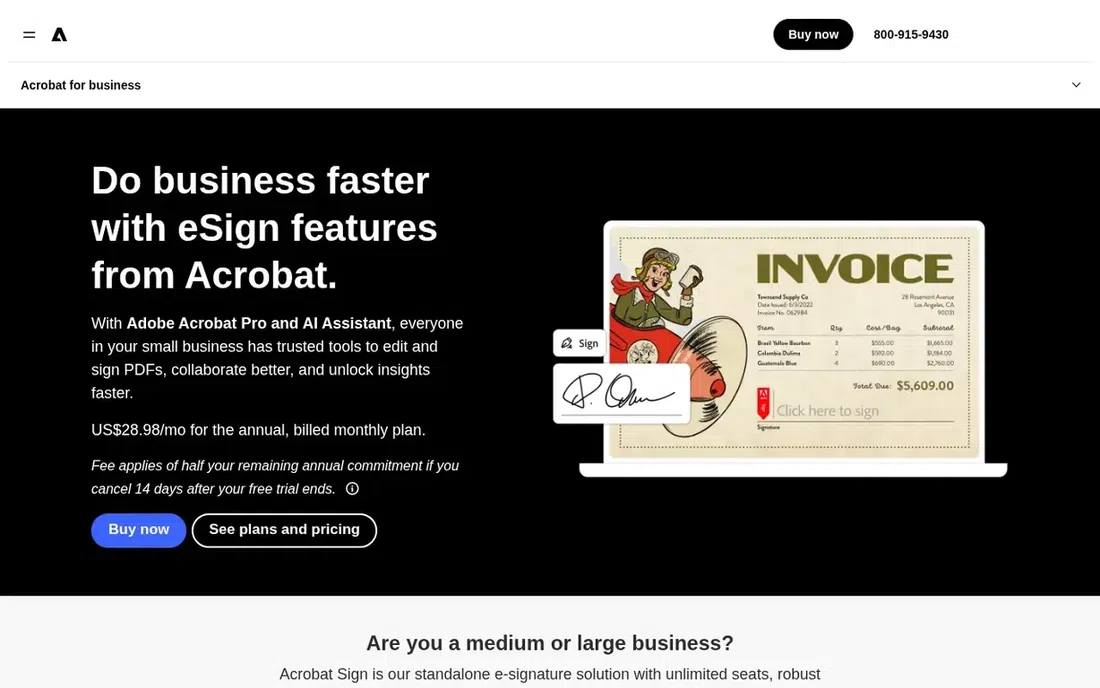
Adobe Acrobat Sign was built for teams already working in Adobe PDF tools. Occasional users may find the interface dense compared to more straightforward signing tools. The most solid experience comes from staying inside the Adobe ecosystem.
If your team does not otherwise use Adobe products, the overlap advantage shrinks. Real estate professionals who already depend on Adobe PDF tools for document review and editing will find signing sits naturally alongside those tasks. Adobe Acrobat Sign is positioned as e-sign software for business, covering electronic signatures, digital payments, and website signature collection. This comparison lists no price for Adobe Acrobat Sign; ask the vendor. Free options: Not stated.
Watch-outs: Interface can feel dense for occasional users.
- Supports signatures and digital payments
- Capable fit with existing PDF workflows
- Best value relies on Adobe ecosystem use
PactSafe
Best for: Standard and clickwrap agreement signing
PactSafe is built with standard and clickwrap agreement signing in mind. PactSafe, part of Ironclad, is described as eSignature software for business teams sending standard, low touch, and redlined agreements, with clickwrap, approval history, and native CLM. Also, choose PactSafe when contract lifecycle and approvals are central.
From a buyer's view, the product is aimed at business teams instead of individual agents handling one off deal documents. Its clickwrap strength is not the same as guided transaction signing. In daily use, teams wanting a consumer style signing flow may prefer a dedicated eSignature tool. No starting price is listed for PactSafe here; confirm pricing on the vendor site. Free plan details: Not stated.
Honest limits: Targeted at business teams, not individual agents.
- Approval history and native CLM support
- Manages standard and low touch agreements
- Clickwrap focus differs from deal paperwork
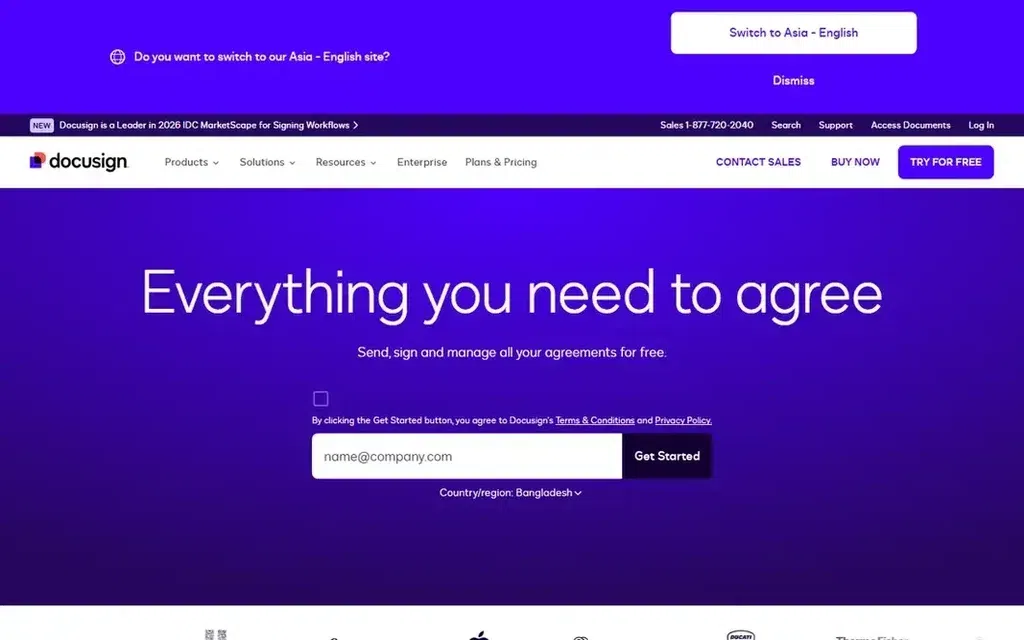
DocuSign serves wide eSignature with agreement management. If you chiefly want light sending and signing, a narrower tool may be more straightforward.
Trade-offs to know: Feature depth can add setup complexity.
Worth adding: the product's breadth means more configuration than a straightforward signing tool, which can slow down solo agents who only need fast signatures. More specifically, DocuSign presents itself as an electronic signature and intelligent agreement management system, letting users build, commit to, and run agreements in one place. Entry price for DocuSign: $45 per user per month. Free options: Not stated.
- Takes care of signing and agreement management together
- Widely recognized eSignature workflow
- May be more than small teams need
In short, dotloop is for real estate transaction management with signing. Agents who only occasionally need signatures may find a dedicated eSignature tool more straightforward.
Also, since it is tailored to real estate, it is not the obvious pick for other industries or general contract signing. dotloop provides an online system built to help real estate professionals get deals done, positioning itself around transaction management for the industry. That makes it a natural fit for agents and brokerages that want signing embedded in a deal workflow including documents, parties, and progress. dotloop starts at: $29 per user per month. As for free access: Free trial.
Points against: Not a general purpose signing tool.
- Spans deal workflow beyond signatures
- Made for real estate professionals
- Narrower fit outside real estate
Where OneSpan Sign fits: secure signing with identity assurance. OneSpan Sign is an eSignature product for customer agreements, combining secure eSignatures with identity assurance, automation, smart forms, and integrations.
On top of that, real estate organizations handling high value or regulated agreements, like brokerages with compliance oversight, may value the emphasis on verifying signer identity. Beyond that, identity and automation features only pay off when your process actually needs them. This comparison lists no price for OneSpan Sign; ask the vendor. Trial and free access: Not stated.
Points against: Enterprise focus may exceed small office needs.
- Smart forms and automation support
- Identity assurance built into signing
- Setup needs more planning
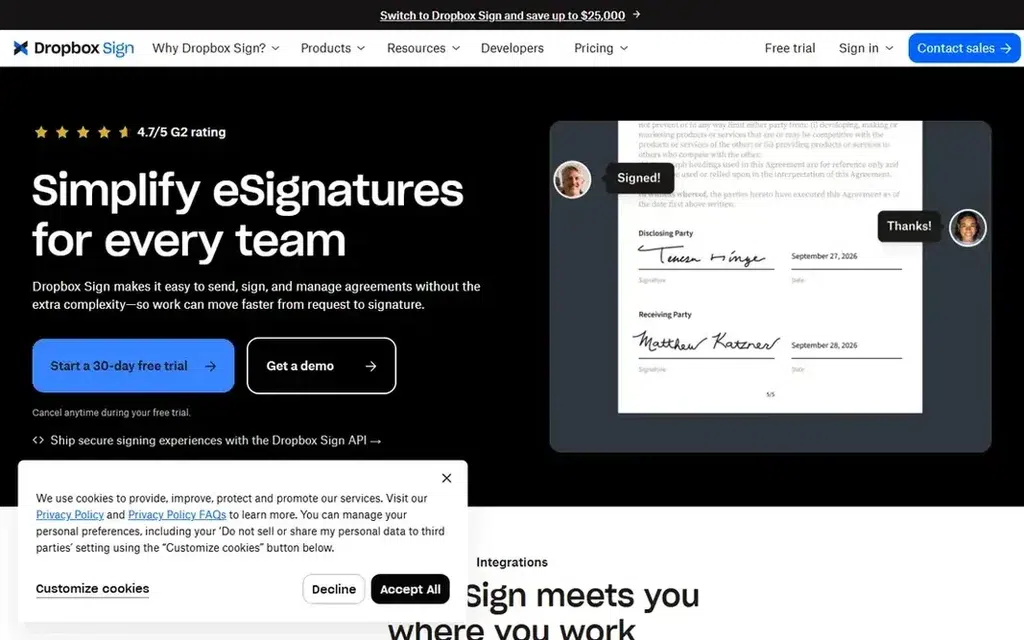
Dropbox Sign is designed for straightforward send and run signatures. For real estate agents, it suits straightforward signing tasks like supplies, addenda, and disclosure acknowledgments where speed and clarity matter more than deep workflow automation. It is a reasonable choice for individuals and small teams that want a focused signing tool.
Where it falls short: Fewer real estate specific features.
As for the details, the system is centered on signatures instead of the broader transaction coordination some real estate teams need, so deal tracking may need separate tools. For everyday use, pick something else when signing is one part of a bigger document management need. What you pay to start with Dropbox Sign: $15 USD / mo. Free access: Free trial.
- Legally binding agreements emphasized
- Clear focus on sending and receiving signatures
- Narrower than full transaction management
Selection criteria
Selection started from tools commonly considered for document signing software for real estate transactions, then narrowed to 6 that have clear pricing information or a clear quote process. Seat minimums, billing terms and add-ons can move the real cost, so the starting prices here are a guide and not a quote. Order on the page follows fit for the typical buyer first, then price transparency and free access. Your own requirements should decide the final pick.
Questions to settle before buying
- Get a written quote from Adobe Acrobat Sign, PactSafe and OneSpan Sign; the list shows no starting price for them.
- Take the trial from dotloop and Dropbox Sign and push a live task through it before you pay.
- Read the limits listed for Adobe Acrobat Sign first: best value relies on Adobe ecosystem use.
- Ask whether Adobe Acrobat Sign integrates with your current software, and whether that comes standard or as an add-on.
- Look at which plan of Dropbox Sign unlocks the features you need; entry tiers are often cut down.
FAQ
What should brokers check before choosing signing software?
Brokers should confirm compliance features, audit trails, approval history, and integration with existing systems. PactSafe, for instance, flags approval history and contract lifecycle support.
How are the document signing software for real estate transactions ordered?
The order follows typical fit for document signing software for real estate transactions, with Adobe Acrobat Sign first and Dropbox Sign last, then price clarity and free access. It is editorial judgement, not a score, so another team could rank the tools differently.
Can I try these tools before paying?
Often, yes. dotloop and Dropbox Sign offer a free trial. Use your own data and a real task during the test, and check what the free tier or trial limits before you rely on it.
Is Adobe Acrobat Sign the right pick for everyone comparing document signing software for real estate transactions?
No single tool suits every team. Adobe Acrobat Sign comes first because it fits teams already working in Adobe PDF tools, while PactSafe suits standard and clickwrap agreement signing and DocuSign suits broad eSignature with agreement management. Match the tool to your own size, budget and workflow before deciding.
Do these tools publish their prices?
Not all of them. Adobe Acrobat Sign, PactSafe and OneSpan Sign publish no starting price, so expect a quote request for those. The rest, DocuSign included, show a starting price, though seats and billing terms still change the final cost.
Sources
- https://www.adobe.com/sign.html
- https://www.pactsafe.com
- https://www.docusign.com
- https://www.dotloop.com
- https://www.onespan.com/products/esignature
- https://sign.dropbox.com