The 6 Best Critical Path Software in 2026, Ranked
Weighing the best critical path software? We lined up 6 products by cost, free access and fit. Every pick gets a straight assessment. Narrow your shortlist.

- Editor's choice
 Asana
Cross-team workflows with timelines
Starts at$10.99 per user per monthVisit asana.comFull review - Great alternative
 Monday.com
Adaptable workspaces for delivery teams
Starts at$9 per seat a monthVisit monday.comFull review - Also consider
 Smartsheet
Spreadsheet-style planning with governance
Starts at$12 per Member/monthVisit smartsheet.comFull review
Direct answer
Start with Asana if you need cross-team workflows with timelines. Listed starting prices: Asana from $10.99 per user per month, Monday.com from $9 per seat a month and Smartsheet from $12 per Member/month. Monday.com is the stronger choice for flexible workspaces for delivery teams, while Smartsheet suits spreadsheet-style planning with governance. All 6 tools are compared below on price, free plan and limits.
TL;DR:
- Asana takes the first slot, best suited to cross-team workflows with timelines.
- Free plans exist at 2 of 6 tools (Asana, Monday.com).
- One limit worth knowing about Smartsheet: advanced scheduling needs setup.
- The lowest published monthly entry price here is $9 per seat per month, from Monday.com.
- For large construction and engineering programs, Oracle Primavera P6 is worth a look.
Last checked November 2026. Prices and plan details were read from the vendors' own pages in November 2026; vendors change plans often, so confirm the current price on the vendor site before you buy.
Quick comparison
| Tool | Best for | Starts at | Free plan? | |
|---|---|---|---|---|
| Asana | Cross-team workflows with timelines | $10.99 per user per month | Yes | Visit |
| Monday.com | Adaptable workspaces for delivery teams | $9 per seat a month | Yes | Visit |
| Smartsheet | Spreadsheet-style planning with governance | $12 per Member/month | Not stated | Visit |
 Jira | Software teams tracking dependencies | See website | Not stated | Visit |
 Microsoft Project | Scheduling inside Microsoft 365 | See website | Not stated | Visit |
 Oracle Primavera P6 | Large construction and engineering programs | See website | Not stated | Visit |
Tool-by-tool breakdown
Short on time? The summary and table above give the quick view of 6 tools for critical path software, and the profiles that follow give the detail behind each entry.
For cross-team workflows with timelines, Asana is a natural candidate. Asana provides work management software for teams and AI agents to plan, automate and execute critical workflows together.
Timeline and dependency views let project leads sequence work and spot bottlenecks. Asana starts at: $10.99 per user per month. Asana has a free plan.
Points against: Advanced needs need extras.
- Automation for critical workflows
- Works for teams and AI agents
- Restricted formal schedule analysis
Monday.com serves flexible workspaces for delivery teams. Monday.com presents itself as an AI workspace for people and agents, where teams execute, run and operate together to drive business results. Its adaptable building blocks let teams model project stages and dependencies, making it a good fit for organizations that want one workspace across numerous kinds of work.
Drawbacks to consider: Complicated schedules need customization.
Beyond that, since the system is highly customizable, critical path visibility relies on how boards and dependencies are set up, and complicated schedules can need customization. Teams with strict scheduling standards may prefer a more structured tool. Price to start with Monday.com: $9 per seat per month. Monday.com offers a free plan.
- AI agents alongside people
- Simple for mixed teams to adopt
- Dependency logic varies by setup
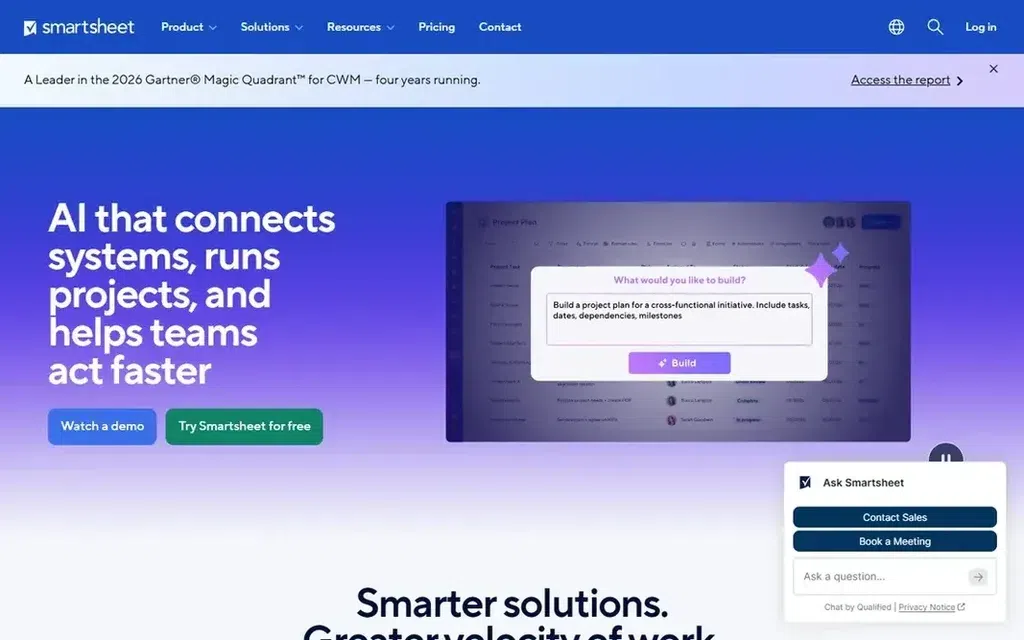
Think of Smartsheet for spreadsheet-style planning with governance. Smartsheet positions itself as an execution hub where people and AI get work done together, with the governance and visibility enterprises need. Teams needing deep, out-of-the-box schedule engines may prefer a purpose-built scheduling tool.
Honest limits: Can sprawl without standards.
Best features of Smartsheet: Familiar grid-based interface.
Teams that think in rows and columns can build dependency-aware schedules and track delivery in a familiar grid, which makes it a practical middle ground between spreadsheets and dedicated scheduling tools. As for the details, since it is adaptable, critical path planning relies on how well you configure dependencies and templates, and inconsistent setups can multiply over time. Price to start with Smartsheet: $12 per Member/month. Free access: Not stated.
- Enterprise governance and visibility
- Adaptable for plenty of workflows
- Advanced scheduling needs setup
Jira serves software teams tracking dependencies. Jira is Atlassian's project management tool for the AI era, bringing teams together with agents that orchestrate, plan and track projects at scale.
Drawbacks to consider: Not designed for construction schedules.
Choose it when your dependencies live in product backlogs and release plans. Jira does not show a starting price in this comparison, so check the vendor site for current pricing. Free options: Not stated.
- Designed for iterative delivery
- Capable fit for technical teams
- Setup needs admin attention
In short, Microsoft Project is for scheduling inside Microsoft 365. Microsoft Project is project management software aimed at planning, tracking resources and delivering results, and it sits naturally inside the Microsoft 365 ecosystem.
Where it is weaker: Learning curve for new planners.
It fits project managers who require structured schedules, task dependencies and resource views in one place, particularly where teams already rely on Microsoft tools for documents and communication. Microsoft Project does not show a starting price in this comparison, so check the vendor site for current pricing. Trial and free access: Not stated.
- Dependency and schedule tracking
- Resource management tools
- Full scheduling depth needs the right edition
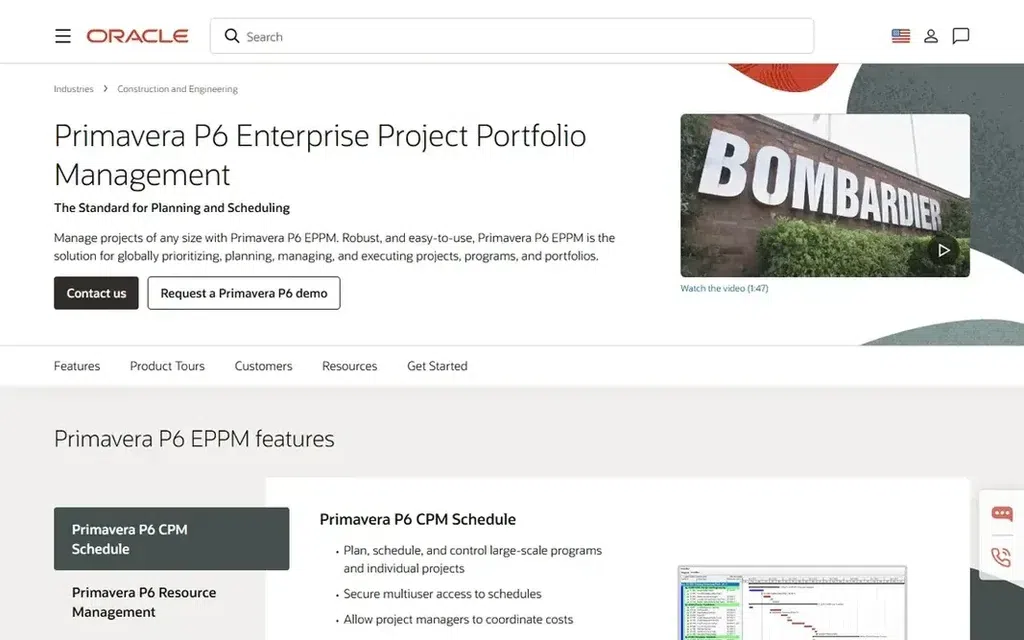
Think of Oracle Primavera P6 for large construction and engineering programs. Primavera P6 is not a light tool, and smaller teams frequently find its structure and administration overhead hard to justify.
Pricing for Oracle Primavera P6 is not stated here, so ask the vendor for current figures. Trial and free access: Not stated.
Limits to weigh: Needs trained schedulers.
- Designed for projects of any size
- Solid for construction portfolios
- Complicated for small teams
How these tools were picked
We compared the tools on published pricing, free plan or trial availability, feature coverage for critical path software, and the limits each vendor documents. Where a vendor does not publish a price, the entry says quote. Where a price depends on seats or billing term, the entry says so. We ordered the tools by general fit, then by how clearly pricing is shown, then by free access. A buyer with unusual needs may reorder them.
Pre-purchase checklist
- Get a written quote from Jira, Microsoft Project and Oracle Primavera P6; the list shows no starting price for them.
- Read the fine print on the free plans from Asana and Monday.com; seat, project and feature caps differ.
- Before choosing Asana, weigh its main limit: restricted formal schedule analysis.
- Check whether Jira bills monthly or annually, and what cancelling early costs.
- Ask whether Microsoft Project integrates with your current software, and whether that comes standard or as an add-on.
FAQ
Is Asana the right pick for everyone comparing critical path software?
No single tool suits every team. Asana comes first because it fits cross-team workflows with timelines, while Monday.com suits flexible workspaces for delivery teams and Smartsheet suits spreadsheet-style planning with governance. Match the tool to your own size, budget and workflow before deciding.
What is the cheapest option for critical path software in this list?
On published monthly entry prices, Monday.com is the lowest here at $9 per seat per month. Entry price is only part of the cost, because seats, add-ons and billing terms can change the total. Prices, free plan details and limits for all 6 tools in this critical path software roundup sit on the individual cards above.
How are the tools for critical path software ordered?
The order follows typical fit for critical path software, with Asana first and Oracle Primavera P6 last, then price clarity and free access. It is editorial judgement, not a score, so another team could rank the tools differently.
How do I choose between these choices?
Start with the complexity of your dependencies and the size of your program, then check whether the tool suits your existing systems.
Can I try these options before paying?
Often, yes. Asana and Monday.com have a free plan. Use your own data and a real task during the test, and check what the free tier or trial limits before you rely on it. Each of the 6 options in this critical path software guide has its own card above with the price, free plan and limits.
Sources
- https://asana.com
- https://monday.com
- https://www.smartsheet.com
- https://www.atlassian.com/software/jira
- https://www.microsoft.com/en-us/microsoft-365/project/project-management-software
- https://www.oracle.com/construction-engineering/primavera-p6