The 6 Best Donation Kiosk Software for Museums in 2026, Ranked
Weighing the best donation kiosk software for museums? We lined up 6 products by cost, free access and fit. Caveats come with every verdict. Prices included.
- Editor's choiceGiveSmart
Event-focused fundraising with donor management
Starts at$0 to get startedVisit givesmart.comFull review - Great alternative
 Classy
Large-scale online fundraising and events
Starts atSee websiteVisit classy.orgFull review - Also consider
 Neon One
Unified nonprofit system with events and ticketing
Starts at$99 per monthVisit neonone.comFull review
Direct answer
For event-focused fundraising with donor management, GiveSmart is where this list starts. Listed starting prices: GiveSmart from $0 to get started, Neon One from $99 per month and OneCause from $200. Classy is better for large-scale online fundraising and events, and Neon One is better for unified nonprofit platform with events and ticketing. The remaining 3 options are covered below with prices and limits.
TL;DR:
- Number one here is GiveSmart, a fit for event-focused fundraising with donor management.
- The cheapest monthly starting price in the list is $99 per month, offered by Neon One.
- Only 2 of the 6 tools have a free plan (GiveSmart, Funraise), so check the caps.
- The main caution on OneCause: Kiosk mode not explicitly mentioned.
- Funraise suits innovative online fundraising tools.
Last checked November 2026. Prices and plan details were read from the vendors' own pages in November 2026; vendors change plans often, so confirm the current price on the vendor site before you buy.
Quick comparison
| Tool | Best for | Starts at | Free plan? | |
|---|---|---|---|---|
| GiveSmart | Event-focused fundraising with donor management | $0 to get started | Yes | Visit |
| Classy | Large-scale online fundraising and events | See website | Not stated | Visit |
| Neon One | Unified nonprofit system with events and ticketing | $99 per month | Not stated | Visit |
| OneCause | Auctions, events, and peer-to-peer fundraising | $200 | Not stated | Visit |
| Blackbaud Donation Kiosk | Museums needing integrated nonprofit software | See website | Not stated | Visit |
| Funraise | Innovative online fundraising tools | See website | Yes | Visit |
Tool-by-tool breakdown
Short on time? The summary and table above give the quick view of 6 donation kiosk software for museums, and the profiles that follow give the detail behind each entry.
GiveSmart
Best for: Event-focused fundraising with donor management
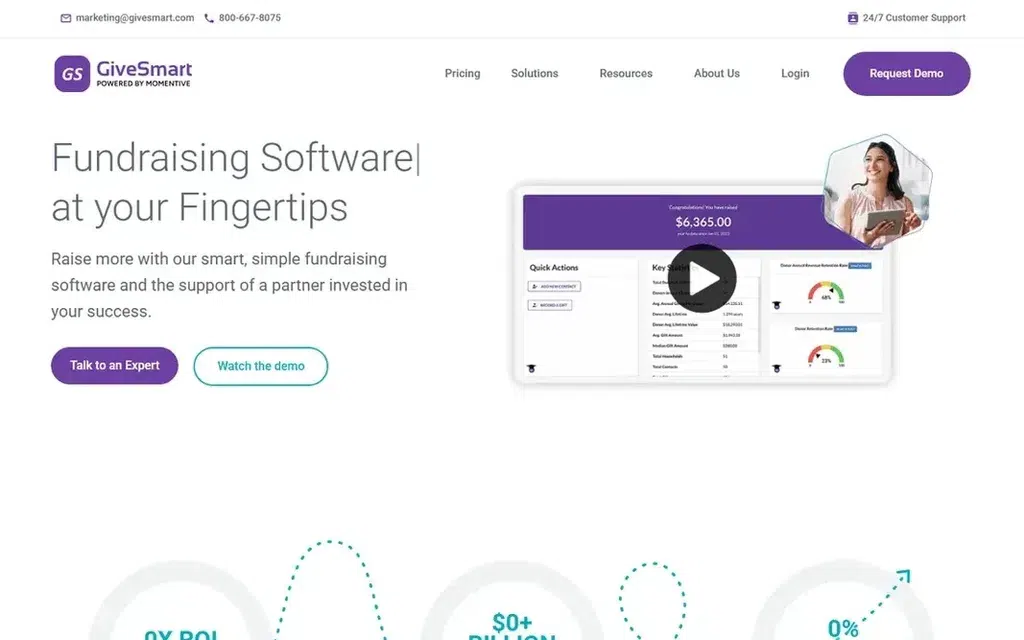
Pick GiveSmart if this describes you: event-focused fundraising with donor management. GiveSmart is a modern, all-in-one nonprofit fundraising software that simplifies fundraising and donor management. It helps organizations make their mission a movement by combining donation processing with donor engagement tools.
Whereas GiveSmart includes plenty of fundraising needs, its homepage does not explicitly detail kiosk functionality, so museums should confirm kiosk support straight. More specifically, museums needing a dedicated kiosk-first option might look at other choices. In daily use, museums that host events and campaigns alongside kiosk giving may find its unified approach appealing. Entry price for GiveSmart: $0 to get started. You can start on GiveSmart without paying.
Trade-offs to know: Kiosk-specific features not highlighted.
Strengths: simplified interface.
- All-in-one fundraising and donor management
- Modern
- May be more event-oriented
Classy serves large-scale online fundraising and events. Museums with significant online fundraising needs and a desire for a solid system might find Classy suitable, though kiosk functionality should be verified. As for the details, Classy, now part of GoFundMe Pro, is a nonprofit online fundraising system that merges feature-rich software with GoFundMe's scale and intelligence.
Trade-offs to know: May be complicated for small museums.
It supports a broad set of fundraising activities, including events and campaigns. More specifically, Classy's homepage does not explicitly mention kiosk software, so museums should confirm whether kiosk donations are supported. In daily use, the product may be more centred on online and event-based fundraising. Check the vendor site for Classy pricing; none is listed in this comparison. Free plan details: Not stated.
- Capable online fundraising product
- Backed by GoFundMe's scale
- Kiosk features not specified
Neon One is aimed squarely at unified nonprofit system with events and ticketing. Museums seeking a straightforward kiosk option may prefer a more specialized tool.
Neon One merges donor management, fundraising, memberships, events, and ticketing into a unified nonprofit software product. It aims to offer a single system for several nonprofit operations. What you pay to start with Neon One: $99 per month. Free access: Not stated.
Points against: Kiosk features not explicitly stated.
- Supports memberships and fundraising
- Unified product for nonprofits
- May be broader than needed
OneCause
Best for: Auctions, events, and peer-to-peer fundraising
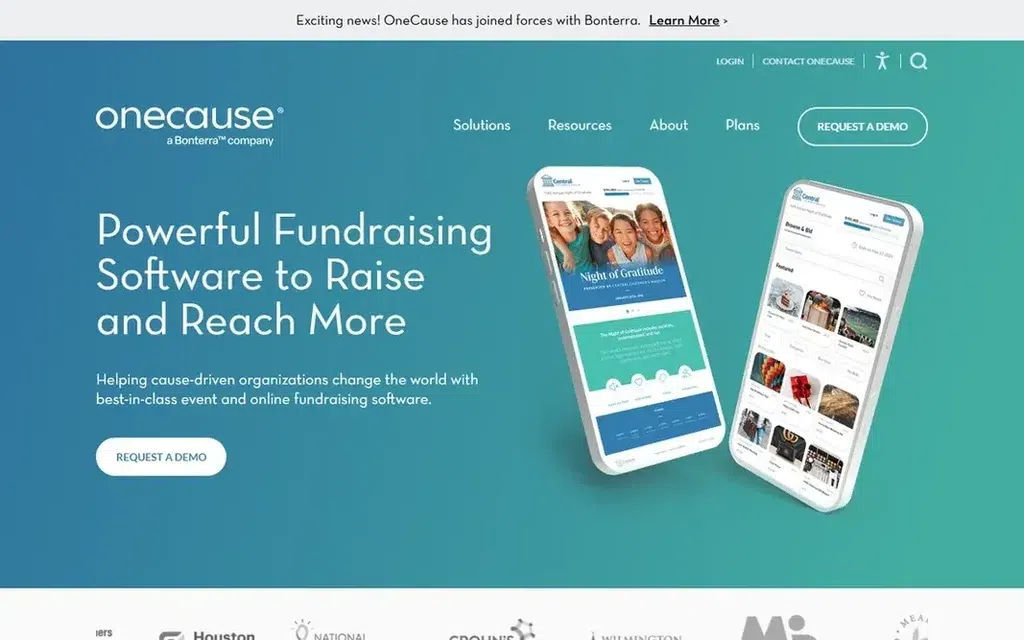
OneCause is built with auctions, events, and peer-to-peer fundraising in mind. OneCause supplies nonprofit fundraising software and event options, including tools for events, auctions, online fundraising, Text2Give, and peer-to-peer campaigns.
Kiosk-specific functionality is not highlighted on the homepage, so verification is advised. Museums that run auctions or special events alongside kiosk donations could benefit from its wide feature set. What you pay to start with OneCause: $200. On free options: Not stated.
Limits to weigh: Kiosk mode not explicitly mentioned.
- Thorough event options
- Supports events, auctions, Text2Give
- May be complicated for straightforward kiosk needs
Blackbaud Donation Kiosk
Best for: Museums needing integrated nonprofit software
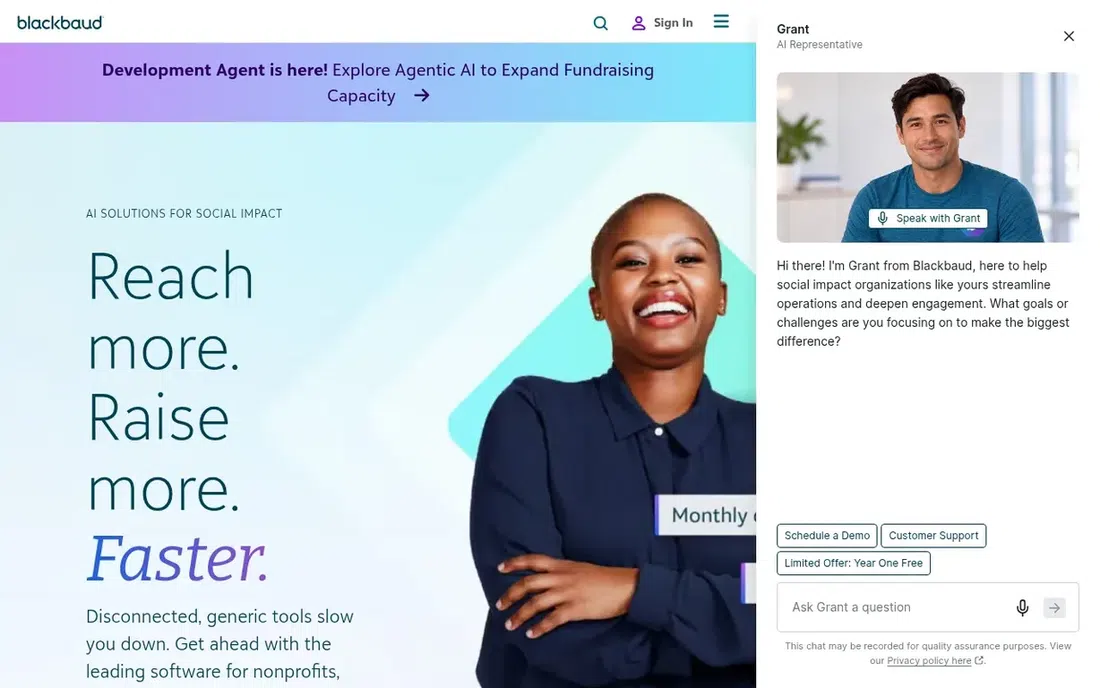
Blackbaud Donation Kiosk serves museums needing integrated nonprofit software. From a buyer's view, evaluate integration needs and overall system fit before choosing.
Honest limits: Restricted standalone kiosk details.
In practice, the kiosk offering may be most beneficial when paired with other Blackbaud products, and standalone details are restricted. Museums seeking a straightforward, dedicated kiosk option without a bigger product commitment might consider alternatives. This comparison lists no price for Blackbaud Donation Kiosk; ask the vendor. As for free access: Not stated.
- AI-powered features for social impact
- Built for education and nonprofits
- May need Blackbaud ecosystem
Funraise
Best for: Innovative online fundraising tools
Funraise is a good fit for innovative online fundraising tools. Funraise's homepage emphasizes online fundraising and does not detail kiosk capabilities. Beyond that, museums requiring a dedicated kiosk option should explore other choices or verify integration possibilities.
Where Funraise stands out: Focus on simplicity.
Drawbacks to consider: May be geared toward online campaigns.
Museums looking for a fresh, approachable product for online and possibly kiosk donations might consider Funraise, though kiosk specifics should be confirmed. It is built to power up nonprofits with modern options. Check the vendor site for Funraise pricing; none is listed in this comparison. Free access exists with Funraise.
- Approachable interface
- Innovative fundraising features
- Kiosk functionality not mentioned
How we built this list
The comparison looks at four things: starting price, free access, how well the feature set matches donation kiosk software for museums, and the main limit of each tool. Seat minimums, billing terms and add-ons can move the real cost, so the starting prices here are a guide and not a quote. Order on the page follows fit for the typical buyer first, then price transparency and free access. Your own requirements should decide the final pick.
A buyer's checklist
- Confirm the entry price on the vendor page. For Classy, Blackbaud Donation Kiosk and Funraise that means a quote rather than a fixed price.
- Read the fine print on the free plans from GiveSmart and Funraise; seat, project and feature caps differ.
- Read the limits listed for GiveSmart first: Kiosk-specific features not highlighted.
- Check how data leaves GiveSmart: formats, limits and whether exports are available on every plan.
- Before rolling out OneCause, verify the integrations your workflow depends on.
FAQ
Which options for donation kiosk software for museums have a free plan?
On this list, GiveSmart and Funraise include a free plan. Caps on seats, usage or features are common, so test the free plan against your real workload.
Can I try these tools before paying?
Often, yes. GiveSmart and Funraise have a free plan. Use your own data and a real task during the test, and check what the free tier or trial limits before you rely on it.
How are the tools for donation kiosk software for museums ordered?
The order follows typical fit for donation kiosk software for museums, with GiveSmart first and Funraise last, then price clarity and free access. It is editorial judgement, not a score, so another team could rank the tools differently.
What should museums look for in donation kiosk software?
Museums should prioritize simplicity for visitors, secure payment processing, and integration with donor management systems. As for the details, configurable interfaces and steady support are also important. Consider whether the software can manage in-person donations alongside online campaigns.
Is GiveSmart the right pick for everyone comparing donation kiosk software for museums?
No single tool suits every team. GiveSmart comes first because it fits event-focused fundraising with donor management, while Classy suits large-scale online fundraising and events and Neon One suits unified nonprofit platform with events and ticketing. Match the tool to your own size, budget and workflow before deciding.
Sources
- https://www.givesmart.com
- https://www.classy.org
- https://www.neonone.com
- https://www.onecause.com
- https://www.blackbaud.com
- https://www.funraise.org