Best Donation Kiosk Software for In-Person Giving for 2026: Our 5 Vetted Picks
5 options for the best donation kiosk software for In-Person giving, with entry costs, free tiers and the buyer each one serves. Every tool lists pros and cons.
- Editor's choiceFunraise
Modern nonprofit fundraising campaigns
Starts atSee websiteVisit funraise.orgFull review - Great alternativeOneCause
Events, auctions and in-person campaigns
Starts at$200Visit onecause.comFull review - Also consider
 Classy
Online fundraising with GoFundMe backing
Starts atSee websiteVisit classy.orgFull review
Direct answer
For modern nonprofit fundraising campaigns, Funraise is where this list starts. Listed starting prices: OneCause from $200, Donorbox from $50 a month and Givebutter from $29 a month. OneCause is better for events, auctions and in-person campaigns, and Classy is better for online fundraising with GoFundMe backing. Details, prices and limits for the rest of the 5 tools are below.
TL;DR:
- Funraise sits first on this list: modern nonprofit fundraising campaigns.
- A free plan is available from 3 of the 5 tools: Funraise, Donorbox, Givebutter.
- OneCause comes with a trade-off: broader event suite may exceed straightforward kiosk needs.
- The lowest published monthly entry price here is $29 per month, from Givebutter.
- Givebutter suits all-in-one fundraising and donor management.
Last checked November 2026. Prices and plan details were read from the vendors' own pages in November 2026; vendors change plans often, so confirm the current price on the vendor site before you buy.
Quick comparison
| Tool | Best for | Starts at | Free plan? | |
|---|---|---|---|---|
| Funraise | Modern nonprofit fundraising campaigns | See website | Yes | Visit |
| OneCause | Events, auctions and in-person campaigns | $200 | Not stated | Visit |
| Classy | Online fundraising with GoFundMe backing | See website | Not stated | Visit |
 Donorbox | Straightforward donation forms and pages | $50 a month | Yes | Visit |
 Givebutter | All-in-one fundraising and donor management | $29 a month | Yes | Visit |
Tool-by-tool breakdown
If you are comparing donation kiosk software for In-Person giving, this page covers 5 tools in one place: what each is best for, what it costs to start, whether it has a free plan, and the main limit to know about.
Funraise
Best for: Modern nonprofit fundraising campaigns
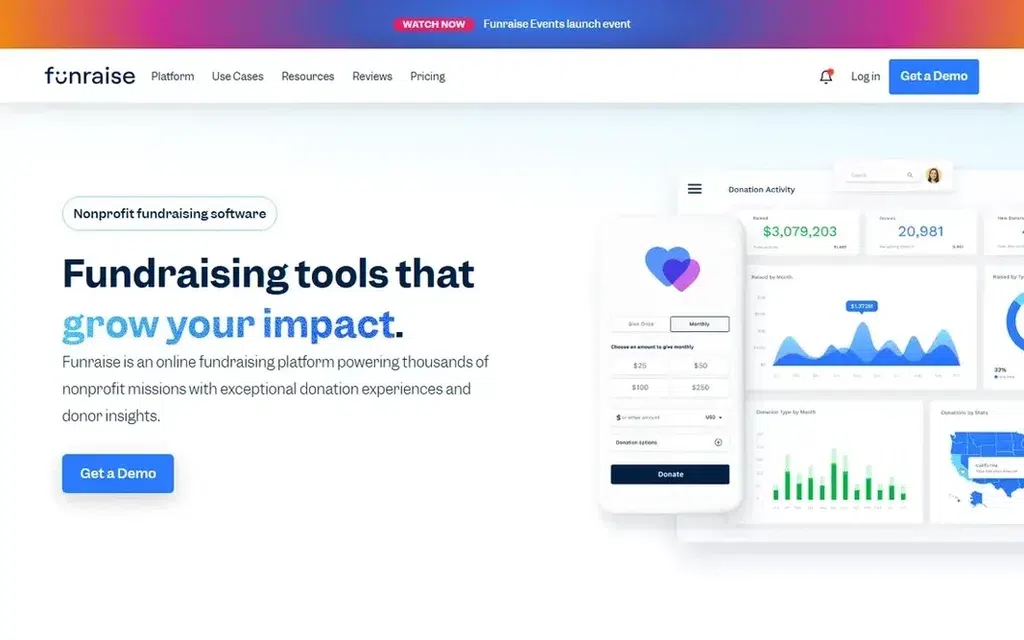
Funraise targets modern nonprofit fundraising campaigns. For in-person giving, it can serve as the system behind donation collection at events or on-site kiosks.
Limits to weigh: Kiosk use may need configuration.
The product is oriented toward overall fundraising instead of dedicated kiosk hardware, so in-person setups need planning. Funraise describes itself as nonprofit fundraising software meant to make fundraising simpler, with tools that support campaigns and donor engagement. Funraise does not show a starting price in this comparison, so check the vendor site for current pricing. You can start on Funraise without paying.
- Tools targeted at simplifying campaigns
- Supports donor engagement efforts
- Feature depth varies by organization size
OneCause
Best for: Events, auctions and in-person campaigns
OneCause is a good fit for events, auctions and in-person campaigns. If in-person giving is occasional and straightforward, a lighter donation tool may be simpler to handle. OneCause provides fundraising options for events, auctions, online fundraising, Text2Give and peer-to-peer campaigns.
Watch-outs: Broader event suite may exceed straightforward kiosk needs.
That event focus makes it a natural fit for in-person giving, where donations happen alongside galas, auctions or community events. On top of that, since it is built around events, the system may be more than a small organization needs for a straightforward lobby kiosk. Price to start with OneCause: $200. Free plan details: Not stated.
- Built around fundraising events
- Text2Give and peer-to-peer choices
- Setup varies by event type
Classy serves online fundraising with GoFundMe backing. The system leans toward online campaigns, so dedicated kiosk workflows may need additional configuration. For everyday use, organizations seeking event-specific tools like auctions may look at other choices.
For everyday use, choose Classy when online fundraising strength and brand recognition are priorities. Classy is presented as GoFundMe Pro, a nonprofit online fundraising product that merges fundraising software with GoFundMe's scale and intelligence. Classy does not show a starting price in this comparison, so check the vendor site for current pricing. Trial and free access: Not stated.
Honest limits: In-person kiosk use is not the core focus.
- Part of GoFundMe Pro
- Nonprofit online fundraising product
- Setup relies on campaign structure
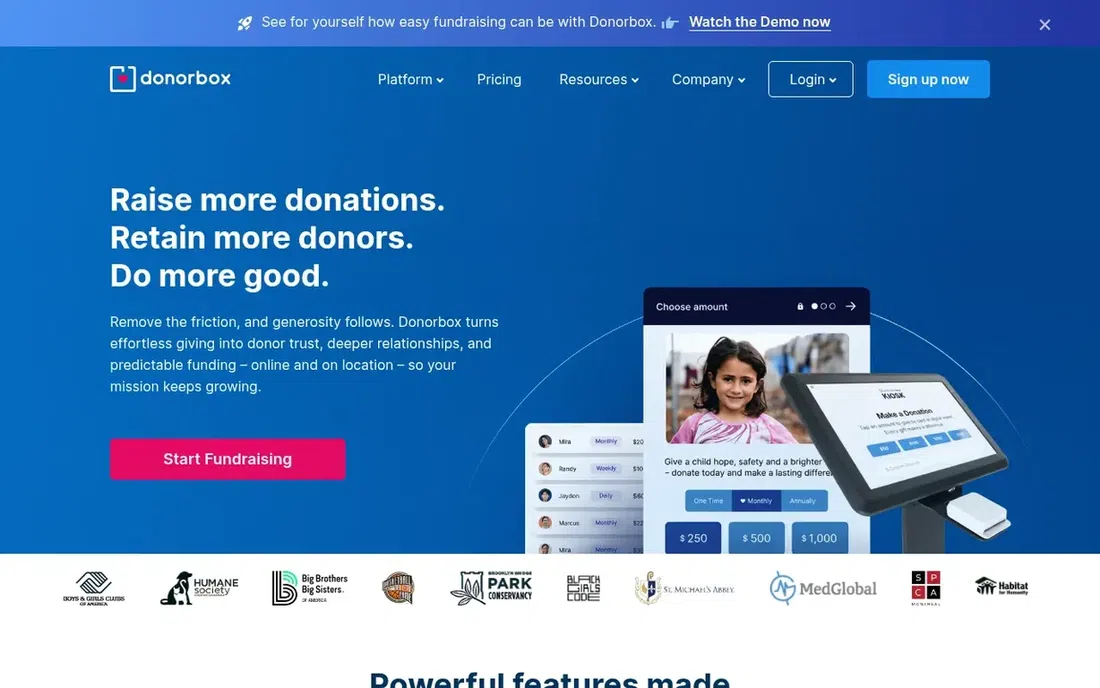
Donorbox works best for straightforward donation forms and pages. Donorbox is widely recognized for donation forms and fundraising pages that nonprofits can embed or share.
You will also have to deal with kiosk hardware and device setup yourself. If your in-person giving is tied closely to galas or auctions, an event-focused system may fit better. Price to start with Donorbox: $50 per month. Donorbox offers a free plan.
Honest limits: Fewer event-specific features than event systems.
- Well known for donation forms and pages
- Does well for linked in-person giving
- Kiosk hardware setup is your responsibility
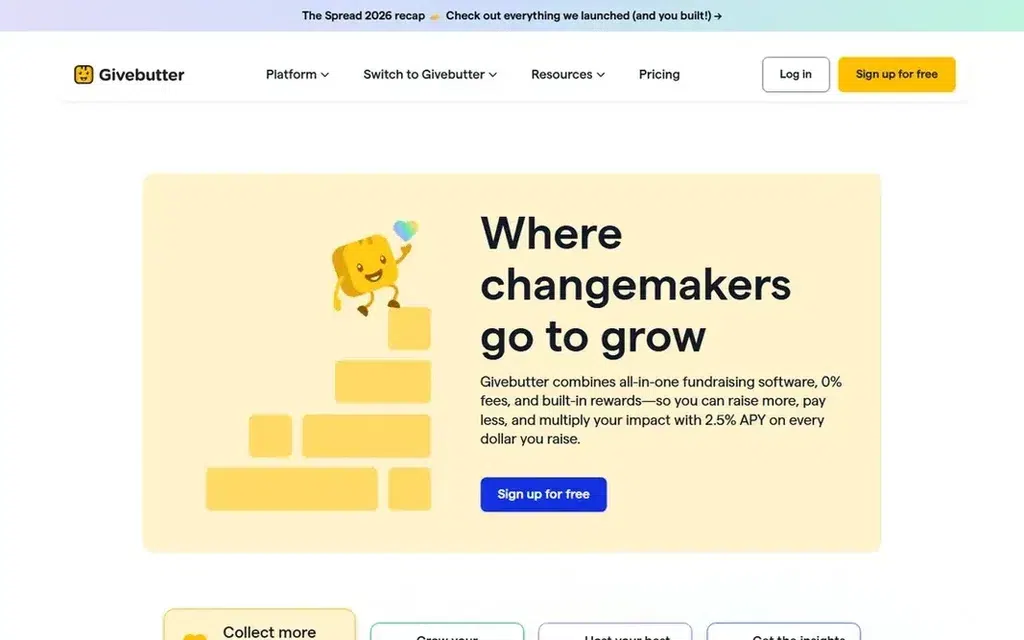
In short, Givebutter is for all-in-one fundraising and donor management. For in-person giving, that means donations collected at an event or kiosk can feed into the same system you use for campaigns and donor records. As for the details, setting up in-person giving well still takes planning.
Honest limits: Wide product may feel large for small teams.
Since the system spans plenty of functions, teams that only need a straightforward kiosk form may find it broader than necessary. Also, if your priority is a narrow, single-purpose donation tool, a more focused choice may be more straightforward. Givebutter starts at: $29 per month. Free access exists with Givebutter.
- Supports both online and in-person giving
- Single product for smoother campaigns
- Kiosk-specific setup details vary by campaign
Selection criteria
Selection started from tools commonly considered for donation kiosk software for In-Person giving, then narrowed to 5 that have clear pricing information or a clear quote process. Seat minimums, billing terms and add-ons can move the real cost, so the starting prices here are a guide and not a quote. Order on the page follows fit for the typical buyer first, then price transparency and free access. Your own requirements should decide the final pick.
Before you commit
- Ask Funraise and Classy for a written quote, since no starting price is shown.
- Look at free plan limits closely: Funraise, Donorbox and Givebutter have one, and the caps decide whether it is usable for real work.
- Before choosing Funraise, weigh its main limit: kiosk use may need configuration.
- Ask Classy about contract length, onboarding fees and user minimums before you sign.
- Total up the real monthly cost of Donorbox, including add-ons, extra users and usage-based fees.
FAQ
Which options for donation kiosk software for In-Person giving have a free plan?
On this list, Funraise, Donorbox and Givebutter include a free plan. Caps on seats, usage or features are common, so test the free plan against your real workload.
Do these tools publish their prices?
Not all of them. Funraise and Classy publish no starting price, so expect a quote request for those. The rest, OneCause included, show a starting price, though seats and billing terms still change the final cost.
What is the cheapest option for donation kiosk software for In-Person giving in this list?
On published monthly entry prices, Givebutter is the lowest here at $29 per month. Entry price is only part of the cost, because seats, add-ons and billing terms can change the total. Each of the 5 options in this donation kiosk software for In-Person giving guide has its own card above with the price, free plan and limits.
How are the tools for donation kiosk software for In-Person giving ordered?
The order follows typical fit for donation kiosk software for In-Person giving, with Funraise first and Givebutter last, then price clarity and free access. It is editorial judgement, not a score, so another team could rank the tools differently.
Can event products also handle everyday in-person giving?
Event-focused systems like OneCause and GiveSmart are built around galas, auctions and campaigns, and they can support giving at other in-person moments too.
Sources
- https://www.funraise.org
- https://www.onecause.com
- https://www.classy.org
- https://donorbox.org
- https://givebutter.com