Best Donation Button Software for Small Nonprofits (2026): 6 Picks Checked on Vendor Pages
Best donation button software for small nonprofits in 2026: 6 contenders with entry costs and free tiers. Short verdicts, no fluff. Current for November 2026.
- Editor's choice
 Fundraise Up
AI-optimized online giving
Starts atSee websiteVisit fundraiseup.comFull review - Great alternative
 Classy
Online fundraising with GoFundMe Pro integration
Starts atSee websiteVisit classy.orgFull review - Also consider
 Givebutter
All-in-one fundraising and donor management
Starts at$29 per monthVisit givebutter.comFull review
Direct answer
Fundraise Up comes first here, mainly for AI-optimized online giving. Listed starting prices: Givebutter from $29 per month, Donorbox from $50 a month and Stripe Payment Links from $10.00 a month. Look at Classy for online fundraising with GoFundMe Pro integration, and at Givebutter for all-in-one fundraising and donor management. The full list of 6 tools follows, with prices and free plan facts.
TL;DR:
- The list opens with Fundraise Up, aimed at AI-optimized online giving.
- Stripe Payment Links has the lowest monthly starting price in this list: $10.00 per month.
- Givebutter, Donorbox: these are the 2 tools out of 6 that offer a free plan.
- For small nonprofits seeking coaching and AI tools, Network for Good is worth a look.
- Before buying Donorbox, weigh this: restricted broader CRM features.
Last checked November 2026. Prices and plan details were read from the vendors' own pages in November 2026; vendors change plans often, so confirm the current price on the vendor site before you buy.
Quick comparison
| Tool | Best for | Starts at | Free plan? | |
|---|---|---|---|---|
| Fundraise Up | AI-optimized online giving | See website | Not stated | Visit |
| Classy | Online fundraising with GoFundMe Pro integration | See website | Not stated | Visit |
| Givebutter | All-in-one fundraising and donor management | $29 per month | Yes | Visit |
 Donorbox | Small nonprofits needing a dedicated donation button | $50 a month | Yes | Visit |
| Stripe Payment Links | Straightforward no-code payment links | $10.00 a month | Not stated | Visit |
| Network for Good | Small nonprofits seeking coaching and AI tools | See website | Not stated | Visit |
The full donation button software for small nonprofits list
If you are comparing donation button software for small nonprofits, this page covers 6 tools in one place: what each is best for, what it costs to start, whether it has a free plan, and the main limit to know about.
Fundraise Up was built for AI-optimized online giving. Fundraise Up is a digital fundraising product for online giving that uses AI conversion optimization and turnkey payment methods to help nonprofits increase donation revenue. It is meant to optimize the donor experience and maximize completed gifts through intelligent prompts and payment choices.
For everyday use, organizations seeking a straightforward, set-and-forget button might prefer a more entry-level tool, whereas those ready to use AI will see benefits. Small nonprofits looking to grow their online donations with data-driven features may find it appealing. This comparison lists no price for Fundraise Up; ask the vendor. Free options: Not stated.
The main drawbacks: Less emphasis on entry-level buttons.
- Turnkey payment methods
- Focus on increasing revenue
- May be advanced for beginners
Classy serves online fundraising with GoFundMe Pro integration. Small nonprofits can use Classy to produce branded donation pages and use social fundraising features. On top of that, Classy's deep feature set and enterprise focus might be more than a small nonprofit needs, especially if they only need an entry-level donation button.
Classy, now part of GoFundMe Pro, is a nonprofit online fundraising product that merges capable software with GoFundMe's scale and intelligence. It gives you donation buttons and forms as part of a suite built for bigger campaigns and peer-to-peer fundraising. As for the details, the system could also involve higher complexity and resource commitment. Pricing for Classy is not stated here, so ask the vendor for current figures. Free plan details: Not stated.
Where it falls short: Complicated setup for straightforward needs.
- Supports several campaign types
- Feature-rich fundraising platform
- May be expensive for small nonprofits
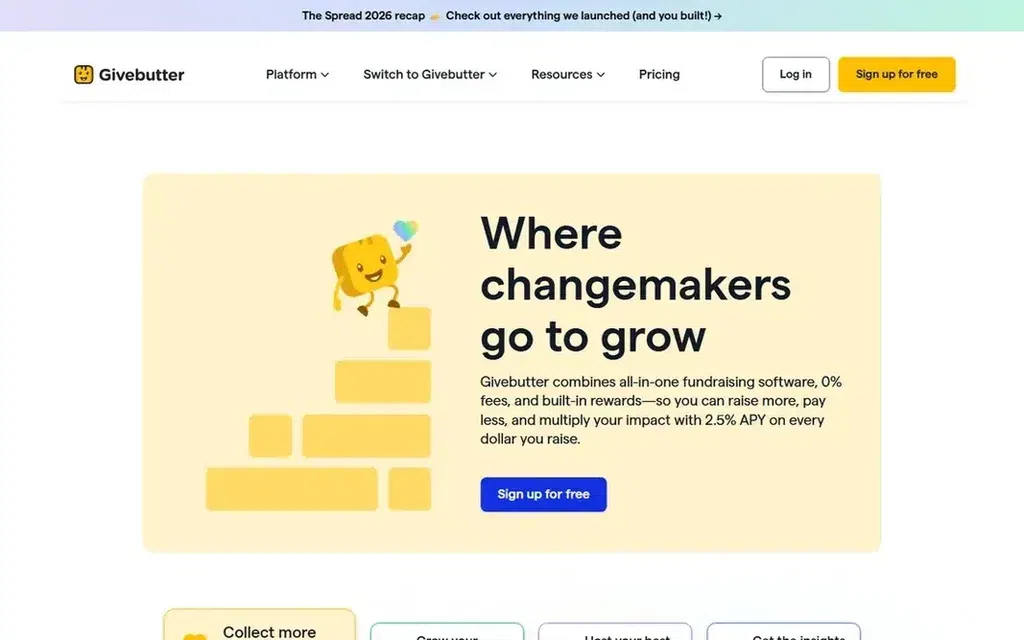
For all-in-one fundraising and donor management, Givebutter is a natural candidate. Givebutter presents itself as an all-in-one fundraising system that brings together donation buttons, marketing, and donor management under one roof. Worth adding: the product is built to be accessible and bundles features like campaign pages and event ticketing alongside standard donation forms.
What to check first: May be more than needed for entry-level buttons.
Also, the broader feature set could also introduce complexity in setup. Since Givebutter handles plenty of areas, it might feel overwhelming for organizations that only need a straightforward donation button. The starting price for Givebutter: $29 per month. You can start on Givebutter without paying.
- Approachable interface
- Modern
- Some features need ramp-up time
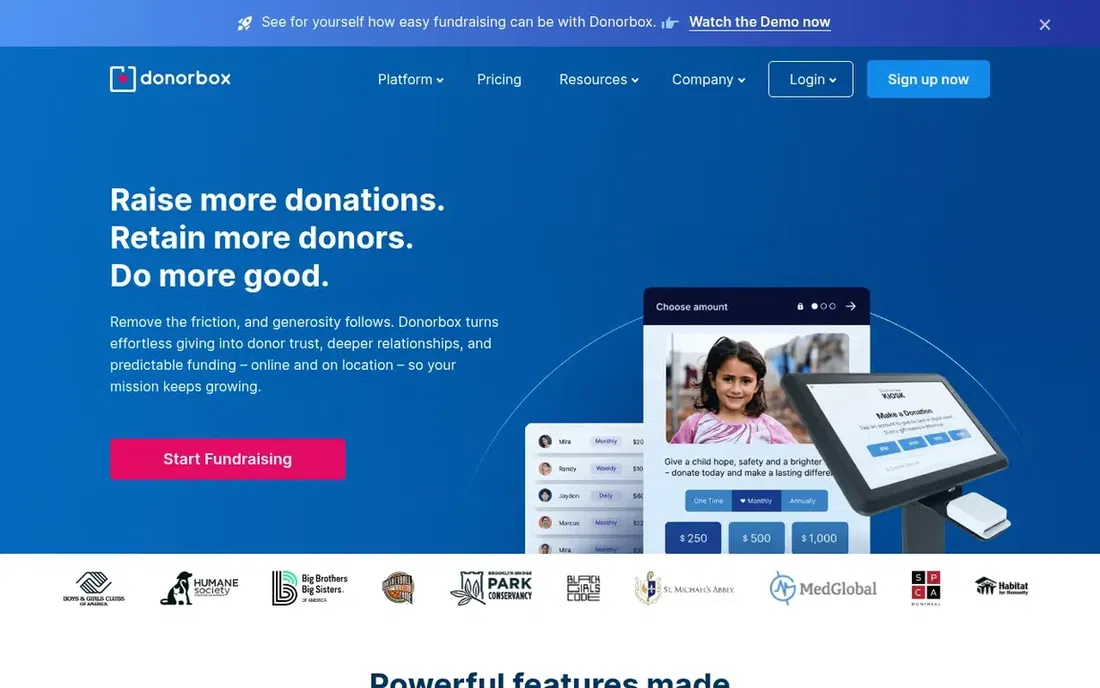
Donorbox is aimed squarely at small nonprofits needing a dedicated donation button. The tool supports recurring donations and several payment methods, which can help simplify the giving experience for donors.
Honest limits: Restricted broader CRM features.
Worth adding: for straightforward, effective donation buttons, Donorbox remains a capable choice. Entry price for Donorbox: $50 per month. You can start on Donorbox without paying.
- Purpose-built donation forms
- Supports recurring gifts
- May need extras for advanced needs
Stripe Payment Links
Best for: Straightforward no-code payment links
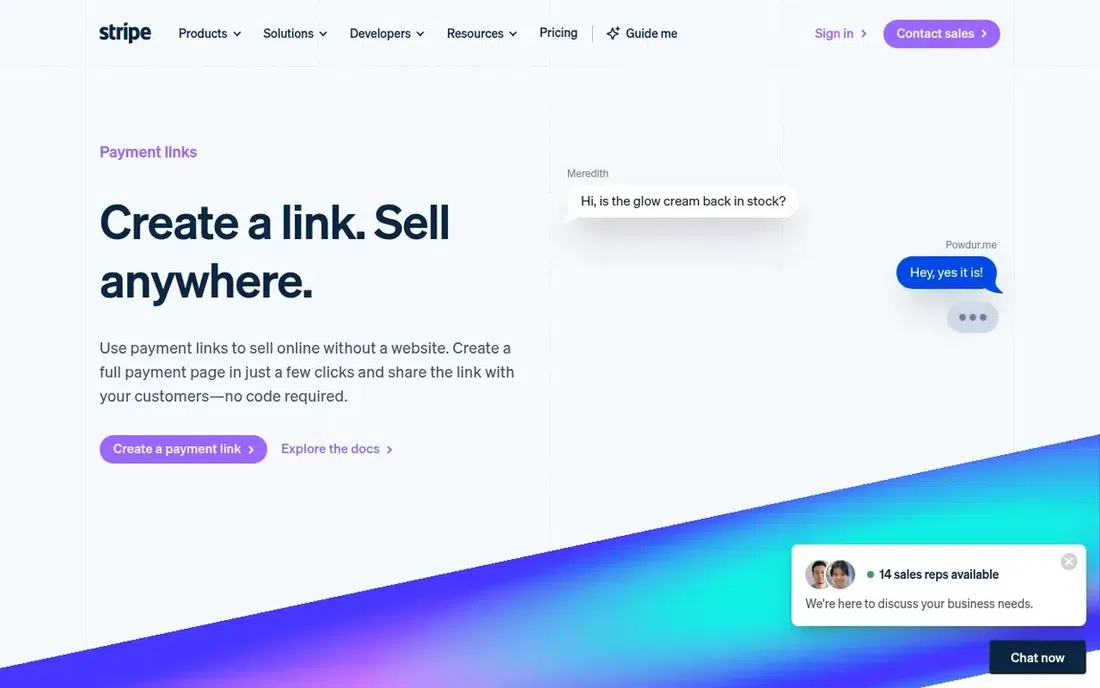
Stripe Payment Links is designed for straightforward no-code payment links. Stripe Payment Links lets users build a shareable payment page in just a handful of clicks, with no website or coding skills needed.
Beyond that, nonprofits seeking a more tailored fundraising experience should look at dedicated products. Stripe Payment Links pricing: $10.00 per month. Free options: Not stated.
Drawbacks to consider: Not nonprofit-specific.
- Backed by Stripe's payment infrastructure
- No website or coding required
- Limited donor management features
Network for Good
Best for: Small nonprofits seeking coaching and AI tools
Network for Good targets small nonprofits seeking coaching and AI tools. The setup might also need more time to completely utilize. In daily use, organizations looking for a straightforward, standalone button might prefer a lighter tool, whereas those wanting guidance and a full system will find value here.
Network for Good, now part of Bonterra, helps small and expanding nonprofits raise more with AI fundraising tools, donor management, and expert coaching. It is built to support organizations that require both software and guidance to build their fundraising capacity. On top of that, the system bundles donation buttons and forms as part of a broader suite geared toward relationship-building and donor engagement. No starting price is listed for Network for Good here; confirm pricing on the vendor site. As for free access: Not stated.
Trade-offs to know: May need demo for full details.
- AI fundraising tools
- Comes with expert coaching
- Could be complicated for very small groups
How we built this list
Things to verify first
- Confirm the entry price on the vendor page. For Fundraise Up, Classy and Network for Good that means a quote rather than a fixed price.
- Look at free plan limits closely: Givebutter and Donorbox have one, and the caps decide whether it is usable for real work.
- Read the limits listed for Fundraise Up first: may be advanced for beginners.
- Confirm the exact Network for Good plan that includes your must-have features.
- Find out what support Fundraise Up includes on your plan, and whether onboarding help costs extra.
FAQ
Is Fundraise Up right for small nonprofits with restricted technical skills?
Fundraise Up emphasizes AI optimization and may have a steeper ramp-up time for beginners. Beyond that, small nonprofits with restricted technical skills might find more straightforward tools simpler to start with.
Can I try these tools before paying?
Often, yes. Givebutter and Donorbox have a free plan. Use your own data and a real task during the test, and check what the free tier or trial limits before you rely on it. Prices, free plan details and limits for all 6 tools in this donation button software for small nonprofits roundup sit on the individual cards above.
Can I use Stripe Payment Links for nonprofit donations?
Yes, Stripe Payment Links can be used to accept donations via a shareable link. Even so, it lacks nonprofit-specific features like donor management and campaign pages.
Is Fundraise Up the right pick for everyone comparing donation button software for small nonprofits?
No single tool suits every team. Fundraise Up comes first because it fits AI-optimized online giving, while Classy suits online fundraising with GoFundMe Pro integration and Givebutter suits all-in-one fundraising and donor management. Match the tool to your own size, budget and workflow before deciding.
Which options for donation button software for small nonprofits have a free plan?
On this list, Givebutter and Donorbox include a free plan. Caps on seats, usage or features are common, so test the free plan against your real workload.
How does Givebutter differ from Donorbox?
Donorbox focuses more narrowly on donation forms and buttons. Givebutter fits organizations wanting an integrated suite, whereas Donorbox is a strong match for those needing a dedicated donation tool.
Sources
- https://fundraiseup.com
- https://www.classy.org
- https://givebutter.com
- https://donorbox.org
- https://stripe.com/payments/payment-links
- https://www.networkforgood.com