Choosing Client Portal Software for Nonprofits in 2026: 5 Options Compared
Shortlisting the best client portal software for nonprofits? 5 products compared on cost, free access and ideal buyer. Each pick lists its main limit. No hype.
- Editor's choice
 Smartsheet
Governed client project portals
Starts at$12 per Member/monthVisit smartsheet.comFull review - Great alternative
 Asana
Work management with client visibility
Starts at$10.99 per user a monthVisit asana.comFull review - Also consider
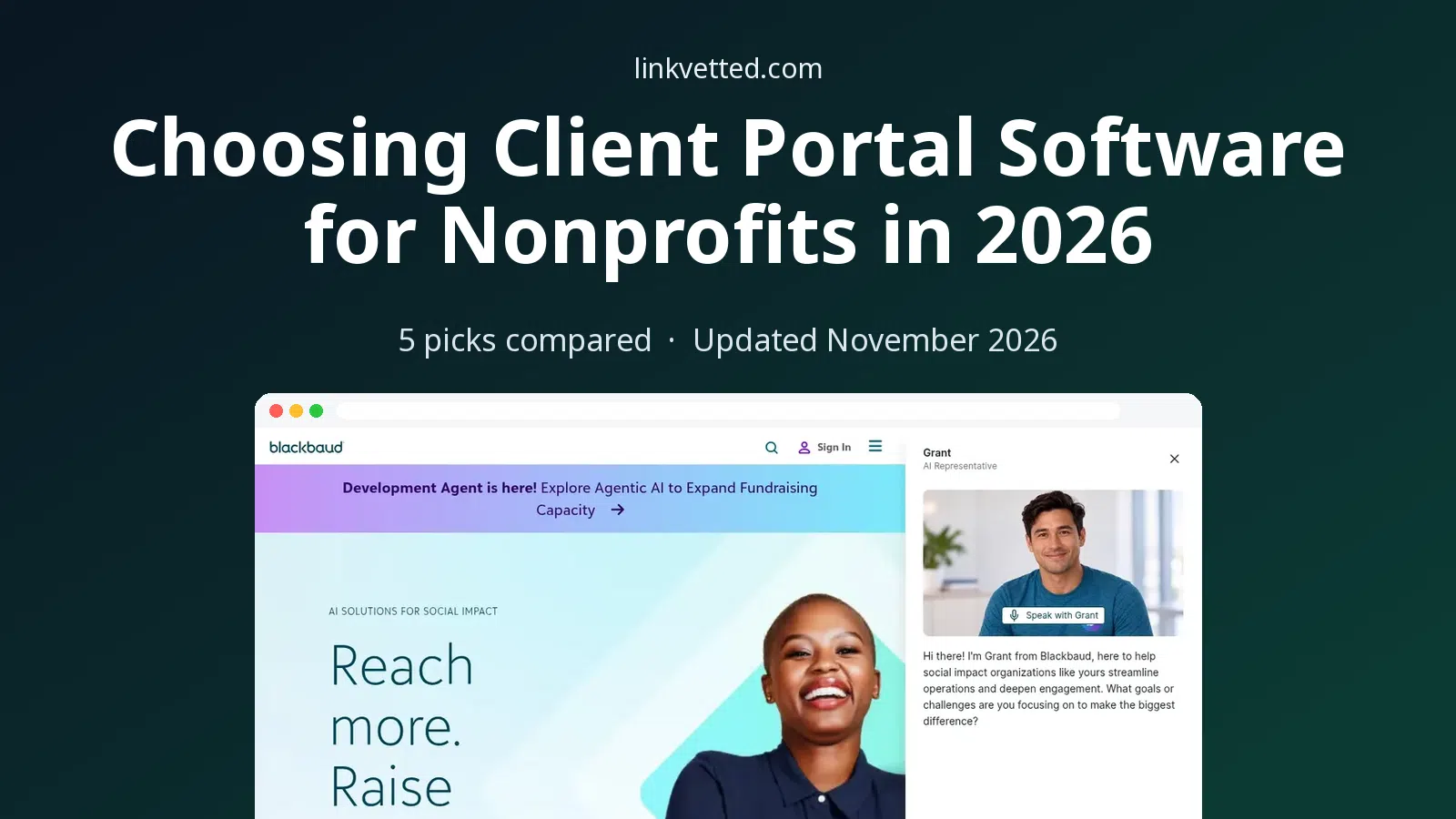
 Blackbaud
Nonprofit-specific client and donor portals
Starts atSee websiteVisit blackbaud.comFull review
Direct answer
Smartsheet leads the list, best for governed client project portals. Listed starting prices: Smartsheet from $12 per Member/month, Asana from $10.99 per user a month and monday.com from $9 per seat a month. For a different need, Asana covers work management with client visibility and Blackbaud covers nonprofit-specific client and donor portals. Prices, free plans and limits for all 5 tools follow.
TL;DR:
- Smartsheet takes the first slot, best suited to governed client project portals.
- Free plans exist at 2 of 5 tools (Asana, monday.com).
- What to know about HubSpot first: portal features may need extras.
- The lowest published monthly entry price here is $9 per seat per month, from monday.com.
Last checked November 2026. Prices and plan details were read from the vendors' own pages in November 2026; vendors change plans often, so confirm the current price on the vendor site before you buy.
Quick comparison
| Tool | Best for | Starts at | Free plan? | |
|---|---|---|---|---|
| Smartsheet | Governed client project portals | $12 per Member/month | Not stated | Visit |
| Asana | Work management with client visibility | $10.99 per user a month | Yes | Visit |
| Blackbaud | Nonprofit-specific client and donor portals | See website | Not stated | Visit |
 HubSpot | Connected marketing and client service | See website | Not stated | Visit |
 monday.com | Visual project portals for client work | $9 per seat a month | Yes | Visit |
5 client portal software for nonprofits in detail
LinkVetted put together this guide to client portal software for nonprofits for readers who want a clear shortlist without reading every vendor page. It compares 5 tools on starting price, free plans, who each one suits and where each one falls short.
Smartsheet is designed for governed client project portals. Nonprofits can use it to handle client projects and build portals that offer stakeholders with live updates.
Trade-offs to know: Portal features need setup.
Smartsheet is aimed at enterprise work management, which can be more than a small nonprofit needs. For everyday use, setting up a client portal may need planning and configuration. The starting price for Smartsheet: $12 per Member/month. Free options: Not stated.
- Governance and visibility features
- Execution hub for enterprise work
- May be complicated for small nonprofits
Asana makes the most sense for work management with client visibility. Asana gives you work and project management software for teams and AI agents, helping organizations plan, automate, and execute critical workflows.
Asana is primarily a work management tool, so client portal capabilities are restricted compared with dedicated portal software. If you need a secure, branded client portal with document exchange and messaging, a specialized portal tool may be a better choice. Asana cost at the entry level: $10.99 per user per month. Asana has a free plan.
Drawbacks to consider: Needs setup for external sharing.
- Work management for teams and AI agents
- Automation of critical workflows
- Restricted built-in client portal features
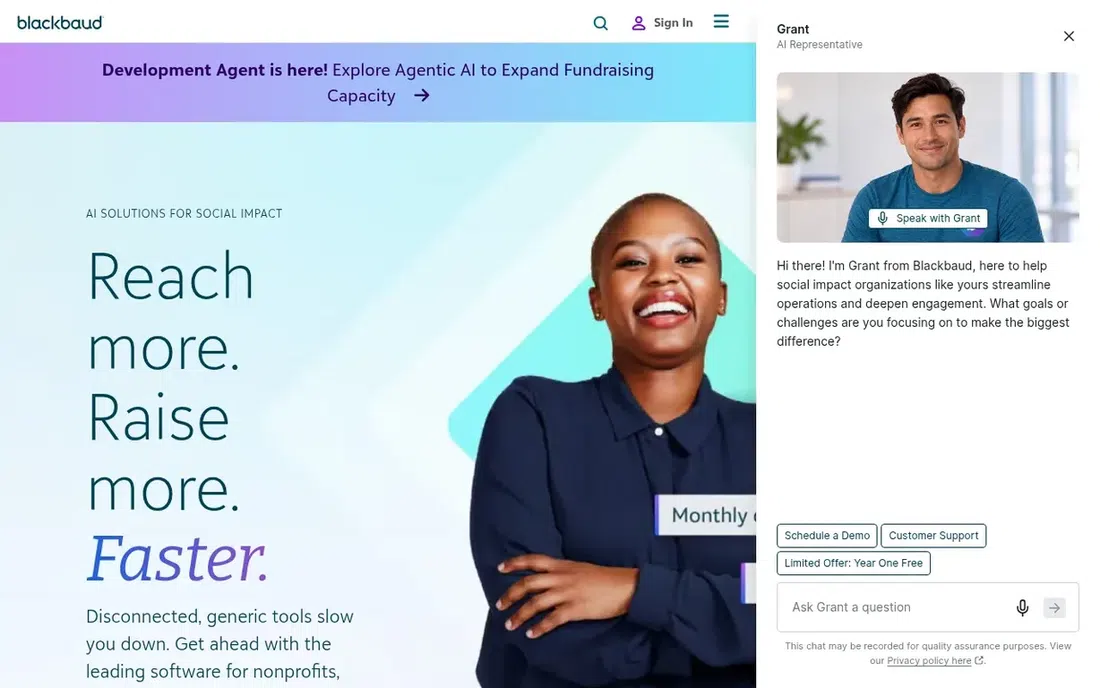
Blackbaud is built with nonprofit-specific client and donor portals in mind. The breadth of the suite can mean a steeper setup and more configuration than a straightforward portal tool. In daily use, smaller nonprofits with restricted staff may find it heavier than needed.
Watch-outs: May be complicated for small organizations.
Worth adding: Blackbaud supplies software aimed at nonprofits, education, foundations, and firms, with a focus on driving social impact. Its system can support client and donor portals within a broader nonprofit management suite. Check the vendor site for Blackbaud pricing; none is listed in this comparison. Free options: Not stated.
- Supports social impact goals
- Aimed at nonprofits and education
- Pricing needs vendor consultation
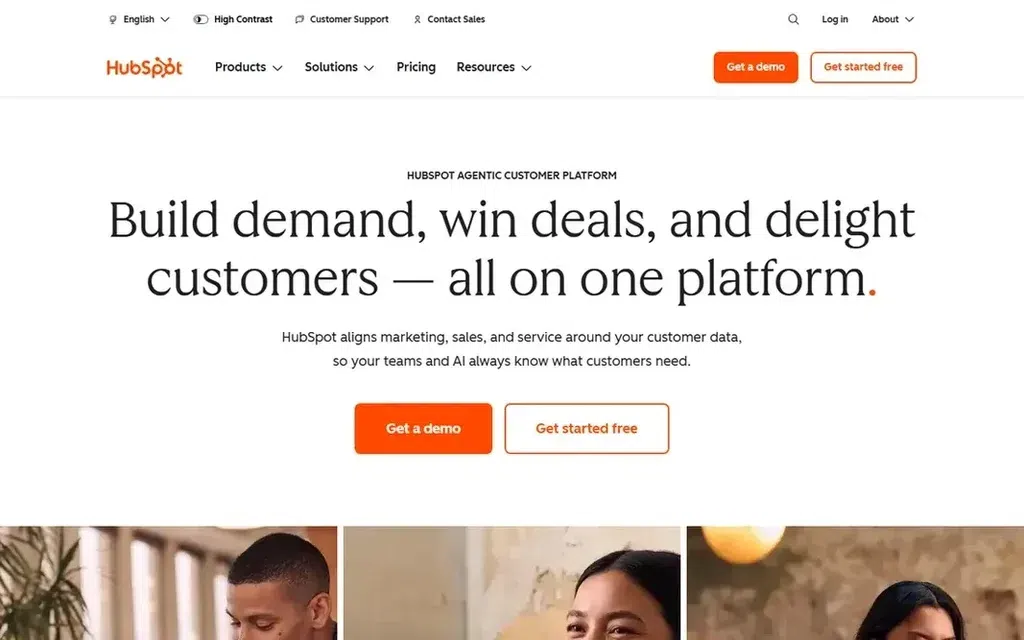
HubSpot makes the most sense for connected marketing and client service. HubSpot supplies software and tools for companies, including marketing, sales, and customer service capabilities. Nonprofits can use it to run client communications and produce a connected client experience.
More specifically, HubSpot is not designed specifically for nonprofits, so some portal features may need additional configuration or extras. Organizations with complicated client service requirements may outgrow its standard tools. Beyond that, consider a nonprofit-focused system if you need specialized grant or donor management alongside client portals. HubSpot does not show a starting price in this comparison, so check the vendor site for current pricing. Free plan details: Not stated.
Downsides: Less nonprofit-specific functionality.
- Scalable for expanding teams
- Unified marketing and service tools
- Portal features may require extras
monday.com works best for visual project portals for client work. monday.com is an AI workspace where teams and agents work together to handle projects and operations. Worth adding: consider a nonprofit-focused product if client portal needs are tightly coupled with fundraising or case management.
Watch-outs: Not nonprofit-specific.
Worth adding: organizations needing donor management or grant tracking may have to integrate other tools. More specifically, nonprofits can use its configurable boards to build client-facing portals for project tracking and collaboration. On cost, monday.com starts like this: $9 per seat per month. monday.com includes a free tier.
- Configurable boards
- AI agents for task automation
- Portal features need setup
How the list was put together
Before you commit
- Get a written quote from Blackbaud and HubSpot; the list shows no starting price for them.
- Check what the free option really includes: Asana and monday.com offer a free plan, and usage caps differ.
- Before choosing Smartsheet, weigh its main limit: may be complicated for small nonprofits.
- Ask monday.com about contract length, onboarding fees and user minimums before you sign.
- Confirm you can export your data from Asana, so leaving later does not mean losing records.
FAQ
Do these tools publish their prices?
Not all of them. Blackbaud and HubSpot publish no starting price, so expect a quote request for those. The rest, Smartsheet included, show a starting price, though seats and billing terms still change the final cost.
How do work management tools compare to nonprofit-specific portals?
Work management tools like monday.com and Asana offer adaptability for project tracking and client collaboration. They may lack specialized nonprofit features like grant management or donor databases.
Which options for client portal software for nonprofits have a free plan?
Asana and monday.com offer a free plan in this list. Free plans usually cap users, projects or features, so check the limits on the vendor page.
How are the tools for client portal software for nonprofits ordered?
The order follows typical fit for client portal software for nonprofits, with Smartsheet first and monday.com last, then price clarity and free access. It is editorial judgement, not a score, so another team could rank the tools differently.
Can I try these tools before paying?
Often, yes. Asana and monday.com have a free plan. Use your own data and a real task during the test, and check what the free tier or trial limits before you rely on it. Prices, free plan details and limits for all 5 tools in this client portal software for nonprofits roundup sit on the individual cards above.
Sources
- https://www.smartsheet.com
- https://asana.com
- https://www.blackbaud.com
- https://www.hubspot.com
- https://monday.com