6 Knowledge Sharing Platform for Nonprofits Worth Shortlisting in 2026
Compare 6 best knowledge sharing platform for nonprofits, with prices, free plans and who each fits. Each pick comes with its main catch. Updated November 2026.
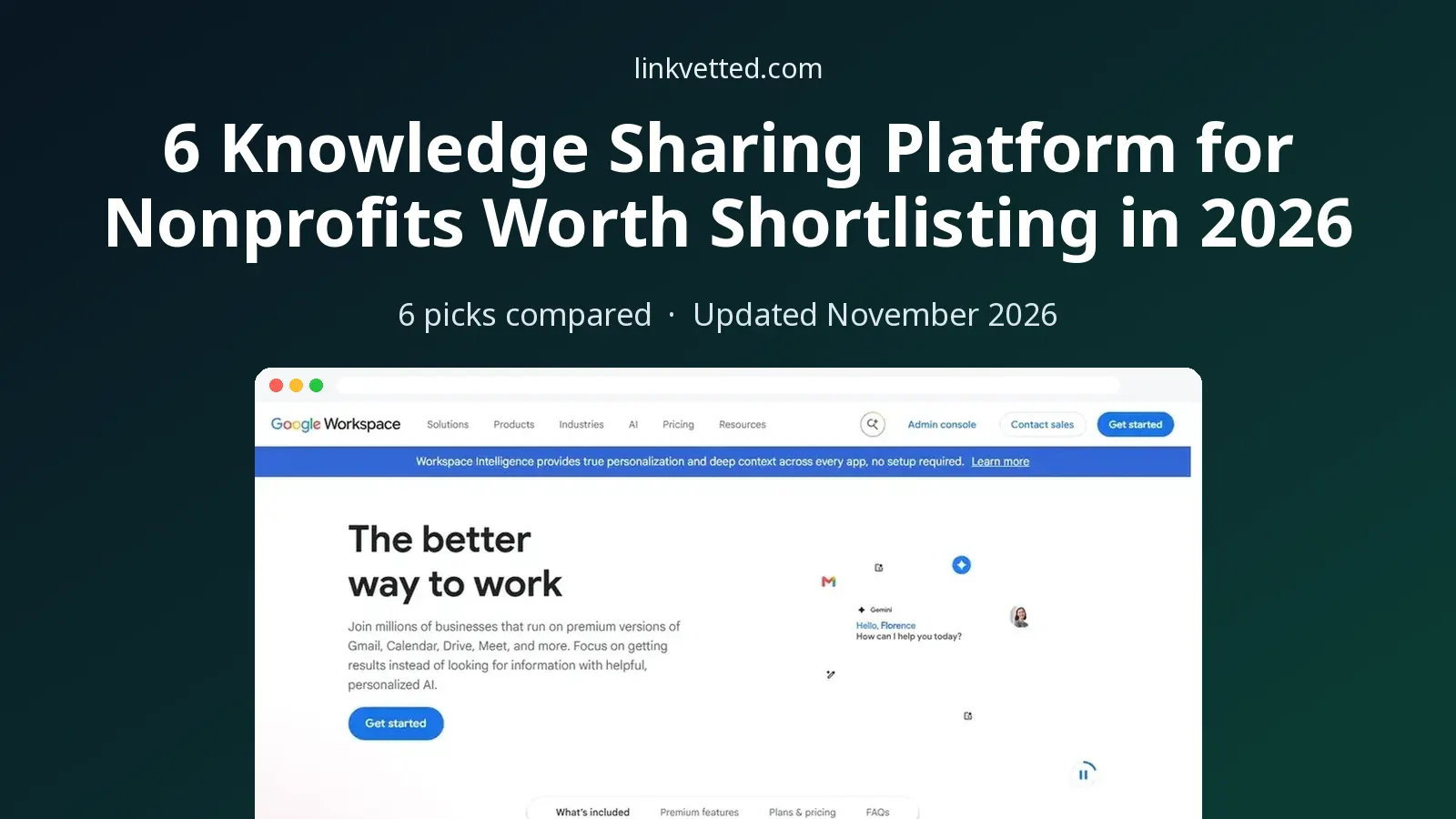
- Editor's choice
 Google Workspace
Straightforward shared files and email
Starts atSee websiteVisit workspace.google.comFull review - Great alternative
 Miro
Visual planning and workshop knowledge
Starts at$8 per member a monthVisit miro.comFull review - Also consider
 Slack
Conversational knowledge and fast answers
Starts at$4.38 per user a monthVisit slack.comFull review
Direct answer
This list puts Google Workspace first for straightforward shared files and email. Listed starting prices: Miro from $8 per member a month, Slack from $4.38 per user a month and Dropbox from $9.99 per month. For a different need, Miro covers visual planning and workshop knowledge and Slack covers conversational knowledge and fast answers. Prices, free plans and limits for all 6 tools follow.
TL;DR:
- This list starts with Google Workspace, which is built for straightforward shared files and email.
- 3 of 6 tools offer a free plan: Miro, Slack, Notion.
- Before buying Slack, weigh this: conversation history is not a structured wiki.
- The cheapest monthly starting price in the list is $4.38 per user per month, offered by Slack.
Last checked November 2026. Prices and plan details were read from the vendors' own pages in November 2026; vendors change plans often, so confirm the current price on the vendor site before you buy.
Quick comparison
| Tool | Best for | Starts at | Free plan? | |
|---|---|---|---|---|
| Google Workspace | Straightforward shared files and email | See website | Not stated | Visit |
| Miro | Visual planning and workshop knowledge | $8 per member a month | Yes | Visit |
| Slack | Conversational knowledge and fast answers | $4.38 per user a month | Yes | Visit |
 Dropbox | Secure file storage and sharing | $9.99 per month | Free trial | Visit |
 Notion | Adaptable page-based team wikis | $10 per member a month | Yes | Visit |
 Microsoft SharePoint | Governed document knowledge hubs | See website | Not stated | Visit |
The full knowledge sharing platform for nonprofits list
Short on time? The summary and table above give the quick view of 6 knowledge sharing platform for nonprofits, and the profiles that follow give the detail behind each entry.
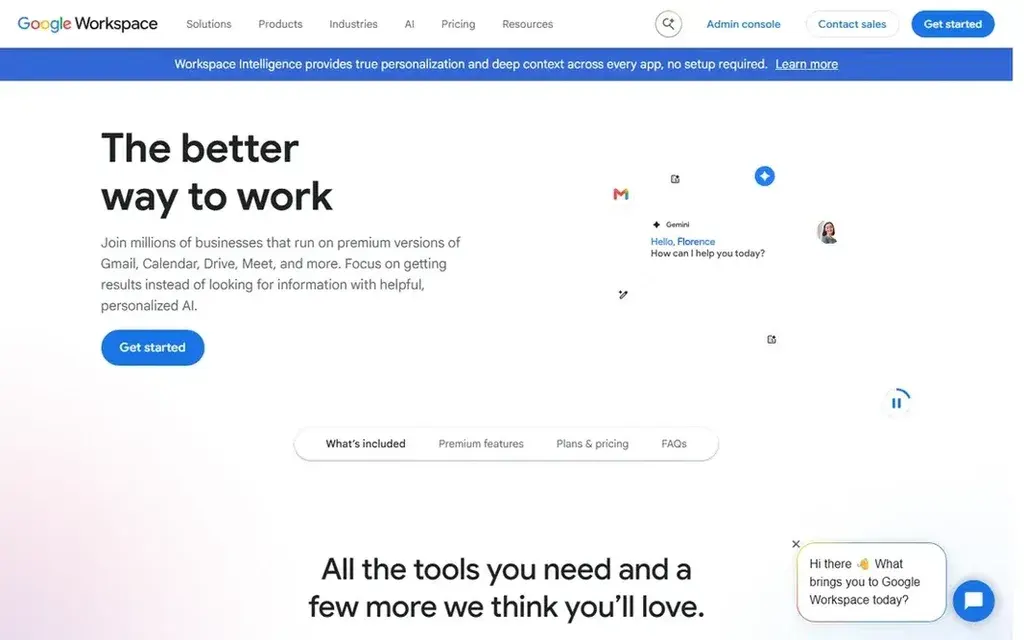
Choose Google Workspace for straightforward shared files and email. Google Workspace is a suite of secure online productivity and collaboration tools designed to help teams of all sizes do their best work. Worth adding: for nonprofits, it handles shared documents, spreadsheets, calendars and email in one place, which makes it approachable for staff and volunteers who may only contribute occasionally.
Points against: Knowledge structure relies on user discipline.
In daily use, since knowledge lives in individual files and folders, finding the right document can rely on naming habits and search instead of a structured wiki. Organizations needing formal governance or a curated knowledge base may outgrow it. Consider a dedicated knowledge product when content volume and structure become the priority. Pricing for Google Workspace is not stated here, so ask the vendor for current figures. As for free access: Not stated. What Google Workspace does well: Familiar.
- Performs well for distributed volunteers
- Easy-to-learn online tools
- Less built-in governance than dedicated products
Think of Miro for visual planning and workshop knowledge. Miro is an AI-powered visual product for speeding up product development from ideation to launch, aligning teams and breaking down tool silos. Choose it alongside a document system when visual collaboration is the specific need.
Nonprofits use it for strategy sessions, program mapping and volunteer workshops where ideas have to be captured visually and shared. It complements text-based knowledge tools by holding the thinking behind plans. Entry price for Miro: $8 per member per month. Free access exists with Miro.
The main drawbacks: Not a document or policy repository.
- Shared visual boards for planning
- Helps break down tool silos
- Boards need facilitation to stay handy
Slack works best for conversational knowledge and fast answers. Searching old threads is possible but less dependable than a curated wiki.
Downsides: Conversation history is not a structured wiki.
Slack is not built as a document repository, so policies and reference material can get lost in message history. Slack cost at the entry level: $4.38 per user per month. Slack includes a free tier.
- Secure team connection across locations
- Workflow automation and project management
- Important decisions can get buried in threads
For secure file storage and sharing, Dropbox is a natural candidate. Dropbox offers secure cloud storage, file sharing and more, letting teams store, sync, sign and share files from any device.
For everyday use, for nonprofits, it is a practical home for grant documents, photos and program files that require to be shared with board members or partner organizations. Starting cost for Dropbox: $9.99 per month. On free options: Free trial.
Limits to weigh: Folder structures need continuing upkeep.
Reasons to shortlist it: sync and share files from any device.
- Familiar interface for volunteers
- Store
- Limited as a structured knowledge base
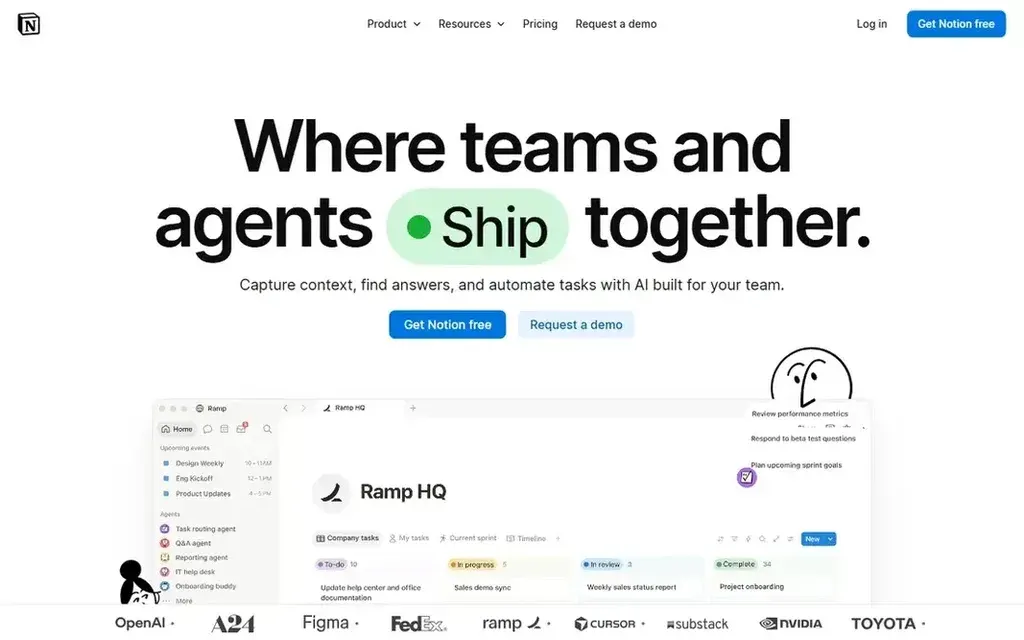
Notion targets adaptable page-based team wikis. Notion describes itself as an AI workspace where teams get more done, quicker.
Downsides: Adaptable structure can drift without conventions.
On top of that, nonprofits can shape it into a wiki, a program handbook or a volunteer resource center using pages and databases, which makes it appealing for small teams that want one adaptable workspace rather than multiple separate tools. That adaptability is also the limit: without clear conventions, pages and databases multiply and navigation suffers. What you pay to start with Notion: $10 per member per month. Notion includes a free tier.
- Search across connected apps
- Databases and agents
- Ramp-up time for advanced building
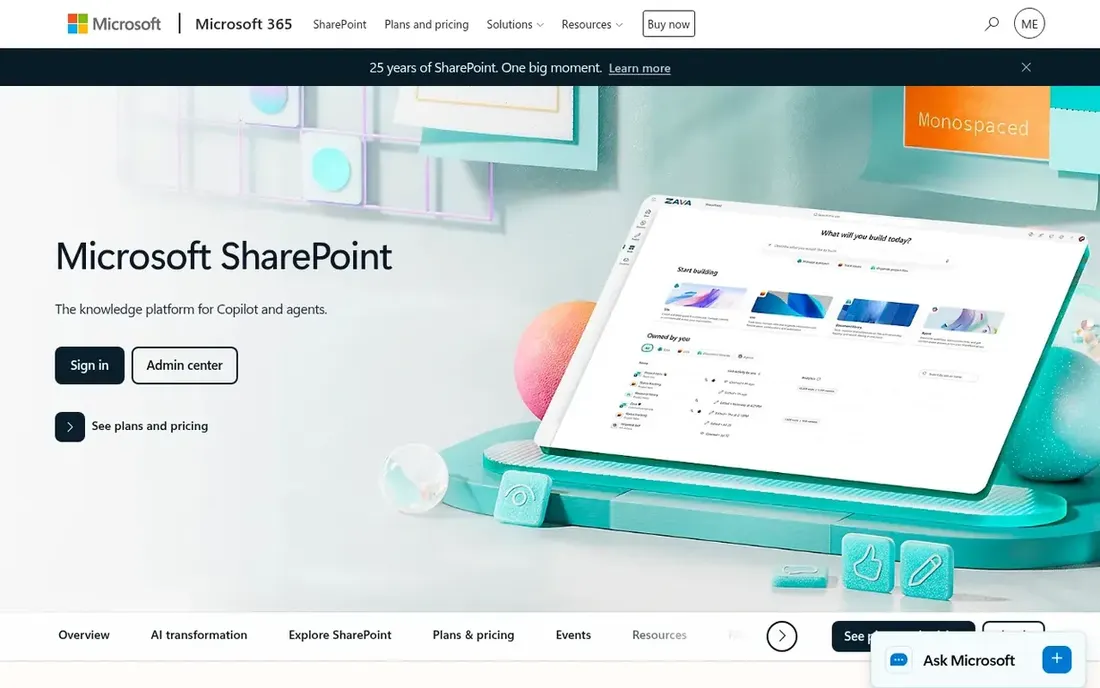
Microsoft SharePoint makes the most sense for governed document knowledge hubs. Nonprofits that already depend on Microsoft tools and need controlled access to policies, program documents and shared resources will find it a natural fit, particularly where staff and volunteers work across several sites and libraries. If your team primarily needs straightforward shared files and email, a lighter suite is often simpler to adopt.
Limits to weigh: Can be complicated to set up and structure.
It powers collaboration, communication, automation and AI experiences across Microsoft 365. For everyday use, the system carries real administrative overhead, and poorly planned site structures can become messy over time. Microsoft SharePoint does not show a starting price in this comparison, so check the vendor site for current pricing. Free options: Not stated.
- Capable content governance and secure file sharing
- Works across Microsoft 365 collaboration tools
- Best value inside the Microsoft ecosystem
How these tools were picked
Things to verify first
- Get a written quote from Google Workspace and Microsoft SharePoint; the list shows no starting price for them.
- Look at free plan limits closely: Miro, Slack and Notion have one, and the caps decide whether it is usable for real work.
- Take the trial from Dropbox and push a live task through it before you pay.
- Read the limits listed for Google Workspace first: knowledge structure relies on user discipline.
- Look at the renewal terms for Slack: auto-renewal, notice periods and price changes can matter more than the first-year price.
- Confirm that Notion connects to the apps your team already uses, on the plan you would actually buy.
FAQ
Do these tools publish their prices?
Not all of them. Google Workspace and Microsoft SharePoint publish no starting price, so expect a quote request for those. The rest, Miro included, show a starting price, though seats and billing terms still change the final cost.
Which system is a good match for a small nonprofit with restricted IT support?
For most readers this guide would start with Google Workspace, built for straightforward shared files and email. Miro is the alternative for visual planning and workshop knowledge, and Slack for conversational knowledge and fast answers. The right answer depends on budget and workflow.
Can I try these tools before paying?
Often, yes. Miro, Slack and Notion have a free plan and Dropbox offers a free trial. Use your own data and a real task during the test, and check what the free tier or trial limits before you rely on it.
Where does Miro or Dropbox fit into knowledge sharing?
Miro holds visual planning and workshop output, whereas Dropbox keeps and shares files for example grant documents and photos. Neither is a full knowledge base on its own.
How are the knowledge sharing platform for nonprofits ordered?
Google Workspace sits first and Microsoft SharePoint last because the order follows typical fit for knowledge sharing platform for nonprofits, then price clarity and free access. It is a judgement call, so read each profile for fit and limits.
Is Google Workspace the right pick for everyone comparing knowledge sharing platform for nonprofits?
No single tool suits every team. Google Workspace comes first because it fits simple shared files and email, while Miro suits visual planning and workshop knowledge and Slack suits conversational knowledge and quick answers. Match the tool to your own size, budget and workflow before deciding.
Sources
- https://workspace.google.com
- https://miro.com
- https://slack.com
- https://www.dropbox.com
- https://www.notion.so
- https://www.microsoft.com/en-us/microsoft-365/sharepoint/collaboration