Best Digital Signing Software for Real Estate Closings for 2026: Our 6 Vetted Picks
Compare 6 best digital signing software for real estate closings, with prices, free plans and who each fits. Weak spots flagged for every entry. Costs up front.
- Editor's choice
 Foxit eSign
Low-cost eSigning for PDF and Word documents
Starts atSee websiteVisit foxit.comFull review - Great alternative
 SignNow
Configurable eSignature workflows
Starts atSee websiteVisit signnow.comFull review - Also consider
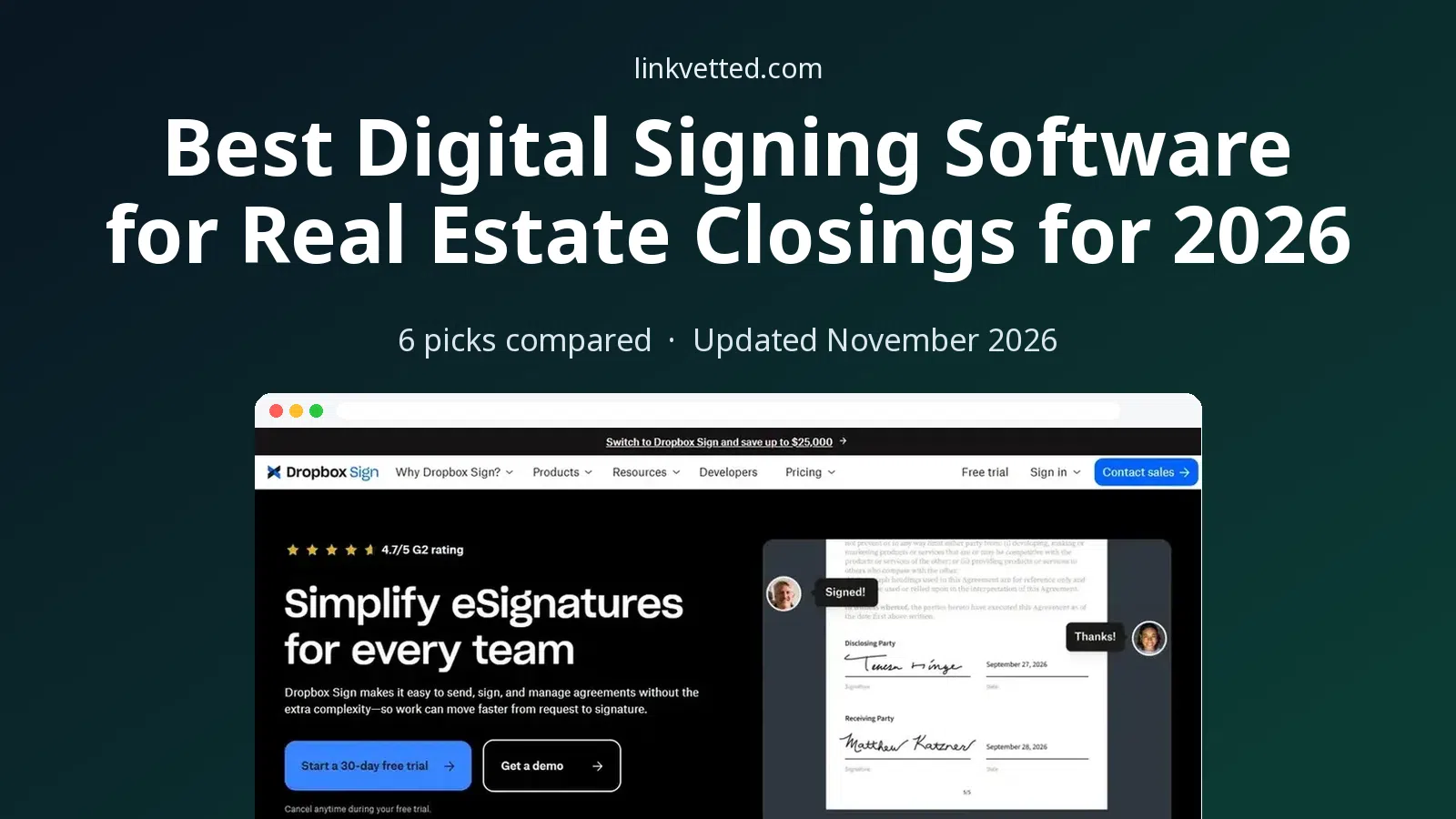
 Dropbox Sign
Straightforward and simple e-signature management
Starts at$15 USD / moVisit sign.dropbox.comFull review
Direct answer
Foxit eSign is the first pick on this list for low-cost eSigning for PDF and Word documents. Listed starting prices: Dropbox Sign from $15 USD / mo, Notarize from $199 per month and DocuSign from $45 per user per month. If your case is different, SignNow suits configurable eSignature workflows and Dropbox Sign suits straightforward and simple e-signature management. The other 3 tools in the list cover narrower or pricier cases.
TL;DR:
- Number one here is Foxit eSign, a fit for low-cost eSigning for PDF and Word documents.
- DocuSign fits thorough e-signature and agreement management.
- Check the limits for Foxit eSign before you commit: less known for advanced real estate workflows.
- A permanent free plan is missing from all 6 tools, Foxit eSign and DocuSign included; plan for a trial or a premium start.
Last checked November 2026. Prices and plan details were read from the vendors' own pages in November 2026; vendors change plans often, so confirm the current price on the vendor site before you buy.
Quick comparison
| Tool | Best for | Starts at | Free plan? | |
|---|---|---|---|---|
| Foxit eSign | Low-cost eSigning for PDF and Word documents | See website | Not stated | Visit |
| SignNow | Configurable eSignature workflows | See website | Not stated | Visit |
| Dropbox Sign | Straightforward and simple e-signature management | $15 USD / mo | Free trial | Visit |
| Notarize | Remote online notarization and identity verification | $199 per month | Free trial | Visit |
 Adobe Acrobat Sign | Integration with Adobe document workflows | See website | Not stated | Visit |
 DocuSign | Thorough e-signature and agreement management | $45 per user per month | Not stated | Visit |
Digital Signing Software for Real Estate Closings compared in detail
LinkVetted put together this guide to digital signing software for real estate closings for readers who want a clear shortlist without reading every vendor page. It compares 6 tools on starting price, free plans, who each one suits and where each one falls short.
Foxit eSign is built with low-cost eSigning for PDF and Word documents in mind. Foxit eSign is an electronic signature tool that lets users send and receive signatures on PDF or Word documents easily and securely. It may not offer the depth of features or integrations that bigger real estate operations need, for example advanced audit trails or remote notarization.
For complicated closings, consider DocuSign or Notarize. Beyond that, Foxit eSign does well for entry-level signing needs. This comparison lists no price for Foxit eSign; ask the vendor. As for free access: Not stated.
Where it falls short: Restricted integrations compared with bigger systems.
- Approachable interface
- Supports both PDF and Word documents
- Less known for advanced real estate workflows
SignNow is a good fit for configurable eSignature workflows. It permits users to sign documents on any device and is trusted for legally binding e-signatures.
Watch-outs: Interface can be complicated for new users.
SignNow shows no starting price here, so confirm the cost on the vendor site. On free options: Not stated.
- Custom workflow creation
- Mobile-friendly signing
- Advanced features may need higher levels
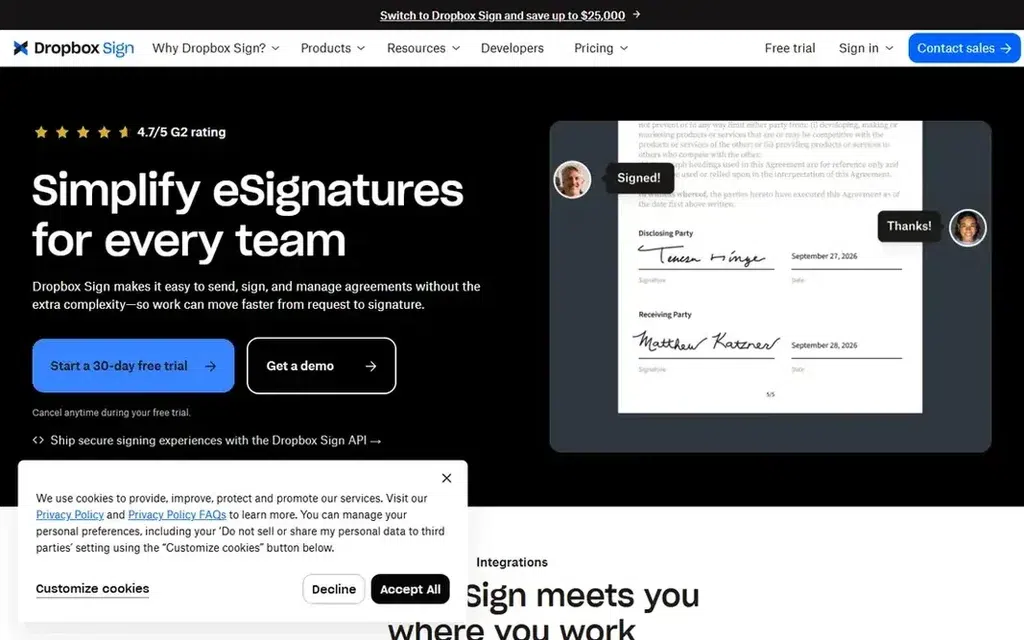
Choose Dropbox Sign for straightforward and simple e-signature management. Dropbox Sign is a solid fit for straightforward signing needs. For everyday use, Dropbox Sign, formerly HelloSign, is an e-signature tool meant to make sending, receiving, and managing legally binding signatures simple.
Where it is weaker: Restricted customization choices.
Also, integration with Dropbox layers on convenience for file storage. It may lack the advanced automation and customization that bigger real estate operations need. What you pay to start with Dropbox Sign: $15 USD / mo. Free options: Free trial.
- Straightforward sending and receiving of signatures
- Links up with Dropbox storage
- Fewer advanced features for complex workflows
Notarize
Best for: Remote online notarization and identity verification
Choose Notarize for remote online notarization and identity verification. For documents that do not need notarization, a general e-signature tool may be more economical.
It fits professionals who require to ensure signer identity and compliance in digital transactions. What you pay to start with Notarize: $199 per month. Free access: Free trial.
Points against: Pricing for notarization services can vary.
- Supports remote online notarization
- Simplifies digital transactions
- May be overkill for non-notarized documents
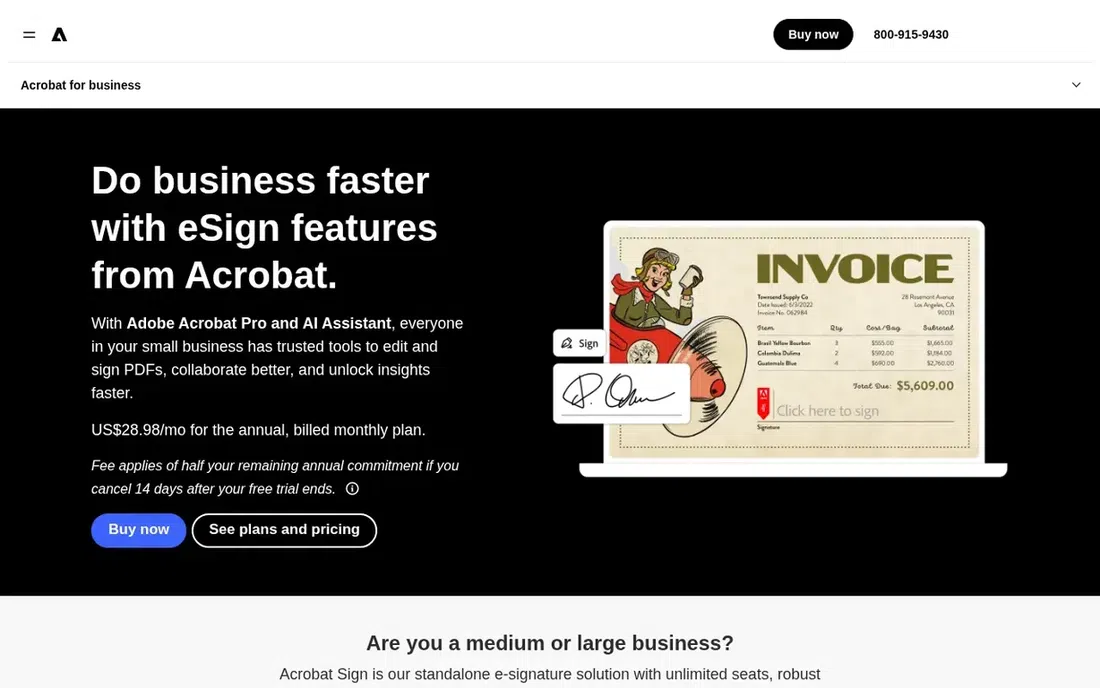
Adobe Acrobat Sign is built with integration with Adobe document workflows in mind. For teams not using Adobe, alternatives like DocuSign or SignNow might offer more adaptability. The tool is most valuable if you are invested in Adobe's ecosystem; otherwise, standalone features may seem restricted compared with specialized systems.
Points against: Advanced features can be costly.
Adobe Acrobat Sign is an e-signature solution from Adobe that permits users to send and sign documents electronically. It is well suited to real estate offices already using Adobe Acrobat or other Adobe products, as it integrates smoothly into existing document workflows. Pricing for Adobe Acrobat Sign is not stated here, so ask the vendor for current figures. On free options: Not stated.
- Familiar interface for Adobe users
- Supports e-signatures and digital payments
- May need Adobe ecosystem for full benefits
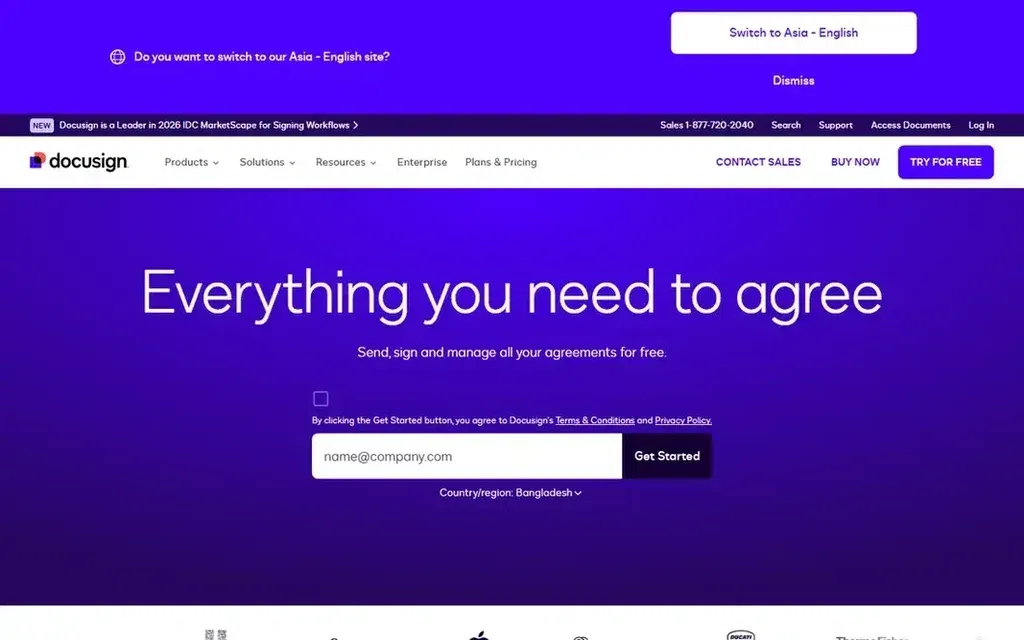
DocuSign serves thorough e-signature and agreement management. DocuSign is a leading electronic signature and agreement management product. Its deep feature set may be more than small teams need, and costs can add up for advanced functionality.
More specifically, if you only require entry-level e-signatures, a simpler tool like Dropbox Sign might suffice. In daily use, consider DocuSign when you need thorough workflow and integration choices. Starting cost for DocuSign: $45 per user per month. Trial and free access: Not stated.
Downsides: Pricing may be higher for advanced features.
- Wide feature set for agreement workflows
- Widely used and connects with plenty of business systems
- Can be complicated for straightforward signing needs
Selection criteria
The comparison looks at four things: starting price, free access, how well the feature set matches digital signing software for real estate closings, and the main limit of each tool. Treat prices as a snapshot: vendors change plans often, so check the vendor site for the figure that applies today. We ordered the tools by general fit, then by how clearly pricing is shown, then by free access. A buyer with unusual needs may reorder them.
Pre-purchase checklist
- Get a written quote from Foxit eSign, SignNow and Adobe Acrobat Sign; the list shows no starting price for them.
- Use real work to test the free trial from Dropbox Sign and Notarize, rather than a demo project.
- Read the limits listed for Foxit eSign first: less known for advanced real estate workflows.
- See whether DocuSign offers onboarding or training, and whether it is included in the price.
- Work out what Dropbox Sign costs with your real seat count, add-ons and usage, not just the entry price.
FAQ
Does any tool for digital signing software for real estate closings here have a free plan?
A permanent free plan is not offered by Foxit eSign, DocuSign or the other tools here. Dropbox Sign, Notarize offer a trial. Plan a short evaluation period instead.
How are the tools for digital signing software for real estate closings ordered?
The order follows typical fit for digital signing software for real estate closings, with Foxit eSign first and DocuSign last, then price clarity and free access. It is editorial judgement, not a score, so another team could rank the tools differently.
What is the cheapest option for digital signing software for real estate closings in this list?
On published monthly entry prices, DocuSign is the lowest here at $45 per user per month. Entry price is only part of the cost, because seats, add-ons and billing terms can change the total. All 6 picks in this digital signing software for real estate Closings comparison list a starting price, free plan details and the main limits on their cards above.
Is Foxit eSign the right pick for everyone comparing digital signing software for real estate closings?
No single tool suits every team. Foxit eSign comes first because it fits affordable eSigning for PDF and Word documents, while SignNow suits customizable eSignature workflows and Dropbox Sign suits simple and easy e-signature management. Match the tool to your own size, budget and workflow before deciding.
Sources
- https://www.foxit.com/esign
- https://www.signnow.com
- https://sign.dropbox.com
- https://www.proof.com
- https://www.adobe.com/sign.html
- https://www.docusign.com