Best Digital Signature Software for Real Estate Closings in 2026: 6 Tools Compared
Best digital signature software for real estate closings in 2026: 6 tools with starting prices, free plans and limits. Short verdicts, no fluff. See which fits.
- Editor's choiceeversign
API automation and no per-envelope fees
Starts at$10 per user a monthVisit eversign.comFull review - Great alternative
 OneSpan Sign
Security-focused e-signatures
Starts at$0.40 per transactionVisit onespan.comFull review - Also consider
 Dropbox Sign
Straightforward and approachable e-signatures
Starts at$15 USD / moVisit sign.dropbox.comFull review
Direct answer
Start with eversign if you need API automation and no per-envelope fees. Listed starting prices: eversign from $10 per user a month, OneSpan Sign from $0.40 per transaction and Dropbox Sign from $15 USD / mo. For a different need, OneSpan Sign covers security-focused e-signatures and Dropbox Sign covers straightforward and approachable e-signatures. Prices, free plans and limits for all 6 tools follow.
TL;DR:
- This list starts with eversign, which is built for API automation and no per-envelope fees.
- DocuSign fits thorough agreement management.
- Eversign stands alone as the one tool in this list with a free plan.
- For the cheapest start, look at eversign: $10 per user per month.
Last checked November 2026. Prices and plan details were read from the vendors' own pages in November 2026; vendors change plans often, so confirm the current price on the vendor site before you buy.
Quick comparison
| Tool | Best for | Starts at | Free plan? | |
|---|---|---|---|---|
| eversign | API automation and no per-envelope fees | $10 per user a month | Yes | Visit |
| OneSpan Sign | Security-focused e-signatures | $0.40 per transaction | Free trial | Visit |
| Dropbox Sign | Straightforward and approachable e-signatures | $15 USD / mo | Free trial | Visit |
 Zoho Sign | Companies in the Zoho ecosystem | See website | Not stated | Visit |
 SignNow | Custom eSignature workflows | See website | Not stated | Visit |
 DocuSign | Thorough agreement management | $45 per user per month | Not stated | Visit |
Our 6 digital signature software for real estate closings
LinkVetted put together this guide to digital signature software for real estate closings for readers who want a clear shortlist without reading every vendor page. It compares 6 tools on starting price, free plans, who each one suits and where each one falls short.
eversign
Best for: API automation and no per-envelope fees
Choose eversign for API automation and no per-envelope fees. eversign, now part of Xodo Sign, gives you secure e-signature software with an adaptable API and no per-envelope fees. It permits users to sign, send, edit, and track documents, and automate workflows.
Drawbacks to consider: Less known in real estate.
What eversign does well: Secure e-signatures.
For non-technical users, a more turnkey option might be preferable. On top of that, eversign may have less brand recognition in the real estate industry compared with larger players. Its API-driven approach needs some technical knowledge to set up. eversign cost at the entry level: $10 per user per month. eversign includes a free tier.
- No per-envelope fees
- Adaptable API for automation
- Restricted brand recognition
OneSpan Sign makes the most sense for security-focused e-signatures. OneSpan Sign is an e-signature solution from OneSpan, a company known for cybersecurity. It gives you digital agreement options with a focus on authentication and mobile app security.
For straightforward signings, a more straightforward tool could be more economical. That said, for high-stakes closings, the added security features are valuable. On cost, OneSpan Sign starts like this: $0.40 per transaction. Trial and free access: Free trial.
Where it falls short: May be complicated for small teams.
- Solid authentication features
- Digital agreement options
- Focus on security over simplicity
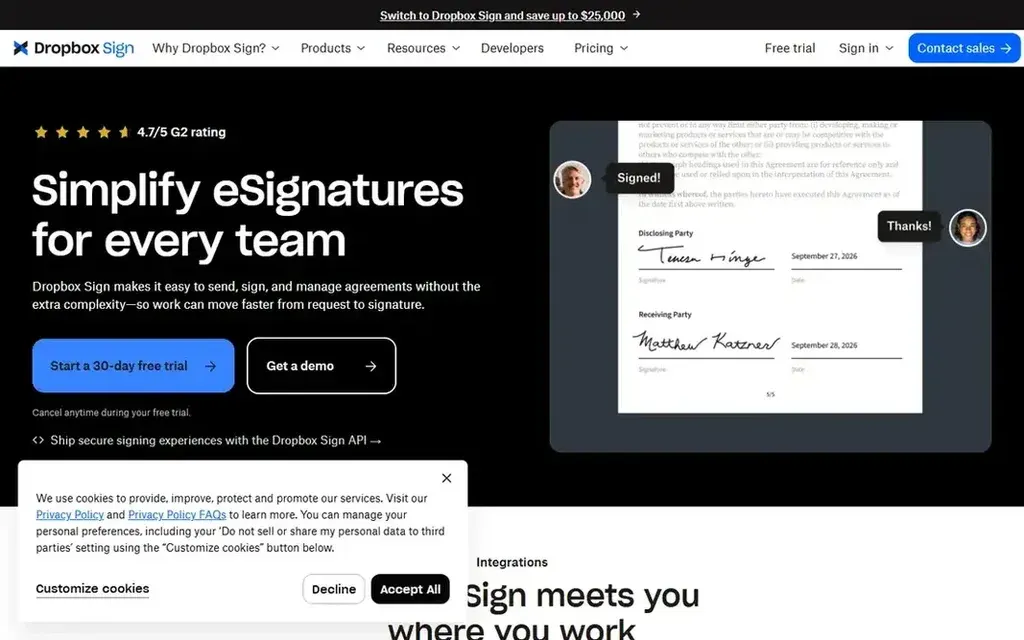
Dropbox Sign is aimed squarely at straightforward and user-friendly e-signatures. Dropbox Sign, formerly HelloSign, is an e-signature tool built for simplicity.
For routine signings, it supplies a clean, efficient experience. The starting price for Dropbox Sign: $15 USD / mo. On free options: Free trial.
Limits to weigh: May lack deep customization.
- Easy-to-learn interface
- Legally binding signatures
- Restricted advanced workflow features
Choose Zoho Sign for firms in the Zoho ecosystem. As a standalone tool, it may lack some advanced features offered by dedicated e-signature providers.
Where it falls short: Best value within Zoho suite.
It makes it possible for users to digitally sign documents online and automate paperwork with complete workflows. Zoho Sign shows no starting price here, so confirm the cost on the vendor site. On free options: Not stated.
- Integration with Zoho apps
- Secure signing
- Less standalone appeal
SignNow is built with custom eSignature workflows in mind. SignNow's feature-rich interface may overwhelm some users, and the most advanced workflow choices are not available on entry-level plans.
For everyday use, if you need straightforward e-signatures, a lighter tool might be better. In practice, for those needing customization, SignNow is a capable choice. SignNow does not show a starting price in this comparison, so check the vendor site for current pricing. Trial and free access: Not stated.
Limits to weigh: Interface can be busy.
- Legally binding e-signatures
- Configurable workflows
- Advanced features need higher plans
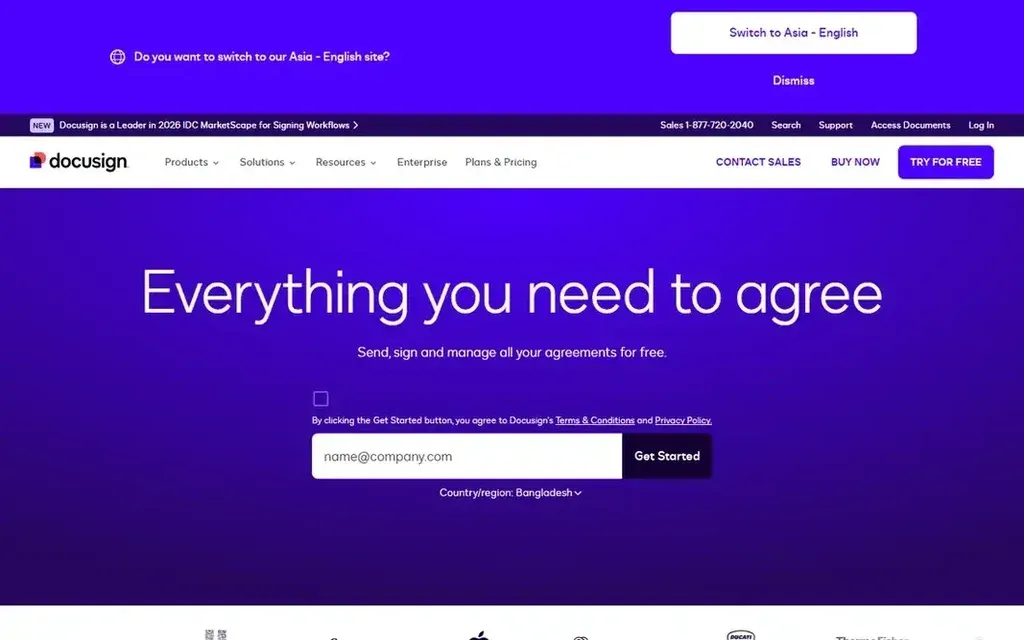
Pick DocuSign if this describes you: full agreement management. DocuSign is a widely used electronic signature and agreement management system. It permits users to produce, commit to, and run agreements in one place, with features like audit trails and workflow automation.
For everyday use, DocuSign's broad feature set may be more than needed for occasional signings, and the ramp-up time can be steeper for small teams. That said, for high-volume or complicated closings, DocuSign is a solid choice. Entry price for DocuSign: $45 per user per month. Trial and free access: Not stated.
Watch-outs: May be complicated for straightforward signings.
- Audit trail and compliance features
- Established e-signature workflow
- Pricing can be higher for advanced features
Selection criteria
For each of the 6 tools we noted price, free plan or trial, fit for digital signature software for real estate closings and the main limit, using vendor pages and documentation. Treat prices as a snapshot: vendors change plans often, so check the vendor site for the figure that applies today. We ordered the tools by general fit, then by how clearly pricing is shown, then by free access. A buyer with unusual needs may reorder them.
What to confirm before you sign up
- Get a written quote from Zoho Sign and SignNow; the list shows no starting price for them.
- Test the free plan from eversign against your real workload before relying on it.
- Run a trial of OneSpan Sign and Dropbox Sign with real work before paying for a year; your own workflow is the best test.
- Read the limits listed for eversign first: less known in real estate.
- Find out whether the entry plan of eversign covers your must-haves or only a trimmed-down version.
- Before rolling out OneSpan Sign, verify the integrations your workflow depends on.
FAQ
Which options for digital signature software for real estate closings have a free plan?
eversign is the only tool in this list with a free plan. Free plans usually cap users, projects or features, so check the limits on the vendor page. Several others offer a trial instead.
How are the tools for digital signature software for real estate closings ordered?
The order follows typical fit for digital signature software for real estate closings, with eversign first and DocuSign last, then price clarity and free access. It is editorial judgement, not a score, so another team could rank the tools differently.
Is eversign the right pick for everyone comparing digital signature software for real estate closings?
No single tool suits every team. eversign comes first because it fits API automation and no per-envelope fees, while OneSpan Sign suits security-focused e-signatures and Dropbox Sign suits simple and user-friendly e-signatures. Match the tool to your own size, budget and workflow before deciding.
Do these tools publish their prices?
Not all of them. Zoho Sign and SignNow publish no starting price, so expect a quote request for those. The rest, eversign included, show a starting price, though seats and billing terms still change the final cost.
Sources
- https://eversign.com
- https://www.onespan.com
- https://sign.dropbox.com
- https://www.zoho.com/sign
- https://www.signnow.com
- https://www.docusign.com