Choosing Cross-Platform Reminder Apps in 2026: 5 Options Compared
Best Cross-Platform reminder apps in 2026: 5 tools with starting prices, free plans and limits. Cost notes and weak points included. Built for quick decisions.
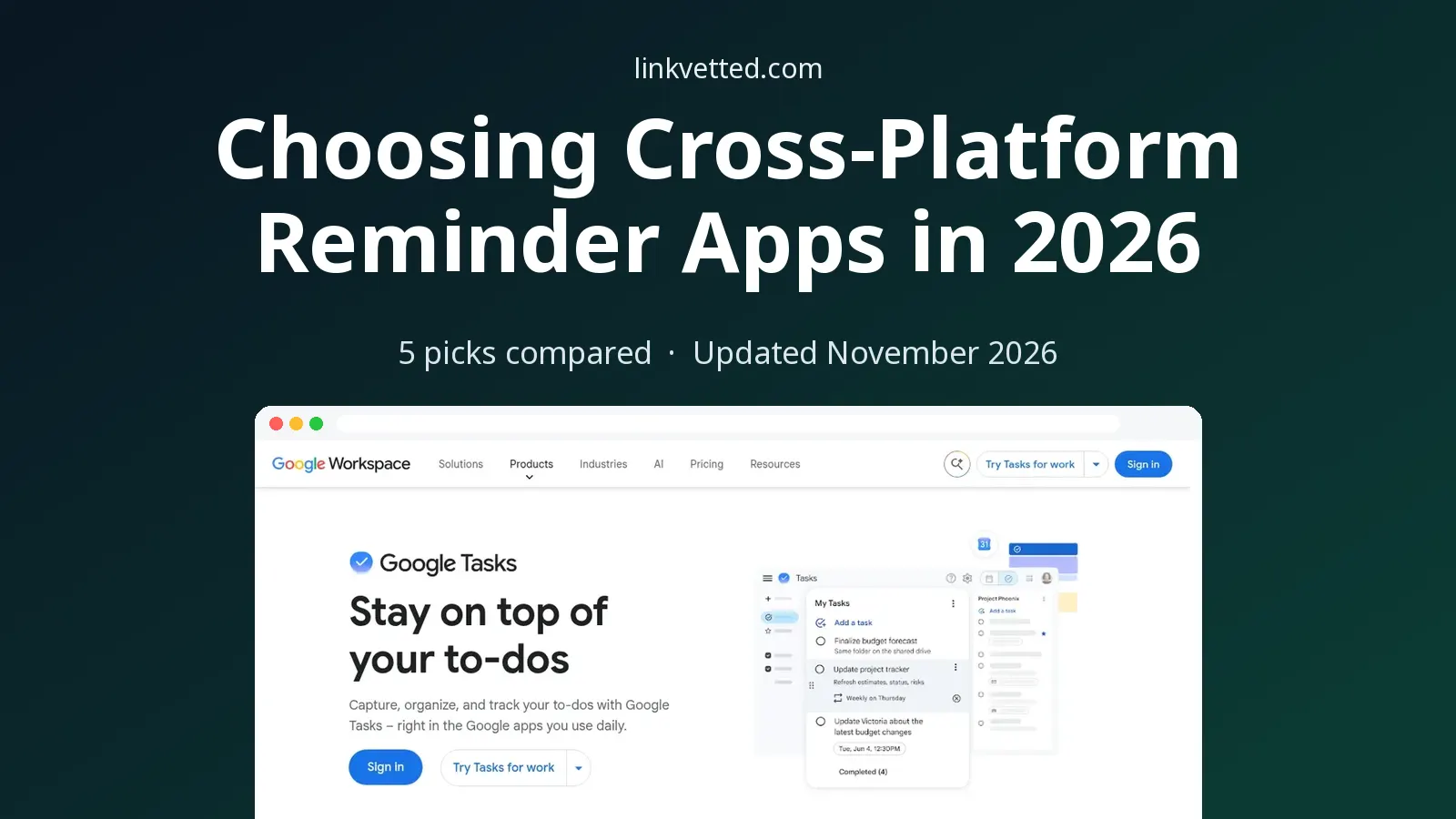
- Editor's choice
 Google Tasks
Reminders inside Google Workspace
Starts atSee websiteVisit workspace.google.comFull review - Great alternative
 ClickUp
Team reminders inside a full workspace
Starts at$9 per user per monthVisit clickup.comFull review - Also consider
 TickTick
Tasks, calendar, and habits together
Starts at$49.99 a yearVisit ticktick.comFull review
Direct answer
Google Tasks is the first pick on this list for reminders inside Google Workspace. Listed starting prices: ClickUp from $9 per user per month, TickTick from $49.99 a year and Notion from $10 per member per month. Alternatives: ClickUp for team reminders inside a full workspace, and TickTick for Tasks, calendar, and habits together. The other 2 tools in the list cover narrower or pricier cases.
TL;DR:
- The list opens with Google Tasks, aimed at reminders inside Google Workspace.
- Check the limits for TickTick before you commit: feature breadth can feel busy for straightforward needs.
- For the cheapest start, look at Todoist: $5 per month.
- ClickUp, TickTick, Notion, Todoist: these are the 4 tools out of 5 that offer a free plan.
- Todoist is the one to check for straightforward cross-device task reminders.
Last checked November 2026. Prices and plan details were read from the vendors' own pages in November 2026; vendors change plans often, so confirm the current price on the vendor site before you buy.
Quick comparison
| Tool | Best for | Starts at | Free plan? | |
|---|---|---|---|---|
| Google Tasks | Reminders inside Google Workspace | See website | Not stated | Visit |
| ClickUp | Team reminders inside a full workspace | $9 per user per month | Yes | Visit |
| TickTick | Tasks, calendar, and habits together | $49.99 a year | Yes | Visit |
 Notion | Custom reminder systems in a workspace | $10 per member per month | Yes | Visit |
 Todoist | Straightforward cross-device task reminders | $5 a month | Yes | Visit |
Every option for Cross-Platform reminder apps explained
LinkVetted compared 5 Cross-Platform reminder apps. The goal is a practical shortlist: published prices, free plan facts, best-fit use cases and honest limits for every entry.
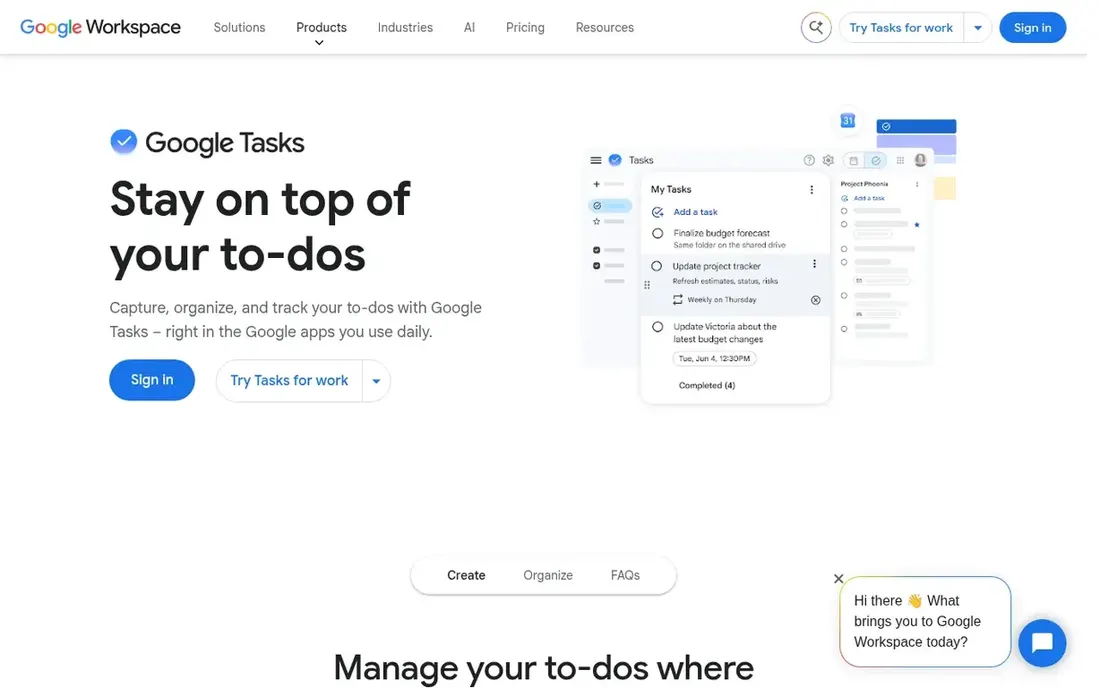
Google Tasks makes the most sense for reminders inside Google Workspace. Google Tasks is built to produce, organize, assign, and track tasks within Google Workspace apps, and it comes with reminders, subtasks, and recurring task choices.
Its strengths are tied to the Google ecosystem, so people working chiefly outside it may find it less convenient. Pick Google Tasks when your work already runs through Google Workspace and you want reminders close at hand. Google Tasks shows no starting price here, so confirm the cost on the vendor site. Free options: Not stated.
Where it shines: recurring tasks. Limits to weigh: Tied closely to the Google ecosystem.
- Plugs into Google Workspace apps
- Supports reminders, subtasks
- Fewer standalone productivity features
ClickUp is a good fit for team reminders inside a full workspace. ClickUp describes itself as the everything app for work, bringing together tasks, docs, goals, and chat. That same breadth makes ClickUp more than numerous individuals need for straightforward reminders, and the work-team orientation may not fit personal planning.
Trade-offs to know: Aimed primarily at work teams.
Users seeking a light list should consider a focused app instead. More specifically, pick ClickUp when reminders are one part of a broader team workspace. ClickUp starts at: $9 per user per month. Free access exists with ClickUp.
- Positions itself as an everything app for work
- Aimed at team productivity at scale
- Breadth can overwhelm straightforward reminder users
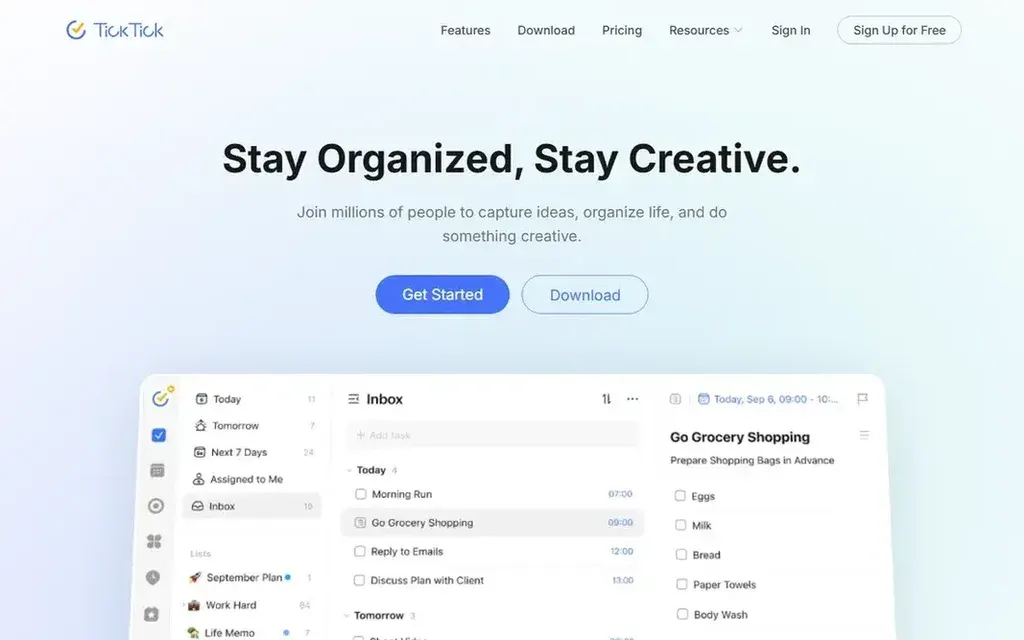
TickTick is aimed squarely at Tasks, calendar, and habits together. It is a solid fit for individuals building a personal productivity system that travels between phone, desktop, and web. More specifically, the broader feature set can feel like more than a minimalist reminder user needs.
Points against: Feature breadth can feel busy for straightforward needs.
The homepage positions it around personal productivity instead of team task boards. Choose TickTick when you want tasks and calendar views in one synced place. The starting price for TickTick: $49.99 per year. A free plan is available with TickTick.
- Handles tasks, calendars
- Syncs across all devices
- Less concentrated on team collaboration
Pick Notion if this describes you: custom reminder systems in a workspace. Notion is an AI workspace where teams build custom agents, search across apps, and automate busywork. It is not a dedicated reminder app, but its adaptable pages and databases let you construct task and reminder systems tailored to how you work.
In practice, since Notion is a general workspace, using it purely for reminders takes deliberate setup and can feel heavy compared to a straightforward to-do app. Choose Notion when customization and connected notes matter more than instant simplicity. The starting price for Notion: $10 per member per month. You can start on Notion without paying.
Drawbacks to consider: Can be heavy for straightforward to-do needs.
- AI features for search and automation
- Merges notes, databases, tasks
- Needs setup to work as a reminder app
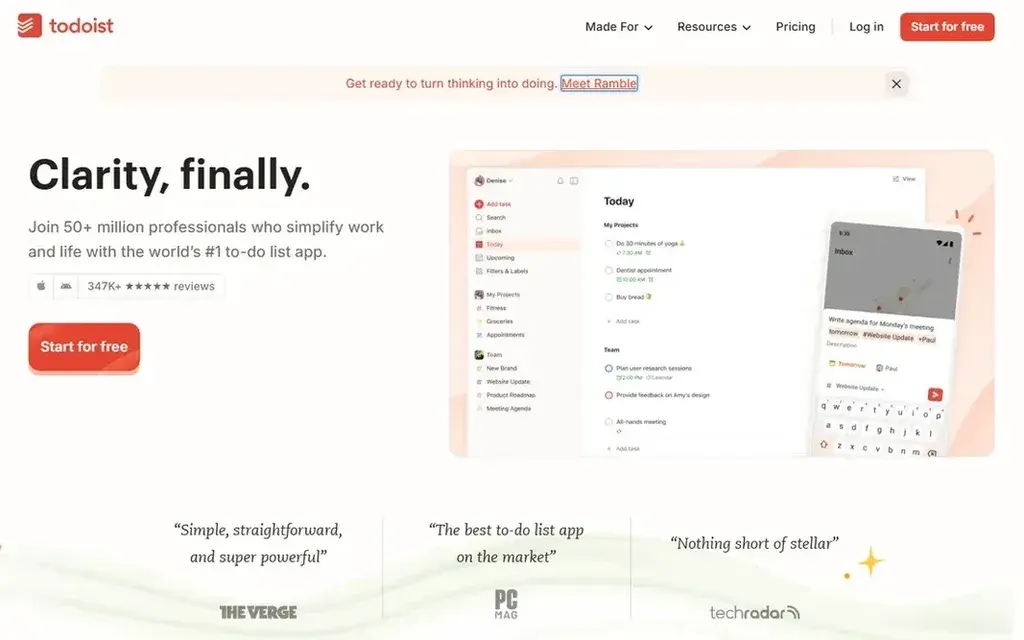
In short, Todoist is for straightforward cross-device task reminders. Pick Todoist when steady task capture across devices is the priority. On top of that, if you prefer a focused list over a sprawling workspace, Todoist keeps the experience centered on tasks.
Todoist is a to-do list app built to organize your work and life, and it is pitched at both individuals and teams. Its homepage emphasizes a straightforward task list approach, which makes it a natural fit for people who want reminders they can capture rapidly and check from any device. On cost, Todoist starts like this: $5 per month. Todoist has a free plan.
Honest limits: Light on built-in calendar views.
- Clean to-do list concentrated on organizing work and life
- Syncs tasks across the devices you use
- Advanced structure may feel restricted for complex projects
What went into this list
We compared the tools on published pricing, free plan or trial availability, feature coverage for Cross-Platform reminder apps, and the limits each vendor documents. Figures are shown as the vendors publish them. Billing terms, seat minimums and add-ons can change the real cost. Order on the page follows fit for the typical buyer first, then price transparency and free access. Your own requirements should decide the final pick.
Pre-purchase checklist
- Ask Google Tasks for a written quote, since no starting price is shown.
- Check what the free option really includes: ClickUp, TickTick, Notion and Todoist offer a free plan, and usage caps differ.
- Before choosing Google Tasks, weigh its main limit: tied closely to the Google ecosystem.
- Before you load data into TickTick, check what an export looks like and who can run it.
- Confirm the exact Todoist plan that includes your must-have features.
FAQ
How are the tools for Cross-Platform reminder apps ordered?
Google Tasks sits first and Todoist last because the order follows typical fit for Cross-Platform reminder apps, then price clarity and free access. It is a judgement call, so read each profile for fit and limits.
What is the cheapest option for Cross-Platform reminder apps in this list?
On published monthly entry prices, Todoist is the lowest here at $5 per month. Entry price is only part of the cost, because seats, add-ons and billing terms can change the total. Each of the 5 options in this Cross-Platform reminder apps guide has its own card above with the price, free plan and limits.
Which options for Cross-Platform reminder apps have a free plan?
On this list, ClickUp, TickTick, Notion and Todoist include a free plan. Caps on seats, usage or features are common, so test the free plan against your real workload.
Which cross-platform reminder app is best for straightforward task lists?
For most readers this guide would start with Google Tasks, built for reminders inside Google Workspace. ClickUp is the alternative for team reminders inside a full workspace, and TickTick for Tasks, calendar, and habits together. The right answer depends on budget and workflow.
Can I try these options before paying?
Often, yes. ClickUp, TickTick, Notion and Todoist have a free plan. Use your own data and a real task during the test, and check what the free tier or trial limits before you rely on it.
Sources
- https://workspace.google.com/products/tasks
- https://clickup.com
- https://ticktick.com
- https://www.notion.com
- https://todoist.com