Switching From Blink? 5 Alternatives for 2026
Comparing Blink alternatives? 5 contenders, each with entry cost, free tier and best-fit buyer. Each profile ends with a plain caveat. Reviewed this month.
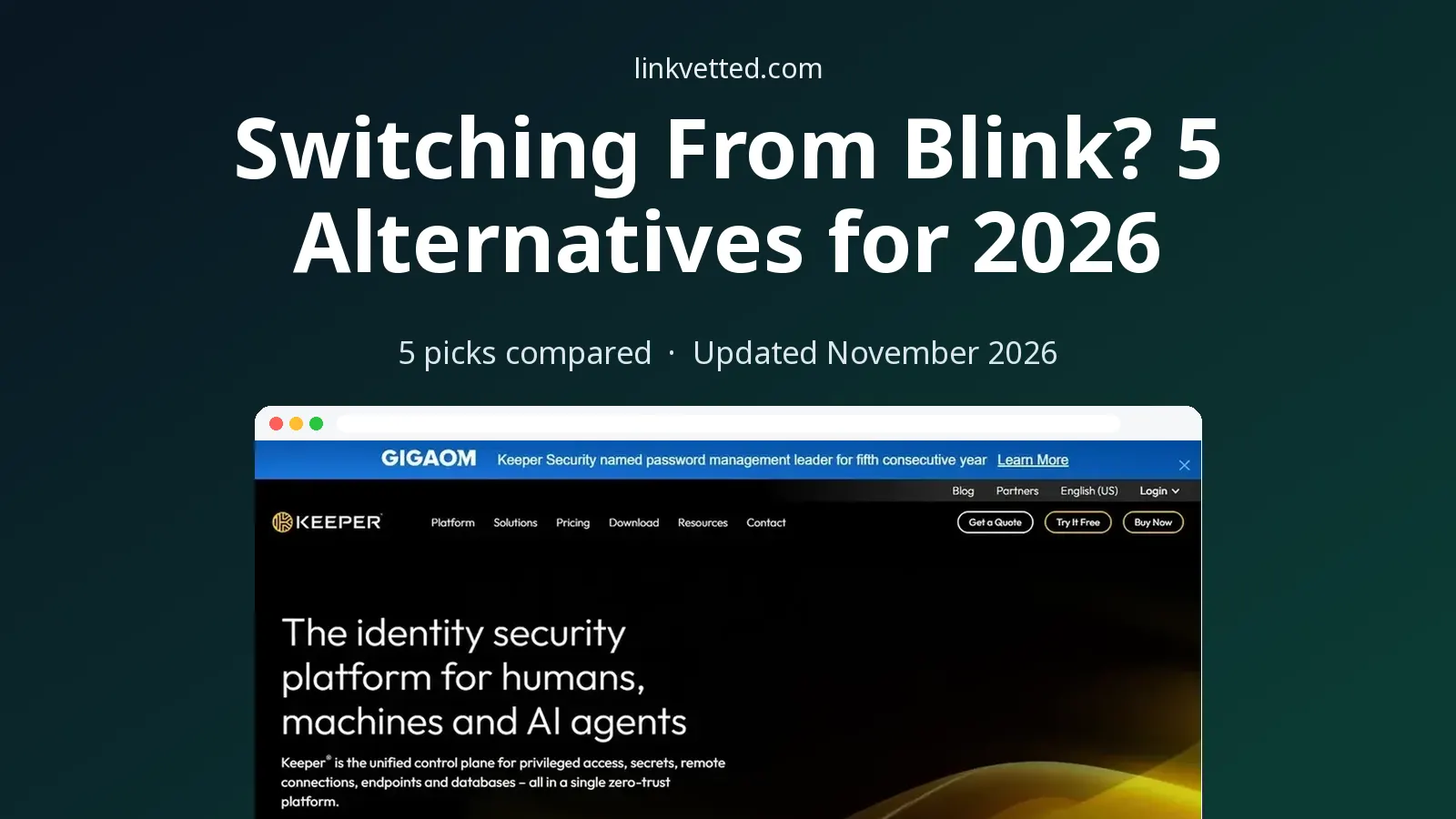
- Editor's choiceKeeper Password Manager
Zero-trust privileged access and secrets
Starts atSee websiteVisit keepersecurity.comFull review - Great alternative
 Bitwarden
Open source password management
Starts at$1.65 a monthVisit bitwarden.comFull review - Also consider
 LastPass
Password management with shadow IT visibility
Starts atSee websiteVisit lastpass.comFull review
Direct answer
Keeper Password Manager leads the list, best for zero-trust privileged access and secrets. Listed starting prices: Bitwarden from $1.65 a month and Dashlane from $4 per user per month. Bitwarden fits open source password management; LastPass fits Password management with shadow IT visibility. The remaining 2 options are covered below with prices and limits.
TL;DR:
- This list starts with Keeper Password Manager, which is built for zero-trust privileged access and secrets.
- Check the limits for Bitwarden before you commit: interface may feel plainer than some rivals.
- Bitwarden is the only tool of the 5 with a free plan.
- 1Password is the one to check for refined password and secrets management.
Last checked November 2026. Prices and plan details were read from the vendors' own pages in November 2026; vendors change plans often, so confirm the current price on the vendor site before you buy.
Quick comparison
| Tool | Best for | Starts at | Free plan? | |
|---|---|---|---|---|
| Keeper Password Manager | Zero-trust privileged access and secrets | See website | Free trial | Visit |
| Bitwarden | Open source password management | $1.65 a month | Yes | Visit |
| LastPass | Password management with shadow IT visibility | See website | Free trial | Visit |
 Dashlane | Credential security across business and personal use | $4 per user per month | Free trial | Visit |
 1Password | Refined password and secrets management | See website | Not stated | Visit |
Our 5 picks for Blink
LinkVetted compared 5 tools for Blink. The goal is a practical shortlist: published prices, free plan facts, best-fit use cases and honest limits for every entry.
Keeper Password Manager
Best for: Zero-trust privileged access and secrets
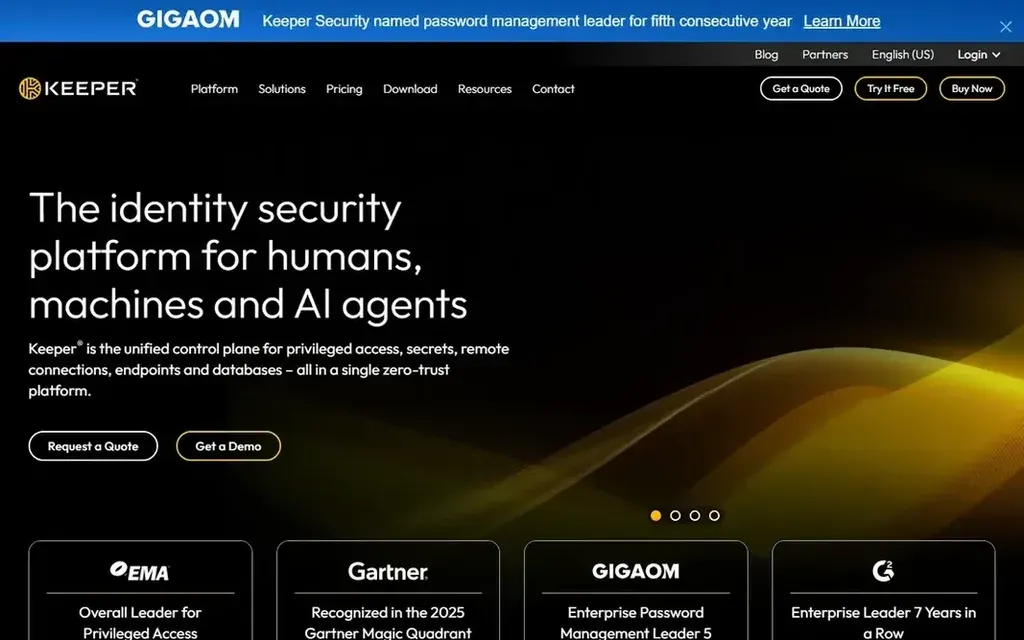
For zero-trust privileged access and secrets, Keeper Password Manager is a natural candidate. Smaller teams without privileged access requirements may find it overbuilt.
That positioning fits security-conscious organizations that require more than password storage, including oversight of machine and AI agent identities. Keeper Password Manager shows no starting price here, so confirm the cost on the vendor site. Free plan details: Free trial.
Watch-outs: Wide scope may exceed entry-level vault needs.
- Positions itself as identity security for machines and AI
- Unified control plane for privileged access
- Enterprise framing can feel complicated
Bitwarden was built for open source password management. Bitwarden is an open source password manager for individuals, teams and enterprises, handling passwords, passkeys and secrets in a shared system. Its open source nature appeals to buyers who value transparency and community-driven development.
Highlights: Open source approach.
More specifically, choose Bitwarden when open source credentials management is the deciding factor. For everyday use, for plenty of teams comparing Blink alternatives, Bitwarden is the natural starting point when openness and wide accessibility matter. It may not suit organizations needing tightly integrated privileged access tooling. Entry price for Bitwarden: $1.65 per month. You can start on Bitwarden without paying.
Drawbacks to consider: Advanced enterprise features need evaluation.
- Teams and enterprises
- Serves individuals
- Interface may feel plainer than some rivals
LastPass is a good fit for Password management with shadow IT visibility. LastPass is a password manager that secures logins whereas giving organizations shadow IT visibility and AI governance across the SaaS and AI tools employees use.
This comparison lists no price for LastPass; ask the vendor. On free options: Free trial.
Where it is weaker: Focused mostly on employee SaaS usage.
- Produces and keeps capable passwords
- Comes with AI governance features
- Governance features may be unnecessary for small teams
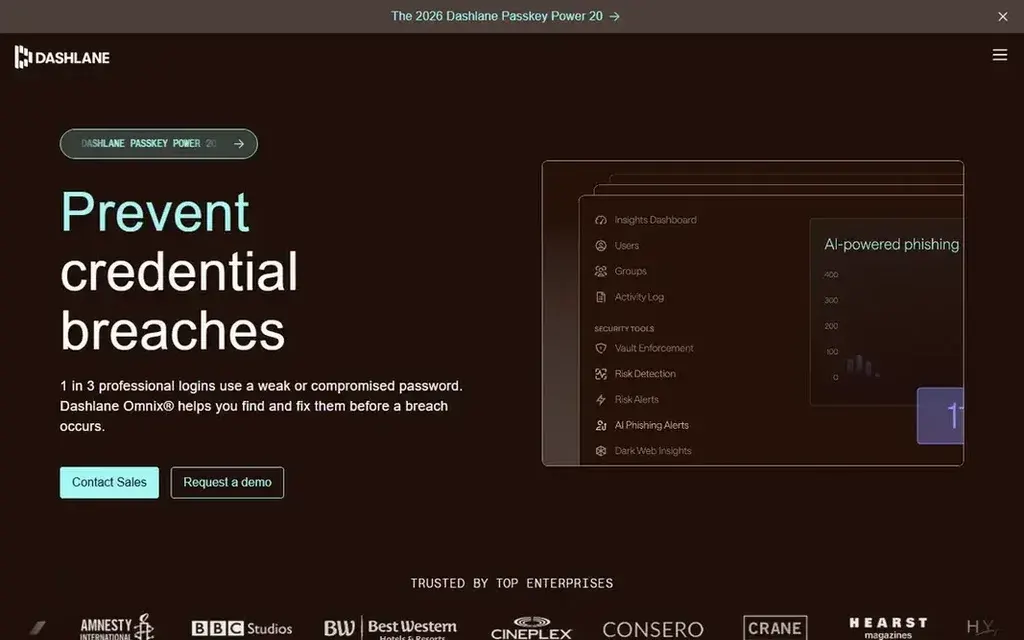
Dashlane makes the most sense for credential security across business and personal use. Dashlane presents itself as a password manager and credential protection product pitched at enterprises, companies and individuals. Its homepage emphasizes credential security instead of only vault storage, making it a reasonable fit for organizations that want password management framed as part of broader security.
Watch-outs: Enterprise emphasis may not suit tiny teams.
For everyday use, since Dashlane addresses multiple audiences, the experience and feature depth can differ based on which segment you fall into. In daily use, consider Dashlane when credential protection for a business is the priority and you want a platform-oriented approach. Starting cost for Dashlane: $4 per user per month. Free options: Free trial.
- Concentrates on password management and protection
- Frames itself as a credential security system
- Feature depth varies by audience
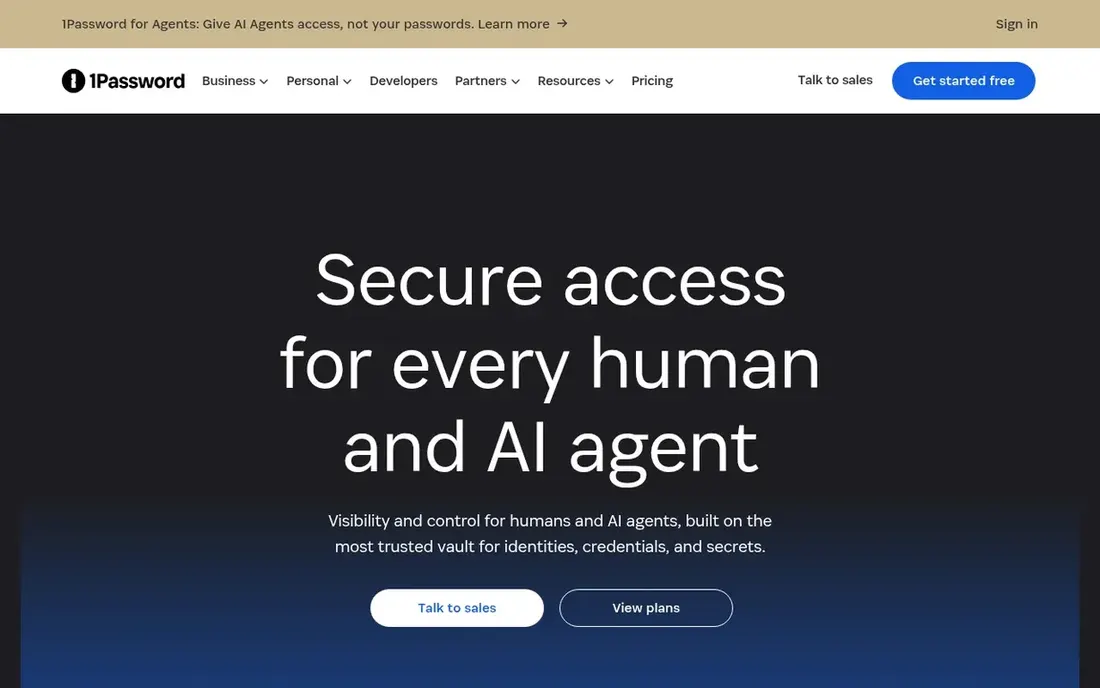
1Password was built for refined password and secrets management. 1Password is a password manager that also deals with secrets and access management, positioning itself for expanding teams through to enterprise. It guards passwords and secrets, runs app access and extends to securing AI tools.
Points against: Wide feature set may overwhelm solo users.
Also, buyers leaving Blink for a more structured product often start here. The product's breadth means setup and administration can feel heavier than an entry-level personal vault needs. Solo users with straightforward needs may find a lighter tool sufficient. More specifically, choose 1Password when you want passwords, secrets and access control handled together and expect your team to grow. This comparison lists no price for 1Password; ask the vendor. Free plan details: Not stated.
- Scales from small teams to enterprise
- Includes passwords
- Enterprise scope can exceed straightforward needs
How we compared the tools
Pricing pages, product documentation and feature lists were the main sources, and every entry carries at least one honest drawback. Where a price is missing, the vendor does not list one publicly or ties it to a quote. Always confirm before budgeting. The order reflects how well each tool fits the most common buying scenario for Blink, then price clarity, then free plan access. It is a starting point, not a verdict.
What to check before you buy
- Get a written quote from Keeper Password Manager, LastPass and 1Password; the list shows no starting price for them.
- Test the free plan from Bitwarden against your real workload before relying on it.
- Take the trial from Keeper Password Manager, LastPass and Dashlane and push a live task through it before you pay.
- Read the limits listed for Keeper Password Manager first: enterprise framing can feel complicated.
- Check the integration list for Bitwarden against the tools you run today, and note which ones need a higher plan.
- The entry price of LastPass is only the starting point; model the full cost with seats and extras.
FAQ
How are the tools for Blink ordered?
Keeper Password Manager sits first and 1Password last because the order follows typical fit for Blink, then price clarity and free access. It is a judgement call, so read each profile for fit and limits.
What is the cheapest option for Blink in this list?
On published monthly entry prices, Bitwarden is the lowest here at $1.65 per month. Entry price is only part of the cost, because seats, add-ons and billing terms can change the total. Prices, free plan details and limits for all 5 tools in this Blink alternatives roundup sit on the individual cards above.
Do any of these tools add governance features?
LastPass flags shadow IT visibility and AI governance alongside password management, which fits organizations wanting oversight of employee SaaS and AI tool usage. Teams without that require may prefer a more straightforward password-focused choice.
Which options for Blink have a free plan?
Bitwarden is the only tool in this list with a free plan. Free plans usually cap users, projects or features, so check the limits on the vendor page. Several others offer a trial instead.
Can I try these tools before paying?
Often, yes. Bitwarden has a free plan and Keeper Password Manager, LastPass and Dashlane offer a free trial. Use your own data and a real task during the test, and check what the free tier or trial limits before you rely on it.
Sources
- https://www.keepersecurity.com
- https://bitwarden.com
- https://www.lastpass.com
- https://www.dashlane.com
- https://1password.com