8 Best New AI Tools From March in 2026
Explore the best new AI tools from March, including agents, app builders, and note tools, with honest pricing and the right use for each one today in 2026.
- Editor's choice
 Manus
People who want an agent to run research end to end
Starts atFrom $20 per monthVisit manus.imFull review - Great alternative
 Genspark
Finished deliverables from one prompt
Starts atFrom $24.99 per monthVisit genspark.aiFull review - Also consider
 Lovable
Non-coders building a full app
Starts atFrom $25 per monthVisit lovable.devFull review
TL;DR:
- Manus and Genspark suit people who want finished research, slides, or documents, not just chat answers.
- Lovable, Bolt.new, and v0 suit builders who want a working app or interface from a prompt, with different control levels.
- Gamma, Granola, and Wispr Flow suit everyday work, such as decks, meeting notes, and dictation.
- Credit and token pricing makes real cost hard to compare, so test with a small project before you commit.
- March roundups age fast, so check the current plan limits on the vendor site before you pay.
Quick comparison
| Tool | Best for | Starts at | Free plan? | |
|---|---|---|---|---|
| Manus | People who want an agent to run research end to end | From $20 per month | Yes | Visit |
| Genspark | Finished deliverables from one prompt | From $24.99 per month | Yes | Visit |
| Lovable | Non-coders building a full app | From $25 per month | Yes | Visit |
 Bolt.new | Fast prototypes in the browser | From $25 per month | Yes | Visit |
 v0 | Polished interfaces and components | From $30 per user per month | Yes | Visit |
 Gamma | Decks and docs without design work | See website | Yes | Visit |
 Granola | Meeting notes without a bot in the call | From $14 per user per month | Yes | Visit |
 Wispr Flow | Dictating and drafting by voice | See website | Yes | Visit |
The best new AI tools from March
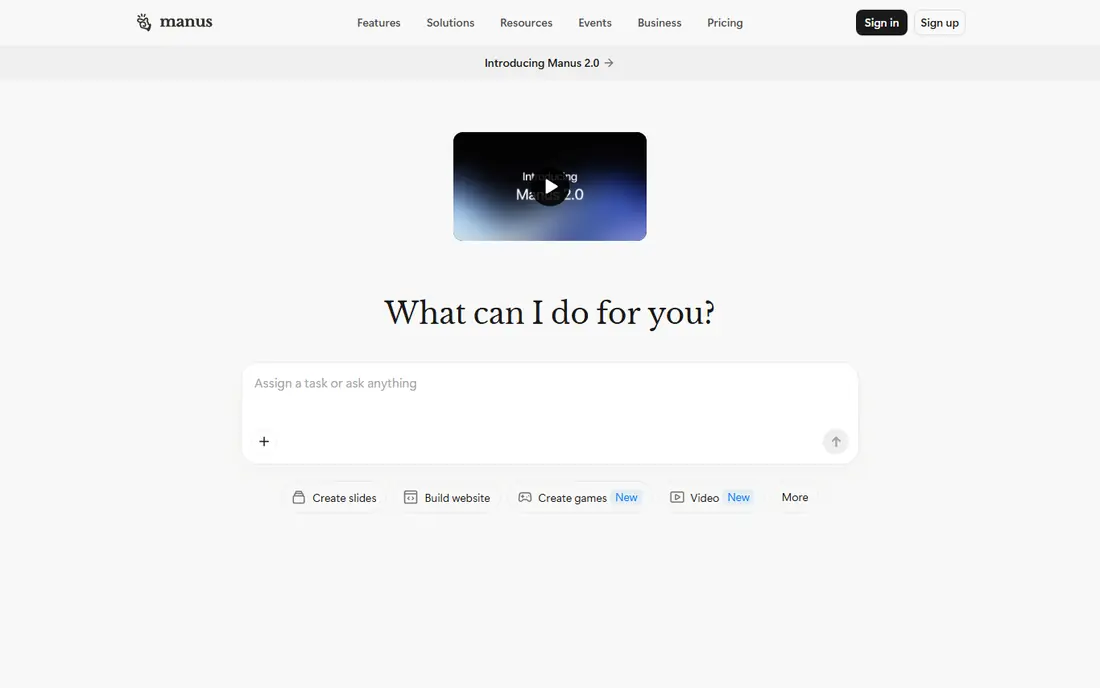
Manus stands out because it does work, rather than only drafting text. Give it a research brief and it can browse sources, compare options, and return a structured document, spreadsheet, or slide set. That makes it useful for market scans, supplier shortlists, and background briefs that would otherwise take an afternoon of tab hopping. Credit pricing is the catch. Simple chats cost little, while deep research runs cost far more, so two users on the same plan can get very different value. Start with the free daily credits, run one realistic job, and watch the credit burn before you upgrade. For repeat research tasks, that test tells you more than any feature list.
- Handles multi-step tasks, browses and builds files, daily free credits
- Credit use is hard to predict, complex jobs can burn credits fast
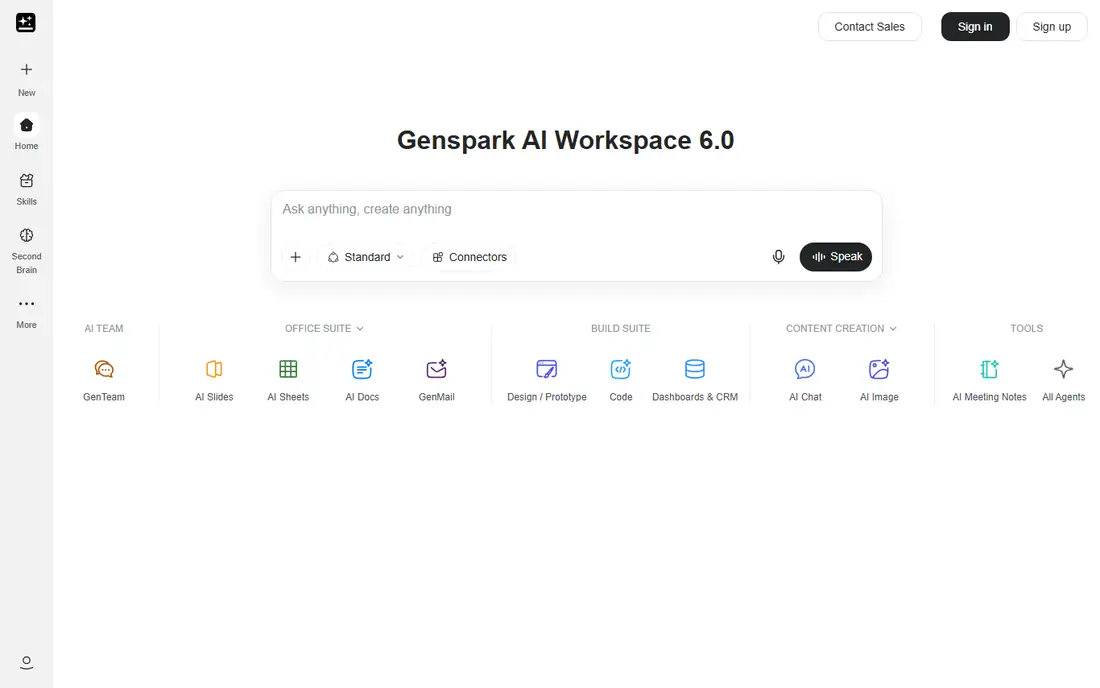
Genspark aims at the moment after the answer, when you need something you can hand over. One prompt can become a slide deck, a research document, or a short video outline, with sources and structure included. Freelancers and small teams use it to turn a brief into a client-ready file without starting in a blank document. The outputs look polished, which makes checking them even more important. Dates, prices, and claims can be wrong, and credit-heavy tasks add up quickly. Treat Genspark as a fast first draft for deliverables, then verify facts, tighten wording, and adjust design before you send anything out.
- Produces slides, docs, and video from prompts, routes across many models, clean outputs
- Video and voice tasks drain credits, outputs still need fact checks
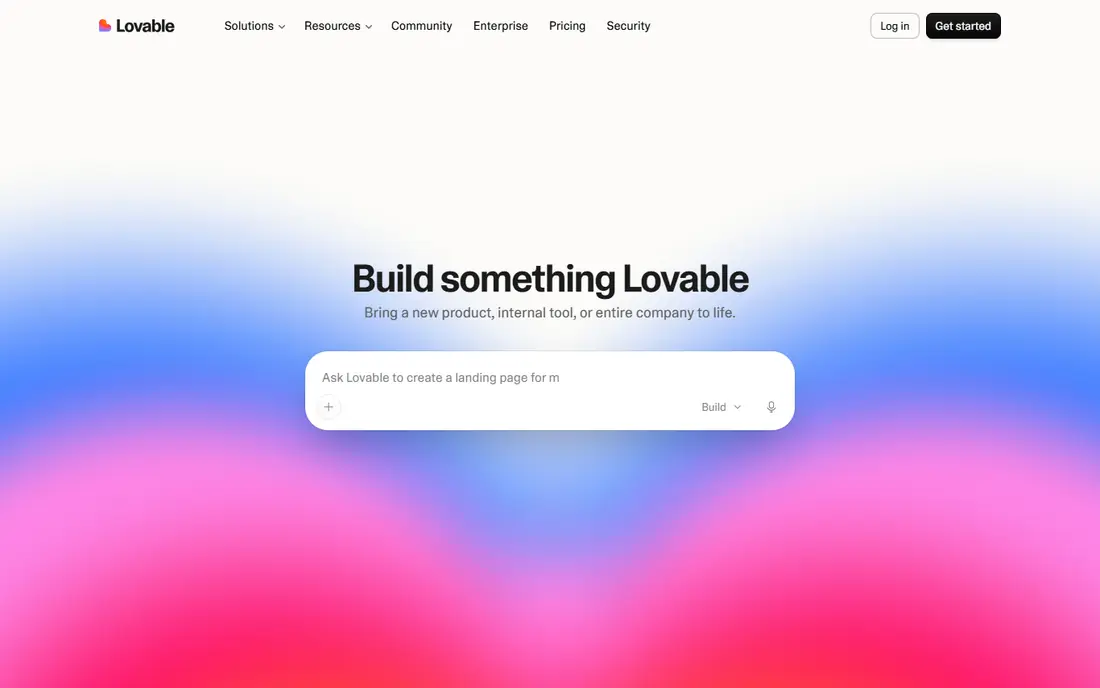
Lovable is the friendliest route from idea to working app in this list. Describe what you want, and it generates the interface, database, sign-in, and hosting setup in one workspace. Founders use it for MVPs, internal tools, and landing pages with real data behind them, not just mock screens. Credit-based pricing means long projects cost more than the headline plan suggests, and you will still need a developer for tricky logic or scaling. For validation, demos, and simple tools, though, Lovable gets you further, faster, than a traditional build. Export the code early so you keep control if the project grows.
- Builds frontend and backend together, built-in database and auth, one-click deploy
- Credit limits bite on larger apps, complex logic needs manual cleanup
Bolt.new runs a full development environment in your browser, so you can start building without installing anything. Prompts turn into a live app you can preview, edit, and deploy, which suits hackathons, client demos, and quick internal tools. The zero-setup feel is genuinely useful when you work across machines. Tokens are the budget risk. Larger projects send more context with each message, so fixes can cost more later in a project than at the start. Keep prompts focused, save working versions, and use Bolt.new for prototypes you plan to refine, rather than as a home for a large production codebase.
- No setup, live preview, full-stack projects in the browser
- Token use rises with project size, long edits can lose context
v0, from Vercel, specialises in the front of the app. Upload a sketch or describe a page, and it returns production-style React components with sensible styling. Designers and frontend developers use it to move from idea to a working interface in minutes, then wire up their own backend and data. That focus is both strength and limit. You get a strong interface, but you still need to handle auth, databases, and hosting yourself. The free tier gives you a taste, while paid plans add credits and team features. If interface quality is your bottleneck, v0 is the sharpest tool here.
- High-quality interface output, image and design imports, clean React code
- No built-in backend, credits add up on revisions
Gamma turns an outline into a presentable deck or document in minutes. Paste notes or a brief, pick a theme, and it lays out slides with headings, bullets, and visuals in a consistent style. Small teams use it for pitches, internal updates, and course materials when design time is scarce. You trade control for speed. Custom layouts, complex charts, and brand-perfect slides still need manual work in a dedicated design tool. For everyday presentations, that trade is worth it, and the free plan is enough to test whether the style fits your team before you pay.
- Fast deck creation, clean templates, easy sharing and embedding
- Design control is limited, long decks need manual editing
Granola takes a different approach to meeting notes. Instead of sending a bot into Zoom or Meet, it captures audio on your own device and turns it into notes, summaries, and action items. That feels less intrusive on client calls and avoids the awkward moment when a third-party participant appears in the attendee list. The free plan limits how far back you can browse, so regular users will likely pay for full history and integrations. It also covers fewer enterprise admin controls than larger note platforms. For individuals and small teams who value a bot-free call, Granola is a calm, practical choice.
- No bot joins the meeting, works from your device audio, clean summaries
- History is limited on free plan, fewer team admin features than rivals
Wispr Flow is for people who think faster out loud than they type. Speak naturally, and it turns speech into clean text in almost any app, including email, docs, and chat. Writers, managers, and clinicians use it to draft messages, capture ideas on the move, and cut down on typing strain. It is not a meeting recorder, and it will not replace a full note-taking platform. Noisy rooms, heavy accents in poor audio, and specialist terms can still need correction. For daily drafting and inbox work, though, voice input changes the pace of writing, and the free tier lets you test it in your real workflow.
- Fast, accurate dictation, works across apps, handles natural speech well
- Pricing varies by plan, voice accuracy drops in noisy rooms
How we picked these
We looked for tools that were prominent in March coverage and are still actively sold and updated in October 2026. That filter removed one-month curiosities and tools that shut down or merged soon after launch. We also favoured tools with a clear job, a public pricing page or plan, and a free way to test before paying. We did not rank by hype. An agent that finishes research, an app builder, and a dictation tool serve different needs, so the list mixes categories on purpose. Pick by the task you repeat most, not by which tool got the most social posts in March.
Buying guide: how to judge a new AI tool
Test with a real job
A demo prompt flatters every tool. Run your own brief, your own data, and your own deadline, then judge the output you would actually send. If the tool saves at least 30 minutes on a repeat task, it earns a closer look.
Read the metering, not just the price
Credits, tokens, and messages are not interchangeable. Check what counts toward your limit, whether unused amounts roll over, and what happens when you hit the cap mid-task. A low headline price can become expensive if your normal work uses credits heavily.
Check export and exit options
Before you build important work in a new tool, confirm you can export code, documents, or notes in a usable format. Tools that lock your work inside one platform cost more to leave later, even if the first month feels cheap.
FAQ
What were the best new AI tools in March?
March coverage highlighted agents like Manus and Genspark, app builders like Lovable, Bolt.new, and v0, and everyday tools like Gamma, Granola, and Wispr Flow. The best pick depends on your job, since an agent, a builder, and a note tool solve different problems. This list focuses on tools that are still available and useful in October 2026, not only on launch-week buzz.
Are these March AI tools still available?
Yes, the tools in this list are still sold and maintained as of October 2026, though plans and credit limits have changed since March. Check the vendor pricing page before you subscribe, because several tools have raised entry prices or changed free limits. If a tool you liked has shut down, look for its closest rival in the same category here.
Which new AI tool is best for building an app?
Lovable suits non-coders who want a full app with database and sign-in included. Bolt.new suits fast browser-based prototypes with no setup. v0 suits polished interfaces where you will add your own backend. Choose Lovable for a complete MVP, Bolt.new for speed, and v0 for interface quality.
Do I need to pay for Manus or Genspark?
Both offer free tiers that cover small tasks and testing. Manus gives daily free credits, while Genspark offers free chat and image work with limits. Paid plans suit regular research or deliverable work, but start free, measure credit use on a real job, and upgrade only when the free allowance runs out mid-task.
How do I avoid wasting money on AI credits?
Set a test budget for the first month and track how many credits or tokens a typical job uses. Break large jobs into smaller prompts, save working versions, and avoid re-running the same request with minor tweaks. If costs swing wildly from week to week, a flat-priced tool may suit your budget better than a metered one.
Sources
https://www.manus.im https://www.genspark.ai https://www.lovable.dev https://www.bolt.new https://www.v0.app https://www.gamma.app https://www.granola.ai https://www.wisprflow.ai