Best Support Ticket Systems for SaaS Companies in 2026: 8 Systems Compared
Our guide to best support ticket systems for saas companies compares ticketing, automation, AI help, pricing and integrations for growing SaaS teams today.

- Editor's choice
 Zendesk
Large omnichannel SaaS support
Starts at$19 per monthVisit zendesk.comFull review - Great alternative
 Freshdesk
Fast multichannel setup
Starts at$19 per monthVisit freshworks.comFull review - Also consider
 Intercom
In product messenger support
Starts at$29 per monthVisit intercom.comFull review
TL;DR:
- Zendesk and Freshdesk suit SaaS teams that need mature ticketing, routing and reporting at scale, with Zendesk stronger for large omnichannel teams.
- Intercom suits product led SaaS teams whose support lives inside an app messenger, while HubSpot Service Hub suits teams already on HubSpot CRM.
- Help Scout and Zoho Desk suit smaller SaaS teams that want lower seat costs and a simpler inbox, while Front suits shared inbox collaboration.
- Jira Service Management suits SaaS teams that need support tickets linked closely to engineering issues and change work.
Quick comparison
| Tool | Best for | Starts at | Free plan? | |
|---|---|---|---|---|
| Zendesk | Large omnichannel SaaS support | $19 per month | Free trial | Visit |
| Freshdesk | Fast multichannel setup | $19 per month | Free trial | Visit |
| Intercom | In product messenger support | $29 per month | Free trial | Visit |
 HubSpot Service Hub | CRM connected support | $20 per month | Yes | Visit |
 Help Scout | Email first small teams | $25 per month | Yes | Visit |
 Zoho Desk | Budget teams and Zoho users | $7 per month | Yes | Visit |
 Front | Collaborative shared inboxes | $25 per month | Free trial | Visit |
 Jira Service Management | Engineering linked service desks | $20 per month | Free trial | Visit |
The best support ticket systems for saas companies
We compared official pricing pages, feature lists, app store listings and public reviews for help desk tools, and we kept systems that support SaaS ticket workflows in 2026.
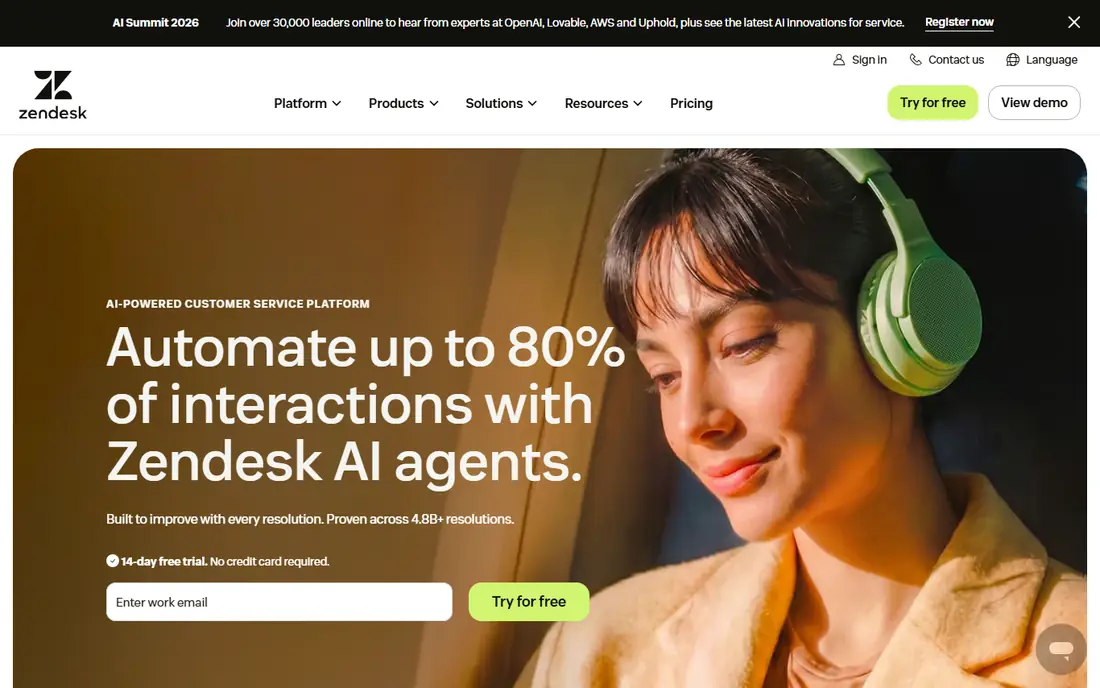
Zendesk remains the most mature ticketing platform for SaaS teams that handle email, chat, phone and social in one queue. Its routing, macros, triggers and reporting let a growing team split tickets by plan, product area or severity, and its help centre and community tools keep self service close to the ticket flow. Recent listings put Support Team at 19 dollars per agent per month billed annually, with Suite Team at 55 dollars, so buyers should price the suite tier that matches their channel mix.
The cost curve is the main weakness. Entry pricing covers ticketing only, while omnichannel features, advanced reporting and AI copilot sit on higher tiers or as add ons. A small SaaS team may pay for capacity it does not use, while a large team should budget for both seat cost and AI resolution fees. Trial the exact tier you plan to buy, not only the entry plan.
- Deep ticketing, routing and reporting
- Omnichannel email, chat, voice and social
- Large app marketplace and AI options
- Suite Team at 55 dollars per agent per month in recent listings is the practical omnichannel tier
- AI add ons add cost
Freshdesk suits a SaaS team that wants multichannel ticketing live quickly without a long implementation project. Its Growth plan, listed at 19 dollars per agent per month billed annually in recent comparisons, covers core ticketing, a knowledge base and basic automations, which is enough for many early stage SaaS teams. Freddy AI can draft replies and resolve routine questions, and the interface is easier for new agents to learn than some enterprise tools.
The limit appears as the team grows. Intelligent routing, custom reporting and deeper AI features sit on Pro and Enterprise plans, so a team that starts cheap may face a step change in cost when it needs those features. Check which automations and SLA policies your plan includes, and test ticket volume handling before committing to a year.
- Fast setup and clear interface
- Growth plan at 19 dollars per agent per month in recent listings
- Freddy AI options and knowledge base
- Advanced routing and reporting sit on Pro at 55 dollars in recent listings
- Omnichannel costs rise with add ons
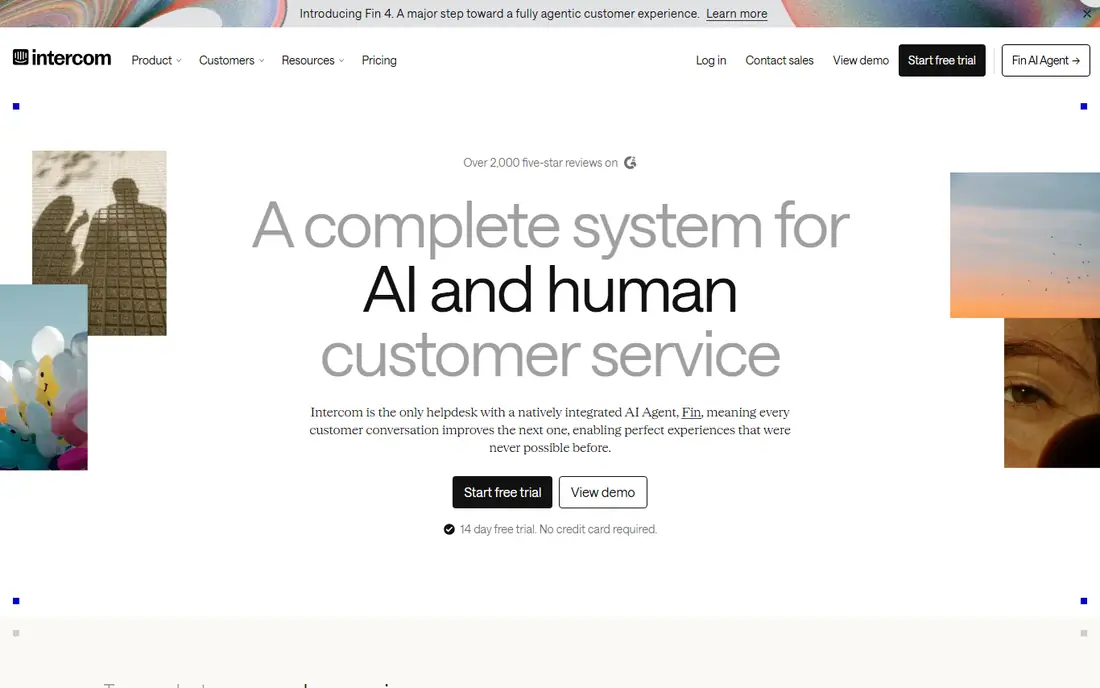
Intercom is the pick when support happens inside the product, not only in an email inbox. Its messenger lets users ask for help without leaving the app, and Fin, its AI agent, can resolve routine questions from help centre content before a human agent steps in. Recent listings put Essential at 29 dollars per seat per month billed annually, with Advanced at 85 dollars, so the entry price looks low until AI outcomes are added.
That two part bill is the key budgeting point. Seats and Fin outcomes are charged separately, so a team with high AI volume can see costs rise on both sides. Intercom suits product led teams that value in app experience and AI deflection, but a ticket heavy team that mainly handles email may get better value from Zendesk or Freshdesk.
- Strong in app messenger and Fin AI agent
- Proactive messages and product tours
- Good fit for product led SaaS
- Fin resolutions bill separately from seats at 0.99 dollars per outcome in recent listings
- Seat cost rises on higher tiers
HubSpot Service Hub suits SaaS teams already running on HubSpot CRM, since tickets sit on the same customer timeline as deals, emails and product usage notes. That context helps an agent see plan, renewal date and past issues without switching tools, and it helps a customer success team spot accounts at risk. Free service tools cover up to two users in recent listings, which lets a very small team start without a paid plan.
The cost jump to Professional is steep, with recent listings at 90 dollars per seat per month plus a one time onboarding fee near 1,500 dollars. A team not already on HubSpot should not choose Service Hub for ticketing alone, since standalone tools offer similar ticketing at lower cost. Choose it when CRM context is the main benefit, not only ticket handling.
- Native CRM timeline with sales and marketing data
- Free service tools for small teams
- Tickets, chat and knowledge base in one hub
- Professional tier at 90 dollars per seat per month in recent listings plus onboarding fee
- Best value requires HubSpot CRM use
Help Scout keeps support close to email, with a shared inbox, internal notes, collision detection and a Docs knowledge base that feels simple for both agents and customers. Recent listings describe a free plan for five users with limited contacts, and Standard at 25 dollars per user per month billed annually, which makes it a low friction choice for a small SaaS team. Onboarding is fast, since there is less configuration than in an enterprise platform.
The limit is channel depth. Help Scout is weaker for phone heavy or WhatsApp first support, and advanced routing sits on higher plans. AI Answers adds a per resolution fee, so a team should cap AI spend and measure deflection before scaling it. For an email first SaaS team, that simplicity is a strength, not a gap.
- Clean shared inbox and Docs knowledge base
- Free plan for up to five users in recent listings
- Fast onboarding
- Phone and advanced routing are limited
- AI Answers bills per resolution at 0.75 dollars in recent listings
Zoho Desk is the budget pick, with a free edition for up to three agents and paid plans from 7 dollars per user per month billed annually in recent listings. For a SaaS team already using Zoho CRM, Books or other Zoho apps, Desk shares customer data without extra integration work, and Zia AI adds analytics and predictions on higher plans. That low seat cost makes it easy to give support access to a wider team without a large bill.
The trade off is complexity and tiering. Zoho interface can feel busy as modules are added, and the most useful AI features require Professional or Enterprise plans. A team that only needs ticketing will find Zoho Desk good value, while a team that wants polished AI deflection may prefer Intercom or Zendesk despite higher cost.
- Lowest seat cost in this list, with Express at 7 dollars per user per month in recent listings
- Free edition for three agents
- Zia AI and Zoho integrations
- Interface complexity grows with modules
- Most useful AI features sit on higher plans
Front suits SaaS teams where support, operations and success share inboxes and need to collaborate on the same message thread. Its shared inbox model, with internal comments, assignments and collision detection, works well when a ticket needs input from sales, engineering or billing before a reply. Recent listings put Starter at 25 dollars per seat per month for up to ten seats, which fits a small collaborative team.
The limit is automation depth on Starter, with limited channels and rules in recent listings, so a high volume team may need Professional quickly. Front is less of a traditional ticketing system and more of a collaborative inbox, so a team that needs strict SLA reporting and ticket queues should test those features closely before switching from Zendesk or Freshdesk.
- Shared inboxes for email, SMS and social
- Internal comments and assignments
- Strong for operations and support collaboration
- Starter allows limited channels and automation rules in recent listings
- Enterprise features push cost higher
Jira Service Management suits technical B2B SaaS teams whose support tickets often become engineering bugs, incidents or change requests. A support agent can link a customer ticket to a Jira issue, track its status and update the customer without copying details between tools. Recent listings put Standard near 20 dollars per agent per month, with Premium adding the virtual agent and deeper incident and change features.
The weakness is usability for a general support team. Jira Service Management feels built for IT and engineering workflows, so a team that mainly answers billing and onboarding questions may find it heavier than Help Scout or Freshdesk. Choose it when engineering linkage is a daily need, not only an occasional benefit.
- Tight link to Jira engineering work
- Incident, problem and change management
- Strong for technical B2B SaaS support
- Less friendly for non technical support teams
- Virtual agent and deeper features need Premium in recent listings
How we picked these
We compared official pricing pages, feature lists and public reviews, and we kept tools with active SaaS ticketing offers in 2026. Prices shown are starting prices from recent vendor and comparison listings, billed annually where stated, and they change often, so check the current pricing page before buying. We included a mix of enterprise, mid market and budget tools so a team can match tool to team size and channel mix.
How to choose for a SaaS team
Map channels before pricing
List every channel customers actually use, including email, in app chat, phone and social, then price the tier that covers all of them. An entry plan that covers only email will mislead a team that also needs chat.
Test AI on real tickets
Run a trial on past tickets and measure how many routine questions AI resolves correctly, plus how often it hands off cleanly. A low AI price per resolution is poor value if handoffs lack context.
Check CRM and engineering links
A support tool that shows plan, usage and billing data, or links to engineering issues, saves agent time every day. That integration value can outweigh a small seat price difference.
Plan for growth in cost
Model cost at double the current team size and ticket volume, including AI fees. A tool that looks cheap at five agents can become expensive at twenty if AI and add ons scale with volume.
FAQ
What is the cheapest good ticket system for a small SaaS team?
Zoho Desk and Help Scout offer the lowest entry costs in this list, with free editions for very small teams. Freshdesk Growth at 19 dollars per agent per month is also competitive for a team that needs multichannel ticketing.
Do I need AI in a ticket system?
AI helps with routine questions, drafting and routing, but it is not required for a small team. Start with good routing, macros and a knowledge base, then add AI when ticket volume makes routine work a clear bottleneck.
How do per seat and per ticket pricing differ?
Per seat pricing charges for each agent, while per ticket pricing charges for volume, as with some ecommerce tools. SaaS teams with steady agent numbers usually prefer per seat pricing, since it is easier to budget.
Can I migrate tickets from another system?
Most tools in this list offer import tools or APIs for tickets, customers and knowledge base articles. Plan the migration by mapping ticket fields, statuses and macros first, and test with a small batch before moving all history.
Should support and engineering share one tool?
Sharing helps when bugs are a large share of tickets, as with Jira Service Management. For general SaaS support, a dedicated help desk with a link to engineering often gives a better agent experience than forcing all support into an engineering tool.
How long does setup take?
A simple Help Scout or Freshdesk setup can go live in days, while Zendesk or Jira Service Management with custom routing, SLAs and integrations can take weeks. Allow time for help centre content, macros and reporting, not only for account creation.