5 Best Client Portal Software for Schools for 2026, Vetted and Compared
5 products for the best client portal software for schools, ranked by fit, with starting costs and free tiers. Pros and cons for every tool. Prices included.
- Editor's choiceClasse365
Schools and colleges managing students
Starts at$100 per monthVisit classe365.comFull review - Great alternativeSycamore
Simplifying operations and communication
Starts at$4 per student a monthVisit sycamoreschool.comFull review - Also consider
 FACTS
Connected K-12 data and finances
Starts atSee websiteVisit factsmgt.comFull review
Direct answer
This list puts Classe365 first for schools and colleges managing students. Listed starting prices: Classe365 from $100 per month, Sycamore from $4 per student a month and Classter from €8.50 per student. Alternatives: Sycamore for simplifying operations and communication, and FACTS for connected K-12 data and finances. All 5 tools are compared below on price, free plan and limits.
TL;DR:
- Number one here is Classe365, a fit for schools and colleges managing students.
- Sycamore is the lowest-priced starter here at $4 per student per month.
- One limit worth knowing about Veracross: positioned for private schools.
- None of the 5 tools, from Classe365 to Classter, has a free plan, so budget for a subscription or use a trial.
- Classter is the one to check for all-in-one school management product.
Last checked November 2026. Prices and plan details were read from the vendors' own pages in November 2026; vendors change plans often, so confirm the current price on the vendor site before you buy.
Quick comparison
| Tool | Best for | Starts at | Free plan? | |
|---|---|---|---|---|
| Classe365 | Schools and colleges managing students | $100 per month | Free trial | Visit |
| Sycamore | Simplifying operations and communication | $4 per student a month | Not stated | Visit |
| FACTS | Connected K-12 data and finances | See website | Not stated | Visit |
| Veracross | Teams comparing choices in this category | See website | Not stated | Visit |
 Classter | All-in-one school management product | €8.50 per student | Not stated | Visit |
5 client portal software for schools in detail
LinkVetted compared 5 client portal software for schools. The goal is a practical shortlist: published prices, free plan facts, best-fit use cases and honest limits for every entry.
Classe365
Best for: Schools and colleges managing students
Classe365 is built with schools and colleges managing students in mind. Its appeal extends to institutions that serve both school and college populations and want one administrative approach. In practice, schools needing very deep learning management may prefer a product with more solid classroom tooling.
Worth adding: pick Classe365 when simplified student administration across institution types is the goal. Because it addresses both schools and colleges, a K-12 institution should confirm that terminology and workflows match its own structure. On cost, Classe365 starts like this: $100 per month. As for free access: Free trial.
Trade-offs to know: Spans several institution types.
- Spans administration workflows
- Student management for schools and colleges
- Depth varies by module
Sycamore
Best for: Simplifying operations and communication
Sycamore is a good fit for simplifying operations and communication. Sycamore Leaf Solutions describes an all-in-one school management system built to ease operations and enhance communication for schools.
That combination points toward schools that want administrative functions and family-facing communication handled together, reducing the gap between back-office records and the messages parents and staff receive day to day. Schools with highly specialized workflows may have to confirm coverage before committing. Entry price for Sycamore: $4 per student per month. Free plan details: Not stated.
What to check first: Wide feature set needs review.
- All-in-one school management
- Emphasizes school communication
- Fit varies by school size
FACTS is aimed squarely at connected K-12 data and finances. Schools that want tuition management, admissions and records to share a single environment may find this alignment handy, especially where families interact with the school through payment and enrollment steps.
Where it falls short: Finance-led framing.
Institutions seeking only a simple family communication portal may find the scope broader than required. FACTS does not show a starting price in this comparison, so check the vendor site for current pricing. As for free access: Not stated.
- Finances and admissions
- K-12 SaaS ecosystem
- Confirm module coverage
Veracross
Best for: Teams comparing choices in this category

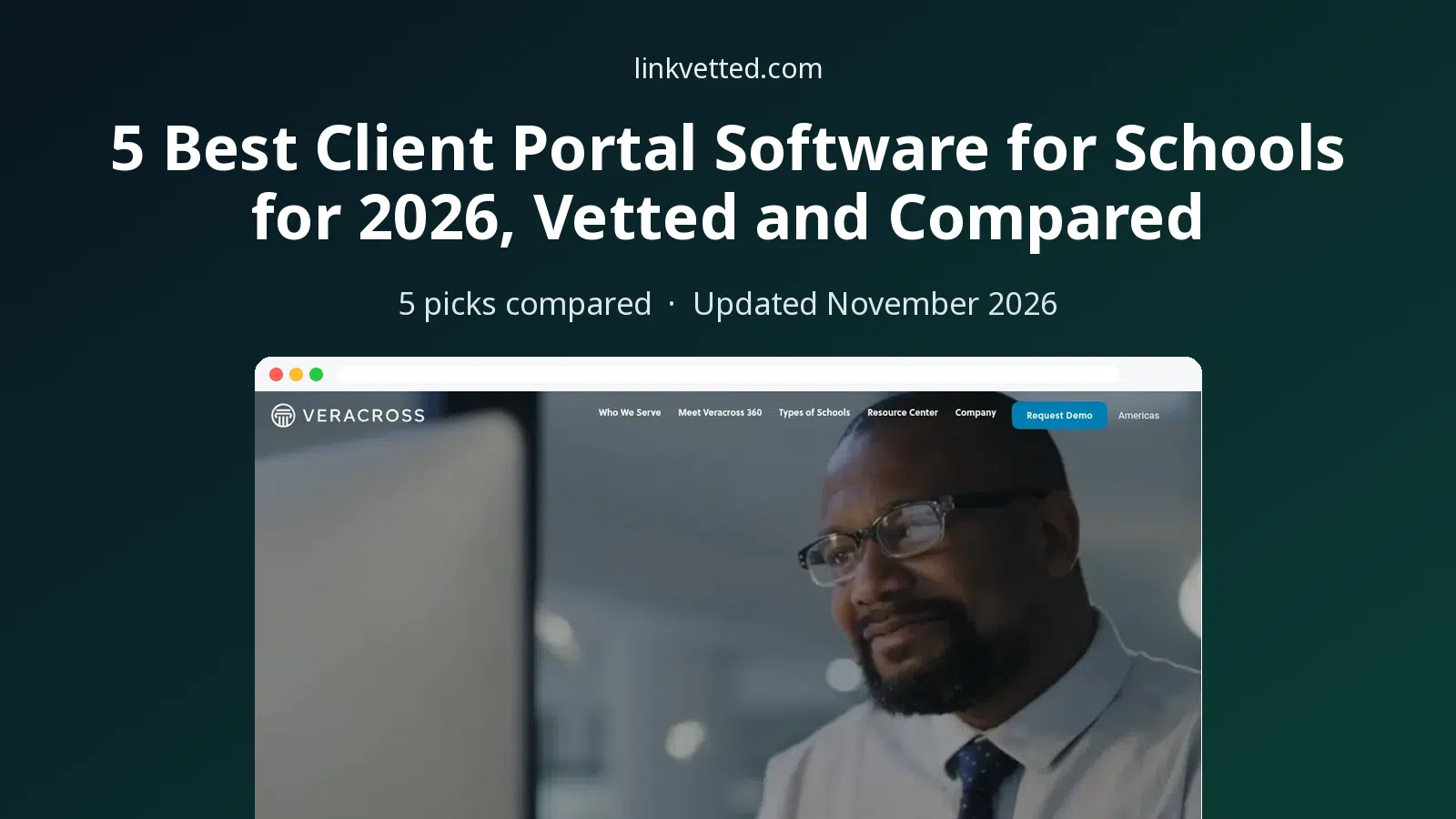
Where Veracross fits: teams comparing choices in this category. The homepage emphasizes one connected SIS instead of a patchwork of tools.
As for the details, consider Veracross when unifying school data across departments is the central goal. This comparison lists no price for Veracross; ask the vendor. Trial and free access: Not stated.
Where it falls short: Public districts may need different fit.
- Pitched at private K-12 settings
- Built around a unified SIS
- Positioned for private schools
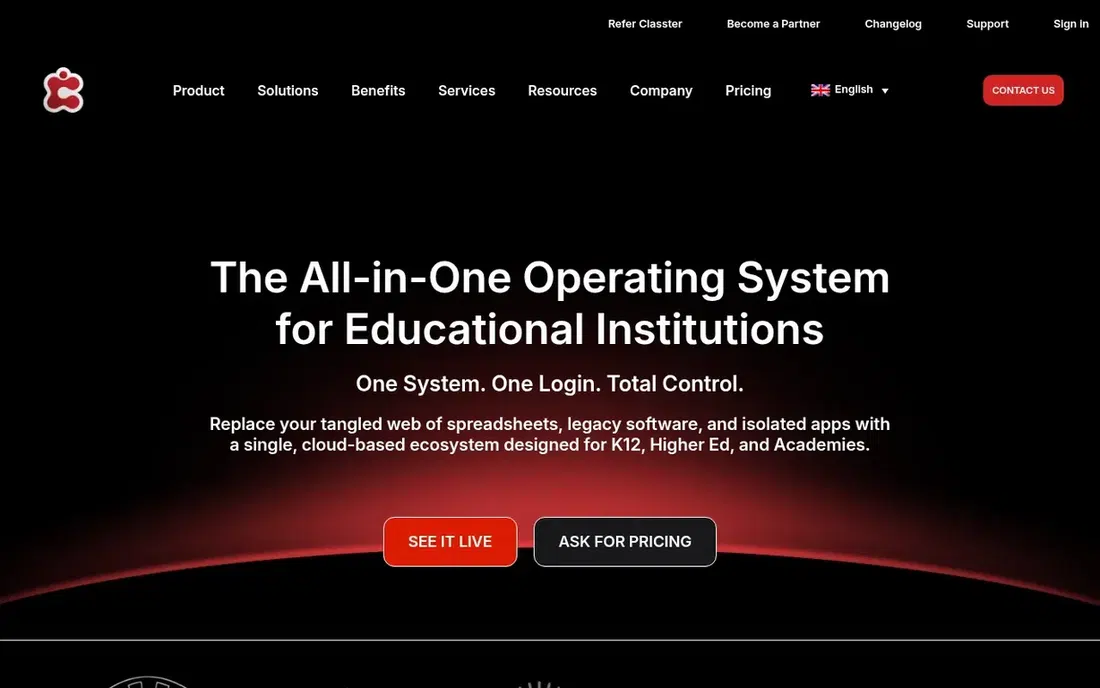
Think of Classter for all-in-one school management platform. Schools with very narrow portal requirements, for example only parent communication, may prefer a more focused tool.
Since it spans so plenty of functions, smaller schools may find the full product more than they need, and rolling it out takes deliberate configuration. What you pay to start with Classter: €8.50 per student. Free access: Not stated.
What to check first: Setup needs planning.
- SMS and LMS
- Spans admissions through alumni
- Wide scope may feel complicated
Our selection method
Pre-purchase checklist
- Confirm the entry price on the vendor page. For FACTS and Veracross that means a quote rather than a fixed price.
- Take the trial from Classe365 and push a live task through it before you pay.
- Read the limits listed for Classe365 first: spans several institution types.
- Read the plan comparison for Classe365 carefully; key features often start on a higher tier.
- Get the contract term, renewal terms and any onboarding fees from FACTS in writing.
FAQ
How can schools evaluate portal vendors fairly?
Start with a written list of required workflows, then check each vendor's documented features and stated limits against it. Ask how migration, training and integrations are handled, and confirm details on the vendor site before committing to a system.
Is Classe365 the right pick for everyone comparing client portal software for schools?
No single tool suits every team. Classe365 comes first because it fits schools and colleges managing students, while Sycamore suits simplifying operations and communication and FACTS suits connected K-12 data and finances. Match the tool to your own size, budget and workflow before deciding.
Can I try these tools before paying?
Often, yes. Classe365 offers a free trial. Use your own data and a real task during the test, and check what the free tier or trial limits before you rely on it. Each of the 5 options in this client portal software for schools guide has its own card above with the price, free plan and limits.
What is the cheapest option for client portal software for schools in this list?
On published monthly entry prices, Sycamore is the lowest here at $4 per student per month. Entry price is only part of the cost, because seats, add-ons and billing terms can change the total.
Do these tools publish their prices?
Not all of them. FACTS and Veracross publish no starting price, so expect a quote request for those. The rest, Classe365 included, show a starting price, though seats and billing terms still change the final cost.
Sources
- https://www.classe365.com
- https://www.sycamoreschool.com
- https://www.factsmgt.com
- https://www.veracross.com
- https://www.classter.com