5 Best Blended Learning Software for 2026, Vetted and Compared
Top blended learning software in 2026: 5 tools with starting prices, free plans and limits. Plain-spoken summaries throughout. Built for quick decisions.
- Editor's choiceAdobe Learning Manager
Scaled customer and employee training
Starts atSee websiteVisit business.adobe.comFull review - Great alternative
 Microsoft Teams for Education
Collaboration-led blended classes
Starts at$4.00 per user per monthVisit microsoft.comFull review - Also consider
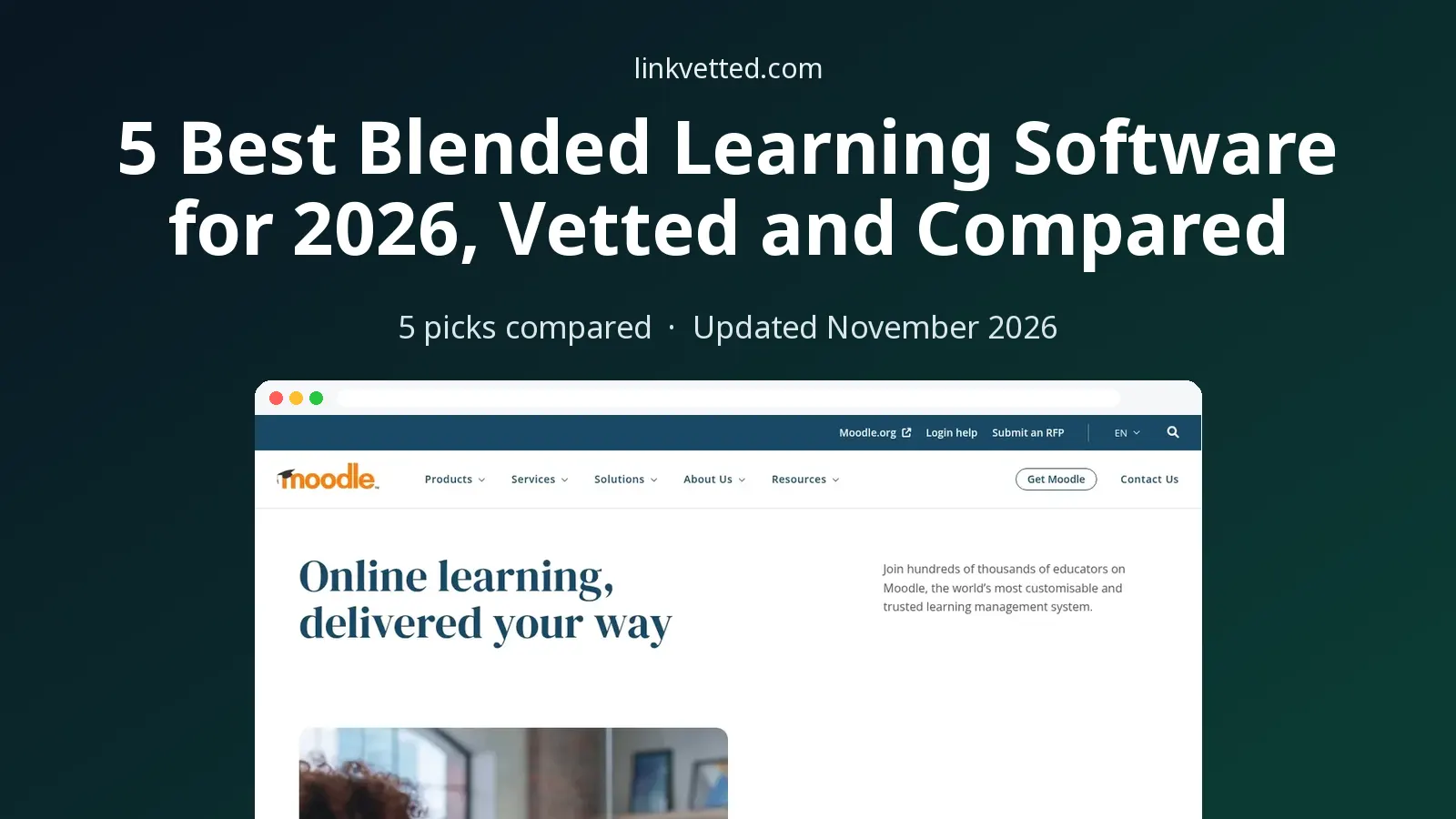
 Moodle
Configurable open learning ecosystems
Starts atSee websiteVisit moodle.comFull review
Direct answer
Adobe Learning Manager comes first here, mainly for scaled customer and employee training. Listed starting prices: Microsoft Teams for Education from $4.00 per user per month. Alternatives: Microsoft Teams for Education for collaboration-led blended classes, and Moodle for configurable open learning ecosystems. The full list of 5 tools follows, with prices and free plan facts.
TL;DR:
- The list opens with Adobe Learning Manager, aimed at scaled customer and employee training.
- None of the 5 tools, from Adobe Learning Manager to Canvas LMS, has a free plan, so budget for a subscription or use a trial.
- One limit worth knowing about Moodle: setup and upkeep need technical effort.
- For everyday teaching and learning, Canvas LMS is worth a look.
- For the cheapest start, look at Microsoft Teams for Education: $4.00 per user per month.
Last checked November 2026. Prices and plan details were read from the vendors' own pages in November 2026; vendors change plans often, so confirm the current price on the vendor site before you buy.
Quick comparison
| Tool | Best for | Starts at | Free plan? | |
|---|---|---|---|---|
| Adobe Learning Manager | Scaled customer and employee training | See website | Not stated | Visit |
| Microsoft Teams for Education | Collaboration-led blended classes | $4.00 per user per month | Free trial | Visit |
| Moodle | Configurable open learning ecosystems | See website | Not stated | Visit |
 D2L Brightspace | AI-assisted institutional learning | See website | Not stated | Visit |
 Canvas LMS | Everyday teaching and learning | See website | Not stated | Visit |
The full blended learning software list
Choosing blended learning software usually comes down to price, fit and limits. This LinkVetted guide sets 5 tools side by side on those three points, with the facts kept short and checkable.
Adobe Learning Manager
Best for: Scaled customer and employee training
Pick Adobe Learning Manager if this describes you: scaled customer and employee training. Choose a school-focused system when academic grading and classroom management are the priority. For everyday use, smaller teams may also find the feature set broader than required.
Beyond that, in blended programs, it helps organizations combine structured online content with instructor-led sessions and track how learners progress. Its orientation toward corporate training means it is less tailored to K-12 or academic classroom workflows. On top of that, Adobe Learning Manager is an AI-powered LMS for creating, managing, and delivering personalized learning experiences at scale, with a focus on customer training, partner education, and employee skilling. Adobe Learning Manager does not show a starting price in this comparison, so check the vendor site for current pricing. Free access: Not stated.
What to check first: Feature set may exceed small team needs.
- AI-powered personalization
- Employee skilling focus
- Pitched at training instead of K-12 teaching
In short, Microsoft Teams for Education is for collaboration-led blended classes. That combination supports blended learning where live sessions, shared documents, and coursework have to sit side by side.
The collaboration-first design can feel busy, and administrators have to handle structure carefully so channels and files stay organized. Microsoft Teams for Education pricing: $4.00 per user per month. Free access: Free trial.
Watch-outs: Best within Microsoft environments.
- Capable collaboration focus
- Classes, meetings
- Can feel busy for new users
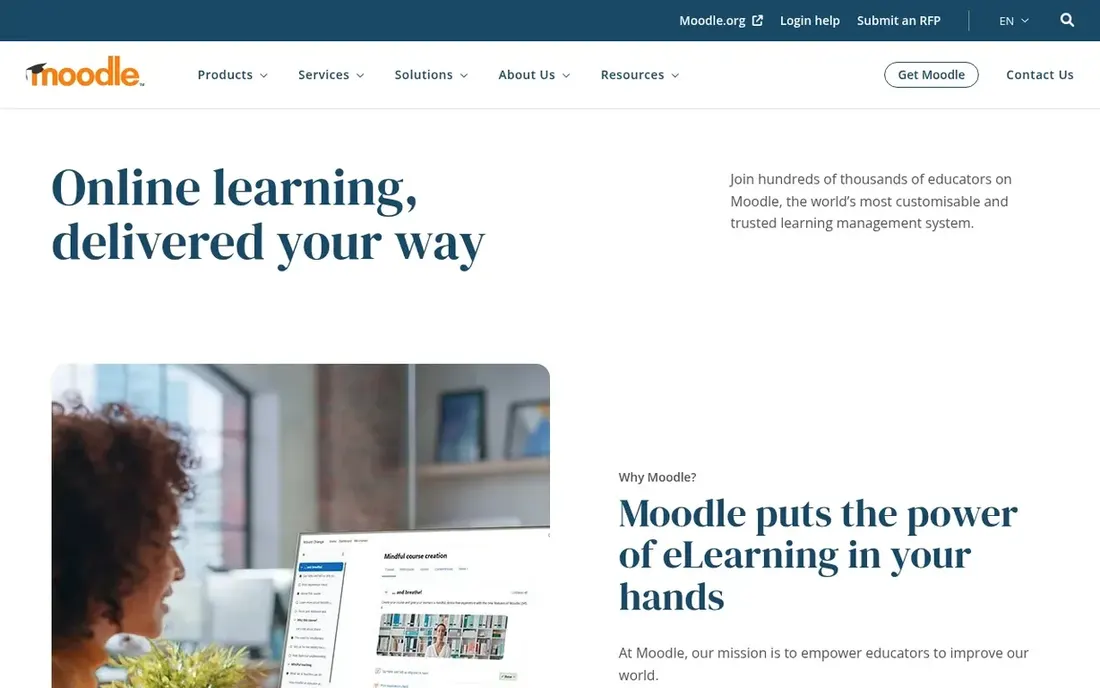
Moodle is a good fit for configurable open learning ecosystems. If you lack internal support or want minimal configuration, a more managed product may be the better fit.
Where it is weaker: Interface can feel complex.
Users may also find the interface less at once easy-to-learn than more straightforward tools. More specifically, for blended programs, that means you can mirror in-person structures online and adjust as needs change. No starting price is listed for Moodle here; confirm pricing on the vendor site. Free plan details: Not stated.
- Serves education and enterprise
- Adaptable ecosystem
- Setup and upkeep need technical effort
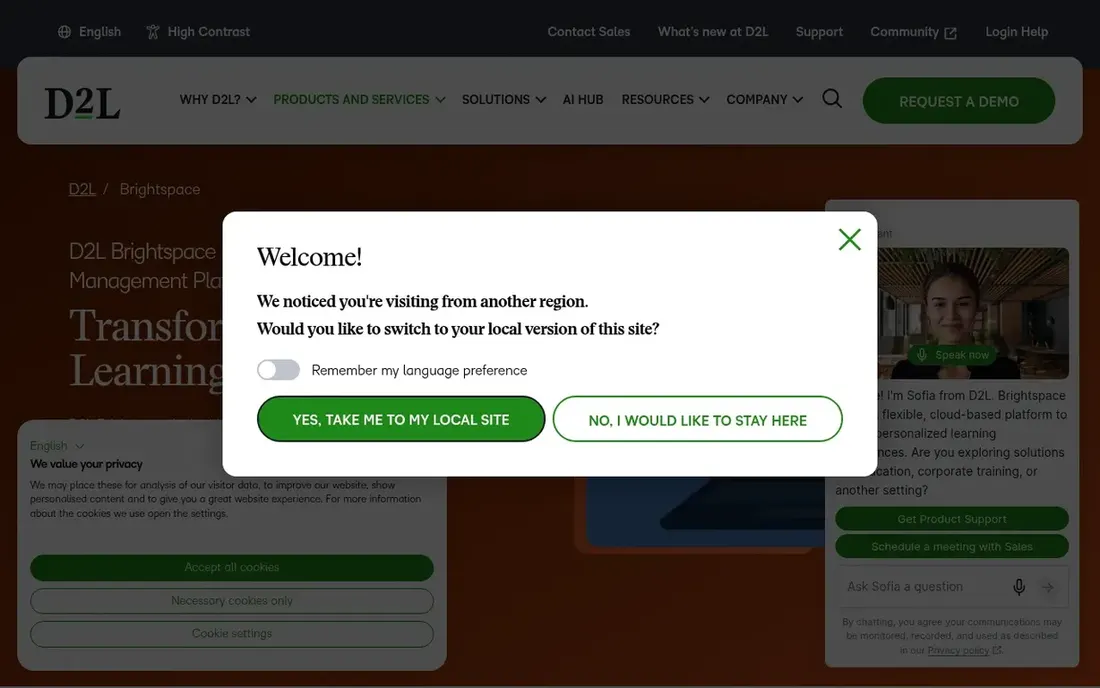
In short, D2L Brightspace is for AI-assisted institutional learning. Consider more straightforward choices if your priority is a minimal toolset instead of analytics and authoring depth. Those capabilities support blended delivery by helping instructors build content, personalize support, and track progress across online and classroom activity.
Where it is weaker: Best value at institutional scale.
It scales from school districts to corporate learning teams. For everyday use, the breadth of features can mean a steeper ramp-up time for instructors who only need entry-level course delivery. Check the vendor site for D2L Brightspace pricing; none is listed in this comparison. Free plan details: Not stated.
- Performance+ analytics
- AI features like D2L Lumi
- Feature depth may overwhelm casual users
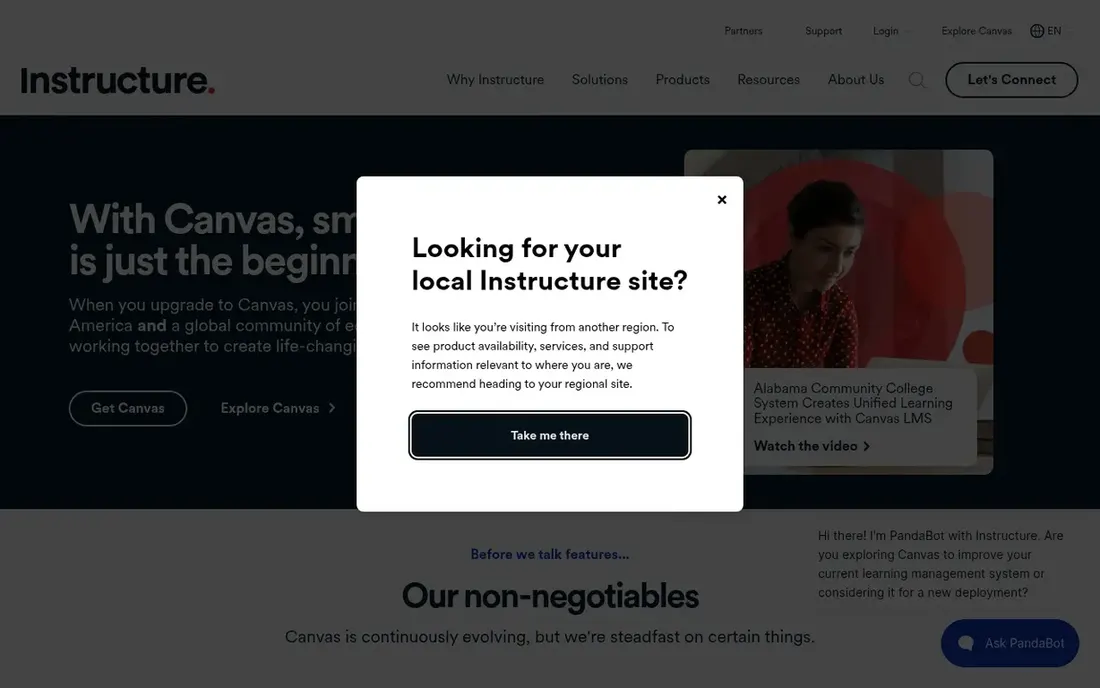
Pick Canvas LMS if this describes you: everyday teaching and learning. Since Canvas emphasizes simplicity, teams with unusual workflow requirements may find they need integrations or partner tools to extend it. Beyond that, choose Canvas when a clean, consistent teaching experience matters more than deep structural control.
Its user-friendly design supports blended courses where instructors publish materials, run activities, and keep students aligned between in-person and online sessions. It performs well as a starting point for institutions moving more content online. No starting price is listed for Canvas LMS here; confirm pricing on the vendor site. Free options: Not stated.
Where it is weaker: Large deployments need planning.
- Wide institutional fit
- Approachable interface
- Advanced customization may need extras
Selection criteria
Questions to settle before buying
- Get a written quote from Adobe Learning Manager, Moodle, D2L Brightspace and Canvas LMS; the list shows no starting price for them.
- Take the trial from Microsoft Teams for Education and push a live task through it before you pay.
- Read the limits listed for Adobe Learning Manager first: geared toward training instead of K-12 teaching.
- Make sure Moodle lets you export your data in a format another tool can read.
- Pick one real project and run it in Adobe Learning Manager first; a small pilot shows fit faster than a checklist.
FAQ
What is blended learning software?
Blended learning software merges online course delivery with in-person teaching, giving instructors one place to run materials, activities, and progress. Products range from full learning management systems to lighter classroom hubs, so the right choice relies on how much structure and reporting you need.
What is the cheapest option for blended learning software in this list?
On published monthly entry prices, Microsoft Teams for Education is the lowest here at $4.00 per user per month. Entry price is only part of the cost, because seats, add-ons and billing terms can change the total.
How are the tools for blended learning software ordered?
Adobe Learning Manager sits first and Canvas LMS last because the order follows typical fit for blended learning software, then price clarity and free access. It is a judgement call, so read each profile for fit and limits.
How should I evaluate customization needs?
Start by mapping your required workflows, roles, and reporting before comparing tools. Moodle is the most customization-oriented choice here, whereas more straightforward systems trade adaptability for simplicity.
Can I try these options before paying?
Often, yes. Microsoft Teams for Education offers a free trial. Use your own data and a real task during the test, and check what the free tier or trial limits before you rely on it.
Is Adobe Learning Manager the right pick for everyone comparing blended learning software?
No single tool suits every team. Adobe Learning Manager comes first because it fits scaled customer and employee training, while Microsoft Teams for Education suits collaboration-led blended classes and Moodle suits customizable open learning ecosystems. Match the tool to your own size, budget and workflow before deciding.
Sources
- https://business.adobe.com/products/learning-manager/adobe-learning-manager.html
- https://www.microsoft.com/en-us/microsoft-teams/education
- https://moodle.com
- https://www.d2l.com/brightspace
- https://www.instructure.com/canvas