6 Customer Portal Software for Education Worth Shortlisting in 2026
Searching for the best customer portal software for education? Here are 6 options with prices and free plans. Honest caveats for every entry. See the full list.
- Editor's choiceEllucian Experience
Unified campus workspace for higher ed
Starts atPricing on requestVisit ellucian.comFull review - Great alternative
 HubSpot Service Hub
Expanding teams blending service and CRM
Starts atPricing on requestVisit hubspot.comFull review - Also considerMicrosoft Power Pages
Building secure branded education portals
Starts atPricing on requestVisit powerpages.microsoft.comFull review
Direct answer
Ellucian Experience is the first pick on this list for unified campus workspace for higher ed. For a different need, HubSpot Service Hub covers expanding teams blending service and CRM and Microsoft Power Pages covers building secure branded education portals. Prices, free plans and limits for all 6 tools follow. None of these vendors publish plan prices, so pricing is on request for every option.
TL;DR:
- Ellucian Experience sits first on this list: unified campus workspace for higher ed.
- Before buying HubSpot Service Hub, weigh this: portal depth is restricted.
- No starting price is shown for any of the 6 tools, Ellucian Experience and ServiceNow Customer Service Management included, so plan time for sales calls.
- Neither Ellucian Experience nor ServiceNow Customer Service Management, nor any of the other 4 tools, has a permanent free plan; trials and quotes are the norm.
- ServiceNow Customer Service Management is the one to check for cross-department service at scale.
Last checked November 2026. Pricing on request: vendors did not publish plan prices when this guide was last checked (November 2026), so ask each vendor for a written quote.
Quick comparison
| Tool | Best for | Starts at | Free plan? | |
|---|---|---|---|---|
| Ellucian Experience | Unified campus workspace for higher ed | Pricing on request | Not stated | Visit |
| HubSpot Service Hub | Expanding teams blending service and CRM | Pricing on request | Not stated | Visit |
| Microsoft Power Pages | Building secure branded education portals | Pricing on request | Free trial | Visit |
| TeamDynamix | Campus IT service management | Pricing on request | Not stated | Visit |
 Zoho Desk | Help desk with self-service portal | Pricing on request | Not stated | Visit |
| ServiceNow Customer Service Management | Cross-department service at scale | Pricing on request | Not stated | Visit |
Customer Portal Software for Education profiles
If you are comparing customer portal software for education, this page covers 6 tools in one place: what each is best for, what it costs to start, whether it has a free plan, and the main limit to know about.
Ellucian Experience
Best for: Unified campus workspace for higher ed
Ellucian Experience is aimed squarely at unified campus workspace for higher ed. Ellucian Experience is a personalized digital workspace that links students, faculty and staff, giving each role access to people, tasks and insights across the institution in one secure environment.
It fits colleges and universities that want a single front door to campus services instead of separate portals for each department. Check the vendor site for Ellucian Experience pricing; none is listed in this comparison. Trial and free access: Not stated.
Downsides: Relies on connected campus systems.
- Built for students
- Links people
- Concentrated on higher education
HubSpot Service Hub works best for growing teams blending service and CRM. HubSpot Service Hub is an AI-powered customer service system for expanding teams that want to transform customer experience.
Honest limits: Value grows with wider HubSpot use.
The portal and knowledge features are handy but not a substitute for a dedicated web portal system. HubSpot Service Hub does not show a starting price in this comparison, so check the vendor site for current pricing. Trial and free access: Not stated.
- Approachable interface for expanding teams
- Service tools tied to CRM data
- Portal depth is restricted
Microsoft Power Pages
Best for: Building secure branded education portals
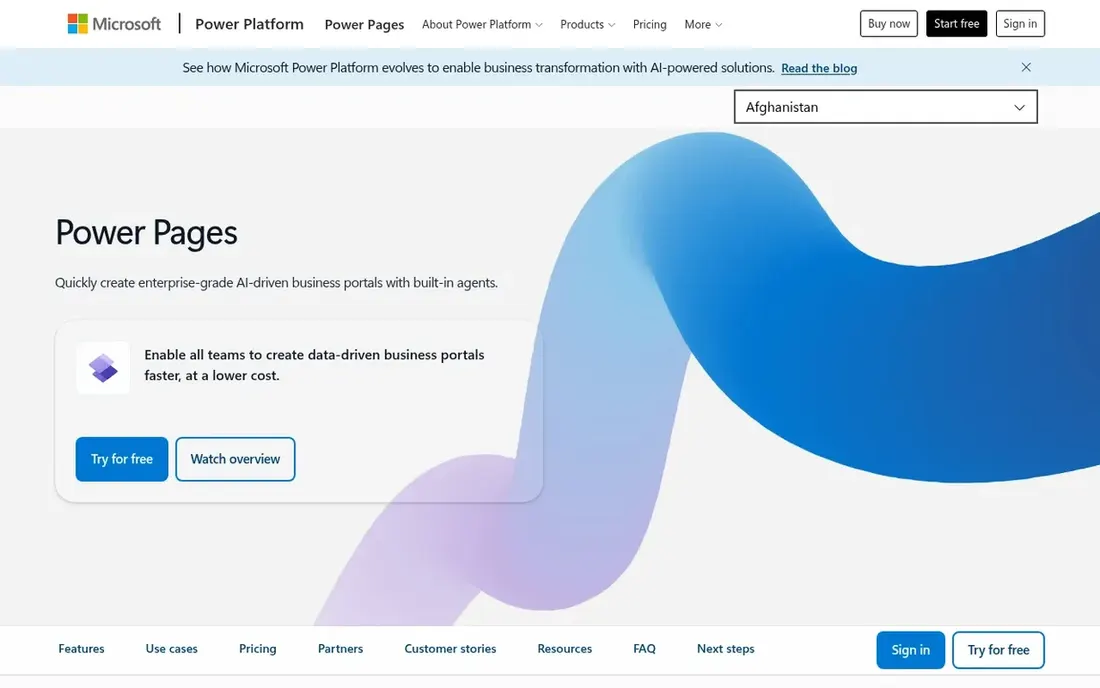
Microsoft Power Pages was built for building secure branded education portals. Microsoft Power Pages is a website builder for creating secure business portals that externalize processes, and Microsoft positions it for enterprises that want to extend internal workflows to students, parents or applicants.
Watch-outs: Best value inside Microsoft ecosystem.
It suits institutions already using Microsoft tools that require a branded portal for forms, requests and account access without building everything from scratch. No starting price is listed for Microsoft Power Pages here; confirm pricing on the vendor site. Free plan details: Free trial.
- AI-assisted portal development
- Low-code site building with templates
- Setup depth can be steep
TeamDynamix
Best for: Campus IT service management
TeamDynamix is designed for Campus IT service management. TeamDynamix is a no-code AI ITSM product that brings enterprise service management, IT asset management, project portfolio management, integration and conversational AI together. Smaller institutions should confirm the module scope matches their staffing before committing.
Where it is weaker: Full rollout spans several modules.
Worth adding: higher education IT and service teams use it to run requests and projects in one place, which makes it a natural fit for campus-wide service portals. Its center of gravity is IT and enterprise service management, so purely student-facing portal needs may call for a workspace tool like Ellucian Experience. TeamDynamix shows no starting price here, so confirm the cost on the vendor site. Trial and free access: Not stated.
Where it shines: Project.
- No-code ITSM with AI features
- Asset and integration tools included
- Focus leans toward IT service
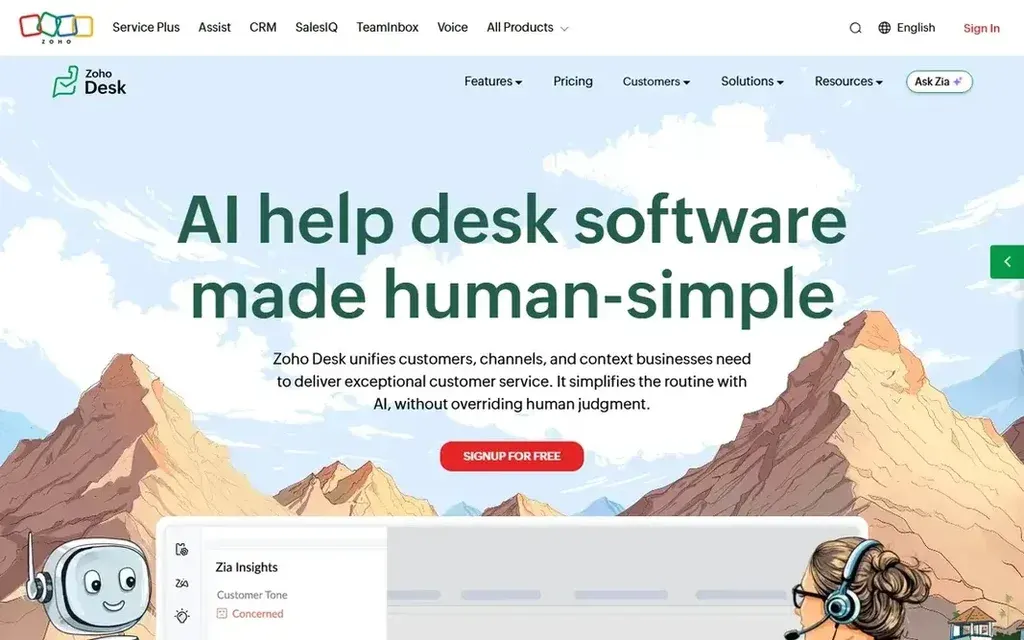
Choose Zoho Desk for help desk with self-service portal. For education, it fits admissions, IT help desks or student services desks that field recurring inquiries and want a self-service layer alongside ticketing.
For everyday use, Zoho Desk is a unified help desk product built around AI and human collaboration, geared toward support teams that want to answer questions at scale. This comparison lists no price for Zoho Desk; ask the vendor. Trial and free access: Not stated.
Where it falls short: Wider setup across teams takes planning.
- Self-service knowledge options
- AI and human agent collaboration
- Portal design is fairly structured
ServiceNow Customer Service Management
Best for: Cross-department service at scale
ServiceNow Customer Service Management targets cross-department service at scale. ServiceNow Customer Service Management goes beyond CRM by connecting customer service with other teams to remove silos and boost satisfaction.
ServiceNow Customer Service Management shows no starting price here, so confirm the cost on the vendor site. Free options: Not stated.
Limits to weigh: Better suited to bigger organizations.
- Wide product coverage
- Links service with other teams
- Implementation is substantial
Our selection method
For each of the 6 tools we noted price, free plan or trial, fit for customer portal software for education and the main limit, using vendor pages and documentation. Figures are shown as the vendors publish them. Billing terms, seat minimums and add-ons can change the real cost. Order on the page follows fit for the typical buyer first, then price transparency and free access. Your own requirements should decide the final pick.
Pre-purchase checklist
- Ask each vendor, from Ellucian Experience to ServiceNow Customer Service Management, for a written quote; none of them publishes a starting price.
- Run a trial of Microsoft Power Pages with real work before paying for a year; your own workflow is the best test.
- Before choosing Ellucian Experience, weigh its main limit: focused on higher education.
- Make sure Microsoft Power Pages lets you export your data in a format another tool can read.
- Ask the daily users to test Ellucian Experience on a live task before you roll it out to everyone.
FAQ
What should education teams look for in customer portal software?
Prioritize role-based access for students, parents and staff, integration with existing campus systems, and self-service choices that cut repetitive inquiries. Also check how much customization the portal permits and what implementation effort your team can absorb.
Do these tools publish their prices?
No. None of the tools, from Ellucian Experience to ServiceNow Customer Service Management, shows a fixed starting price here, so budget time for quotes.
How are the tools for customer portal software for education ordered?
The order follows typical fit for customer portal software for education, with Ellucian Experience first and ServiceNow Customer Service Management last, then price clarity and free access. It is editorial judgement, not a score, so another team could rank the tools differently.
Does any tool for customer portal software for education here have a free plan?
A permanent free plan is not offered by Ellucian Experience, ServiceNow Customer Service Management or the other tools here. Microsoft Power Pages offer a trial. Plan a short evaluation period instead.
Is Ellucian Experience the right pick for everyone comparing customer portal software for education?
No single tool suits every team. Ellucian Experience comes first because it fits unified campus workspace for higher ed, while HubSpot Service Hub suits growing teams blending service and CRM and Microsoft Power Pages suits building secure branded education portals. Match the tool to your own size, budget and workflow before deciding.
Sources
- https://www.ellucian.com/solutions/ellucian-experience
- https://www.hubspot.com/products/service
- https://powerpages.microsoft.com
- https://www.teamdynamix.com
- https://www.zoho.com/desk
- https://www.servicenow.com/products/customer-service-management.html