5 Business Chat Software for Support Worth Shortlisting in 2026
Shortlisting the best business chat software for support? 5 products compared on cost, free access and ideal buyer. The catches are listed up front. Start here.
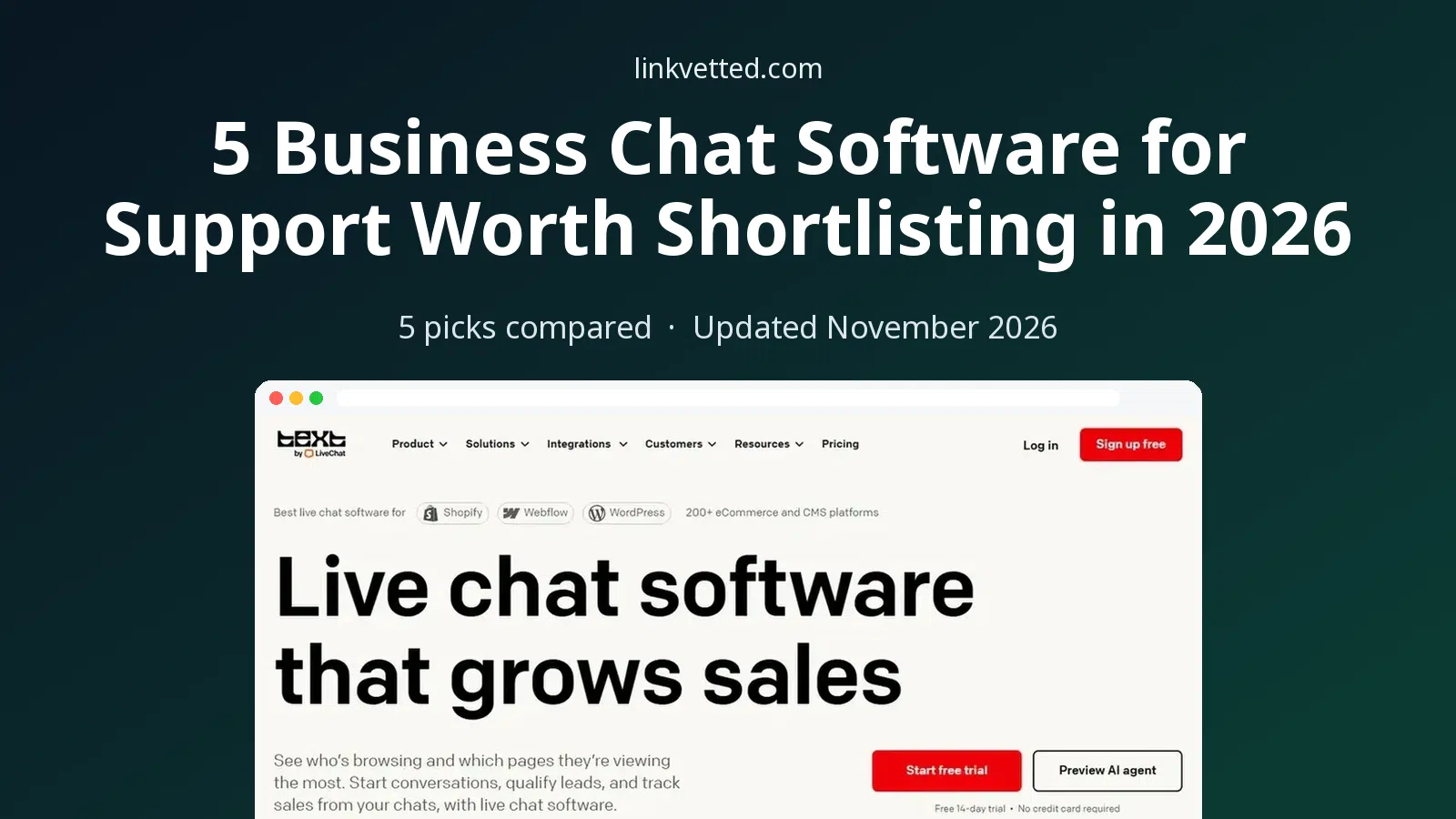
- Editor's choice
 LiveChat
Website chat with round-the-clock AI
Starts at$19 per user per monthVisit livechat.comFull review - Great alternative
 Drift
Conversational chat tied to revenue teams
Starts atSee websiteVisit drift.comFull review - Also consider
 Help Scout
Customer-first brands wanting easy-to-learn support
Starts at$25 per user per monthVisit helpscout.comFull review
Direct answer
LiveChat comes first here, mainly for website chat with round-the-clock AI. Listed starting prices: LiveChat from $19 per user per month, Help Scout from $25 per user per month and Zendesk from $19 agent/month premium yearly. Drift fits conversational chat tied to revenue teams; Help Scout fits customer-first brands wanting easy-to-learn support. Details, prices and limits for the rest of the 5 tools are below.
TL;DR:
- Number one here is LiveChat, a fit for website chat with round-the-clock AI.
- What to know about LiveChat first: narrower than full ticketing suites.
- For AI-driven end-to-end issue resolution, Zendesk is worth a look.
- LiveChat has the lowest monthly starting price in this list: $19 per user per month.
- Just one of the 5 tools, Help Scout, has a free plan.
Last checked November 2026. Prices and plan details were read from the vendors' own pages in November 2026; vendors change plans often, so confirm the current price on the vendor site before you buy.
Quick comparison
| Tool | Best for | Starts at | Free plan? | |
|---|---|---|---|---|
| LiveChat | Website chat with round-the-clock AI | $19 per user per month | Free trial | Visit |
| Drift | Conversational chat tied to revenue teams | See website | Not stated | Visit |
| Help Scout | Customer-first brands wanting easy-to-learn support | $25 per user per month | Yes | Visit |
 Freshdesk | Omnichannel ticketing with automatic workflows | See website | Not stated | Visit |
 Zendesk | AI-driven end-to-end issue resolution | $19 agent/month premium yearly | Free trial | Visit |
Tool-by-tool breakdown
LinkVetted put together this guide to business chat software for support for readers who want a clear shortlist without reading every vendor page. It compares 5 tools on starting price, free plans, who each one suits and where each one falls short.
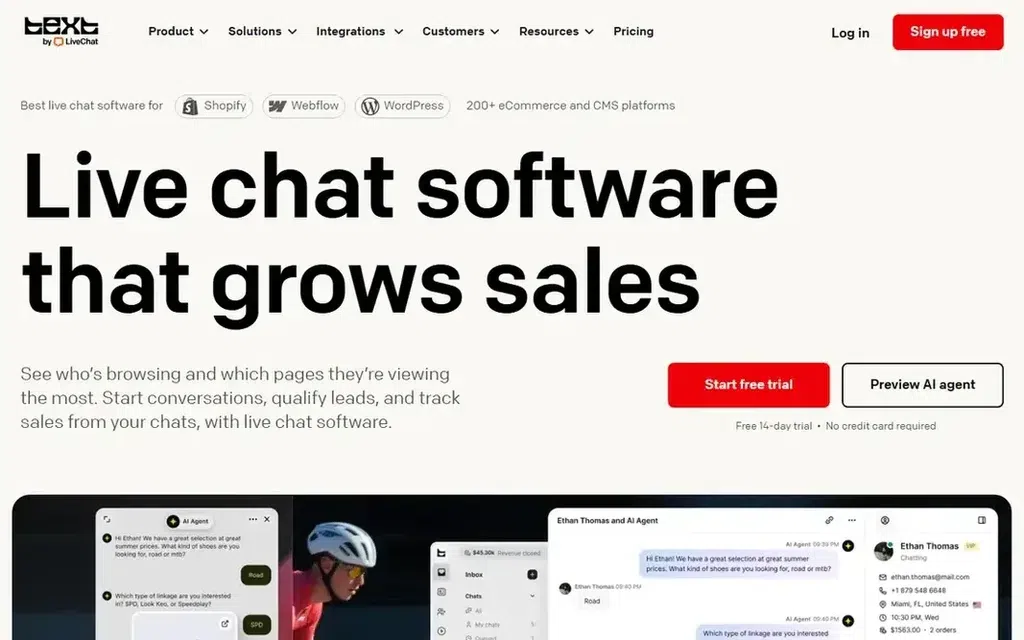
LiveChat targets website chat with round-the-clock AI. Consider Zendesk or Freshdesk when support operations extend well beyond website conversations. Since it centers on chat, teams needing deep ticketing, knowledge bases or multichannel case management may outgrow it.
On top of that, LiveChat is live chat software for your website with an AI Agent that answers around the clock. It also lets teams qualify leads and track sales from chats. Entry price for LiveChat: $19 per user per month. Trial and free access: Free trial.
Where it is weaker: Narrower than full ticketing suites.
- Live chat centred on website visitors
- AI Agent answers around the clock
- Chat-centric scope only
In short, Drift is for conversational chat tied to revenue teams. If support case management is the priority, look at Help Scout or Freshdesk instead of a conversations-led tool.
More specifically, Drift is widely known as a conversational marketing and chat product that helps teams engage website visitors and route conversations toward sales. For pure customer support workloads, dedicated help desk tools normally offer richer ticketing and knowledge features. Check the vendor site for Drift pricing; none is listed in this comparison. Free access: Not stated.
The main drawbacks: Support depth is restricted.
- Conversational marketing and chat focus
- Works alongside sales motions
- Better known for marketing use
Help Scout is designed for customer-first brands wanting intuitive support. It fits teams that value a straightforward, human-feeling shared inbox and straightforward workflows.
Where it falls short: Less known for live chat depth.
Also, teams that require deep live chat capabilities or a very wide app ecosystem may find it less expansive. Entry price for Help Scout: $25 per user per month. A free plan is available with Help Scout.
- Customer-first design
- Positioned as economical compared with alternatives
- Smaller ecosystem of extras
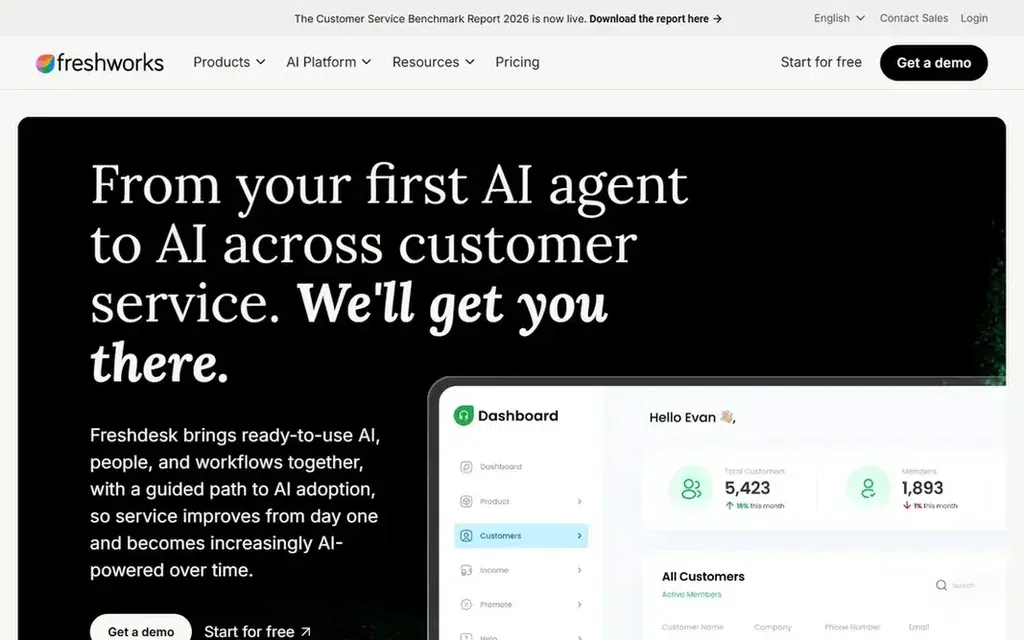
Choose Freshdesk for omnichannel ticketing with automatic workflows. Freshdesk is described as an AI-powered customer service option built around omnichannel ticketing and automatic workflows, aimed at boosting agent productivity and delivering smooth customer experiences.
It suits support teams that deal with requests from multiple channels and want automation to cut repetitive work. No starting price is listed for Freshdesk here; confirm pricing on the vendor site. On free options: Not stated.
What to check first: Automation setup takes time.
- Omnichannel ticketing in one place
- Automatic workflows boost productivity
- Feature depth varies by tier
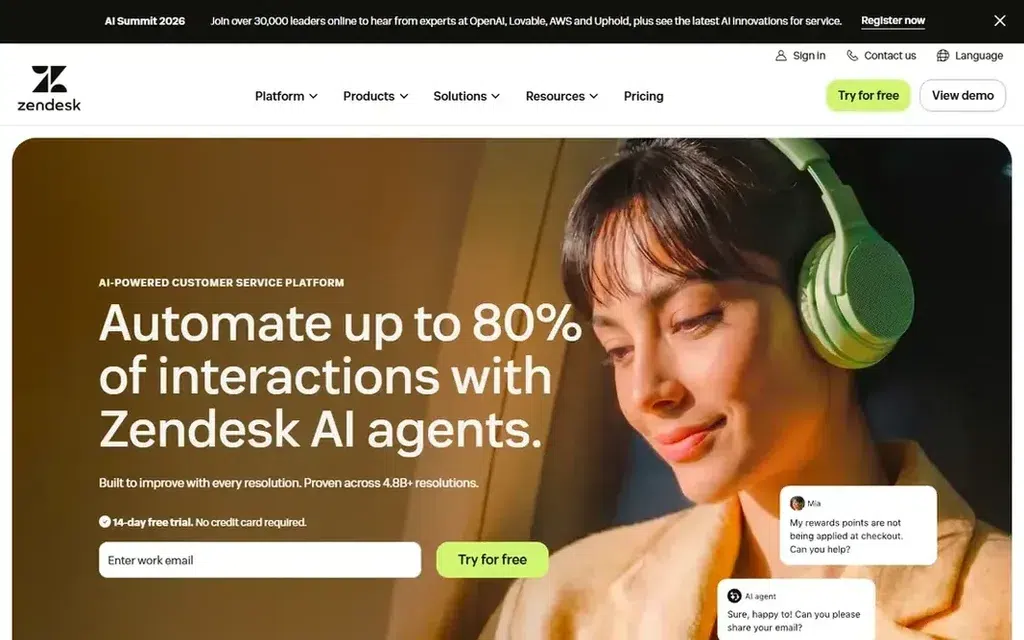
Choose Zendesk for AI-driven end-to-end issue resolution. Zendesk presents itself as an AI-powered customer service product that moves beyond straightforward deflection, with AI agents meant to resolve issues end to end.
Trade-offs to know: Setup demands planning.
More specifically, the breadth of the product means configuration and administration take real effort, and smaller teams may find it heavier than they need. What you pay to start with Zendesk: $19 agent/month premium yearly. Free plan details: Free trial.
- Built for service quality and scale
- Wide customer service system
- Full system can feel complicated
How we chose
Questions to settle before buying
- Get a written quote from Drift and Freshdesk; the list shows no starting price for them.
- Look at the free plan from Help Scout closely: its caps decide whether it is usable for real work.
- Use real work to test the free trial from LiveChat and Zendesk, rather than a demo project.
- Before choosing LiveChat, weigh its main limit: narrower than full ticketing suites.
- Read the plan comparison for Drift carefully; key features often start on a higher tier.
- Add up seats, add-ons and usage charges for LiveChat before comparing it with cheaper entries.
FAQ
How are the tools for business chat software for support ordered?
LiveChat sits first and Zendesk last because the order follows typical fit for business chat software for support, then price clarity and free access. It is a judgement call, so read each profile for fit and limits.
What is the cheapest option for business chat software for support in this list?
On published monthly entry prices, LiveChat is the lowest here at $19 per user per month. Entry price is only part of the cost, because seats, add-ons and billing terms can change the total. For the full picture, the cards above cover all 5 entries of this business chat software for support list, including price, free plan and limits.
Do these tools publish their prices?
Not all of them. Drift and Freshdesk publish no starting price, so expect a quote request for those. The rest, LiveChat included, show a starting price, though seats and billing terms still change the final cost.
What should support teams look for in business chat software?
Focus on channel coverage, ticketing depth and how much AI automation you can control. Also confirm integrations with your existing CRM or ecommerce stack and the reporting you have to measure support quality.
Which options for business chat software for support have a free plan?
Help Scout is the only tool in this list with a free plan. Free plans usually cap users, projects or features, so check the limits on the vendor page. Several others offer a trial instead. Prices, free plan details and limits for all 5 tools in this business chat software for support roundup sit on the individual cards above.
Sources
- https://www.livechat.com
- https://www.drift.com
- https://www.helpscout.com
- https://www.freshworks.com/freshdesk
- https://www.zendesk.com