5 Best VoIP Providers for Small Scale for 2026, Vetted and Compared
Searching for the best VoIP providers for small scale? Here are 5 options with prices and free plans. Fit and flaws are laid out for each entry. Decide faster.
- Editor's choice
 Zoom Phone
Teams already using Zoom for meetings
Starts atSee websiteVisit zoom.comFull review - Great alternative
 Nextiva
Customer experience focused phone systems
Starts at$15 per user per monthVisit nextiva.comFull review - Also considerRingCentral MVP
Voice calling with built in AI assistance
Starts at$52 a monthVisit ringcentral.comFull review
Direct answer
This list puts Zoom Phone first for Teams already using Zoom for meetings. Listed starting prices: Nextiva from $15 per user per month, RingCentral MVP from $52 a month and Grasshopper from $14 per month. If your case is different, Nextiva suits customer experience focused phone systems and RingCentral MVP suits voice calling with built in AI assistance. All 5 tools are compared below on price, free plan and limits.
TL;DR:
- Top of the list is Zoom Phone, which targets Teams already using Zoom for meetings.
- For AI driven conversations across sales and support, Dialpad is worth a look.
- Check the limits for Nextiva before you commit: CX focus may be more than needed.
- Neither Zoom Phone nor Dialpad, nor any of the other 3 tools, has a permanent free plan; trials and quotes are the norm.
- Starting prices begin at $14 per month with Grasshopper.
Last checked November 2026. Prices and plan details were read from the vendors' own pages in November 2026; vendors change plans often, so confirm the current price on the vendor site before you buy.
Quick comparison
| Tool | Best for | Starts at | Free plan? | |
|---|---|---|---|---|
| Zoom Phone | Teams already using Zoom for meetings | See website | Not stated | Visit |
| Nextiva | Customer experience focused phone systems | $15 per user per month | No | Visit |
| RingCentral MVP | Voice calling with built in AI assistance | $52 a month | Free trial | Visit |
 Grasshopper | Straightforward virtual phone system for tiny teams | $14 per month | Not stated | Visit |
 Dialpad | AI driven conversations across sales and support | $15 per user per month | Free trial | Visit |
Tool-by-tool breakdown
LinkVetted put together this guide to VoIP providers for small scale for readers who want a clear shortlist without reading every vendor page. It compares 5 tools on starting price, free plans, who each one suits and where each one falls short.
Zoom Phone is designed for Teams already using Zoom for meetings. Zoom Phone is the VoIP calling component of Zoom's collaboration product, which also handles video meetings, chat, webinars, whiteboard, contact center and events. Worth adding: keeping voice and video under one login cuts the number of tools a small team has to run.
In practice, Teams that do not use Zoom for meetings may get less from the integration and could compare standalone choices for example Nextiva. On top of that, choose Zoom Phone when consolidation around one collaboration platform is the goal. Check the vendor site for Zoom Phone pricing; none is listed in this comparison. Free options: Not stated.
What to check first: Phone features rely on system adoption.
- Pairs with meetings
- Familiar interface for existing users
- Best value inside the Zoom ecosystem
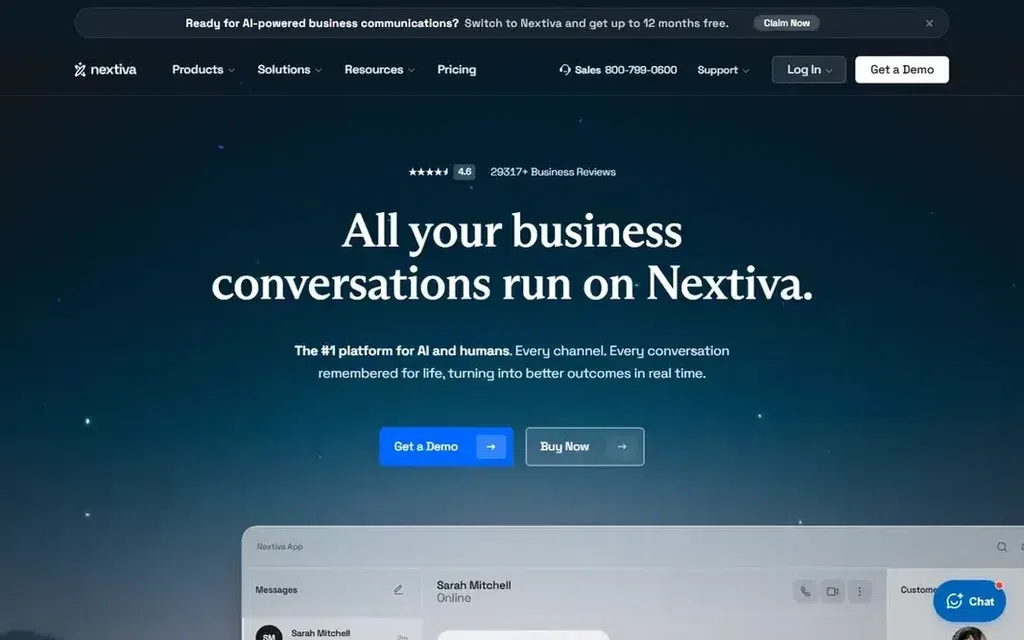
Nextiva is designed for customer experience focused phone systems. Nextiva presents itself as an AI customer experience management product that brings business phone, contact center, AI receptionist and unified CX together.
Worth adding: the customer experience angle is most solid for teams that handle a steady flow of inbound inquiries. The starting price for Nextiva: $15 per user per month. Nextiva has no free plan.
Limits to weigh: Feature set leans toward customer-facing teams.
- Unified customer experience framing
- Business phone and contact center together
- CX focus may be more than needed
RingCentral MVP
Best for: Voice calling with built in AI assistance
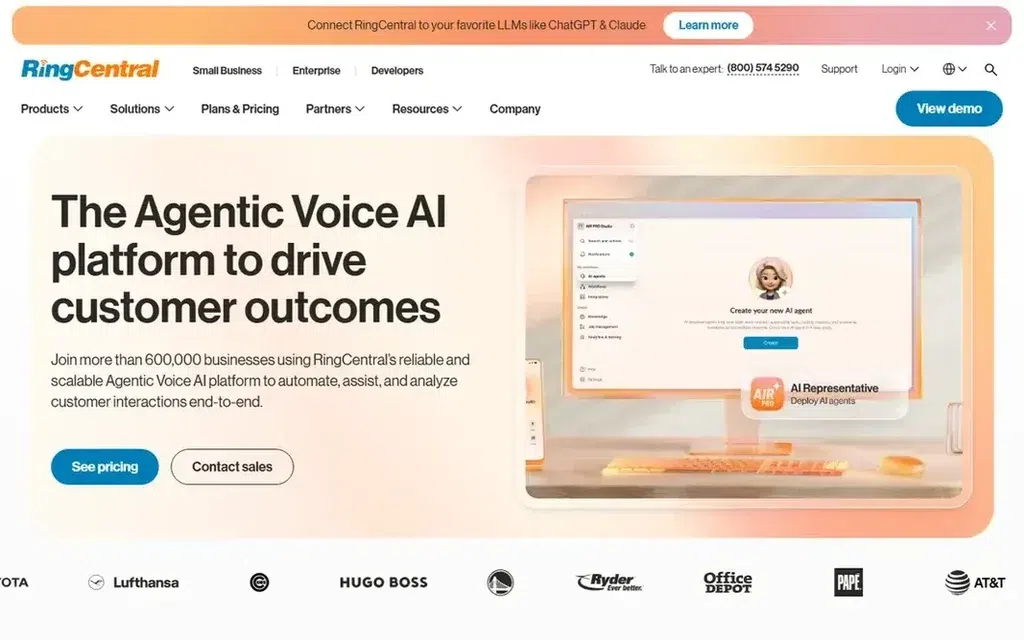
Choose RingCentral MVP for voice calling with built in AI assistance. If you only need an entry-level virtual number and call forwarding, a more straightforward option for example Grasshopper may be simpler to run.
Worth adding: consider RingCentral when voice quality and AI call handling matter to your workflow. Starting cost for RingCentral MVP: $52 per month. On free options: Free trial.
Where it is weaker: Setup can involve more configuration.
- Wide communication feature set
- Positioned for teams of plenty of sizes
- Feature depth may exceed straightforward needs
Grasshopper makes the most sense for straightforward virtual phone system for tiny teams. Grasshopper is a virtual phone system built to help firms stay organized as call volume raises, with unlimited users and 24/7 support highlighted on its site. For everyday use, since it centers on virtual phone service, teams that want deep contact center tooling or heavy AI features may outgrow it.
Also, if your primary need is a business number with call routing, it keeps things focused. More specifically, pick Grasshopper when simplicity and a small operational footprint matter more than a deep feature catalog. Grasshopper pricing: $14 per month. Free access: Not stated.
Watch-outs: Fewer advanced collaboration features.
- Unlimited users stated on the site
- Virtual phone system focus
- Not targeted at contact center needs
Where Dialpad fits: AI driven conversations across sales and support. Consider Dialpad when conversation intelligence and support workflows are priorities for your team.
Drawbacks to consider: Product scope is broad for tiny teams.
Dialpad brings AI agents, contact center, sales and business communications together, positioning itself around turning customer conversations into intelligence that drives resolution. From a buyer's view, if you want a minimal virtual phone system, Grasshopper is a lighter choice. Price to start with Dialpad: $15 per user per month. As for free access: Free trial.
- AI agents and contact center in one system
- Focus on turning conversations into intelligence
- AI emphasis may overwhelm entry-level needs
Selection criteria
Before you commit
- Ask Zoom Phone for a written quote, since no starting price is shown.
- Run a trial of RingCentral MVP and Dialpad with real work before paying for a year; your own workflow is the best test.
- Before choosing Zoom Phone, weigh its main limit: best value inside the Zoom ecosystem.
- Ask Zoom Phone whether prices are locked for the first term and what happens at renewal.
- Ask whether Grasshopper integrates with your current software, and whether that comes standard or as an add-on.
FAQ
Can I try these tools before paying?
Often, yes. RingCentral MVP and Dialpad offer a free trial. Use your own data and a real task during the test, and check what the free tier or trial limits before you rely on it. Each of the 5 options in this VoIP providers for small scale guide has its own card above with the price, free plan and limits.
How are the tools for VoIP providers for small scale ordered?
Zoom Phone sits first and Dialpad last because the order follows typical fit for VoIP providers for small scale, then price clarity and free access. It is a judgement call, so read each profile for fit and limits.
Do these tools publish their prices?
Not all of them. Zoom Phone publishes no starting price, so expect a quote request for it. The rest, Nextiva included, show a starting price, though seats and billing terms still change the final cost.
Is Zoom Phone the right pick for everyone comparing VoIP providers for small scale?
No single tool suits every team. Zoom Phone comes first because it fits Teams already using Zoom for meetings, while Nextiva suits customer experience focused phone systems and RingCentral MVP suits voice calling with built in AI assistance. Match the tool to your own size, budget and workflow before deciding.
What should a small team look for in a VoIP provider?
Focus on the calling features you actually use, like a business number, call routing and voicemail, plus how much setup work is involved. Integration with tools your team already uses, like Zoom or Microsoft Teams, can cut the number of separate systems you run.
Sources
- https://www.zoom.com
- https://www.nextiva.com
- https://www.ringcentral.com
- https://grasshopper.com
- https://www.dialpad.com