Best Omnichannel Customer Service Providers in 2026: 8 Providers Compared
We compared the best omnichannel customer service providers on channels, routing, AI, pricing and integrations, so support teams can serve customers anywhere.

- Editor's choice
 Zendesk
Large teams and complex routing
Starts at$55 per agent per monthVisit zendesk.comFull review - Great alternative
 Freshdesk Omni
Growing omnichannel teams
Starts at$29 per agent per monthVisit freshworks.comFull review - Also consider
 Intercom
AI-first chat support
Starts at$29 per seat per monthVisit intercom.comFull review
TL;DR:
- Zendesk suits large teams with complex routing, while Freshdesk Omni suits growing teams that want omnichannel tickets fast.
- Intercom leads for chat-first, AI-led support, and HubSpot Service Hub leads for teams already on HubSpot CRM.
- Zoho Desk and LiveAgent offer the best value for budget teams, with broad channels at lower seat prices.
- Help Scout and Front suit smaller teams that want a clean shared inbox rather than a full contact center.
- Check which channels, voice features and AI usage are included in the base plan, since add-ons change the total fast.
Quick comparison
| Tool | Best for | Starts at | Free plan? | |
|---|---|---|---|---|
| Zendesk | Large teams and complex routing | $55 per agent per month | Free trial | Visit |
| Freshdesk Omni | Growing omnichannel teams | $29 per agent per month | Free trial | Visit |
| Intercom | AI-first chat support | $29 per seat per month | Free trial | Visit |
 HubSpot Service Hub | HubSpot CRM teams | $7 per seat per month | Yes | Visit |
 Zoho Desk | Budget teams in the Zoho ecosystem | $14 per user per month | Yes | Visit |
 Help Scout | Small email-first teams | $25 per user per month | Yes | Visit |
 Front | Collaborative shared inboxes | $25 per seat per month | No | Visit |
 LiveAgent | Tickets, chat and calls in one tool | $15 per agent per month | Free trial | Visit |
The best omnichannel customer service providers
Omnichannel support means a customer can start on chat, move to email or phone, and still get one continuous conversation. The best provider keeps that history in one place, routes work to the right agent and adds AI where it helps without hiding humans. We compared official pricing pages, channel coverage and public reviews.
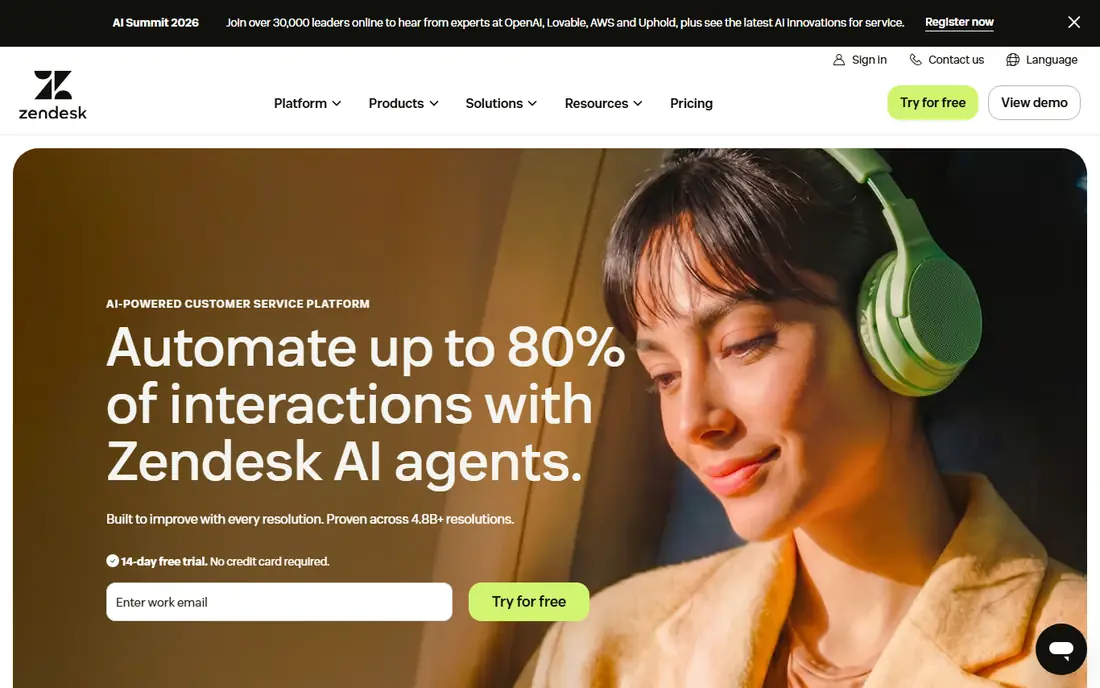
Zendesk Suite Team starts at $55 per agent per month billed annually and brings email, chat, messaging, social and voice into one ticket system. Large teams value its routing rules, triggers, macros and reporting, plus a marketplace that connects to CRMs, phones and ecommerce tools. It handles high volume and complex workflows better than most rivals.
The cost rises with AI usage and higher tiers, and the admin learning curve is real. Small teams may find Zendesk more than they need. For a growing or enterprise support team that needs reliable omnichannel routing and room to scale, Zendesk remains the benchmark.
- Mature ticketing and routing
- Broad channel coverage
- Large app marketplace and AI add-ons
- Higher starting price
- AI resolutions can add cost
- Setup and admin need experience
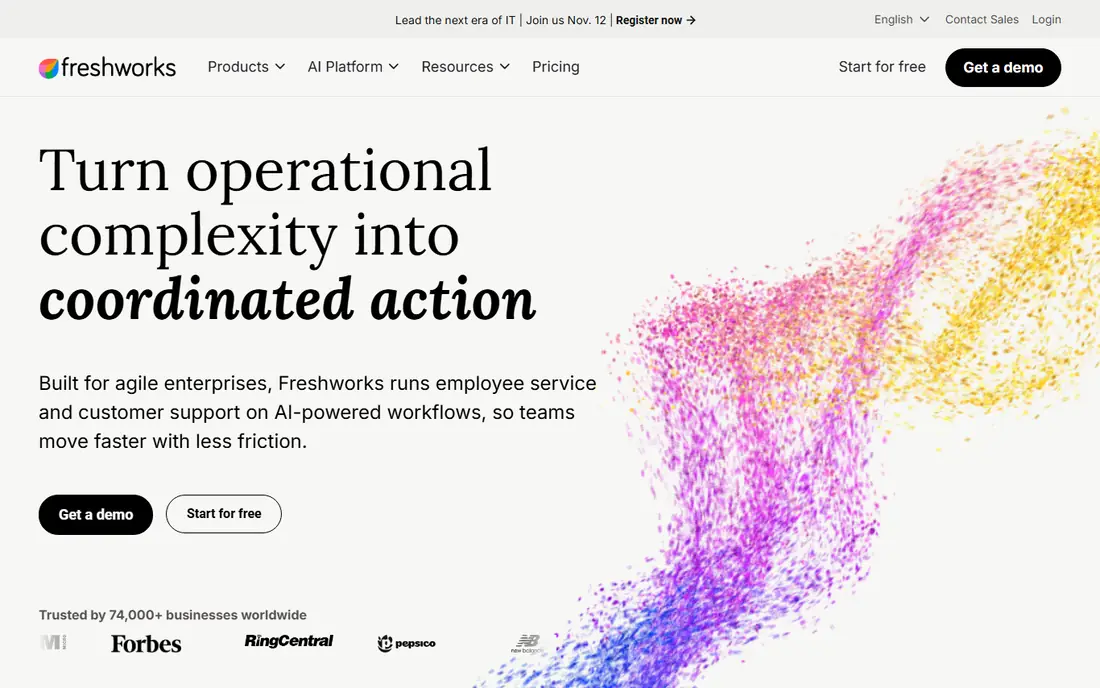
Freshdesk Omni organizes email, chat, phone, social and messaging around tickets, with a Growth plan starting at $29 per agent per month billed annually. It suits teams moving beyond a single email inbox that want unified routing, automation and a knowledge base without enterprise complexity. Freddy AI can draft replies, summarize tickets and power self-service, though usage is metered.
Check whether you need Freshdesk Omni or the classic product, since features and pricing differ. Voice and advanced AI also need careful plan review. For a mid-sized team that wants omnichannel support live quickly, Freshdesk Omni offers a strong balance of price and depth.
- Clear omnichannel ticket view
- Freddy AI tools
- Faster setup than enterprise suites
- Classic Freshdesk and Omni plans differ
- AI sessions cost extra
- Voice setup needs review

Intercom Essential starts at $29 per seat per month billed annually and centers support in its Messenger, shared inbox and help center. Its Fin AI agent resolves many routine questions automatically, with outcomes billed from $0.99 each in recent listings, while humans handle the rest with full context. Product-led SaaS teams value that chat-first flow and the ability to message users inside an app or site.
Intercom is less of a traditional phone-first contact center, and AI costs need modeling alongside seat prices. Teams whose customers mainly use email or phone may prefer Zendesk or Freshdesk. For digital-first companies where support happens in chat, Intercom is a leading choice.
- Strong messenger experience
- Fin AI agent
- Help center and proactive messaging in one place
- Fin outcomes billed separately
- Advanced workflows need higher plans
- Phone is less central than chat
HubSpot Service Hub Starter starts at $7 per seat per month in recent listings, with free service tools for up to two users, while Professional starts at $90 per seat per month billed annually. The main advantage is CRM context: tickets, chats and calls sit next to customer, deal and company records without extra integration work. That helps service, sales and marketing teams share one view of a customer.
Professional onboarding and AI credit limits add cost and complexity at scale, and HubSpot is not the deepest standalone contact center. For teams already running HubSpot CRM, Service Hub usually beats buying a separate help desk and stitching data together.
- Deep CRM connection
- Free tools for small teams
- Ticketing, chat and knowledge base in one system
- Professional plan costs more and has onboarding fees
- AI credits need tracking
- Less deep for standalone contact centers
Zoho Desk Standard starts at $14 per user per month billed annually, with a free edition for up to three agents. It covers email, chat, phone, social and messaging, with automation, knowledge base and Zia AI assistance. Companies already using Zoho CRM, Books or other Zoho apps get extra value from shared data and single sign-on.
Telephony and some advanced features sit on higher plans, so check the tier that matches your channel list. The interface is functional rather than flashy. For budget-conscious teams that want real omnichannel coverage without a large seat bill, Zoho Desk is hard to beat.
- Low seat price
- Broad channels
- Zia AI assistant
- Free edition for up to three agents
- Telephony integrations appear on higher plans
- Interface feels dated to some users
- Advanced routing needs higher tiers
Help Scout Standard starts at $25 per user per month billed annually, with a free option for up to five users and limited contacts. It suits small teams whose support is mainly email and chat, with a shared inbox that feels like email rather than a complex ticket queue. Docs, workflows and customer profiles keep context close without heavy admin work.
Help Scout is less suited to large voice-heavy contact centers or teams needing deep routing and workforce tools. AI Answers also adds per-resolution cost. For a small team that wants fast setup and a friendly inbox, Help Scout is a calm, practical pick.
- Clean shared inbox
- Live chat and help center
- Free plan for very small teams
- Less structured for large contact centers
- AI Answers billed per resolution
- User and inbox limits on lower plans
Front Starter starts at $25 per seat per month for up to ten seats in recent listings and turns shared inboxes into a team workspace. Agents can assign messages, comment internally, share drafts and track ownership across email, SMS and social channels. That collaboration model suits operations, support and account teams that work together on the same customer threads.
Front is not a full ticket system in the Zendesk sense, and chat on some plans requires a higher tier. Teams needing strict SLAs, complex routing or large-scale reporting may prefer a dedicated help desk. For collaborative inbox work, Front feels faster and clearer than a traditional queue.
- Strong team collaboration
- Shared email, SMS and social inboxes
- Assignments and internal comments
- Less structured ticketing than Zendesk
- Some channels need higher plans
- No free plan
LiveAgent starts at $15 per agent per month and combines tickets, live chat and a call center, which is unusual at this price. Small teams can answer email, chat and phone from one dashboard without buying separate phone software. Social messaging and more advanced features appear on higher tiers, with Medium starting near $29 per agent per month billed annually in recent listings.
AI and automation are more limited than Intercom or Zendesk, and the design feels older. For a small business that wants phone, chat and email together on a tight budget, LiveAgent offers strong value. Larger teams with complex routing should compare Zendesk and Freshdesk Omni first.
- Low seat price
- Ticketing, live chat and call center in one tool
- Good for small teams
- AI features are limited
- Social messaging needs higher plans
- Interface is less modern than rivals
How we picked these
We compared official pricing pages, channel lists, routing and AI features and public reviews for omnichannel providers operating in 2026. We favored tools that keep customer history across channels, offer a clear starting plan and serve a distinct team size or workflow. We noted where AI, voice or messaging features require higher tiers rather than treating every plan as equal.
How to choose an omnichannel provider
List the channels your customers actually use, in order of volume, then check that each provider includes those channels on the plan you will buy. Email plus chat is not the same as email, chat, phone, WhatsApp and social, and the difference often hides in a higher tier. Also test routing: a message should reach the right team with its history intact, not start a new thread on each channel.
Plan for AI costs and human handoff
AI can resolve routine questions, but it needs a clean handoff when it cannot. Check how AI resolutions are billed, what happens after hours, and whether agents see the full AI conversation. Run a trial with real tickets, measure resolution rate and customer satisfaction, and keep humans easy to reach for complaints, refunds and sensitive issues.
FAQ
What does omnichannel mean in customer service?
Omnichannel means customers can use email, chat, phone, social and messaging while the company keeps one shared history. That differs from multichannel, where each channel may run as a separate queue with no shared context.
Which omnichannel tool is best for a small team?
Help Scout, Zoho Desk and LiveAgent are strong small-team picks for price and simplicity. Intercom suits chat-first startups, while Freshdesk Omni suits growing teams that need more routing. Choose by your main channels and whether you need phone support.
Is Zendesk worth $55 per agent per month?
For large teams with complex routing, reporting and integrations, yes, since the maturity and marketplace save admin time. For a five-person email team, a cheaper tool such as Zoho Desk or Help Scout often delivers the same daily value for less.
How do AI costs work in these tools?
Many vendors charge seats plus AI usage, such as per resolution, per session or per credit. Intercom Fin, Zendesk AI and Freshdesk Freddy AI all use usage models that differ by plan. Model AI cost on your expected volume before comparing seat prices alone.
Can I keep my phone system with a help desk?
Often yes, through native integrations or third-party telephony, but check call recording, routing and caller history on your plan. Some providers include voice only on higher tiers, while others expect you to bring a separate phone tool.
What should I test during a free trial?
Test your top three channels, routing rules, AI answers, knowledge base search, CRM integration and reporting. Bring real past tickets into the trial and measure first response time, resolution time and agent effort, not just how the demo looks.