Best Business VoIP Service Provider in 2026: 8 Providers Compared
Compare the best business VoIP service providers for small teams, with per-user pricing, AI calling features, call quality, and free trial details here.
- Editor's choice
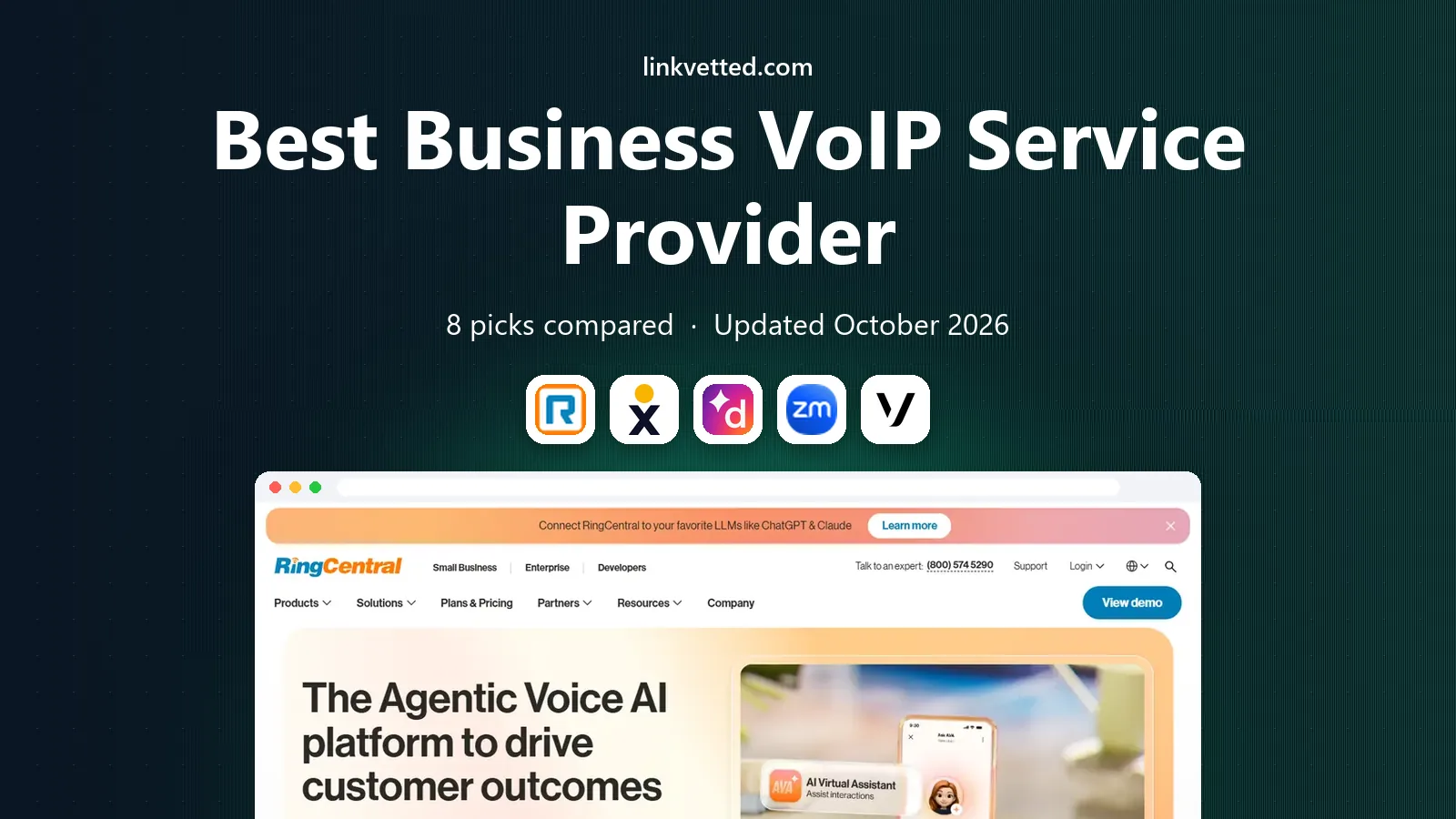
 RingCentral
All-round unified communications
Starts at$20 per user per monthVisit ringcentral.comFull review - Great alternative
 Nextiva
Reliability and support
Starts at$15 per user per monthVisit nextiva.comFull review - Also consider
 Dialpad
AI calling features
Starts at$15 per user per monthVisit dialpad.comFull review
TL;DR:
- RingCentral and Nextiva are the safest all-round picks for growing teams that need phone, video, and messaging together.
- Zoom Phone is the cheapest add-on for teams already using Zoom for meetings.
- Dialpad puts AI transcription and summaries on every plan, which helps sales and support teams.
- Google Voice and Grasshopper suit solo operators and micro-teams that need a simple business number.
- Add taxes and fees to the advertised per-user price, since the final bill is often higher.
Quick comparison
| Tool | Best for | Starts at | Free plan? | |
|---|---|---|---|---|
| RingCentral | All-round unified communications | $20 per user per month | Free trial | Visit |
| Nextiva | Reliability and support | $15 per user per month | No | Visit |
| Dialpad | AI calling features | $15 per user per month | Free trial | Visit |
 Zoom Phone | Zoom-based teams | $10 per user per month | No | Visit |
 Vonage | API and custom builds | $13.99 per line per month | No | Visit |
 Ooma Office | Simple no-contract setup | $19.95 per user per month | Free trial | Visit |
 Google Voice | Google Workspace teams | $10 per user per month | No | Visit |
 Grasshopper | Solo business line | $14 per month | Free trial | Visit |
The best business VoIP service provider
We compared business VoIP providers on call quality, routing, AI features, integrations, pricing, and support. These eight cover solo lines through full unified communications.

RingCentral is our default pick for growing businesses. One app handles calls, video meetings, team chat, and fax, with call queues, auto-attendant, and CRM links on paid plans. That breadth helps teams that expect to scale past ten seats without switching vendors.
The catch is price growth. The entry plan covers core calling well, but AI summaries, advanced analytics, and contact center features sit higher. Price the tier your team will actually use in six months, not just the entry tier.
- Phone, video, messaging, and fax in one app
- Large integration library
- Strong uptime record
- Higher tiers add cost fast
- Small teams may pay for depth they rarely use
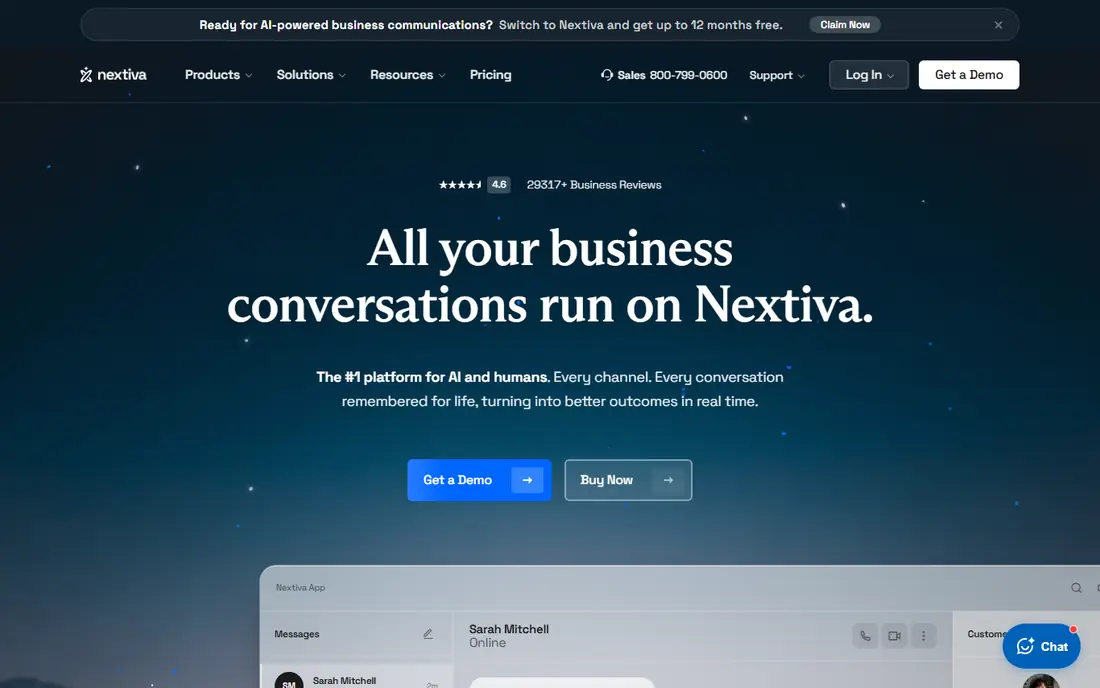
Nextiva suits customer-facing teams that value call reliability and human help. The platform pairs VoIP with messaging and customer context, so agents can see prior conversations alongside calls. Support is a real strength here, with US-based help that small teams often praise.
The downside is trial access. Without a free trial on most plans, you should use a demo and a short paid pilot with a few seats. Check mobile call quality early, since some users find the mobile app less polished than desktop.
- Strong reliability record
- Helpful live support
- Customer journey and CRM-style views
- No free trial on most plans
- Interface can feel busy for new users
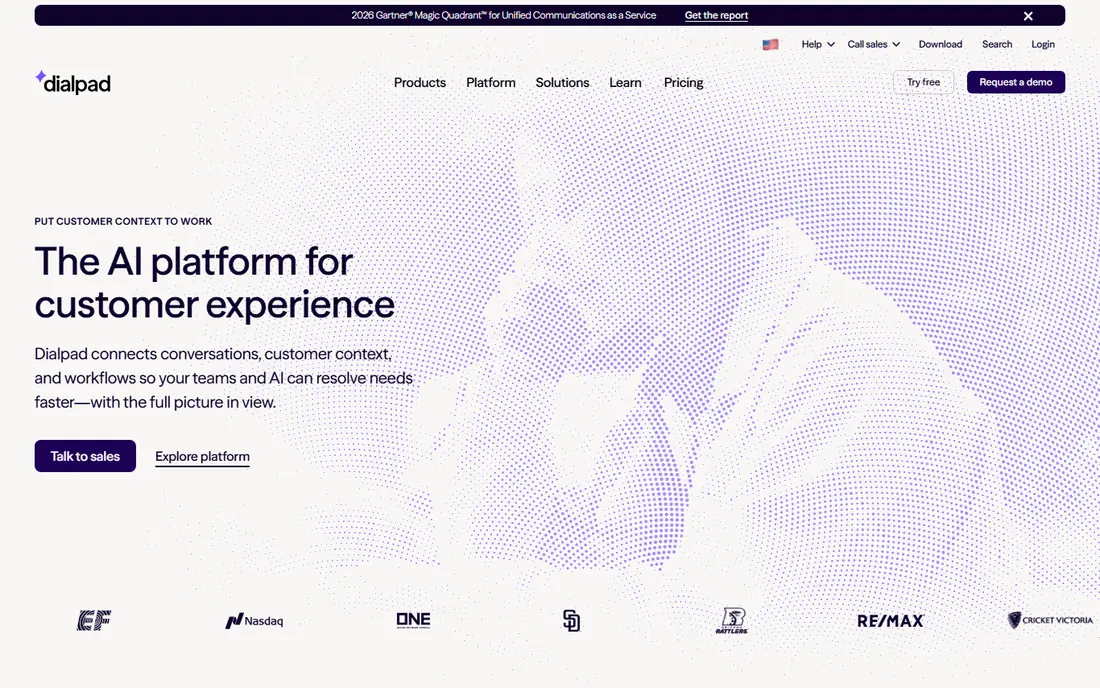
Dialpad is the best pick for sales and support teams that want AI help without a premium tier. Calls are transcribed and summarized by default, which cuts note-taking and helps managers review calls. The interface stays clean, and setup is fast for remote teams.
The trade-off is integration depth. Full CRM sync and advanced coaching need higher plans, and month-to-month billing is far above the annual rate. If you need deep Salesforce or HubSpot sync, price the Pro tier before you commit.
- AI transcription and summaries on every plan
- Real-time coaching on higher tiers
- Clean interface
- CRM links sit on higher tiers
- Monthly billing costs much more than annual
Zoom Phone makes sense when your team already lives in Zoom. Adding voice to the same app cuts training time, and the metered entry plan keeps costs low for light callers. Call queues, auto-attendant, and recording cover most small-team needs.
The limit is depth. Dedicated VoIP platforms offer richer routing, supervisor tools, and contact center options. If call center reporting and complex queues matter, compare RingCentral or Nextiva before choosing Zoom Phone on price alone.
- Lowest entry cost here for Zoom users
- One app for meetings and calls
- Simple admin
- Routing and supervisor tools are lighter than dedicated platforms
- Needs a Zoom base plan in some setups
Vonage fits companies that may build on voice later. The business phone service covers core calling, while the API platform supports custom voice, messaging, and verification flows. That path suits product teams that want phone features inside their own app.
The downside is guidance. Vonage is less hand-holding than Nextiva or RingCentral for a first-time phone admin. If you only need standard business calling, a more guided platform may save setup time.
- Low entry per-line price
- Strong API for custom voice and messaging
- Broad app integrations
- Business phone features are less guided than RingCentral
- Support quality varies by plan
Ooma Office appeals to small teams moving off landlines. Pricing is flat and monthly, with no annual contract required, and the system supports desk phones well. Setup is straightforward, and the admin panel covers extensions, ring groups, and voicemail without much training.
The trade-off is feature depth. Recording, CRM links, and advanced analytics sit on higher tiers, and contact center tools are thinner than RingCentral. For a small office that wants reliable calling without a contract, that simplicity is a plus.
- Flat monthly pricing with no annual contract
- Desk phone support
- Simple admin
- Call recording and CRM links need higher tiers
- Fewer advanced contact center tools
Google Voice is the cheapest sensible pick for teams already paying for Google Workspace. The Starter plan gives a business number, voicemail transcription, and basic routing, all inside Google apps. Solo operators and micro-teams can be live quickly.
The limit is depth. Multi-level auto-attendant, advanced reporting, and desk phone support improve on Standard and Premier tiers. If you need a full phone system with queues and supervisor tools, price those tiers or compare Dialpad and RingCentral.
- Lowest cost for Workspace teams
- Simple setup
- Calls and texts in Google apps
- Needs Google Workspace
- Advanced routing and reporting need higher tiers
Grasshopper is built for one-person businesses that need a professional number without a team system. A flat monthly price covers a business number, greetings, extensions, and call forwarding to your mobile. That simplicity keeps costs predictable for solos.
The weakness is scale. Grasshopper is not meant for teams with queues, shared inboxes, and CRM-driven routing. Once you hire a small team, move to RingCentral, Nextiva, or Dialpad for shared calling and reporting.
- Flat monthly price for a solo line
- Extensions and greetings
- Forwards to your mobile
- Not a full team phone system
- Limited integrations and advanced routing
How we picked these
We compared official pricing pages, feature lists, free trial terms, and public reviews for business VoIP providers. We favored providers with published per-user or flat pricing, US number support, and a clear fit for small or growing teams. Prices shown here reflect annual or monthly entry tiers as published, before taxes and regulatory fees, so confirm the final per-user total before you sign.
How to choose a business VoIP provider
Start with team size, call volume, and the apps you already use. Those three facts narrow the list fast.
Price the final bill, not the headline rate
Add taxes, regulatory fees, and any per-user add-ons for recording, AI, or CRM sync. A 15 dollar plan can reach 20 dollars or more after fees, and annual billing often saves far more than monthly billing.
Test call quality on your real network
Run calls on office wifi, home wifi, and mobile data during a trial. Check call setup time, audio clarity, and failover when wifi drops. A provider that sounds good in a demo can still struggle on a weak home connection.
Check number porting and emergency calling
Confirm you can port your existing business number, and check emergency calling setup for remote staff. Both matter more than minor feature differences, since a failed port or missing emergency address creates real risk.
FAQ
What is the best business VoIP service provider?
RingCentral is the best all-round pick for growing teams, while Nextiva leads for reliability and support. Zoom Phone is best for Zoom-based teams on a budget, and Dialpad leads for AI transcription on every plan. Solo operators should start with Grasshopper or Google Voice.
How much does business VoIP cost per user?
Entry prices here range from 10 dollars per user per month for Zoom Phone and Google Voice, to about 20 dollars for RingCentral and Ooma Office. Taxes and fees add to those rates, and annual billing is usually cheaper than monthly billing. Always price the tier with the features you need.
Do VoIP providers offer a free trial?
Many do. RingCentral, Dialpad, Ooma Office, and Grasshopper offer trials of varying length, while Nextiva, Zoom Phone, Vonage, and Google Voice generally offer demos rather than free trials. Trial length and features vary, so check the current offer before you test.
Can I keep my business phone number when switching to VoIP?
Yes, in most cases you can port an existing US business number to a VoIP provider. Porting usually takes a few days to a few weeks, depending on the losing carrier. Do not cancel your old service until the port completes, or you may lose the number.
Is VoIP call quality as good as a landline?
Yes, on a stable internet connection, modern VoIP call quality is often as good as or better than a landline. Quality depends on bandwidth, router setup, and headset quality. Wired connections and quality headsets help, and most providers offer call quality tools in their admin panels.
What is the best small business phone service for a one-person company?
Grasshopper is the simplest flat-rate business line for solos, while Google Voice is cheapest for Google Workspace users. Both give a professional number without team phone system cost. Move to a team platform when you need shared queues, CRM links, and call reporting.