Choosing VoIP Providers for Small Home in 2026: 6 Options Compared
Best VoIP providers for small home in 2026: 6 tools with starting prices, free plans and limits. Every profile names its biggest catch. Checked this month.
- Editor's choice
 Zoom Phone
Calling inside the Zoom system
Starts atSee websiteVisit zoom.comFull review - Great alternative
 Microsoft Teams Phone
Calling within Microsoft Teams
Starts atSee websiteVisit microsoft.comFull review - Also considerVonage Business Communications
Adaptable voice with API choices
Starts atSee websiteVisit vonage.comFull review
Direct answer
If you need calling inside the Zoom product, Zoom Phone is the first tool to look at here. Listed starting prices: Dialpad from $15 per user a month, Nextiva from $15 per user per month and RingCentral MVP from $52 a month. For a different need, Microsoft Teams Phone covers calling within Microsoft Teams and Vonage Business Communications covers adaptable voice with API choices. The other 3 tools in the list cover narrower or pricier cases.
TL;DR:
- Zoom Phone takes the first slot, best suited to calling inside the Zoom platform.
- A permanent free plan is missing from all 6 tools, Zoom Phone and RingCentral MVP included; plan for a trial or a premium start.
- The main caution on Microsoft Teams Phone: tied to the Microsoft ecosystem.
- For wide voice system with AI features, RingCentral MVP is worth a look.
- Starting prices begin at $15 per user per month with Dialpad.
Last checked November 2026. Prices and plan details were read from the vendors' own pages in November 2026; vendors change plans often, so confirm the current price on the vendor site before you buy.
Quick comparison
| Tool | Best for | Starts at | Free plan? | |
|---|---|---|---|---|
| Zoom Phone | Calling inside the Zoom system | See website | Not stated | Visit |
| Microsoft Teams Phone | Calling within Microsoft Teams | See website | Not stated | Visit |
| Vonage Business Communications | Adaptable voice with API choices | See website | Not stated | Visit |
 Dialpad | AI-driven conversations and contact center | $15 per user a month | Free trial | Visit |
 Nextiva | Unified customer experience and phone | $15 per user per month | No | Visit |
| RingCentral MVP | Wide voice product with AI features | $52 a month | Free trial | Visit |
VoIP Providers for Small Home, one by one
This LinkVetted guide covers 6 options for VoIP providers for small home. Each profile lists a starting price, free plan details, strengths and drawbacks, so you can drop poor fits quickly.
Think of Zoom Phone for calling inside the Zoom product. Zoom Phone is the VoIP calling piece of a system that also covers video meetings, chat, webinars, whiteboard, contact center and events.
In daily use, small home offices already using Zoom for meetings can add calling without introducing a separate vendor. Zoom Phone is the practical pick when meetings and calling already live together in your workflow. This comparison lists no price for Zoom Phone; ask the vendor. As for free access: Not stated.
Trade-offs to know: Best value if you already use Zoom.
- Familiar interface for existing Zoom users
- VoIP phone alongside meetings and chat
- Phone features sit within a bigger product
Microsoft Teams Phone makes the most sense for calling within Microsoft Teams. On top of that, the experience is tied to the Microsoft ecosystem.
Where Microsoft Teams Phone stands out: Suits organizations already on Microsoft tools.
So it makes less sense if your work does not already run on those tools. This comparison lists no price for Microsoft Teams Phone; ask the vendor. Free access: Not stated.
Honest limits: Setup involves more than a standalone phone service.
- Chat and files in one place
- Meetings
- Tied to the Microsoft ecosystem
Vonage Business Communications
Best for: Adaptable voice with API choices
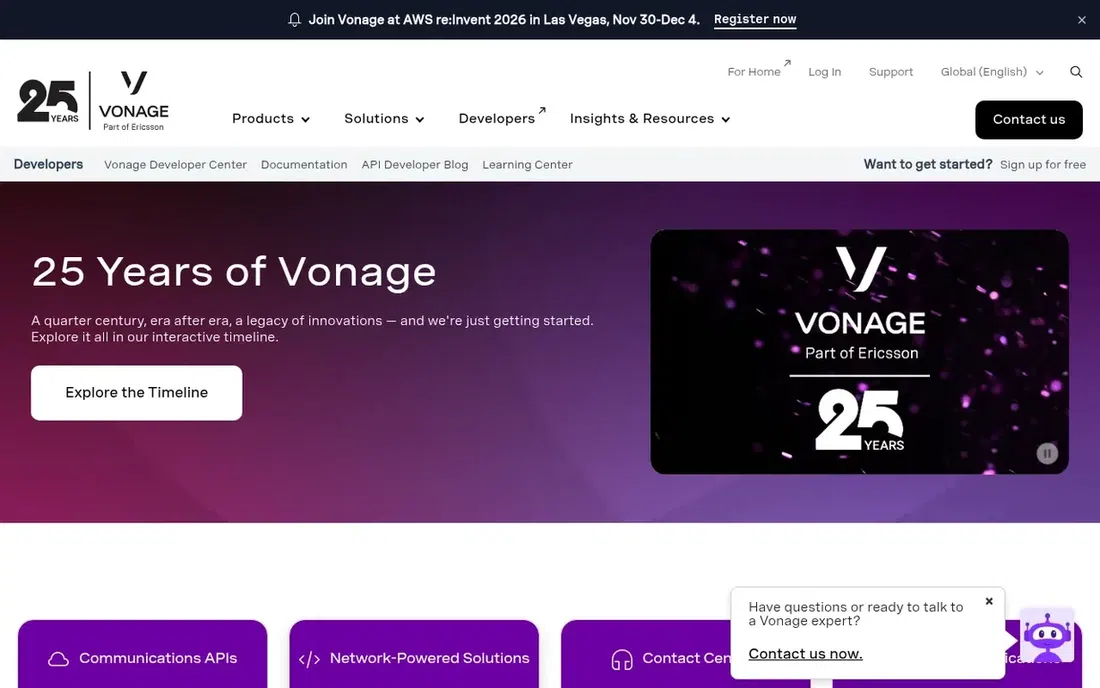
Vonage Business Communications is designed for adaptable voice with API choices. Vonage Business Communications sits within a portfolio that spans adaptable voice, messaging, video and data across Unified Communications, Contact Centers and Communications APIs. Also, a small home office can start with business voice and later link other channels if needs change.
What users get: Unified Communications and Contact Center offerings.
Downsides: Product range can be complicated to navigate.
It also appeals to technical founders who may want APIs to link calling into their own tools. The broad product range can make it harder to decide which combination suits a small home setup. The API side is only handy if you have development resources. Vonage Business Communications does not show a starting price in this comparison, so check the vendor site for current pricing. On free options: Not stated.
- Voice, messaging
- Video and data capabilities
- API choices add value primarily for technical users
Think of Dialpad for AI-driven conversations and contact center. Dialpad brings AI agents, contact center, sales and business communications together, aiming to turn customer conversations into intelligence that drives resolution. Also, a small home office that deals with a steady stream of customer calls and wants AI assistance built into the workflow is the natural fit.
The AI and contact center emphasis can be more than a home office needs if calling is light or largely internal. Learning the full product takes time compared to an entry-level virtual phone system. Price to start with Dialpad: $15 per user per month. Trial and free access: Free trial.
Honest limits: Product breadth takes time to learn.
- Merges sales and business communications
- AI agents and contact center in one product
- AI focus may exceed entry-level calling needs
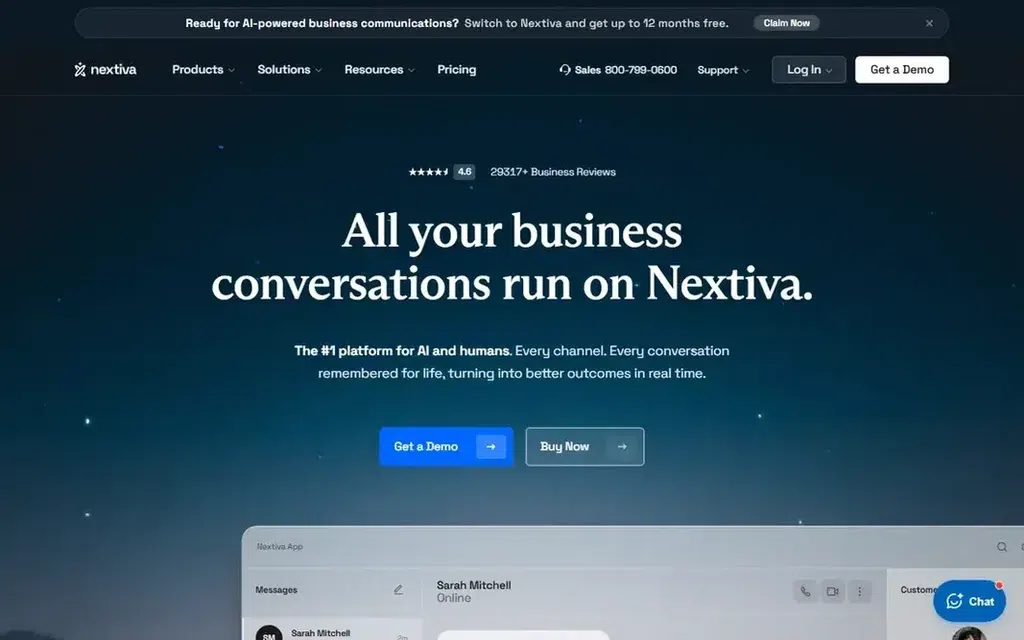
Nextiva makes the most sense for unified customer experience and phone. Nextiva presents itself as an AI customer experience management product that merges business phone, contact center, AI receptionist and unified CX in one place.
Points against: May be more system than a solo office needs.
Worth adding: for a small home office that deals with inbound customer calls and wants those conversations connected to a broader view of the customer, this positioning is the primary draw. As for the details, consider a more straightforward virtual phone system if your calls are largely outbound or internal. Nextiva pricing: $15 per user per month. Nextiva has no permanent free option.
- Focus on managing customer journeys
- AI receptionist included in the system
- Positioned around customer experience, not just calls
RingCentral MVP
Best for: Wide voice product with AI features
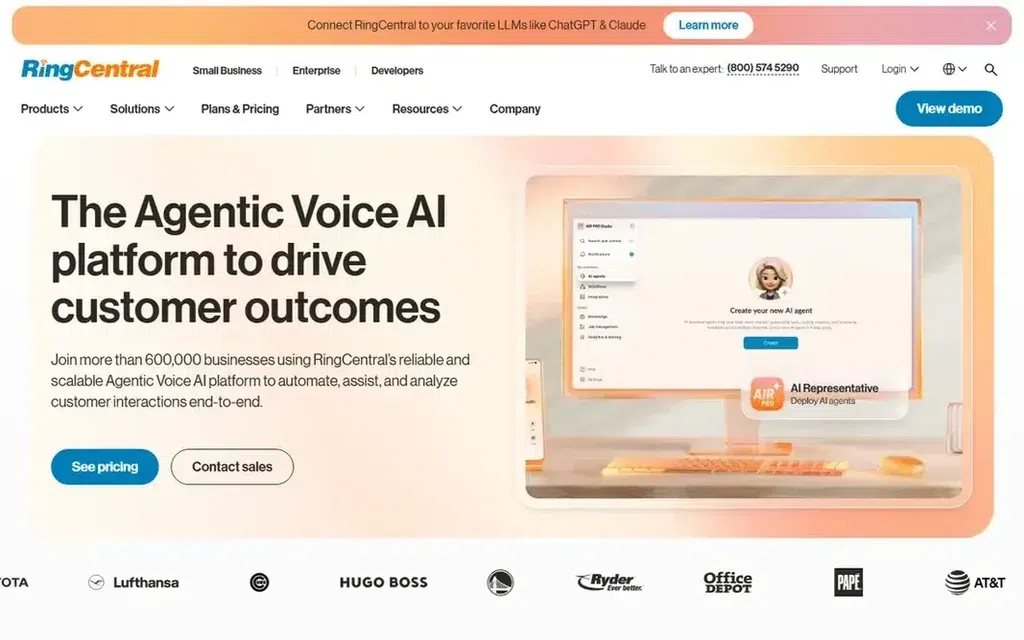
RingCentral MVP is aimed squarely at broad voice product with AI features. RingCentral MVP is a business communications system built around voice, with messaging and AI tools for example an AI Receptionist, AI Virtual Assistant and AI Conversation Expert described on its site. In daily use, if you primarily want a simple second number that forwards calls, a lighter virtual phone system may be simpler.
Limits to weigh: Setup may need more planning.
In practice, Teams that value a deep feature catalog over minimal setup tend to be the best match. From a buyer's view, choose RingCentral when voice is central to your business and you want room to grow. RingCentral MVP cost at the entry level: $52 per month. Free access: Free trial.
- Fits teams planning to scale
- Broad voice and messaging feature set
- Feature depth can overwhelm solo users
How these tools were picked
We compared the tools on published pricing, free plan or trial availability, feature coverage for VoIP providers for small home, and the limits each vendor documents. Plan names, prices and limits change often. Treat the figures here as a starting point and verify them with the vendor. The ranking is editorial: typical fit first, then clear pricing, then free access. If your needs are unusual, read the profiles rather than relying on position.
Pre-purchase checklist
- Get a written quote from Zoom Phone, Microsoft Teams Phone and Vonage Business Communications; the list shows no starting price for them.
- Use real work to test the free trial from Dialpad and RingCentral MVP, rather than a demo project.
- Before choosing Zoom Phone, weigh its main limit: best value if you already use Zoom.
- Map your must-have features to a specific Vonage Business Communications plan before you compare prices.
- List the apps you already depend on and check that Nextiva supports each one on the plan you would buy.
FAQ
Can I try these tools before paying?
Often, yes. Dialpad and RingCentral MVP offer a free trial. Use your own data and a real task during the test, and check what the free tier or trial limits before you rely on it. For the full picture, the cards above cover all 6 entries of this VoIP providers for small home list, including price, free plan and limits.
What is the cheapest option for VoIP providers for small home in this list?
On published monthly entry prices, Dialpad is the lowest here at $15 per user per month. Entry price is only part of the cost, because seats, add-ons and billing terms can change the total. Prices, free plan details and limits for all 6 tools in this VoIP providers for small home roundup sit on the individual cards above.
How do AI features change the choice of VoIP provider?
Providers like RingCentral, Nextiva and Dialpad highlight AI receptionists, assistants and conversation tools. Beyond that, for entry-level calling, more straightforward providers may be simpler to set up and run.
Do these tools publish their prices?
Not all of them. Zoom Phone, Microsoft Teams Phone and Vonage Business Communications publish no starting price, so expect a quote request for those. The rest, Dialpad included, show a starting price, though seats and billing terms still change the final cost.
How are the tools for VoIP providers for small home ordered?
Zoom Phone sits first and RingCentral MVP last because the order follows typical fit for VoIP providers for small home, then price clarity and free access. It is a judgement call, so read each profile for fit and limits.
Sources
- https://www.zoom.com
- https://www.microsoft.com/en-us/microsoft-teams
- https://www.vonage.com
- https://www.dialpad.com
- https://www.nextiva.com
- https://www.ringcentral.com