Best CRM for Service Providers in 2026: 8 CRMs Compared
We compared best crm for service providers for 2026 on features, price and support to help you pick the right option for your needs, budget and everyday use.

- Editor's choice
 Jobber
Field service teams
Starts atSee websiteVisit getjobber.comFull review - Great alternative
 Housecall Pro
Home service pros
Starts atSee websiteVisit housecallpro.comFull review - Also consider
 HubSpot CRM
Service firms needing marketing
Starts atSee websiteVisit hubspot.comFull review
TL;DR:
- Jobber and Housecall Pro are built for field service, with scheduling, dispatch and invoicing in one place.
- HubSpot and Zoho suit service firms that need strong marketing and pipeline tools alongside client records.
- Check whether the CRM handles quotes, deposits and invoicing, since many service firms lose time switching tools for billing.
- Mobile access matters: field staff need to update jobs from a phone, not only from a desk.
Quick comparison
| Tool | Best for | Starts at | Free plan? | |
|---|---|---|---|---|
| Jobber | Field service teams | See website | Free trial | Visit |
| Housecall Pro | Home service pros | See website | Free trial | Visit |
| HubSpot CRM | Service firms needing marketing | See website | Yes | Visit |
 Salesforce | Larger service firms | See website | Free trial | Visit |
 Zoho CRM | Budget-conscious service firms | See website | Free trial | Visit |
 Freshsales | Sales-led service firms | See website | Free trial | Visit |
 Pipedrive | Small service teams focused on deals | See website | Free trial | Visit |
 Insightly | Service firms linking projects and clients | See website | Free trial | Visit |
The best CRMs for service providers
Service providers live on appointments, quotes, repeat clients and follow-ups, so a generic sales CRM often misses the point. We compared CRMs on scheduling, quoting, job tracking, invoicing and client communication, for trades, cleaners, consultants, salons and other service firms.
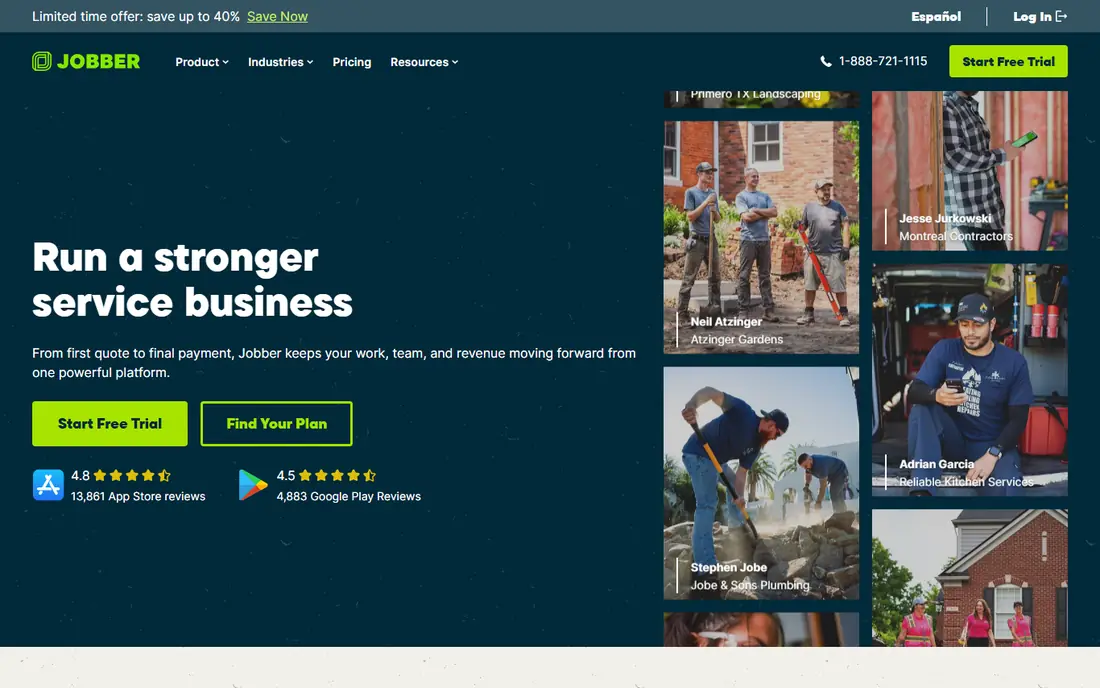
For people who need a dependable everyday option, this CRM suits field service firms such as cleaners, lawn care teams, plumbers and HVAC teams that schedule jobs daily. Jobber combines scheduling, dispatch, quoting, invoicing and client reminders, so a job moves from quote to payment without switching tools. Its mobile app lets field staff update jobs, collect signatures and take payments on site.
The trade-off is worth knowing before you buy. It is built for field service, so a pure consulting or sales team may find some sales pipeline features lighter than HubSpot. Trial it with a real week of jobs, including a reschedule and a late payment, before deciding.
- Scheduling and dispatch
- Quoting and invoicing
- Client reminders
- Field-service focus
- Less suited to pure sales teams
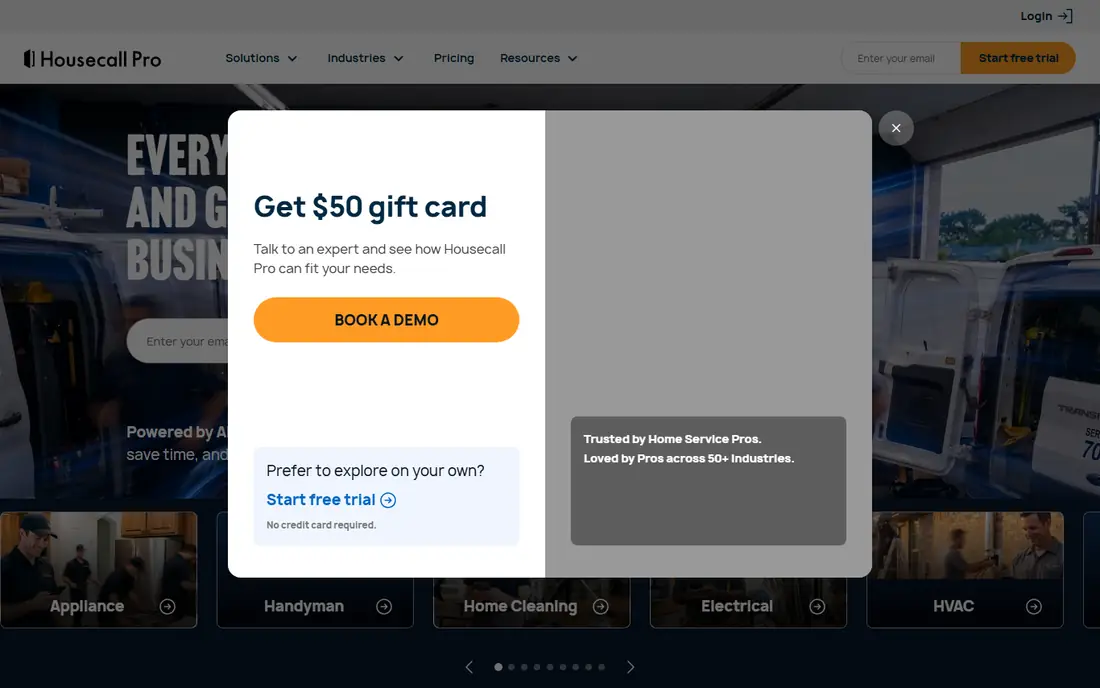
If comfort over a long shift matters most, this CRM fits home service pros who want online booking, dispatch and payments in one system. Housecall Pro offers online booking, scheduling, dispatch, estimates, invoicing and card payments, plus review requests after jobs. That full loop helps small home service firms look professional and get paid faster.
There is a catch to weigh against the strengths. Pricing scales with team size, and setup takes time to configure services, prices and service areas properly. Map your services and price list before setup, so the trial reflects real work rather than demo data.
- Online booking
- Dispatch
- Invoicing and payments
- Pricing scales with team size
- Learning curve for setup
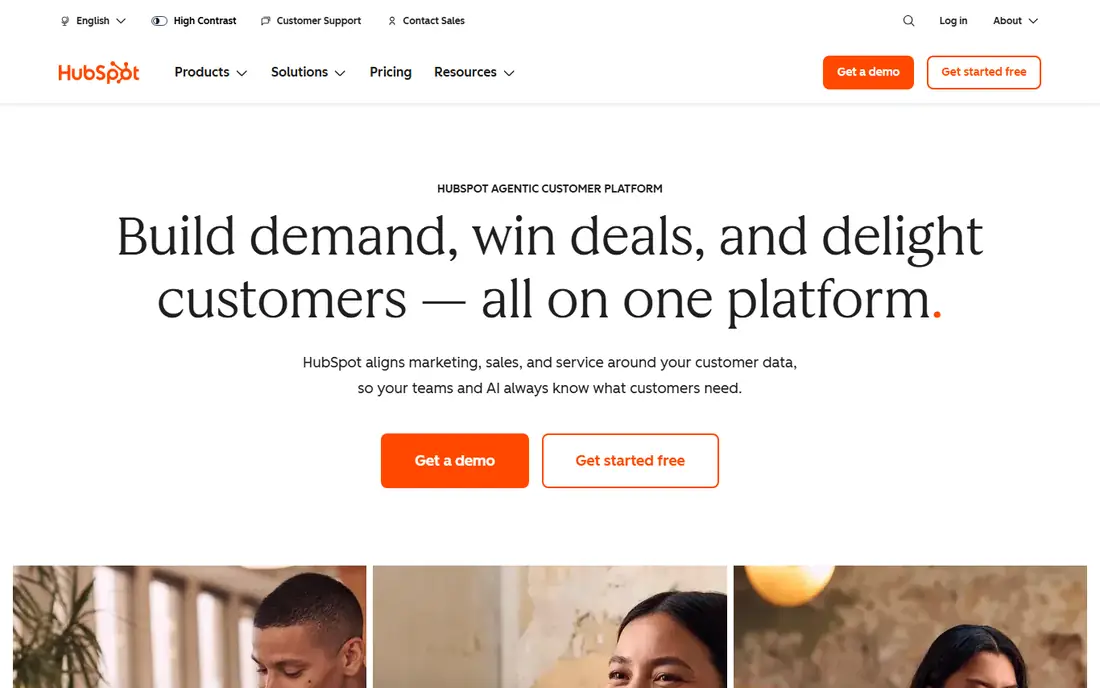
This is a strong choice when durability is the priority, this CRM suits service firms that need marketing, pipelines and client records together, with a free starting point. HubSpot CRM offers free contact and deal management, plus paid marketing, sales and service hubs for email, automation and reporting. That breadth suits consultants, agencies and service firms that win work through content and follow-up.
Before you commit, consider the weaker side. Paid hubs add cost quickly, and field job scheduling needs add-ons or integrations rather than built-in dispatch. Start free, then add only the hub that solves a real bottleneck, rather than buying the full suite at once.
- Free core CRM
- Strong marketing tools
- Good reporting
- Paid hubs add cost
- Field job features need add-ons
For buyers who want a proven, widely available option, this CRM fits larger service firms with complex sales, service and reporting needs and staff to manage it. Salesforce offers deep customisation, strong reporting and a huge integration range, including Field Service tools for scheduling and dispatch. It can model almost any service workflow, from multi-step quotes to regional teams.
No option here is perfect, and this one has limits. Setup is complex, costs are higher, and it needs admin time to maintain, so small firms may find it heavy. Budget for implementation help, not only licences, and pilot with one team before a company-wide rollout.
- Deep customisation
- Strong reporting
- Huge integration range
- Complex setup
- Higher cost
- Needs admin time
When ease of cleaning matters as much as comfort, this CRM suits budget-conscious service firms that want automation and a wide app range without enterprise pricing. Zoho CRM offers contact and deal management, workflow automation, email integration and reporting at affordable plan levels. It connects with other Zoho apps for invoicing, booking and support, which suits firms that want one vendor.
The honest downside comes down to fit and cost. The interface can feel busy, and field service features need configuration rather than working out of the box. Use the trial to build one real workflow, such as quote to invoice, and judge it on that, not on the feature list.
- Affordable plans
- Good automation
- Wide Zoho app range
- Interface can feel busy
- Field features need configuration
This option suits buyers who value a lighter feel, this CRM fits sales-led service firms, such as agencies and consultants, that win work through calls, email and follow-up. Freshsales offers a clean sales pipeline, built-in phone and email, lead scoring and automation for follow-ups. That focus helps firms that lose deals to slow follow-up rather than to poor job scheduling.
It helps to know where this option falls short. Field scheduling is limited compared with Jobber, and some features need higher plans. If your work is mostly field jobs, favour Jobber or Housecall Pro; if it is mostly sales conversations, Freshsales fits better.
- Clean sales pipeline
- Built-in phone and email
- Good automation
- Field scheduling is limited
- Some features need higher plans
If you want a lower profile option that still protects, this CRM suits small service teams that want a visual pipeline and clear next steps for every deal. Pipedrive shows deals in a visual pipeline, with activity reminders that keep follow-ups from slipping. It is easy to learn, which helps small teams adopt it without a long training project.
The limitation is less about quality than about fit. Service job features such as dispatch and field invoicing need integrations, and reporting is lighter than Salesforce. Pair it with a scheduling or invoicing tool if your work needs strong job management alongside sales.
- Visual pipeline
- Easy to learn
- Good activity reminders
- Service job features need integrations
- Reporting is lighter
For buyers who put support and cushioning first, this CRM fits service firms that deliver projects after winning a deal and want client and project data together. Insightly combines CRM with project management, so a won deal can turn into a delivery project with tasks, milestones and files. That link suits consultants, agencies and contractors whose work continues well after the sale.
Weigh this drawback against what it does well. The mobile app is lighter than the desktop version, and pricing rises as you add features. Check the mobile app against your field workflow before committing, since desk and phone use differ.
- CRM plus project management
- Good for service delivery
- Solid reporting
- Mobile app is lighter
- Pricing rises with features
How we picked these
We compared official feature pages, pricing pages, mobile apps and integration lists for CRMs used by service providers in 2026. We judged each tool on scheduling and job tracking, quoting and invoicing, client communication, mobile access and ease of setup for small teams. We favoured tools that handle the full service loop, from first enquiry to payment and repeat booking, rather than only sales pipelines. We did not claim hands-on testing we did not do, and we list See website where pricing varies by users or plan.
How to choose a CRM for a service business
A CRM should reduce admin, not add it. The best choice is the one your team will actually update after every job, call and quote, so ease of use matters as much as the feature list.
Start with your service loop
Map how work flows in your firm: enquiry, quote, booking, job, invoice, payment and repeat booking. A field firm needs scheduling and dispatch at the centre, while a consulting firm needs pipeline and project tools. Test that loop in a trial with real jobs, not demo data, and watch where staff still reach for spreadsheets. Those gaps show what the CRM does not actually solve.
Check mobile, invoicing and integrations
Field staff need a mobile app that updates jobs, collects payments and records notes on site. Check whether quoting, deposits and invoicing live inside the CRM or need another tool, since billing gaps cost time. Confirm integrations with your accounting software, calendar, email and booking tools, so data does not need double entry. A CRM that cannot talk to your accounts will create reconciliation work every month.
Plan adoption, not only purchase
A CRM fails when only one person uses it. Assign an owner, set simple rules for updating deals and jobs, and train staff on the mobile app first. Start with core features, such as contacts, scheduling and invoicing, and add automation only once the basics work. Review usage after a month, and fix the workflow that staff avoid, rather than buying more features.
FAQ
What is the best CRM for service providers?
Jobber is our pick for field service firms, thanks to scheduling, dispatch, quoting and invoicing in one place. Housecall Pro suits home service pros, while HubSpot suits firms that need marketing alongside client records. The best CRM depends on whether your work is field jobs, sales conversations or project delivery.
Do small service businesses need a CRM?
Small firms need a CRM once enquiries, repeat clients and follow-ups outgrow spreadsheets and memory. A CRM keeps client history, quotes and job notes in one place, so staff changes and busy weeks do not lose work. Solo operators with few clients may manage with simpler tools until volume grows.
Can a CRM handle scheduling and invoicing?
Field CRMs such as Jobber and Housecall Pro handle scheduling, quoting, invoicing and payments together. General CRMs such as HubSpot and Zoho handle invoicing through integrations or add-on apps. Check the full loop before buying, since a sales-only CRM may still leave billing in another tool.
Is HubSpot free for service providers?
HubSpot CRM offers a free core plan for contacts and deals, which suits small firms starting out. Paid hubs for marketing, sales and service add cost, so compare the total price for the features you actually need. Start free and upgrade only when a paid feature solves a clear bottleneck.
How long does CRM setup take?
Small teams can set up Jobber, Pipedrive or Zoho in days to weeks, while Salesforce and larger HubSpot setups often take weeks to months. Data import and service price lists usually take longer than software setup, so prepare clean client and service lists before you start.