Best Customer Support Automation Tools in 2026: 9 Tools Compared
Compare the best customer support automation tools in 2026, with AI agents, helpdesks, pricing and resolution costs to help support teams choose well today.
- Editor's choice
 Zendesk
Omnichannel enterprise support
Starts at$55 per agent per monthVisit zendesk.comFull review - Great alternative
 Intercom
Chat-first AI support
Starts at$29 per seat per monthVisit intercom.comFull review - Also consider
 Freshdesk
Value omnichannel ticketing
Starts at$19 per agent per monthVisit freshdesk.comFull review
TL;DR:
- The real cost of support automation is seats plus AI resolutions, not the headline seat price alone, so compare both before you buy.
- Zendesk and Intercom suit larger teams that need omnichannel routing and AI agents at scale, while Freshdesk and Help Scout suit smaller teams on budget.
- Gorgias is the strongest pick for Shopify stores, because order actions sit inside the conversation.
- Start automation with your most repeated questions, measure resolution quality, and keep a fast path to a human agent.
Quick comparison
| Tool | Best for | Starts at | Free plan? | |
|---|---|---|---|---|
| Zendesk | Omnichannel enterprise support | $55 per agent per month | Free trial | Visit |
| Intercom | Chat-first AI support | $29 per seat per month | Free trial | Visit |
| Freshdesk | Value omnichannel ticketing | $19 per agent per month | Yes | Visit |
 Help Scout | Simple shared inbox support | $25 per user per month | Yes | Visit |
 HubSpot Service Hub | HubSpot CRM support teams | See website | Yes | Visit |
 Gorgias | Shopify and ecommerce support | $10 per month | Free trial | Visit |
 Zoho Desk | Low-cost multichannel desk | $14 per agent per month | Yes | Visit |
 Tidio | Small store chat and AI | See website | Yes | Visit |
 Ada | High-volume AI automation | See website | No | Visit |
The best customer support automation tools
Support automation should answer repeated questions instantly, route complex cases to the right human, and keep the full conversation history in one place. The nine tools below cover enterprise helpdesks, chat-first platforms, ecommerce desks and AI-first agents, so match the tool to your channels, ticket volume and existing CRM.
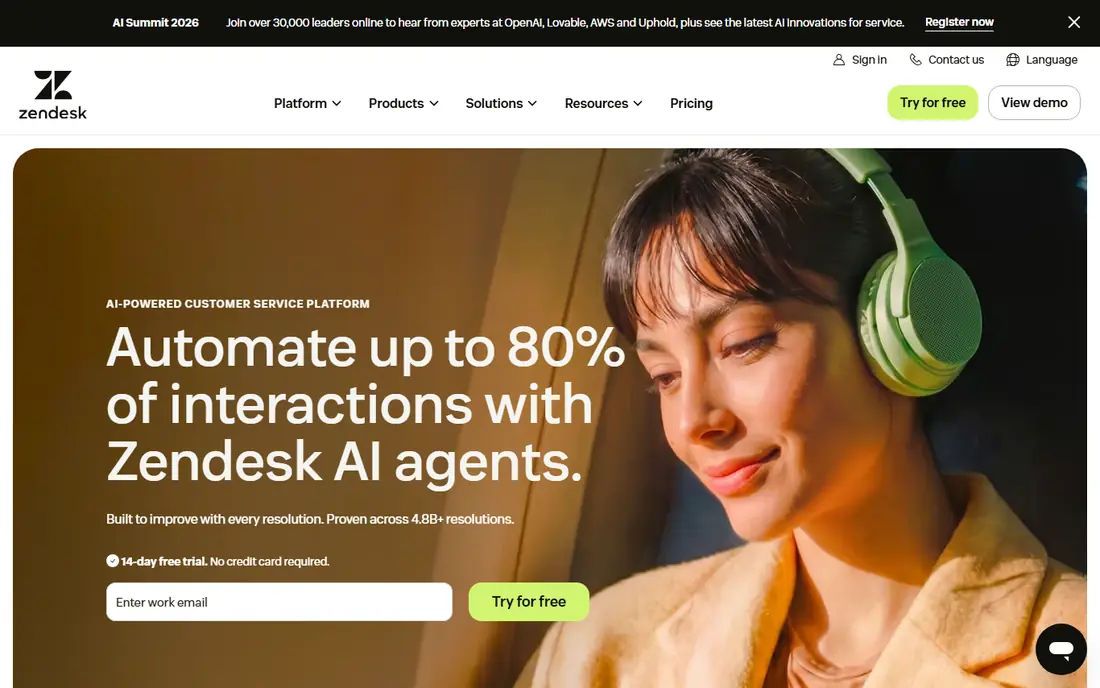
Zendesk Suite is the standard choice when support spans many channels and needs to stay organised at scale. Tickets from email, chat, messaging, voice and social land in one system, with routing, macros, SLAs and reporting that help managers see where work piles up. Its AI agents can resolve common questions automatically, draft replies for agents, and summarise conversations, which saves time when ticket volume is high and questions repeat.
The honest catch is total cost and complexity. The Suite Team plan we reviewed starts at $55 per agent per month on annual billing, and AI resolutions beyond the included allowance cost extra, so a high-volume team needs a full cost model, not just a seat count. Small teams may also find setup heavier than Help Scout or Freshdesk. Choose Zendesk when you need omnichannel depth, reporting and scale, and when support is a core operation rather than a side task.
- Broad channel coverage including messaging, chat, voice and email
- Strong routing, SLA and reporting
- Mature AI agent options
- AI resolution allowances and usage charges add to seat cost
- Setup can be heavy for very small teams

Intercom suits product-led and SaaS teams where customers start in chat, not email. Its Messenger, shared inbox, help centre and workflows create a conversational support experience, and Fin, its AI agent, can resolve many questions directly from help content and past conversations. That chat-first design helps when customers expect fast answers inside your product, and when support also drives onboarding and retention.
The cost structure needs care. The Essential plan we reviewed starts at $29 per seat per month on annual billing, while Fin outcomes are billed separately, at $0.99 per outcome in the pricing we reviewed, so a team with many AI-resolved conversations needs to model that cost alongside seats. There is a trial but no lasting free plan. Pick Intercom when chat and AI resolution are central to your support model, and when you can measure Fin outcomes honestly during a pilot.
- Strong Messenger-led support experience
- Fin AI agent with outcome-based pricing
- Good help centre and workflows
- Fin outcomes are billed separately from seats
- Advanced workflows need higher plans
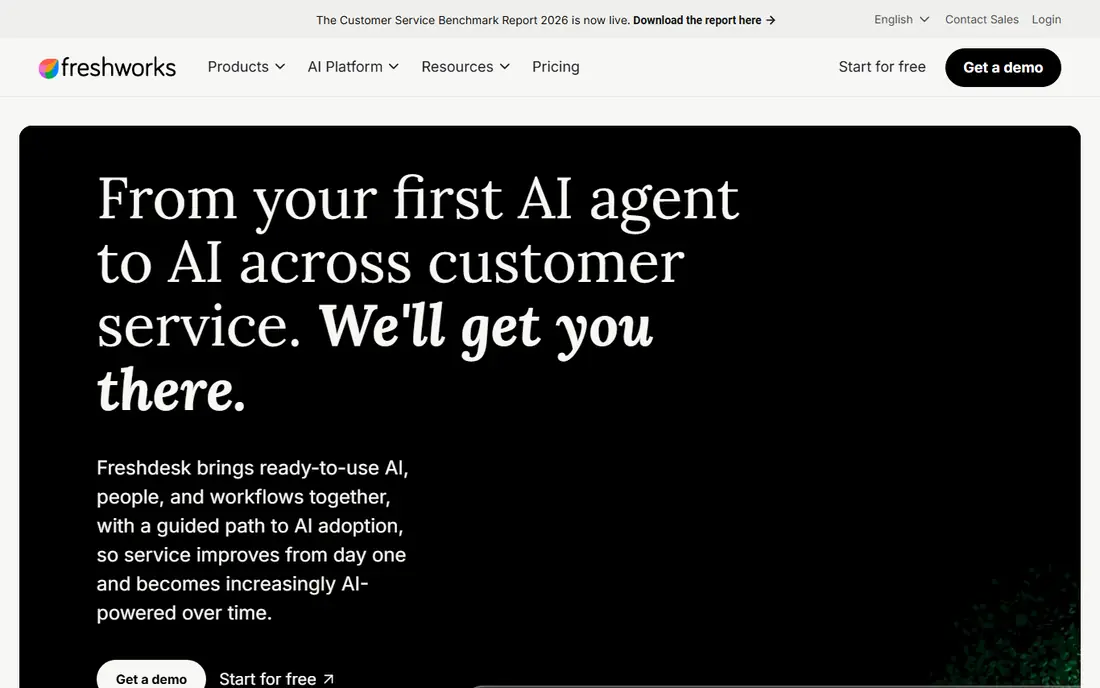
Freshdesk is the value pick for teams that need a proper helpdesk without enterprise pricing. Ticketing, knowledge base, automations and channel coverage handle most small and mid-size support work well, and the Growth plan we reviewed starts at $19 per agent per month on annual billing. Freddy, its AI agent, can answer common questions and help agents draft replies, while a free programme for two agents for six months helps very small teams get started.
The limits are metering and scope. AI sessions are not unlimited, and pricing for extra sessions applies after allowances, so high-volume AI use needs a cost check. Also confirm whether you need Freshdesk or the broader Freshdesk Omni product, since features and pricing differ. For budget-conscious teams that want a solid, general helpdesk with useful AI, Freshdesk is hard to beat.
- Good value for email and omnichannel ticketing
- Freddy AI agent and knowledge base included on higher plans
- Free programme for small teams
- AI sessions are metered, not unlimited
- Freshdesk is not the same product as Freshdesk Omni, so check plan scope
Help Scout suits small teams that want support to feel personal, not like a ticket system. Shared inboxes, live chat, docs and workflows cover email-centric support without a steep learning curve, and the interface stays calm even when several people handle the same inbox. AI Answers can resolve repeated questions automatically, which helps a small team punch above its size during busy periods. A free tier for a limited number of contacts helps for testing.
The trade-off is scale and metering. User limits, extra inboxes and AI Answers charges can add up as a team grows, and Help Scout lacks the deep omnichannel and enterprise reporting of Zendesk. The Standard plan we reviewed starts at $25 per user per month on annual billing. Choose Help Scout when email quality and simplicity matter most, and when your team is small enough to benefit from its calm, shared-inbox approach.
- Simple shared inbox that feels like email
- Good for small SaaS and content teams
- AI Answers for common questions
- User limits and extra inbox costs on some plans
- AI Answers resolutions are billed separately
HubSpot Service Hub makes sense when your customer data already lives in HubSpot. Tickets, conversations, feedback and customer history sit alongside marketing and sales records, so agents see context without switching tools. Its Customer Agent can answer common questions from your knowledge base, and free tools for two users help small teams start without a paid plan. That CRM link is a real advantage for teams that treat support as part of the customer relationship, not a separate queue.
The catch is price and lock-in. Paid seats are higher than Freshdesk or Help Scout, and the value drops sharply if you do not use HubSpot CRM elsewhere. AI resolutions also use credits, so check allowances on the plan you choose. Pick Service Hub when HubSpot is already your CRM, and pick a standalone helpdesk when you want the lowest seat cost or a neutral system.
- Support tied directly to HubSpot CRM and customer history
- Customer Agent for AI answers
- Free tools for small teams
- Higher seat pricing on paid plans
- Best value only if you already use HubSpot
Gorgias is built for ecommerce support, especially Shopify stores. Agents can view order details, edit orders, process refunds and cancel shipments without leaving the conversation, which saves the tab-switching that slows down other helpdesks. Email, chat, social, SMS and voice sit in one inbox, and AI automation handles common questions like order status, while macros speed up repetitive replies. The Starter plan we reviewed starts at $10 per month for 50 tickets, which suits small stores.
The trade-off is pricing model and fit. Ticket-based pricing means costs rise with volume, and higher plans are needed for larger stores, so model your monthly ticket count before you choose a tier. Gorgias is also less compelling for SaaS or services support where order actions do not apply. For Shopify and BigCommerce stores, it is the most practical support automation pick in this list.
- Native Shopify actions inside conversations
- Strong ecommerce macros and AI automation
- Ticket-based pricing for small stores
- Ticket-based pricing can rise with volume
- Less suited to non-ecommerce support teams
Zoho Desk is the cheapest multichannel desk in this list for teams already in, or open to, the Zoho ecosystem. It covers email, chat, phone, social and web forms, with a knowledge base, automations and reporting that handle most small and mid-size support work. The free plan for three agents helps very small teams start, and the paid entry plan we reviewed starts at $14 per agent per month on annual billing. That low cost makes it easy to give every support person a proper seat.
The limits are AI depth and polish. Zoho AI features exist, but they are less central than Zendesk AI or Intercom Fin, and the interface can feel busy compared with Help Scout. If your main need is low-cost, reliable ticketing across channels, Zoho Desk delivers it well. If AI resolution is your main buying reason, shortlist Zendesk, Intercom or Freshdesk first and compare resolution costs directly.
- Low per-agent cost
- Multichannel ticketing and knowledge base
- Free plan for three agents
- AI features are less mature than Zendesk or Intercom
- Interface feels busier than Help Scout
Tidio suits small stores and websites that need live chat and simple AI answers quickly. Setup is fast, the chat widget looks clean, and its AI chatbot can handle FAQs, order questions and lead capture without a full helpdesk project. The free plan covers a limited number of chats per month, which is enough to test whether chat helps your conversion and support load before you pay. For a small team, that low friction matters more than enterprise features.
The trade-off is depth. Tidio is not a full enterprise ticketing system, with the same routing, SLA and reporting depth as Zendesk, and AI usage and visitor limits vary by plan, so check the pricing page for your traffic. Use Tidio when chat is your main channel and your team is small, and move to a full helpdesk when ticket complexity and reporting needs grow beyond chat.
- Fast chat setup for small stores
- AI chatbot for common questions
- Free plan for limited chats
- Less depth for complex ticketing and enterprise reporting
- AI and visitor limits vary by plan
Ada is an AI-first support platform for teams with high ticket volume and many repeated questions. Its AI agent can resolve conversations across chat, voice and messaging, using your knowledge base and business systems, and it can hand off to a human agent with full context when needed. That focus on automated resolution suits large SaaS, telecom, travel and ecommerce teams where even a small deflection rate saves many agent hours. It also works alongside an existing helpdesk, rather than forcing a full replacement on day one.
The limits are price transparency and content dependence. Ada is quote-based, with no public entry price and no free plan, so it only makes sense when volume justifies a sales conversation. Its performance also depends on the quality of your help content, so teams with thin or outdated docs will get weaker results until they fix that foundation. For high-volume teams ready to invest in AI resolution, Ada is a serious shortlist pick.
- AI-first automation for high-volume support
- Works alongside existing helpdesks
- Strong for deflecting repeated questions
- Quote-based pricing with no public entry price
- Needs good knowledge content to perform well
How we picked these
We compared official pricing pages, channel coverage, AI agent pricing models, CRM integrations and public reviews, with a focus on total cost, not just seat price. We favoured tools that are available now, in October 2026, and that cover enterprise, mid-market, ecommerce and AI-first approaches. Where AI pricing is per resolution, session or credit we noted that model, and where pricing is quote-based we wrote See website rather than repeating third-party estimates as fact.
How to pilot support automation without hurting trust
Start with your top ten repeated questions, and build automation for those first. Those questions are easy to answer well, easy to measure, and low risk if the bot gets one wrong, because a human can recover quickly. Track resolution rate, reopen rate, customer satisfaction and time to human handoff, not just deflection. A bot that closes tickets but creates repeat contacts has not saved you anything.
Keep the human escape route obvious
Every automated conversation should offer a clear path to a human, with context carried over so the customer does not repeat themselves. Hide that path and satisfaction drops fast, even if the bot is technically correct. Review failed conversations weekly, fix the knowledge content behind them, and expand automation only to question types that pass your quality bar. Good automation earns trust by being helpful and honest about its limits.
FAQ
What is the best customer support automation tool for small businesses?
Freshdesk and Help Scout are the strongest small-business picks, because they combine low seat prices with useful AI and a gentle learning curve. Tidio suits very small stores that mainly need chat, while Gorgias suits small Shopify stores. Test with your real ticket types, and compare total cost including AI resolutions, not just seats.
How is AI support pricing different from seat pricing?
Seat pricing charges per agent per month, while AI pricing charges per resolution, session, outcome or credit, depending on the vendor. Zendesk, Intercom, Freshdesk, Help Scout and HubSpot all use different units, so a cheap AI unit can still cost more if it is charged more often. Model your monthly AI volume on your own ticket data before you sign.
Can AI replace human support agents?
For repeated, low-risk questions, AI can resolve a large share of contacts and free agents for complex work. For complaints, billing disputes, sensitive issues and anything where empathy matters, humans remain essential. The best setup uses AI for the first response and triage, with a fast, well-informed handoff to a person when needed.
Which tool is best for Shopify support?
Gorgias is the best pick for most Shopify stores, because order actions, refunds and shipment changes happen inside the conversation. Zendesk and Freshdesk also integrate with Shopify, but they do not match Gorgias native ecommerce workflow for small and mid-size stores. Check your monthly ticket count against Gorgias ticket-based plans before you commit.
Should I automate support before I have a help centre?
Build the help centre first, or at least alongside automation, because AI agents answer from your knowledge content. Thin, outdated or contradictory docs produce confident but wrong answers, which hurt trust. Write clear articles for your top questions, keep them updated, and let the AI use that single source of truth.