Best Omnichannel Customer Support Platforms in 2026: 8 Platforms Compared
Best omnichannel customer support platforms in 2026, compared on email, chat, phone, social and messaging, AI help, pricing and ease of setup. Read the guide.
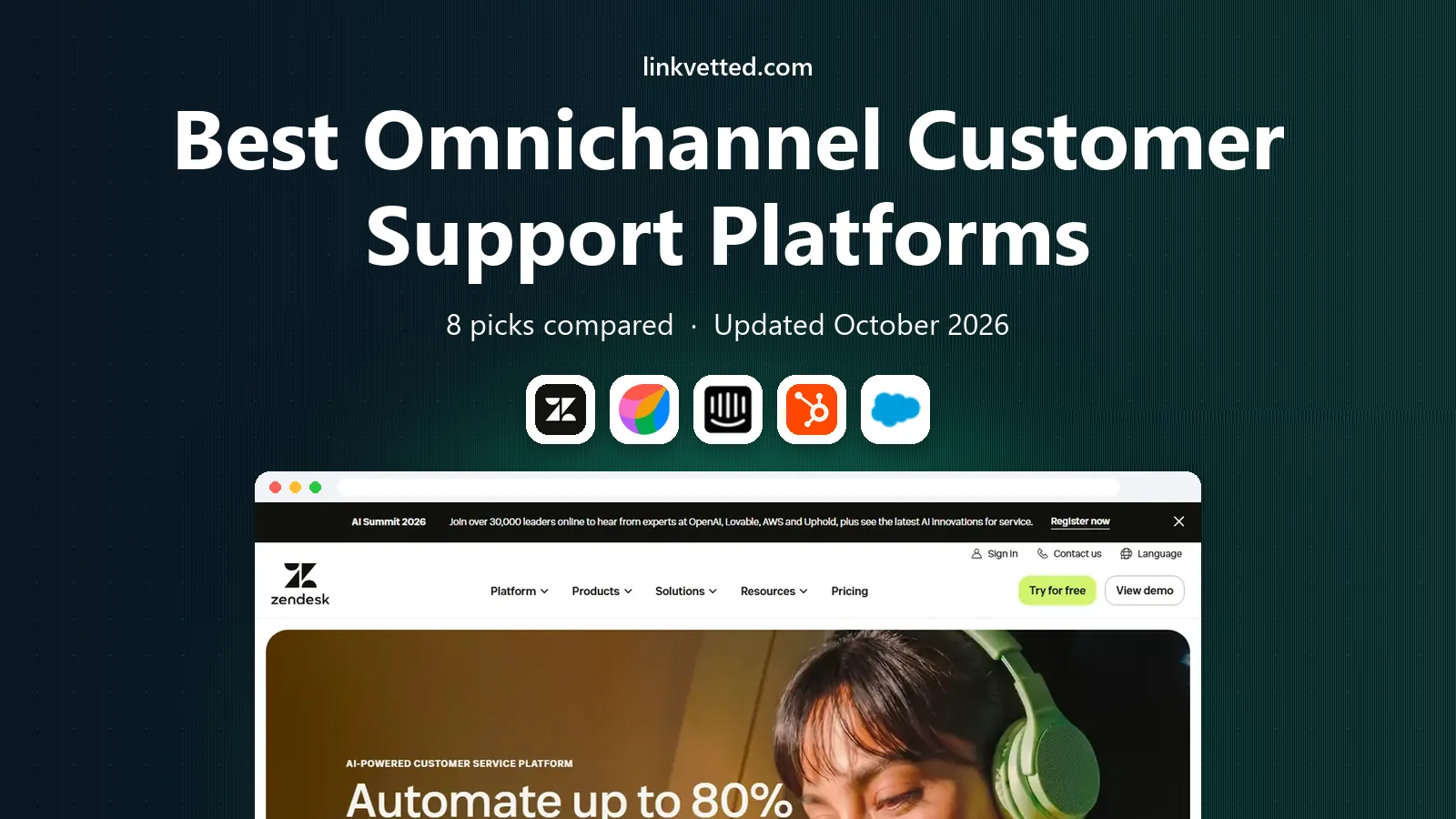
- Editor's choice
 Zendesk
Large teams and deep routing
Starts at$55 per agent per monthVisit zendesk.comFull review - Great alternative
 Freshdesk Omni
Growing omnichannel teams
Starts at$29 per agent per monthVisit freshdesk.comFull review - Also consider
 Intercom
Chat-first SaaS support
Starts at$29 per seat per monthVisit intercom.comFull review
TL;DR:
- Zendesk suits large teams that need deep routing, reporting and configuration across many channels.
- Freshdesk Omni and Zoho Desk suit growing and budget-conscious teams that want solid multichannel ticketing without enterprise cost.
- Intercom suits chat-first SaaS teams that want AI resolution and in-product messaging.
- HubSpot Service Hub and Salesforce Service Cloud suit teams already using those CRMs, since customer history stays in one place.
- Check AI pricing carefully, since AI resolutions, seats and channel add-ons can raise the total well above the headline plan price.
Quick comparison
| Tool | Best for | Starts at | Free plan? | |
|---|---|---|---|---|
| Zendesk | Large teams and deep routing | $55 per agent per month | Free trial | Visit |
| Freshdesk Omni | Growing omnichannel teams | $29 per agent per month | Free trial | Visit |
| Intercom | Chat-first SaaS support | $29 per seat per month | Free trial | Visit |
 HubSpot Service Hub | HubSpot CRM teams | See website | Yes | Visit |
 Salesforce Service Cloud | Salesforce teams | See website | Free trial | Visit |
 Zoho Desk | Budget multichannel teams | See website | Yes | Visit |
 Help Scout | Simple shared inbox teams | See website | Free trial | Visit |
 Front | Collaborative inbox teams | See website | Free trial | Visit |
The best omnichannel customer support platforms
Omnichannel support means a customer can start on chat, move to email and call later without repeating the story, and agents can see the full history in one place. We compared official pricing pages, channel coverage, automation and AI options, and public user feedback, and we favored platforms that keep conversation history unified rather than treating each channel as a separate inbox.

Zendesk is the standard pick for large support teams. Its Suite brings email, chat, phone, social and messaging into one ticket stream, with routing by skill, language and workload, plus service level tracking and detailed reporting. That depth matters when hundreds of agents handle thousands of tickets and managers need to see bottlenecks by channel, team and topic.
The trade is cost and complexity. Suite Team starts at $55 per agent per month on annual billing in recent pricing, and AI resolution allowances and advanced features add further cost. Smaller teams may find the setup heavy for a simple inbox need. If scale, routing and reporting matter most, Zendesk is a strong foundation.
- Deep ticketing, routing and reporting
- Broad channel coverage
- Large app marketplace
- Higher starting price than many rivals
- AI and advanced features add cost
- Setup can be complex
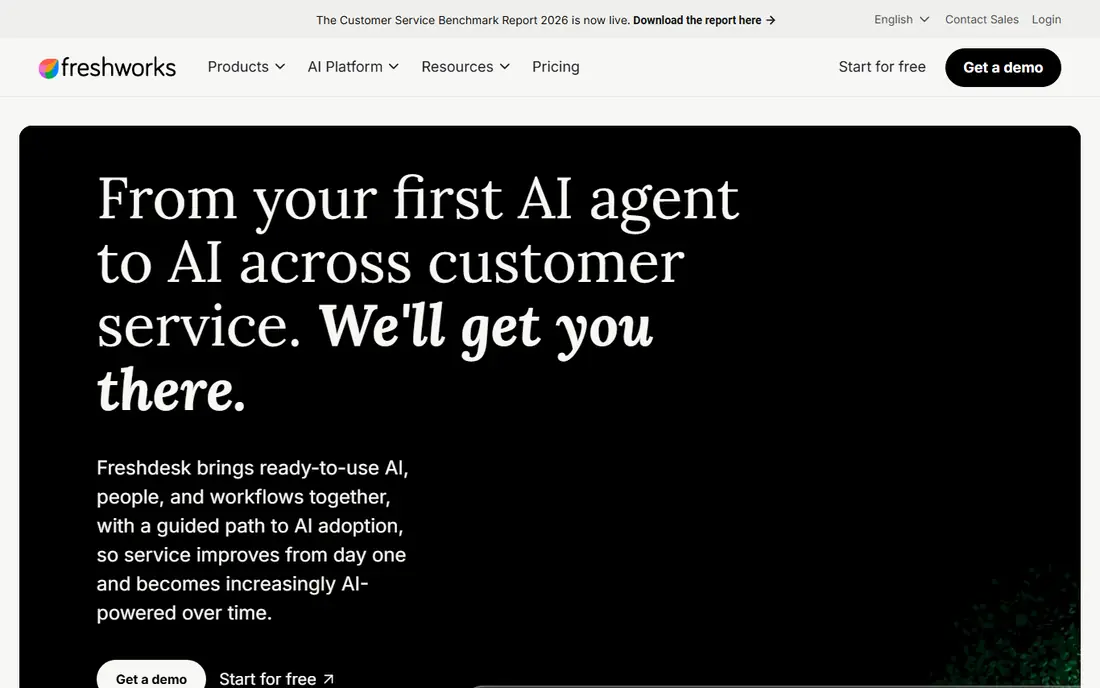
Freshdesk Omni, the omnichannel version of Freshdesk, suits growing teams that have outgrown a simple shared inbox. It brings email, chat, phone and messaging into ticket-based workflows, with automation, service level rules and a knowledge base to deflect common questions. Growth pricing at $29 per agent per month on annual billing in recent guides makes it easier to budget than enterprise suites.
Voice setup and AI session costs still need a careful read, since they can sit outside the base plan. Teams that only need email may also find standard Freshdesk cheaper than Omni. If you need true multichannel tickets at a mid-market price, Freshdesk Omni is a balanced pick.
- Unified omnichannel ticketing
- Knowledge base and automation
- Clearer pricing than enterprise rivals
- Voice and AI costs need checking
- Some advanced features sit on higher tiers
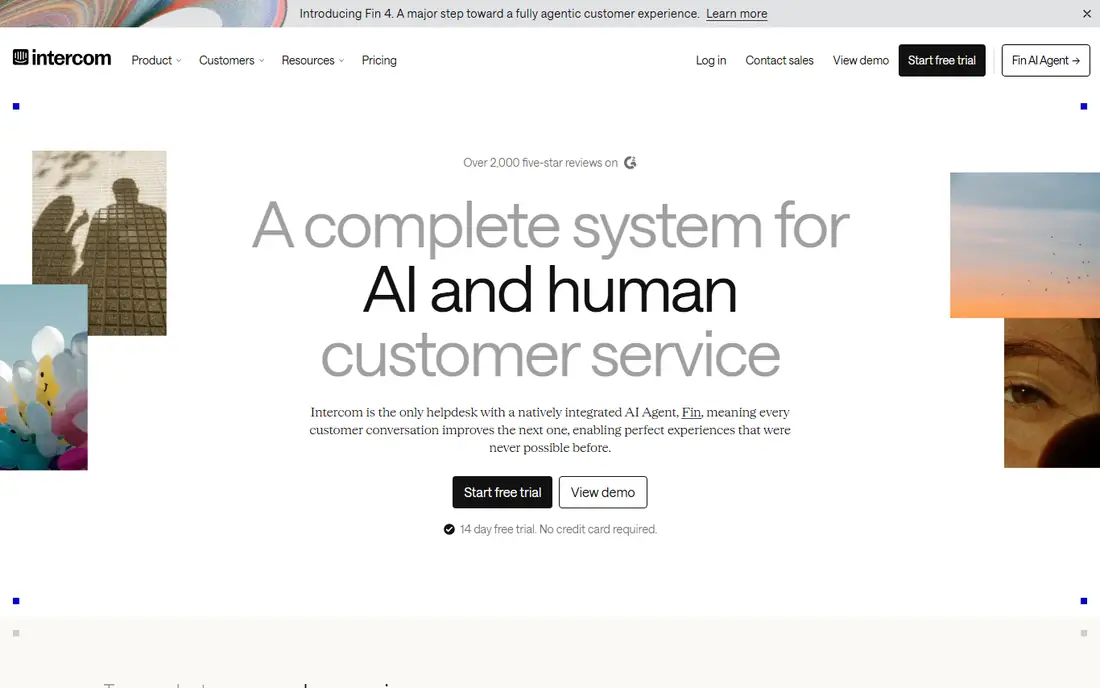
Intercom suits SaaS teams where customers live inside the product. Its Messenger, shared inbox and help center work together, and Fin, its AI agent, can resolve common questions before a human agent steps in. That chat-first design fits product-led companies that want fast, conversational support rather than a heavy ticket queue.
Pricing needs care. Essential starts at $29 per seat per month on annual billing in recent guides, but Fin outcomes are billed per resolution, so a high AI volume raises the bill. Phone support is also not the core strength. If chat and AI resolution drive your support model, Intercom is a leading choice.
- Strong in-product chat and messaging
- Fin AI resolution
- Good automation and help center tools
- AI outcomes are billed separately
- Advanced workflows need higher plans
- Phone support is limited
HubSpot Service Hub is the natural pick for teams already using HubSpot. Tickets, conversations and customer records share the same CRM, so agents see purchase, marketing and service history without switching tools. Free tools cover basic ticketing and chat, which helps small teams start without a paid plan.
Paid tiers rise quickly, and Professional plans in recent guides start higher and can include onboarding fees, so budget the full HubSpot cost, not just the Service Hub headline. Teams outside HubSpot get less value from the shared CRM. If HubSpot is already your system of record, Service Hub keeps support close to the customer record.
- Customer history shared with HubSpot CRM
- Ticketing, chat and knowledge base in one suite
- Free tools to start
- Professional tier and onboarding add cost
- Best value only inside the HubSpot ecosystem
Salesforce Service Cloud suits enterprise teams that already run on Salesforce. Cases, customer records, knowledge and automation live in the same platform as sales, which helps large teams handle complex service journeys, field service and self-service at scale. Reporting and AI tools also benefit from that shared data.
The trade is cost and implementation time. Service Cloud is an enterprise product with higher pricing and longer setup than simpler helpdesks, and teams outside Salesforce will not get the same integration value. If Salesforce is already central to your business, Service Cloud is the most coherent support choice. If not, a standalone helpdesk will be faster and cheaper.
- Deep CRM integration
- Strong case management and automation
- Enterprise scale and reporting
- Higher cost and longer implementation
- Best value only for Salesforce-centered teams
Zoho Desk is the budget pick for multichannel support. It covers email, chat, phone, social and messaging, with a free plan for up to three agents and low-cost paid tiers for growing teams. For businesses already using Zoho CRM, Books or other Zoho apps, the shared data and single billing make the whole stack easier to run.
The interface is functional rather than polished, and telephony integrations and some advanced automation sit on higher tiers, so check the exact plan against your channel list. If price matters and you want solid ticketing across channels, Zoho Desk offers strong value.
- Low-cost plans
- Free plan for small teams
- Broad channel and Zoho app integration
- Interface feels less polished than some rivals
- Telephony and advanced features sit on higher tiers
Help Scout suits small to mid-size teams that want support to feel personal and simple. Shared inboxes, collision detection and a clean knowledge base help a small team handle email, chat and messaging without a complex ticket system. New agents learn it quickly, which matters when support is one job among many.
Help Scout is not built for large contact centers with complex routing and workforce management, and AI answers and extra inboxes add cost. If your team is small, email-led and values simplicity over enterprise depth, Help Scout is a good fit.
- Simple shared inbox design
- Good knowledge base
- Easy for small teams to learn
- Less suited to large contact centers
- AI and extra inboxes add cost
- Voice is not core
Front suits teams that treat support as a shared inbox job. Agents can assign conversations, discuss them internally, and work across email, SMS, social and chat without losing context. That collaboration helps operations, sales and support teams who share customer conversations and need clear ownership.
Front pricing is per seat, so large teams should model total cost carefully, and some advanced support features sit on higher tiers. If collaboration and inbox clarity matter more than heavy ticket automation, Front is a strong alternative to a traditional helpdesk.
- Collaborative shared inboxes
- Strong assignment and internal discussion
- Broad app integrations
- Pricing per seat adds up for large teams
- Advanced support workflows need higher tiers
How we picked these
We compared official pricing pages, channel lists, automation and AI terms, and public user feedback, and we favored platforms that unify conversation history across channels rather than adding channels as separate silos. We kept a mix of enterprise, mid-market and budget options, since a five-person team and a five-hundred-person contact center need different tools. Prices were taken from recent vendor and guide summaries, with See website where plan structures vary.
How to choose the right platform
Map your real channels first
List every channel customers actually use, from email and chat to WhatsApp, Instagram and phone, then check each shortlisted platform covers them on the plan you can afford. A platform that lists a channel only on a top tier is not really covering it for your budget.
Test AI costs with real volume
AI resolution, AI answers and automation credits can change the bill sharply. Run a trial with your real ticket mix, measure how many questions AI resolves, and ask the vendor to price that volume before you sign an annual deal.
Trial with agents, not just managers
Give agents a week on each finalist with real conversations, and ask about routing, search, macros and reporting. A platform managers love but agents avoid will hurt response times and morale, no matter how good the feature list looks.
FAQ
What is the best omnichannel customer support platform?
Zendesk leads for large teams, Freshdesk Omni leads for growing teams, and Intercom leads for chat-first SaaS teams. The best platform depends on team size, channels, CRM and how much AI resolution you plan to use.
What is the best omnichannel customer support software for small teams?
Zoho Desk and Help Scout suit small teams well, with low-cost plans, simple setup and solid email and chat coverage. Start with your main channels, then add voice or social only when customers actually use them.
Is Zendesk or Freshdesk better?
Zendesk offers deeper routing, reporting and enterprise configuration, while Freshdesk Omni offers strong omnichannel ticketing at a lower starting price. Large, complex teams often favor Zendesk, while growing teams often favor Freshdesk for value.
What does omnichannel mean in customer support?
Omnichannel means all channels share one customer history and workflow, so a customer can switch from chat to email to phone without repeating the issue. Multichannel, by contrast, can mean separate inboxes for each channel with no shared context.
How much does omnichannel support software cost?
Prices range from free starter plans to $55 or more per agent per month for enterprise suites, plus AI, voice and add-on costs. Model seats, AI volume and required channels together to get a true monthly total.