Best B2B Customer Support Platforms in 2026: 8 Platforms Compared
Compare the best b2b customer support platforms for account-based service, SLAs, and shared inboxes, with current pricing notes for growing teams and more.

- Editor's choice
 Zendesk
Large omnichannel B2B teams
Starts at$55 per agent per monthVisit zendesk.comFull review - Great alternative
 Intercom
Chat-first SaaS support
Starts at$29 per seat per monthVisit intercom.comFull review - Also consider
 Freshdesk
Value omnichannel ticketing
Starts at$19 per agent per monthVisit freshworks.comFull review
TL;DR:
- Zendesk suits large omnichannel teams, while Intercom suits chat-first SaaS support.
- Freshdesk, Zoho Desk, and Help Scout offer lower starting prices for smaller B2B teams.
- Pylon and Front stand out for Slack-based and collaborative account support.
- Check AI pricing separately, since per-resolution charges can change the total fast.
Quick comparison
| Tool | Best for | Starts at | Free plan? | |
|---|---|---|---|---|
| Zendesk | Large omnichannel B2B teams | $55 per agent per month | Free trial | Visit |
| Intercom | Chat-first SaaS support | $29 per seat per month | Free trial | Visit |
| Freshdesk | Value omnichannel ticketing | $19 per agent per month | Free trial | Visit |
 Help Scout | Email-first collaborative support | $25 per user per month | Yes | Visit |
 Zoho Desk | Budget teams and Zoho users | $7 per user per month | Yes | Visit |
 Front | Collaborative account support | $25 per seat per month | Free trial | Visit |
 Salesforce Service Cloud | Salesforce-based enterprises | See website | Free trial | Visit |
 Pylon | Slack-based B2B SaaS support | See website | Free trial | Visit |
The best B2B customer support platforms
B2B support is account work, not just ticket work, so we favoured tools that handle SLAs, account context, and collaboration across teams.
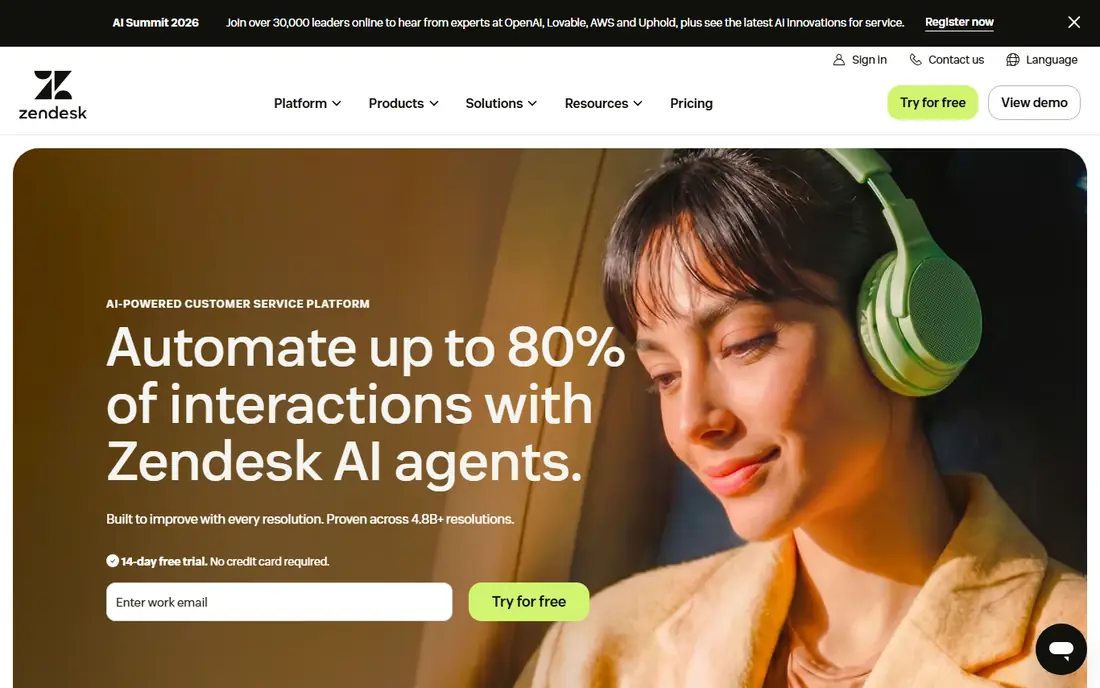
For teams that need large omnichannel b2b teams, Zendesk stands out because it covers email, chat, voice, and messaging in one routing system. its Suite plans give large teams consistent workflows across channels and regions That combination makes it a clear fit for the use case in its best-for line, rather than a general tool that happens to cover the topic in passing. We compared its official feature pages and pricing notes against the other options here, and it held up on the core job, even where some advanced features sit on higher tiers.
The honest catch is that total cost rises with AI add-ons and workforce tools, so price the full bundle, not the entry tier Ask for a trial or a guided demo on your own data before you commit, and check contract terms, support hours, and any usage limits that could change the total cost. If that catch touches a daily workflow for your team, weigh the next option on this list before you decide.
- Broad channel coverage
- Strong routing and reporting
- Large integration library
- AI and advanced features add cost
- Setup can be heavy
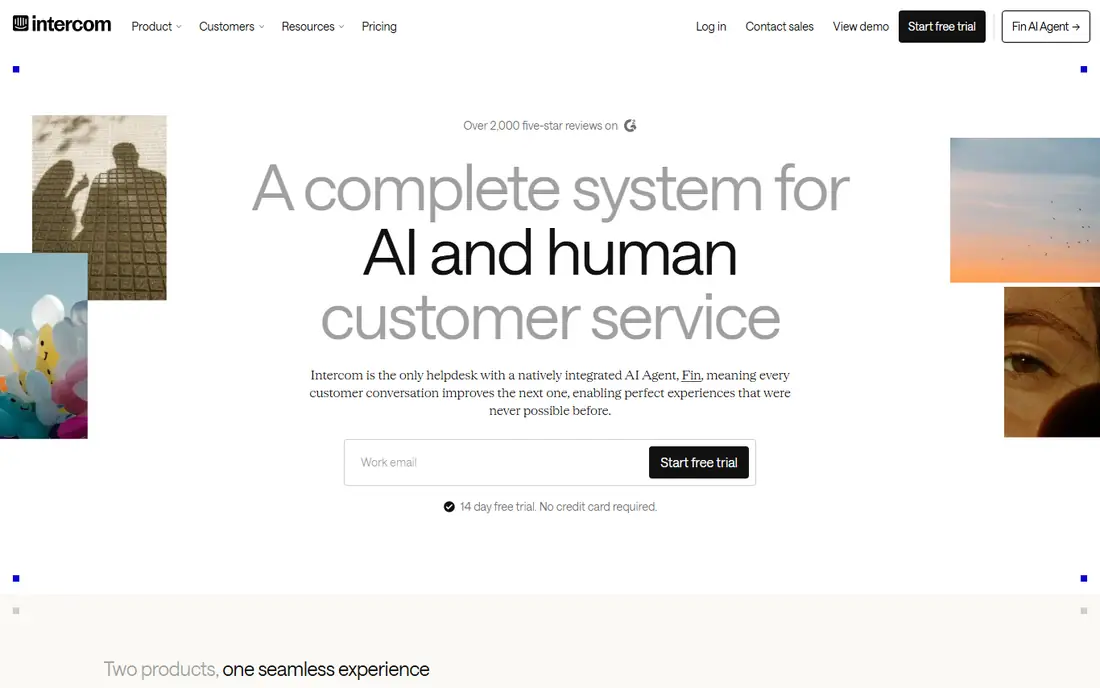
If chat-first saas support is your main job to solve, Intercom is worth a close look, since its messenger-first model suits product-led SaaS teams. its Fin AI agent can resolve common questions and hand off with context to a human agent That combination makes it a clear fit for the use case in its best-for line, rather than a general tool that happens to cover the topic in passing. We compared its official feature pages and pricing notes against the other options here, and it held up on the core job, even where some advanced features sit on higher tiers.
The honest catch is that teams with heavy email or phone volume should check whether the messenger model fits their mix Ask for a trial or a guided demo on your own data before you commit, and check contract terms, support hours, and any usage limits that could change the total cost. If that catch touches a daily workflow for your team, weigh the next option on this list before you decide.
- Strong messenger and Fin AI agent
- Good help centre
- Modern inbox
- AI outcomes billed separately
- Advanced workflows need higher plans
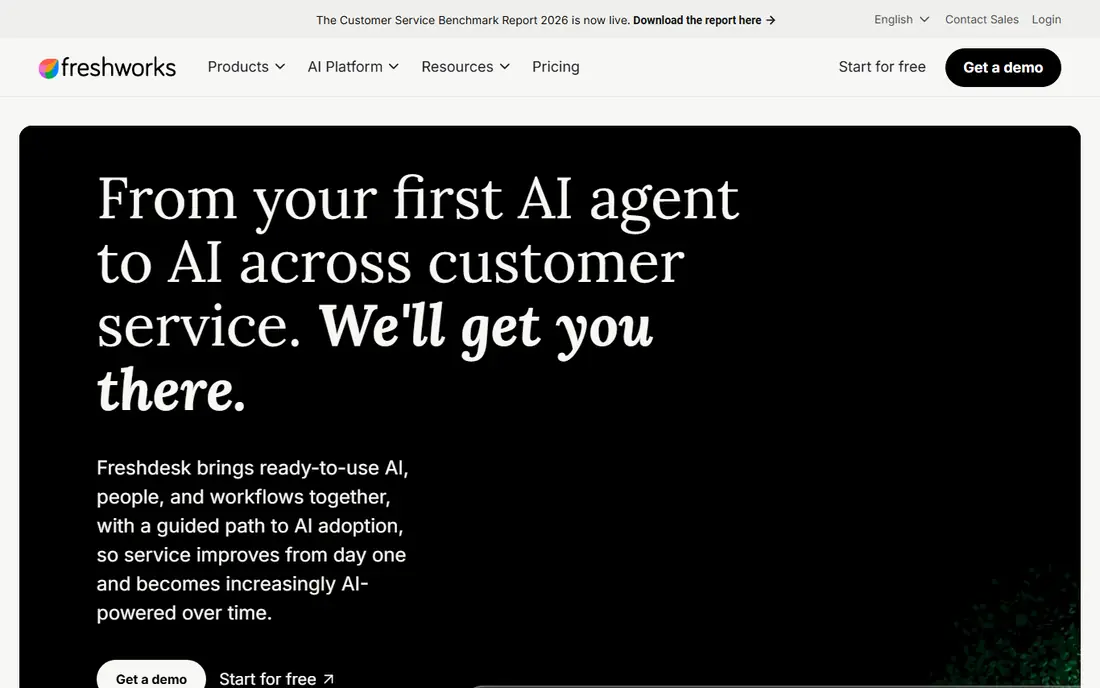
We place Freshdesk here for buyers focused on value omnichannel ticketing, because it gives growing teams structured ticketing without enterprise pricing. its automation rules and SLA tools cover the core needs of most B2B desks That combination makes it a clear fit for the use case in its best-for line, rather than a general tool that happens to cover the topic in passing. We compared its official feature pages and pricing notes against the other options here, and it held up on the core job, even where some advanced features sit on higher tiers.
The honest catch is that very large or voice-heavy teams may need add-ons or a different product in the Freshworks range Ask for a trial or a guided demo on your own data before you commit, and check contract terms, support hours, and any usage limits that could change the total cost. If that catch touches a daily workflow for your team, weigh the next option on this list before you decide.
- Clear ticketing and automation
- Knowledge base
- Freddy AI options
- Some channels and AI features need higher tiers or separate products
Help Scout suits organisations where email-first collaborative support matters most, and it keeps email support calm and collaborative for small teams. its shared inbox and saved replies help small teams answer consistently without complex setup That combination makes it a clear fit for the use case in its best-for line, rather than a general tool that happens to cover the topic in passing. We compared its official feature pages and pricing notes against the other options here, and it held up on the core job, even where some advanced features sit on higher tiers.
The honest catch is that teams needing deep routing, voice, or enterprise reporting may outgrow it Ask for a trial or a guided demo on your own data before you commit, and check contract terms, support hours, and any usage limits that could change the total cost. If that catch touches a daily workflow for your team, weigh the next option on this list before you decide.
- Simple shared inbox
- Helpful docs and chat
- Easy for small teams
- Advanced reporting is limited
- AI answers billed per resolution
When budget teams and zoho users is the deciding factor, Zoho Desk deserves a demo, because it offers a low-cost route into structured B2B support. its free plan for up to three users helps tiny teams start without a contract That combination makes it a clear fit for the use case in its best-for line, rather than a general tool that happens to cover the topic in passing. We compared its official feature pages and pricing notes against the other options here, and it held up on the core job, even where some advanced features sit on higher tiers.
The honest catch is that teams outside the Zoho ecosystem should check integration depth for their CRM and tools Ask for a trial or a guided demo on your own data before you commit, and check contract terms, support hours, and any usage limits that could change the total cost. If that catch touches a daily workflow for your team, weigh the next option on this list before you decide.
- Low entry price
- Multichannel tickets
- Zia AI options
- Setup complexity grows with customisation
- Some AI features are add-ons
Buyers who rank collaborative account support first will find a lot to like in Front, since it is built for teams that solve accounts together, not in separate inboxes. its internal discussion and assignment tools keep account context visible to everyone on a case That combination makes it a clear fit for the use case in its best-for line, rather than a general tool that happens to cover the topic in passing. We compared its official feature pages and pricing notes against the other options here, and it held up on the core job, even where some advanced features sit on higher tiers.
The honest catch is that pricing rises on higher tiers, and phone support needs careful plan checking Ask for a trial or a guided demo on your own data before you commit, and check contract terms, support hours, and any usage limits that could change the total cost. If that catch touches a daily workflow for your team, weigh the next option on this list before you decide.
- Shared inboxes with internal comments
- Strong collaboration
- Omnichannel options
- Entry plan limits channel types
- Higher plans needed for full coverage
For a practical shortlist built around salesforce-based enterprises, Salesforce Service Cloud earns its place because it puts support cases inside the Salesforce record customers already use. its account, case, and knowledge links help enterprise teams manage complex B2B relationships That combination makes it a clear fit for the use case in its best-for line, rather than a general tool that happens to cover the topic in passing. We compared its official feature pages and pricing notes against the other options here, and it held up on the core job, even where some advanced features sit on higher tiers.
The honest catch is that smaller teams may find the cost and setup heavy compared with simpler desks Ask for a trial or a guided demo on your own data before you commit, and check contract terms, support hours, and any usage limits that could change the total cost. If that catch touches a daily workflow for your team, weigh the next option on this list before you decide.
- Deep CRM context
- Case automation
- Large enterprise controls
- Pricing is edition-based and can be high
- Implementation needs expertise
If you are weighing options mainly on slack-based b2b saas support, start with Pylon, because it meets B2B customers where many already work, in Slack. its account views help CSM and support teams share context on shared channels That combination makes it a clear fit for the use case in its best-for line, rather than a general tool that happens to cover the topic in passing. We compared its official feature pages and pricing notes against the other options here, and it held up on the core job, even where some advanced features sit on higher tiers.
The honest catch is that teams whose customers do not use Slack will get less value from its main strength Ask for a trial or a guided demo on your own data before you commit, and check contract terms, support hours, and any usage limits that could change the total cost. If that catch touches a daily workflow for your team, weigh the next option on this list before you decide.
- Native Slack and Teams support
- Account-centric views
- B2B workflow focus
- Pricing is quote-based
- Less suited to consumer phone-heavy desks
How we picked these
We compared official product pages, pricing pages, documentation, and public reviews for tools that exist and work in October 2026, and we kept only products that truly fit the topic. We favoured tools with clear documentation, current pricing or a clear quote route, and a track record of serving real teams, and we noted where pricing depends on seats, usage, or contract size. We did not claim hands-on testing we did not do, and we checked that each website below is the product's own official homepage.
How to choose a B2B support platform
Start with the job you need done each week, not the longest feature list. For B2B customer support, write down who will use the tool daily, what data it must connect to, and what a good result looks like after 90 days. That short brief will rule out several options at once, because some tools are built for large teams with dedicated admins while others are built for small teams that need a fast start. Next, test the parts that matter most in a trial: setup time, import quality, permission controls, and reporting. Ask how pricing changes as seats, volume, or data grow, and ask what support is included on the plan you would actually buy. Finally, check security and data handling in plain terms, including single sign-on, audit logs, data location, and export options. For B2B work, check account views, SLA rules, and how easily support can loop in product or engineering without losing the thread. A tool that is easy to leave, with data you can export, is usually a safer long-term choice than a tool that locks your history inside one system.
FAQ
What is the best customer support software for b2b teams?
The best customer support software for b2b teams depends on channel mix and account complexity. Zendesk fits large omnichannel teams, Intercom fits chat-first SaaS, and Pylon fits Slack-based SaaS support.
What are the best b2b customer support software tools for small teams?
Small B2B teams often start with Freshdesk, Zoho Desk, or Help Scout, because starting prices are lower and setup is simpler. Keep an eye on limits for automation, reporting, and extra channels as the team grows.
How much does B2B support software cost?
Published starting prices in this guide range from about $7 per user per month for Zoho Desk Express to $55 per agent per month for Zendesk Suite Team on annual billing, before AI add-ons. Always confirm current pricing on the vendor site before budgeting.
Do B2B tools need SLAs and account views?
Yes, for most B2B teams. SLAs protect response promises, and account views show open issues, contract context, and contacts in one place, which helps agents avoid asking customers to repeat themselves.
Should I pay for AI support features?
AI can help with drafts, summaries, and deflection, but pricing models differ. Some vendors charge per resolution, so model expected volume and test accuracy on real tickets before you commit.