Best Live Chat Platforms for SaaS Businesses in 2026: 10 Platforms Compared
Compare the best live chat platforms for SaaS businesses, including Intercom, Zendesk, LiveChat, Tidio, and Crisp, with pricing, AI options, and fit. today

- Editor's choice
 Intercom
AI first SaaS support
Starts at$29 per seat per monthVisit intercom.comFull review - Great alternative
 Zendesk
Omnichannel support at scale
Starts at$55 per agent per monthVisit zendesk.comFull review - Also consider
 LiveChat
Dedicated chat teams
Starts at$19 per agent per monthVisit livechat.comFull review
TL;DR:
- Intercom is the strongest pick for SaaS teams that want AI answers, onboarding messages, and support in one system, but seat plus AI outcome pricing adds up fast.
- LiveChat and Olark suit teams that want chat to stay simple, human, and focused, without buying a full help desk suite.
- Crisp and tawk.to offer the best value for small teams, with flat workspace pricing at Crisp and a genuinely free plan at tawk.to.
- Tidio and Freshchat are strong middle options, pairing a free starting tier with AI bots that handle routine questions before an agent steps in.
- Check how AI is billed before you sign, because most vendors charge seats plus a separate per resolution or per conversation AI fee.
Quick comparison
| Tool | Best for | Starts at | Free plan? | |
|---|---|---|---|---|
| Intercom | AI first SaaS support | $29 per seat per month | Free trial (14 days) | Visit |
| Zendesk | Omnichannel support at scale | $55 per agent per month | Free trial (14 days) | Visit |
| LiveChat | Dedicated chat teams | $19 per agent per month | Free trial (14 days) | Visit |
 Tidio | Small stores and SaaS startups | $29 per month | Yes | Visit |
 Crisp | Flat priced team chat | $45 per month | Yes | Visit |
 Freshchat | Free start with messaging | $19 per agent per month | Yes | Visit |
 HubSpot | CRM native chat | Free | Yes | Visit |
 tawk.to | Free unlimited agent chat | Free | Yes | Visit |
 Olark | Simple human chat | $29 per agent per month | Free trial (14 days) | Visit |
 Zoho SalesIQ | Budget teams on Zoho | See website | Yes | Visit |
The best live chat platforms for SaaS businesses
We compared official pricing pages, free tiers, AI add ons, and CRM fit to find tools that work for SaaS teams at different sizes, from a solo founder to a growing support department.

Intercom is our pick for most SaaS businesses that have outgrown a basic chat widget. It combines live chat with AI answers, automated onboarding flows, and in product messages, so support, sales, and product teams can work from the same conversation history. Fin, its AI agent, resolves common questions on its own and hands off to a human with context when needed.
The cost model needs care. You pay per seat, then pay per Fin outcome on top, so a team with high chat volume should model a realistic month before committing. Smaller teams with low volume may get better value from a flat priced tool, but teams that need AI scale and product messaging will find Intercom hard to replace.
- Fin AI agent answers routine questions
- Strong onboarding and product messaging
- Deep SaaS integrations
- Seat plus per outcome AI pricing can grow quickly
- Some features sit in higher tiers
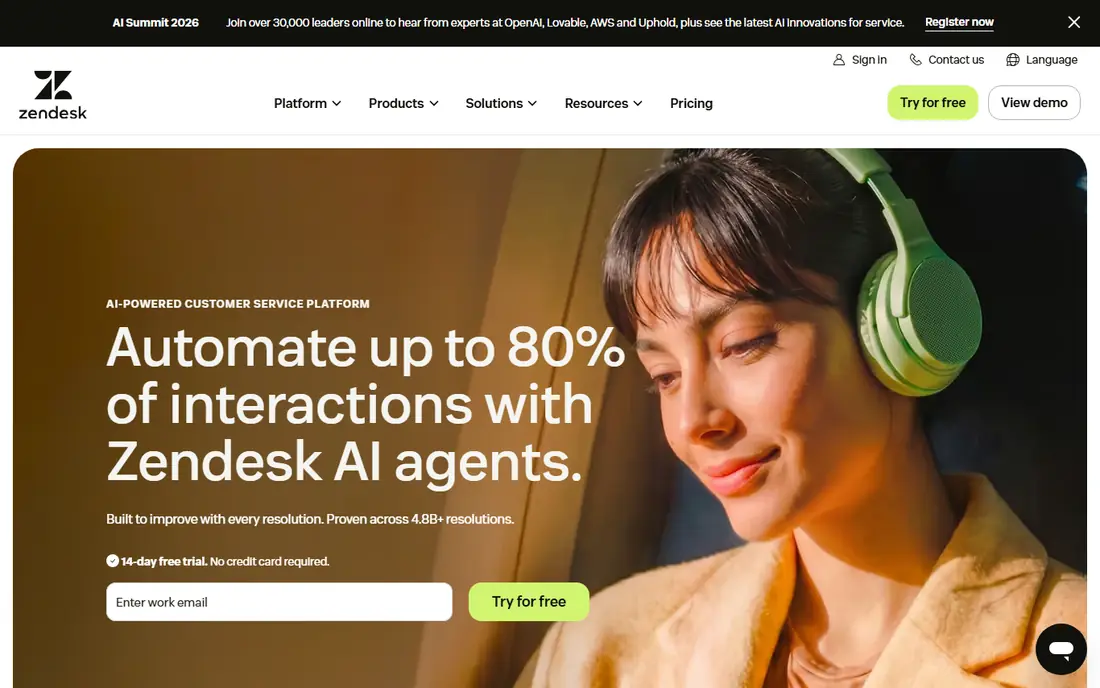
Zendesk suits SaaS companies that already run, or plan to run, support across chat, email, and phone. Chat becomes one channel inside a shared ticket system, which keeps follow ups, SLAs, and customer history in one place. Reporting is also stronger than most chat only tools, which helps managers spot repeat issues and staffing gaps.
The downside is that Zendesk is a suite, not just a widget. A team that only needs website chat will pay for breadth it may not use, and initial setup takes more planning than pasting a code snippet. If your roadmap includes a full help center and multi channel support, that breadth is a benefit rather than a burden.
- Full ticketing, chat, email, and voice in one suite
- Strong reporting
- Large app marketplace
- Higher starting price for chat alone
- Setup takes longer than a simple widget
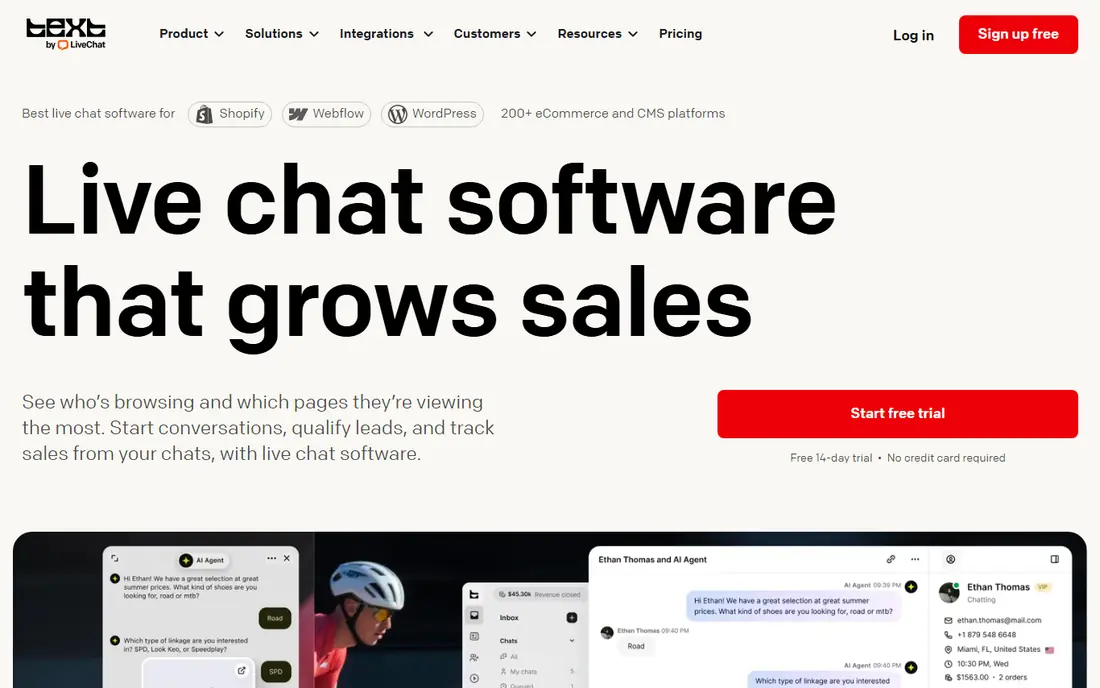
LiveChat is a good choice when chat is the main support channel and you want it done well. The widget is easy to customize, agents get a clean inbox with routing and canned responses, and managers can track chat volume, response times, and satisfaction. It also integrates with common CRMs, ecommerce tools, and analytics platforms.
What it does not do is replace a help desk. Email ticketing and a knowledge base live in separate products from the same company, so teams that need all three should compare the combined cost with Zendesk or HubSpot. For chat first SaaS teams, though, that focus is often a plus, not a gap.
- Focused chat inbox and widget
- Canned responses and chat routing
- Many integrations
- No free plan
- Ticketing and help desk features cost extra through related products
Tidio works well for small SaaS and ecommerce teams that need chat plus a basic AI bot without enterprise pricing. The free plan lets a new site add chat right away, and paid plans add Lyro, an AI agent that answers FAQs and qualifies visitors before an agent joins. Setup is quick, and the widget looks clean on marketing and pricing pages.
Volume based pricing is the watch point. As conversations grow, costs rise even if agent count stays flat, so teams should check how conversations are counted. Still, for early stage companies that want AI help at a modest price, Tidio offers a practical middle path between free tools and Intercom.
- Free plan to start
- Lyro AI agent for routine questions
- Simple setup and Shopify friendly
- Paid pricing scales with conversation volume
- Advanced reporting is limited on lower tiers
Crisp is our value pick for small teams with several agents. Instead of charging per seat from the start, it charges per workspace, which keeps costs predictable as you add teammates up to the plan cap. The free plan covers two seats, and paid plans add a shared inbox, chatbot tools, and knowledge base features.
Higher tier features, including a fuller help desk and unlimited AI credits, cost more, so teams should map the tier they need rather than assuming everything is included. For a startup with four to ten support staff, however, Crisp often beats per seat rivals on monthly cost while still feeling polished for visitors.
- Flat workspace pricing covers multiple seats
- Shared inbox with chat, email, and social
- Free plan for small teams
- AI and help desk features sit in higher tiers
- Per workspace seat caps apply by plan
Freshchat is a strong option for teams that want a free start and a clear upgrade path. The free plan covers up to 10 agents, which is generous, and paid plans add bots, routing, and Freddy AI assistance. It also handles WhatsApp and Facebook Messenger, which matters for SaaS products with users who prefer messaging apps over website chat.
The main catch is that the full benefit shows when you also use other Freshworks products, such as Freshdesk. Standalone chat users still get a solid tool, but should compare paid AI pricing with Tidio and Crisp before choosing. For a small team testing live chat for the first time, the free tier removes most of the risk.
- Free plan for up to 10 agents
- WhatsApp and Messenger channels
- Freddy AI options on paid plans
- Best value inside the Freshworks suite
- AI copilot costs extra per agent
HubSpot is the obvious pick for SaaS teams already using HubSpot CRM. Live chat is free, conversations attach to contact records, and sales and support teams can see the same history without syncing tools. Basic bots and routing are included, and paid Service Hub plans add ticketing, automation, and reporting depth.
Teams outside HubSpot get less value, since the main benefit is CRM integration. Paid seats also add up for larger support teams, so HubSpot is best when the CRM is already central to your business. If it is, free chat with full customer context is hard to argue against.
- Free live chat tied to HubSpot CRM
- Visitor history and contact records in one place
- Bots on free and paid tiers
- Advanced service features need paid Service Hub seats
- AI features cost extra on higher plans
tawk.to is the best free live chat platform in this list, full stop. It offers unlimited agents, a customizable widget, and basic ticketing at no cost, which makes it ideal for bootstrapped SaaS products, side projects, and early startups. Paid add ons remove branding and add AI assistance, but the core chat product does not require payment.
The trade offs are modest but real. The widget carries tawk.to branding unless you pay, and the interface feels less refined than Intercom or LiveChat. Support is also lighter than paid vendors offer. For a team with no chat budget, those limits are easy to accept, and you can migrate later without losing conversation basics.
- Free for unlimited agents
- Live chat, ticketing, and knowledge base basics
- Optional paid AI assist
- Branding stays unless you pay to remove it
- Support and polish trail paid rivals
Olark suits SaaS teams that want real humans answering chat, without bots and automation getting in the way. The widget is simple for visitors, agents get transcripts and visitor details, and co-browsing helps support staff guide a user through a confusing screen. That focus makes it a good fit for products where a conversation, not a deflection rate, is the goal.
It is less suited to teams that want AI to handle most chats, since Olark AI is sold as a separate product at a much higher price. Integration depth also trails Zendesk and HubSpot. If your team values direct human contact and a short setup time, Olark remains a dependable, if narrow, choice.
- Clean, human first chat experience
- Co-browsing and transcripts
- Simple setup
- No free plan
- AI features are a separate higher priced product
- Fewer native integrations than suites
Zoho SalesIQ combines visitor tracking with live chat, so agents can see which pages a visitor viewed before starting a conversation. That context helps SaaS sales teams prioritize high intent visitors and helps support teams answer with less back and forth. A free plan covers a small team, and paid plans add bots, routing, and more operators.
The main drawback is polish. The interface and setup feel more dated than Intercom or Crisp, and pricing depends on operator count, so teams should confirm the tier they need. For companies already running Zoho CRM or Zoho Desk, though, the integration value outweighs those rough edges.
- Free plan for small teams
- Visitor tracking and live chat in one tool
- Fits Zoho CRM users
- Pricing varies by operator count and tier
- Interface feels less modern than leaders
How we picked these
We compared official pricing pages, free plans, AI billing, channel coverage, and CRM fit. We favored tools that are live and supported in 2026, publish clear starting prices or free tiers, and serve a distinct SaaS need, from free chat to AI first support. We excluded tools with no public pricing path and no clear live chat product, because SaaS buyers need to trial a widget before they commit a team to it.
How to choose the right chat platform for your SaaS
Start with volume and team size, not features. A team handling 50 chats a week needs a different tool than a team handling 5,000, and per seat pricing punishes the second team while volume pricing punishes the first. Count agents, monthly conversations, and expected AI resolutions, then compare total monthly cost across two or three finalists.
Test AI on your real questions
Run a trial with your top 20 support questions, not vendor demo questions. Check whether the AI answers accurately, cites your help docs, and hands off cleanly with context. Also check the AI bill: per resolution, per conversation, and credit based models behave very differently at scale, and a cheap seat price can hide an expensive AI line item.
Check CRM, billing, and routing fit
Chat should connect to your CRM, billing system, and product analytics, so agents can see plan, usage, and past tickets without switching tabs. Test routing rules for sales versus support, business hours, and language coverage. A tool that looks good in a demo but cannot route correctly under load will frustrate both visitors and agents.
FAQ
What is the best live chat platform for a SaaS startup?
Tidio, Crisp, and tawk.to are the strongest low cost starting points, with free tiers and simple setup. Intercom becomes a better fit once AI answers, onboarding messages, and product messaging matter more than keeping the monthly bill low. Start free or cheap, then upgrade when chat volume proves the need.
Is Intercom worth the price for SaaS businesses?
It can be, if you use more than chat. Fin AI, onboarding flows, and product messages together justify the seat plus outcome model for many mid size SaaS teams. If you only need a chat widget, LiveChat, Crisp, or tawk.to will cost less for similar human chat quality.
Does live chat help SaaS conversion?
It often helps when visitors have pricing, security, or integration questions that a page cannot answer. Fast, human answers on pricing and trial pages can turn a hesitant visitor into a trial signup. Slow or bot only chat can have the opposite effect, so staffing and response times matter as much as the tool itself.
Should SaaS teams use AI chatbots or human agents?
Use both, in the right order. AI should handle repetitive questions such as pricing, password resets, and plan limits, while humans handle billing disputes, technical bugs, and enterprise questions. A clean handoff with full conversation history is what makes that split feel helpful rather than frustrating.
What is the cheapest live chat software for SaaS?
tawk.to is free for unlimited agents, with optional paid branding removal and AI add ons. Crisp offers a free plan for two seats and flat workspace pricing from $45 per month. HubSpot live chat is also free, and is the best free option for teams already on HubSpot CRM.
How do I add live chat to a SaaS website?
Most tools use a small code snippet pasted into your site header, or a native integration with your CMS or framework. After install, set business hours, routing rules, canned responses, and a fallback contact form for offline hours. Test on desktop and mobile before launch, since most SaaS visitors will chat from a phone at least some of the time.