Best Customer Service Chat Bots in 2026: 8 Tools Compared
Best customer service chat bots compared in 2026, from Intercom Fin and Zendesk AI to Tidio Lyro, Freshdesk Freddy, Ada, Drift, Gorgias and more tools today.
- Editor's choice
 Intercom Fin
SaaS and digital teams
Starts at$29 per seat per monthVisit intercom.comFull review - Great alternative
 Zendesk AI
Large complex teams
Starts at$55 per agent per monthVisit zendesk.comFull review - Also consider
 Tidio Lyro
Small business budgets
Starts atFreeVisit tidio.comFull review
TL;DR:
- Intercom Fin and Zendesk AI lead for teams that already use those helpdesks, since the bot learns from your existing help center.
- Tidio Lyro is the best low-cost starting point for small businesses, with a free plan and a paid AI add-on.
- Freshdesk Freddy and HubSpot Customer Agent suit teams that want AI inside a broader support or CRM system.
- Per-resolution pricing can grow fast, so model your monthly chat volume before you commit to a pay-per-answer plan.
- Every bot here needs a human handoff path. A bot that cannot reach a person quickly will frustrate customers more than a slower human reply.
Quick comparison
| Tool | Best for | Starts at | Free plan? | |
|---|---|---|---|---|
| Intercom Fin | SaaS and digital teams | $29 per seat per month | No | Visit |
| Zendesk AI | Large complex teams | $55 per agent per month | No | Visit |
| Tidio Lyro | Small business budgets | Free | Yes | Visit |
 Freshdesk Freddy AI Agent | Freshworks teams | $19 per agent per month | No | Visit |
 HubSpot Customer Agent | HubSpot users | See website | No | Visit |
 Ada | High-volume enterprises | See website | No | Visit |
 Drift | B2B lead routing | See website | No | Visit |
 Gorgias AI Agent | Shopify support teams | $10 per month | No | Visit |
The best customer service chat bots
We compared bots on help center training, handoff to humans, channels, pricing model and ease of setup for real support teams.
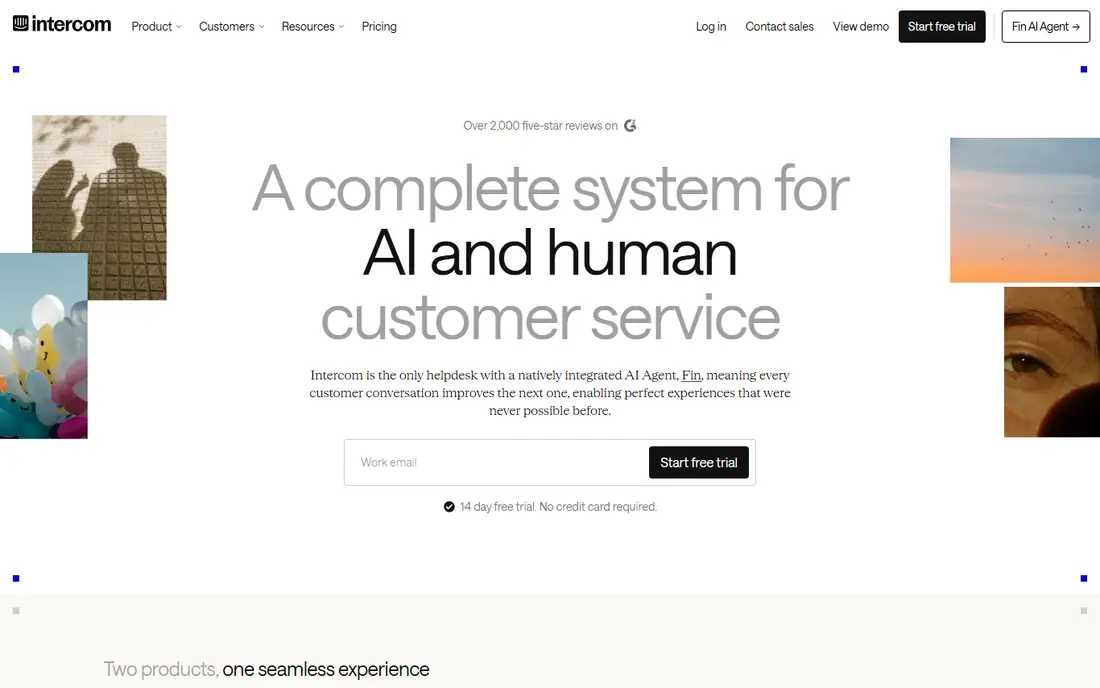
Intercom Fin is our pick for most SaaS and digital-first teams that already run support on Intercom. Fin reads your help center articles, past conversations and connected content, then answers common questions in natural language and hands off when it lacks confidence. The per-resolution model is easy to understand: you pay for outcomes, not for every message, at $0.99 per resolution on published pricing, plus seat costs from $29 per seat per month. That clarity helps finance teams forecast costs as volume grows.
The catch is help center quality. If your articles are out of date or vague, Fin will repeat those gaps with confidence. Teams should clean top articles, add missing answers for refunds, shipping and account issues, and review Fin answers weekly at first. At very high volume, resolution fees can exceed a flat-rate bot, so model costs at your real monthly volume before signing an annual deal.
- Learns from help center and past chats
- $0.99 per resolution on published pricing
- Strong handoff to human agents
- Resolution fees add up at high volume
- Best value inside Intercom
- Needs a clean help center to answer well
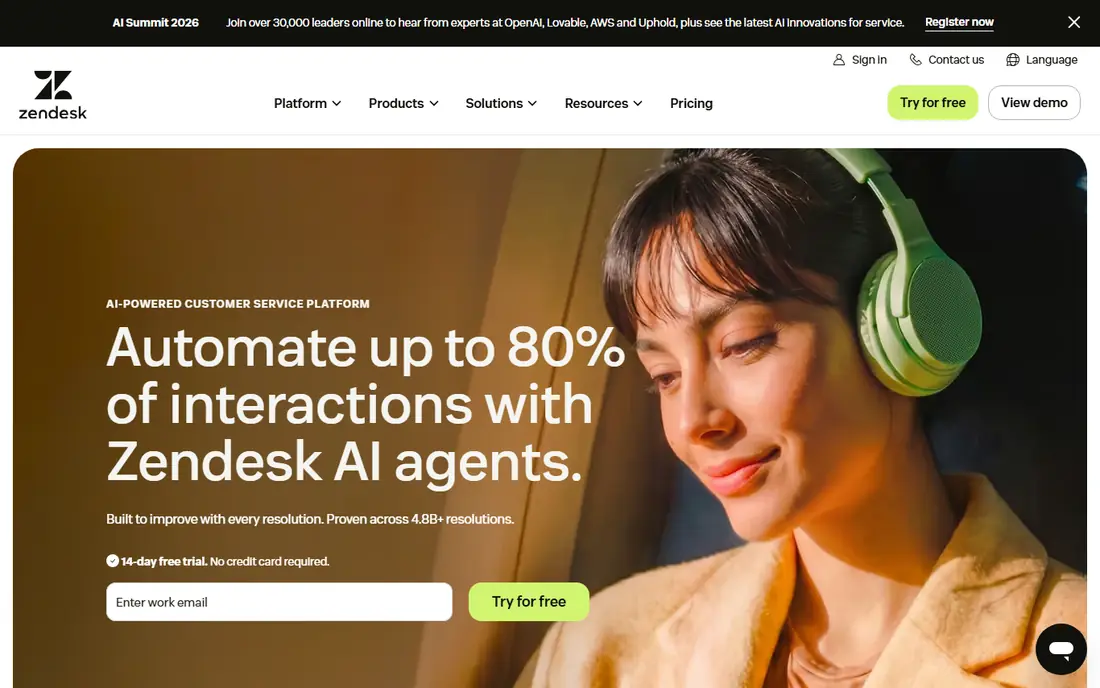
Zendesk AI suits large teams with complex workflows and many channels. Its AI agents answer chats and messages, triage tickets by intent and language, draft replies for human agents and route urgent cases to the right group. Suite Team pricing starts at $55 per agent per month on published comparisons, with AI resolutions priced separately in many plans. For a team handling thousands of tickets across email, chat and social, that depth is hard to match.
Small teams may find Zendesk heavy. Admin setup, intent training and workflow rules take real time, and you pay for power you may not use if your volume is low. If you already use Zendesk, adding its AI is usually smarter than buying a separate bot. If you do not use Zendesk, start with a lighter tool and move up only when volume demands it.
- AI across chat, email and messaging
- Intelligent triage and routing
- Deep admin controls
- Setup takes longer than simpler bots
- AI resolution fees apply on top of seats
- Overkill for tiny teams
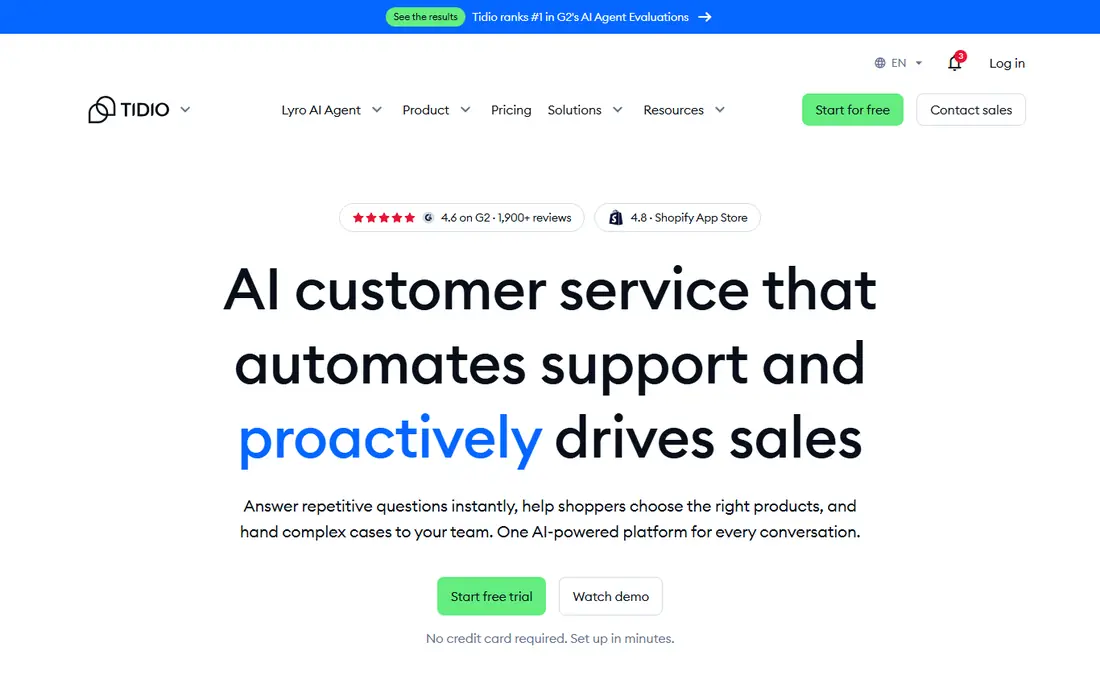
Tidio Lyro is the best starting point for small businesses that want AI help without a large bill. Tidio offers a free plan for live chat, and Lyro can be added as an AI agent that answers from your website content and FAQs. Paid plans start from modest monthly rates, and Lyro pricing is conversation-based, so small shops pay for what they use. Setup is visual and fast, with templates for common questions such as shipping, returns and opening hours.
Limits appear as you grow. Free and low tiers cap AI conversations, and deep integrations with order systems need higher plans or extra setup. Still, for a shop answering a few hundred chats a month, Tidio gives a real AI bot, a shared inbox and a mobile app at a price most small businesses can justify.
- Free plan to start
- Lyro AI learns from your website and help pages
- Chat, email and social in one inbox
- AI conversations are limited on lower tiers
- Advanced automation needs paid plans
- Reporting is lighter than enterprise tools
Freshdesk Freddy AI Agent fits teams already on Freshdesk or Freshservice. Freddy answers from your knowledge base, handles routine chats and emails, and passes complex cases to agents with context intact. Published comparisons put Freshdesk plans from $19 per agent per month, with Freddy sessions priced in blocks after an initial free allowance. That session model suits teams with steady, predictable volume.
The main drawback is ecosystem fit. Freddy shines inside Freshworks, and it is less attractive as a standalone bot for another helpdesk. Session counting also needs care: a session can span a day of chat or several days of email, so read the current definition before forecasting. For Freshworks users, though, it is a natural, low-friction upgrade.
- Built into Freshdesk
- Session-based AI pricing with free sessions to start
- Works across chat, email and WhatsApp
- Best value inside Freshworks
- Session rules can confuse budgeting
- Advanced AI needs higher tiers
HubSpot Customer Agent is the right bot if your support, sales and marketing already live in HubSpot. It draws on your knowledge base and CRM records, so it can answer with account context and hand off to the right rep when needed. Pricing is credit-based, with a published rate near $0.50 per resolved conversation in recent comparisons, plus the underlying Service Hub seat cost. For HubSpot teams, that keeps customer data in one place and avoids a second system.
Non-HubSpot teams should look elsewhere, since the agent needs HubSpot hubs and data to work well. Credit budgeting also needs attention at scale. If you already pay for Service Hub Professional, test Customer Agent on your top ten questions first, then expand only if resolution quality holds.
- Uses HubSpot knowledge base and CRM data
- Resolves chats inside Service Hub
- Credit-based pricing for resolved chats
- Needs a Professional or Enterprise hub in many cases
- Credit costs add up
- Less suited to non-HubSpot teams
Ada suits large brands that handle high chat volume in many languages and need strict controls. Its platform automates routine questions, personalizes answers from customer data and routes complex cases to agents with full context. Ada is often chosen by finance, telecom and tech companies where compliance, language coverage and scale matter more than a low entry price. Reporting and coaching tools help teams improve answers over time.
Pricing is quote-based, so small businesses cannot compare it easily, and implementation needs a dedicated owner. If your team answers a few hundred chats a month, Ada will feel heavy and costly. If you answer tens of thousands, Ada scale and controls can justify the investment.
- Strong multilingual automation
- Reasoning and personalization features
- Built for high-volume brands
- Quote-based pricing
- Setup needs dedicated time
- Overkill for small shops
Drift, now part of Salesloft, fits B2B teams that use chat as much for sales qualification as for support. Its bots qualify visitors, book meetings, route chats by company and intent, and pass context to sales reps. That focus helps software and services companies turn website traffic into booked calls, while still answering common support questions. CRM integrations keep chat history tied to accounts.
For pure support teams, Drift is less focused than Intercom or Zendesk. Pricing is quote-based, and the best results need sales and support teams to agree on routing rules. Choose Drift when chat must drive pipeline as well as answer questions. Choose a support-first bot when your main goal is ticket deflection.
- Strong for B2B qualification and meeting booking
- Routes chats by account and intent
- CRM integrations
- Quote-based pricing
- More sales-focused than pure support
- Setup needs sales and support alignment
Gorgias AI Agent is our pick for Shopify and ecommerce support teams. It pulls order, shipping and return data into chats, so it can answer where is my order, start a return or update an address without an agent. Base plans start at $10 per month on published comparisons, with AI interactions priced per use, often near $0.90 each. Ticket-based pricing means you do not pay per seat for every agent, which helps small ecommerce teams.
The limit is focus. Gorgias is built for stores, so service businesses outside ecommerce get less value. AI fees also need modeling: a store with thousands of order chats a month can see AI costs rise quickly. For Shopify brands, though, the order data advantage is real and hard to match with a generic bot.
- Deep Shopify order data
- AI actions such as order status and returns
- Ticket-based pricing with no seat fees on base plans
- Best for ecommerce
- Less suited to non-Shopify teams
- AI interaction fees apply per use
How we picked these
We compared official vendor pages, pricing pages and recent pricing comparisons for bots available in the United States in 2026. We kept bots with current AI chat products, human handoff, knowledge base training and clear support channels, and we left out generic chatbot builders with no support focus. Where pricing is quote-based or per-resolution, we used See website or the published unit rate rather than inventing a flat monthly total.
What to check before you buy a customer service bot
Start with your top questions. Pull the last three months of chats and emails, list the ten most common topics, and test each bot on those exact questions during a trial. A bot that handles refunds, shipping and password resets well will deflect more tickets than a bot with impressive demos on rare topics. Check handoff rules carefully: the bot should pass full chat history, customer details and a summary to a human, and it should offer a human option early, not after many failed answers.
Then model total cost. Add seat or base fees, per-resolution or per-conversation fees, and any knowledge base or integration work. Compare that total at your low, current and high volume, since per-use pricing can flip the cheapest choice at scale. Finally, set guardrails: approved answer sources, topics the bot must never handle alone, such as billing disputes or safety issues, and a weekly review of bot answers. A bot is a support tool, not a replacement for human judgment.
FAQ
What is the best customer service chat bot for a small business?
Tidio Lyro is the best low-cost start, with a free plan and a paid AI add-on. If you already use Intercom or Zendesk, their own AI bots usually work better, since they learn from your existing help center and tickets.
How much does a customer service bot cost?
Costs vary by model. Some bots charge per seat, some per resolution or conversation, and some by ticket volume. Expect a base plan plus usage fees, and model your monthly chat volume before you sign, since per-use fees grow with success.
Can a chat bot replace human support agents?
No. Bots handle routine, repeatable questions well, but they should hand off billing disputes, complex cases and upset customers to humans. The best setups use bots to deflect common questions and free agents for harder work.
How do chat bots learn answers?
Most support bots learn from your help center articles, website pages, FAQs and past resolved chats. Keep those sources current and clear, since outdated articles lead to outdated bot answers. Review bot replies weekly at first.
Do I need coding skills to set up a support bot?
Most tools here offer visual builders and templates, so non-technical teams can launch a basic bot. Deeper integrations with orders, accounts or CRMs may need help from a developer or the vendor support team.