Best Customer Service Examples in 2026: 8 Products Compared
We framed the best customer service examples as software and training platforms with strong example libraries, playbooks and templates for service teams.
- Editor's choice
 Zendesk
Support teams needing templates and workflows
Starts atSee websiteVisit zendesk.comFull review - Great alternative
 Freshdesk
Small teams wanting simple service playbooks
Starts atFreeVisit freshworks.comFull review - Also consider
 HubSpot Service Hub
Teams wanting CRM plus service examples
Starts atFreeVisit hubspot.comFull review
TL;DR:
- This article frames the topic as customer service software and training platforms with strong example libraries and playbooks, stated plainly.
- Example libraries help most when they include scripts, workflows, and help centre templates that teams can adapt, not just slogans.
- Software platforms show examples in context, through ticket macros, help centre templates, and guided workflows.
- Training platforms add value with courses, role-play, and assessments that turn examples into consistent habits.
Quick comparison
| Tool | Best for | Starts at | Free plan? | |
|---|---|---|---|---|
| Zendesk | Support teams needing templates and workflows | See website | Free trial | Visit |
| Freshdesk | Small teams wanting simple service playbooks | Free | Yes | Visit |
| HubSpot Service Hub | Teams wanting CRM plus service examples | Free | Yes | Visit |
 Trainual | Teams wanting structured service training | See website | Free trial | Visit |
 Waybook | Agencies and teams needing playbooks | See website | Free trial | Visit |
 Scribe | Teams wanting step-by-step guides | Free | Yes | Visit |
 Guru | Support teams needing verified answers | See website | Free trial | Visit |
 Lessonly by Seismic | Teams wanting lessons plus practice | See website | Free trial | Visit |
The best customer service examples
Great service examples are most useful inside software and training platforms that let teams copy, adapt, and measure the workflow behind each example.
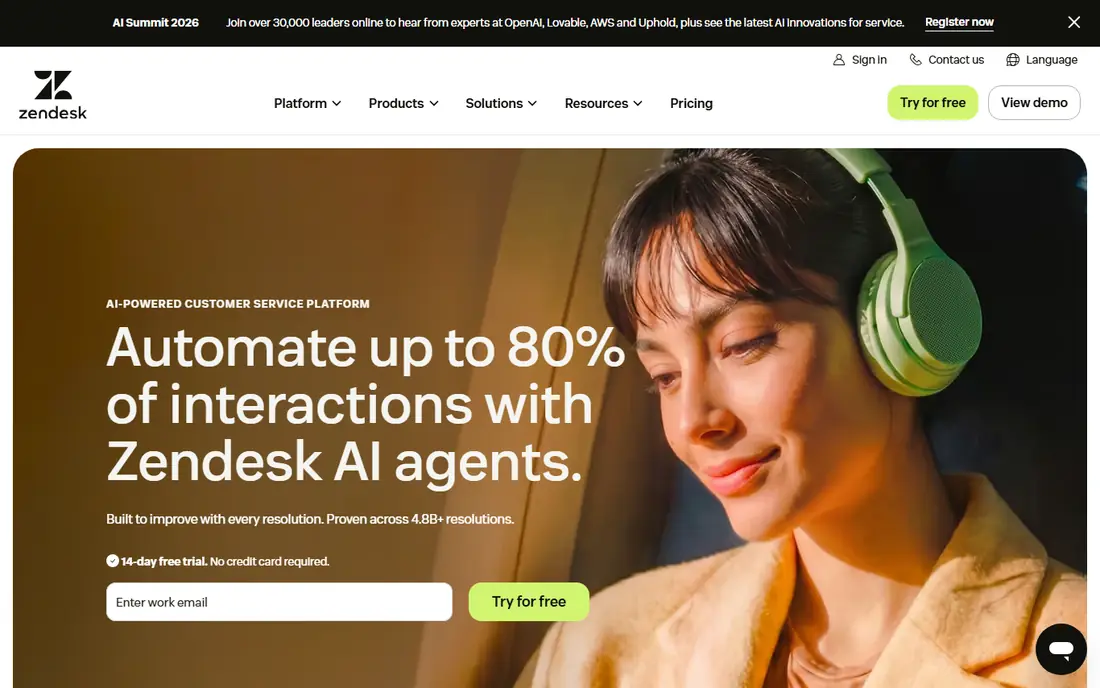
Zendesk offers a large library of workflow examples in practice, through ticket macros, triggers, help centre templates, and automation recipes that teams can adapt. It suits support teams that want to turn good service examples into repeatable ticket handling.
Pricing rises with advanced AI, automation, and reporting features, and large deployments need time to configure. Smaller teams should start with core macros and help centre templates before adding complex automation.
For a buyer weighing options, Zendesk deserves a trial or a detailed quote when support teams needing templates and workflows is the main priority, provided you confirm contract terms and what support covers after setup.
- Ticket macros and triggers
- Help centre templates
- AI and automation options
- Pricing rises with advanced features
- Setup takes time for large teams
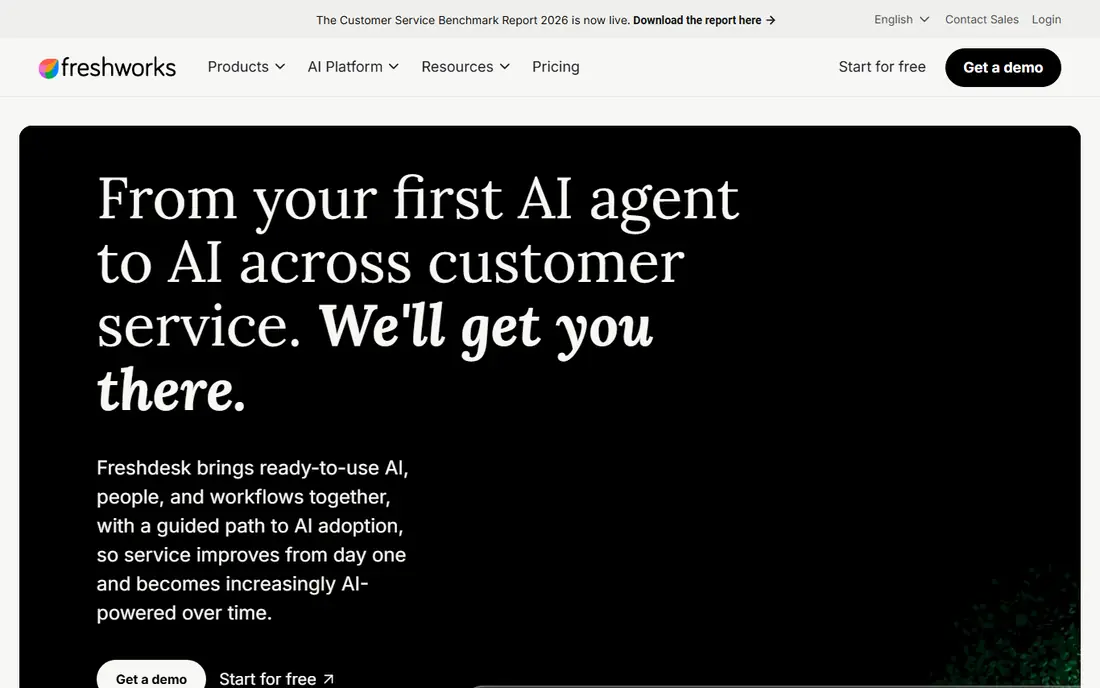
Freshdesk suits small teams that want simple, usable service examples through canned responses, solution articles, and automation rules. Its free plan helps teams test ticket handling before committing to a paid tier.
Advanced reporting and some AI features sit on higher plans, so growing teams should check plan limits. For day-to-day service playbooks, though, its core templates cover most common cases well.
In practice, Freshdesk works best when you know the outcome you want before you sign, since that focus makes it easier to judge whether the first months are delivering value.
- Canned responses and templates
- Help centre and knowledge base
- Automation rules
- Advanced reporting needs higher plans
- AI features vary by plan

HubSpot Service Hub pairs tickets and playbooks with a knowledge base and Academy training, so teams can learn service patterns and apply them in the CRM. It suits businesses already using HubSpot for marketing or sales.
Its best value appears inside the HubSpot ecosystem, and advanced service features need paid plans. Teams outside HubSpot should compare integration effort before choosing it for service alone.
A short trial, demo, or sample report from HubSpot Service Hub can reveal more than a sales page, especially around ease of use, response times, and how clearly progress is reported.
- Ticket pipelines and playbooks
- Knowledge base templates
- Academy training resources
- Best value inside HubSpot ecosystem
- Advanced features need paid plans
Trainual helps teams turn service examples into structured training, with courses, tests, and completion tracking for onboarding and ongoing coaching. Its templates give a starting point for service processes, policies, and role expectations.
Pricing sits higher than simple document tools, and building a full library takes effort. It fits teams that want to prove staff completed training, not just that a document exists.
When you compare Trainual with the other options here, weigh total cost and ongoing effort together, because a lower headline price can mean more work for your own team.
- Training paths and tests
- Template library for processes
- Completion tracking
- Pricing is higher than simple docs
- Setup takes effort for large libraries
Waybook focuses on delivery playbooks, role-based onboarding, and read confirmation, which helps service teams prove that staff read and understood a playbook. Its templates suit agencies and service teams with repeatable processes.
Pricing includes a set number of members, with extra members billed per person, so large teams should model total cost. Its template range is narrower than a full learning platform, but its playbook focus is clear.
Owners who choose Waybook should set a review date after the first few months, check the original goals, and decide whether to continue, adjust scope, or switch.
- Playbook templates
- Role-based training paths
- Read confirmation
- Per-member pricing after included seats
- Smaller template range than LMS tools
Scribe turns a recorded process into a step-by-step guide, which makes it easy to capture service examples as visual workflows. Teams can share guides for common tasks, such as refunds, returns, or account help, without writing long manuals.
It is a guide maker rather than a full training platform, so it lacks training paths and completion tracking on basic plans. Pair it with a training tool when you need assessments and progress reports.
The strongest case for Scribe is a clear fit with one need, rather than trying to cover every possible requirement at once, so match it to your top priority.
- Automatic step-by-step guides
- Easy sharing
- Guide library options
- Guide maker, not a full training platform
- No completion tracking on basic plans
Guru helps support teams store verified answers as cards that agents can use in tickets and chat, which turns good examples into consistent replies. Its verification workflow reminds owners to review cards, so outdated answers are less likely to spread.
Pricing on higher plans is quote based, and the system only works when someone owns each card and reviews it regularly. Teams that neglect verification will see accuracy fall, even with a strong starting library.
Before committing to Guru, ask for references or examples from clients with a similar size and setup, and check how problems were handled when they arose.
- Verified knowledge cards
- Browser and chat integrations
- AI answer suggestions
- Pricing is quote based on higher plans
- Needs content ownership to stay accurate
Lessonly by Seismic offers lessons, practice, and coaching tools that help service teams learn from examples and practise replies before live cases. Its analytics show completion and knowledge gaps, which helps managers coach where needed.
Pricing is quote based and tends to fit larger enablement programs rather than a tiny team. Smaller teams should compare it with simpler training tools before committing to a full enablement platform.
Used well, Lessonly by Seismic can save time and reduce manual work, but it still needs someone on your side to review output, track results, and keep details up to date.
- Lesson templates
- Practice and coaching tools
- Analytics on completion
- Pricing is quote based
- Best for larger enablement programs
How we picked these
We reviewed official feature pages, pricing pages, app store listings where relevant, privacy policies, and public reviews for each product, and we kept only products that exist and work today and truly fit the topic. We checked starting prices and free tiers against vendor pages, and we used See website where pricing was quote based or could not be verified cleanly.
We also weighed fit for the stated audience, ease of setup, support quality, and honest limits. A well-known leader can be a safe choice, while a smaller option can be better when it focuses on one niche, one region, or one workflow. Where a topic involved money, health, or academic work, we applied extra care to scope, disclaimers, and legitimate use.
We also checked whether pricing pages stated renewal terms, free plan limits, and trial conditions in plain language, and we favoured providers that made those details easy to find. When a price was only available on request, we recorded it as See website rather than estimating a figure, so readers can confirm current terms directly with the vendor before buying.
How to turn examples into consistent service
Pick examples that match your channels
Look for libraries that cover your actual channels, such as email, chat, phone, and social, rather than generic praise for friendly service. A good library shows opening lines, troubleshooting steps, escalation wording, and closing checks for each case type.
Adapt, do not copy word for word
Use an example as a starting point, then adjust tone, policy limits, and next steps for your business. Test the adapted version with a small team, collect feedback, and keep the version that resolves cases clearly without sounding scripted.
Measure whether the example helps
Track first-contact resolution, handle time, satisfaction, and reopen rates for cases that use a new playbook. If an example sounds good but does not improve those measures, revise the workflow, the wording, or the escalation path.
FAQ
What makes a good customer service example?
A good example shows a real case type, the steps taken, the wording used, and the outcome for the customer. It should be specific enough to copy in part, while leaving room to adapt tone and policy to your business.
Should small teams buy software or training first?
If your main problem is messy tickets and slow replies, start with software that adds macros, templates, and a help centre. If replies are inconsistent in tone and quality, start with training that includes examples, practice, and feedback.
Can example libraries replace training?
No, libraries help with wording and workflow, but training builds judgment for difficult cases, de-escalation, and empathy. The best results come from pairing a library with coaching, practice, and regular review of real tickets.
How do I keep examples up to date?
Review top case types quarterly, retire examples for discontinued products, and add new examples when policies change. Assign an owner for each playbook, and link examples to help centre articles so updates reach both staff and customers.
What should I avoid in service examples?
Avoid examples that promise outcomes you cannot deliver, share private customer details, or use a tone that does not fit your brand. Check examples for accessibility, plain language, and clear next steps before you roll them out.