B2B Customer Service Best Practices in 2026: 8 Tools That Support Them
Learn b2b customer service best practices and the 8 tools that support them, from fast response times and SLAs to account knowledge and feedback loops.
- Editor's choice
 Zendesk
Mature omnichannel help desk
Starts at$19 per agent per monthVisit zendesk.comFull review - Great alternative
 Freshdesk
Fast, budget-friendly ticketing
Starts at$19 per agent per monthVisit freshdesk.comFull review - Also consider
 HubSpot Service Hub
CRM-native B2B support
Starts at$20 per seat per monthVisit hubspot.comFull review
TL;DR:
- The best B2B service starts with account knowledge: know the customer contract, contacts, history and health before you answer the first message.
- Set clear service levels for response and resolution, publish them to customers, and report on them honestly each month.
- Assign an owner to every ticket and every account, so nothing waits for someone else to pick it up.
- Use a shared inbox and a single customer record, so a customer never has to repeat their story to a second agent.
- Close the loop with feedback: ask what worked, share the result with the product team, and tell the customer what changed.
Quick comparison
| Tool | Best for | Starts at | Free plan? | |
|---|---|---|---|---|
| Zendesk | Mature omnichannel help desk | $19 per agent per month | Free trial | Visit |
| Freshdesk | Fast, budget-friendly ticketing | $19 per agent per month | Free trial | Visit |
| HubSpot Service Hub | CRM-native B2B support | $20 per seat per month | Yes | Visit |
 Intercom | In-product messaging and AI | $29 per seat per month | Free trial | Visit |
 Salesforce Service Cloud | Enterprise CRM-based support | $25 per user per month | Free trial | Visit |
 Zoho Desk | Budget support in the Zoho suite | $14 per agent per month | Yes | Visit |
 Help Scout | Simple email-first support | $25 per user per month | Yes | Visit |
 Front | Shared inbox collaboration | $25 per seat per month | Free trial | Visit |
The best tools for B2B customer service best practices
B2B customer service best practices are not a slogan. They are a set of habits that protect renewals: answer fast, know the account, own the problem, keep the customer informed, and learn from every ticket. The tools below do not replace those habits, but they make them possible at scale, by keeping tickets, customer records, service levels and feedback in one place. We compared official pricing pages, feature lists and public reviews to find tools that fit B2B teams, where a single account may have many contacts and a high contract value.

Zendesk is the most mature help desk on this list, and it suits B2B teams that need omnichannel tickets, service level policies, automation and reporting in one place. You can set response and resolution targets by plan, priority or customer tier, route tickets by account, and report on first response time, resolution time and satisfaction by account. That reporting is what turns a best practice into a measurable habit.
The catch is price and complexity. The entry Support Team price is $19 per agent per month billed annually, but the full Suite plans that many B2B teams need cost $55 per agent per month or more. Setup also takes longer when you build complex workflows. For a growing B2B team that needs a proven platform and can invest in setup, Zendesk remains the benchmark.
- Deep ticketing, automation and reporting
- Many integrations
- Strong service level tools
- Full Suite plans cost much more than the entry price
- Setup takes time for complex workflows

Freshdesk, from Freshworks, is a fast way to put B2B best practices into action without a long implementation. Tickets from email, chat, phone and social land in one queue, service level policies set response targets, and automation routes tickets by account or priority. A team can be live in days rather than weeks, which matters for a small B2B company that cannot wait for a long rollout.
Advanced reporting and AI features need higher tiers, and the limited free program covers only two agents for six months on the classic product. For a small or mid-size B2B team that wants solid ticketing at a fair price, Freshdesk is a practical and well-liked choice. Larger teams with complex routing may outgrow it and move to Zendesk or Salesforce.
- Quick setup
- Multichannel ticketing
- Freddy AI on higher plans
- Advanced reporting needs higher tiers
- Free program is limited and time-bound
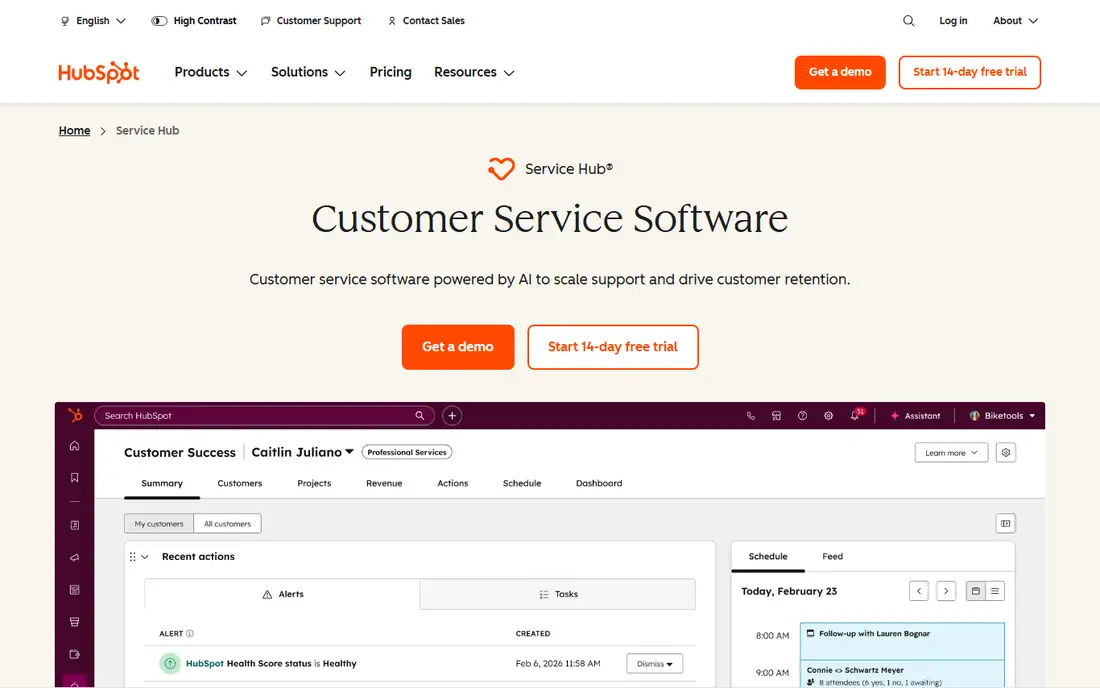
HubSpot Service Hub suits B2B teams already running on HubSpot CRM, because tickets, deals, contacts and company records share one system. An agent opening a ticket sees the account history, the deal value, the renewal date and past conversations without switching tools, which is exactly the account knowledge that B2B service needs. Free service tools cover up to two users, so a small team can start without paying.
The Starter price is $20 per seat per month, but Professional features that larger B2B teams need cost $90 per seat per month or more on annual commitment, plus onboarding fees. For a team already committed to HubSpot, that cost is easy to justify, since the shared record saves time on every ticket. For a team outside HubSpot, the value is less clear.
- Tickets live on the CRM record
- Free tools for up to two users
- Strong feedback and survey tools
- Professional features cost much more
- Onboarding fees apply on higher plans
Intercom suits B2B software companies whose customers live inside a product. Support happens in an in-app messenger, so a customer can ask a question without leaving the tool they are using, and the Fin AI agent can resolve common questions before a human agent steps in. That speed supports a core B2B practice: answer fast, and let humans handle the complex account issues.
Intercom pricing needs care. The Essential plan starts at $29 per seat per month billed annually, but Fin resolutions are billed per outcome, so a high-volume team can see costs rise. For a product-led B2B company that wants support inside the product and AI help on routine questions, Intercom is a strong and modern choice.
- In-app messenger
- Fin AI agent resolves common questions
- Strong product-led onboarding
- AI resolutions are billed per outcome
- Pricing can rise fast with seat and usage growth
Salesforce Service Cloud is the enterprise choice for B2B teams already standardized on Salesforce. Cases link to accounts, contacts, contracts and entitlements, so an agent can see service level terms, renewal dates and past cases in one view. Automation, knowledge articles and reporting scale to large teams with complex account structures and multiple support tiers.
That power comes with implementation effort. Service Cloud takes time to configure well, and many teams need admin help or consulting to get the most from it. The Starter Suite price is $25 per user per month, but larger deployments cost more once add-ons and customization enter the picture. For an enterprise B2B team on Salesforce, it is the natural and most complete choice.
- Deep CRM integration
- Case management at enterprise scale
- Strong automation and reporting
- Implementation takes time and expertise
- Total cost rises with add-ons and consulting
Zoho Desk is the budget pick for B2B teams that already use Zoho CRM, Books or other Zoho apps. The Standard plan starts at $14 per agent per month billed annually, and a free edition covers up to three agents, which is enough for a very small team. Tickets, service level policies, automation and a knowledge base cover the core B2B practices without a large bill.
The interface is functional rather than polished, and the most advanced AI features sit on higher tiers. For a small B2B company that wants a solid help desk inside the Zoho ecosystem, Zoho Desk offers excellent value. For a team that needs a premium agent experience or deep third-party integrations, Zendesk or Freshdesk may fit better.
- Low starting price
- Free edition for up to three agents
- Strong Zoho suite integration
- Interface feels less polished than rivals
- Advanced AI needs higher tiers
Help Scout suits small B2B teams whose support is mostly email. It works like a shared inbox, so several agents can handle one mailbox without collisions, assign conversations, add internal notes and track customer history. The free plan covers up to five users on a limited contact count, which lets a tiny team start without paying.
Help Scout is less suited to a team that needs complex phone, social and chat queues in one system, or deep service level reporting across many accounts. For a small B2B firm that wants human, email-first service and a tool the whole team can learn in a day, Help Scout is a clean and friendly choice.
- Simple shared inbox
- Fast setup
- Free plan for up to five users on limited contacts
- Less suited to complex omnichannel queues
- Advanced features need higher plans
Front turns email, SMS and social messages into shared inboxes where a team can assign, comment and track ownership. That visibility supports a key B2B practice: every message has an owner, and no customer waits because two agents assumed the other would reply. Front also shows customer context alongside each conversation, so agents answer with account history in view.
Front is a collaboration inbox first and a full ticketing system second, so teams that need deep service level reporting or complex case workflows may still need a help desk alongside it. For a B2B team drowning in shared mailboxes and losing track of who owns what, Front brings order quickly and at a fair price.
- Shared inboxes for email, SMS and social
- Internal collaboration and assignments
- Clear ownership
- Less of a full ticketing system than Zendesk
- Pricing rises with team size
How we picked these
We compared official pricing pages, feature lists and public reviews for customer service tools that serve B2B teams, where accounts have multiple contacts, contracts and service levels. We favored tools with ticketing or shared inboxes, service level policies, customer records, reporting and feedback tools. We excluded consumer-only chat tools that lack account records or service level management.
B2B customer service best practices that matter most
Start with response and resolution targets. Publish a first response target, such as within one business hour for priority accounts, and a resolution target by severity, then report on both each month. Customers forgive a hard problem faster than silence, so send a status update even when there is no fix yet, and name the next step and the next update time.
Know the account before you reply. Pull up the contract, the renewal date, the main contacts, the open tickets and the product version, and tailor the answer to that account. A generic reply that ignores a known outage or a pending renewal damages trust, while a reply that shows you know the account builds it. Keep notes on every account so a new agent can pick up the thread without asking the customer to start over.
Ownership, escalation and feedback
Assign an owner to every ticket and every account. The owner does not solve every problem alone, but they are responsible for follow-up, for chasing internal teams, and for telling the customer what happens next. Build a clear escalation path for priority accounts, with named contacts in engineering or product, and a rule for when a ticket moves up.
Close the loop after resolution. Ask for feedback with a short survey, share the result with the team, and tell the customer what changed because of their report. Track the top ticket reasons each month and fix the root cause, whether it is a confusing setup step, a billing error or a missing help article. That loop turns support from a cost center into a source of product insight.
FAQ
What are b2b customer service best practices?
B2B customer service best practices include fast and honest communication, deep account knowledge, clear ownership of every ticket, published service levels, proactive updates, and a feedback loop that turns tickets into product fixes. They matter because B2B customers have high contract values and many contacts, so one bad experience can affect a renewal.
How fast should B2B support respond?
It depends on severity and contract terms. Many B2B teams target a first response within one business hour for priority issues and within one business day for standard questions, with resolution targets by severity. Publish the targets, report on them monthly, and update the customer proactively if a fix will take longer than promised.
What is an SLA in B2B customer service?
A service level agreement, or SLA, is a written promise about response times, resolution times and availability, often tied to a customer plan or contract tier. Good SLAs are specific, measurable and reported honestly, with credits or remedies if targets are missed. They protect both sides by setting clear expectations before a problem occurs.
How is B2B customer service different from B2C service?
B2B service deals with accounts, not just individuals, so an agent must know the contract, the contacts, the renewal date and the account history. Tickets often involve multiple people, longer resolution times and higher stakes, since a failure can affect a whole business. B2B teams therefore need account records, ownership and escalation paths that consumer support often does not.
Should B2B teams use a help desk or a shared inbox?
A help desk suits teams that need ticketing, service levels, automation and reporting across many accounts. A shared inbox suits small teams whose support is mostly email and who need simple ownership and collaboration. Many growing B2B teams start with a shared inbox such as Front or Help Scout and move to a help desk such as Zendesk or Salesforce as volume grows.
How do you measure B2B customer service quality?
Track first response time, resolution time, SLA attainment, customer satisfaction by account, and ticket volume by reason. Review the results by account, not just in total, so a large happy account does not hide a small account in trouble. Pair the numbers with feedback surveys and renewal data to see whether service quality is protecting revenue.