Live Chat Customer Service Best Practices in 2026: The 6 Best Options Side by Side
6 live chat customer service best practices, compared on pricing, free plans and best-fit use. Strengths and weak spots are spelled out. Clear verdicts.
- Editor's choice
 Olark
Marketers running AI chat on a budget of attention
Starts at$29 per agent a monthVisit olark.comFull review - Great alternative
 LiveChat
Website chat with 24/7 AI answers
Starts at$19 per user a monthVisit livechat.comFull review - Also consider
 Tidio
Attributing chat outcomes to revenue
Starts at$24.17 per monthVisit tidio.comFull review
Direct answer
Olark leads the list, best for Marketers running AI chat on a budget of attention. Listed starting prices: Olark from $29 per agent a month, LiveChat from $19 per user a month and Tidio from $24.17 per month. LiveChat is the stronger choice for website chat with 24/7 AI answers, while Tidio suits attributing chat outcomes to revenue. Prices, free plans and limits for all 6 tools follow.
TL;DR:
- The list opens with Olark, aimed at Marketers running AI chat on a budget of attention.
- Just one of the 6 tools, Tidio, has a free plan.
- LiveChat is the lowest-priced starter here at $19 per user per month.
- The main caution on Tidio: attribution relies on tracking setup.
- Zendesk fits AI agents resolving issues end to end.
Last checked November 2026. Prices and plan details were read from the vendors' own pages in November 2026; vendors change plans often, so confirm the current price on the vendor site before you buy.
Quick comparison
| Tool | Best for | Starts at | Free plan? | |
|---|---|---|---|---|
| Olark | Marketers running AI chat on a budget of attention | $29 per agent a month | Free trial | Visit |
| LiveChat | Website chat with 24/7 AI answers | $19 per user a month | Free trial | Visit |
| Tidio | Attributing chat outcomes to revenue | $24.17 per month | Yes | Visit |
 Freshdesk | Omnichannel ticketing with automatic workflows | See website | Not stated | Visit |
 Drift | Conversational marketing and chat-led engagement | See website | Not stated | Visit |
 Zendesk | AI agents resolving issues end to end | $19 agent/month premium yearly | Free trial | Visit |
The best live chat customer service best practices
LinkVetted compared 6 live chat customer service best practices. The goal is a practical shortlist: published prices, free plan facts, best-fit use cases and honest limits for every entry.
Olark is designed for Marketers running AI chat on a budget of attention. It is designed for the marketer juggling multiple jobs, answering questions, qualifying visitors, and knowing when to bring in a human, and it trains on your own site in under a minute.
Downsides: Marketing funnel focus over deep service tooling.
Entry price for Olark: $29 per agent per month. Free access: Free trial.
- Knows when to bring in a human
- Answers questions and qualifies visitors
- Human handoff rules need tuning
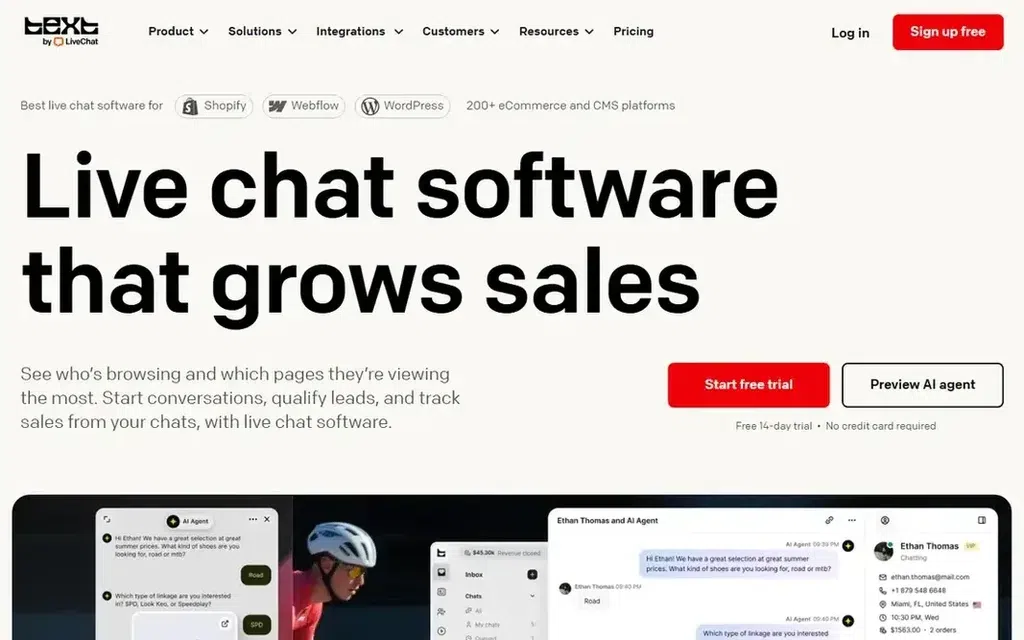
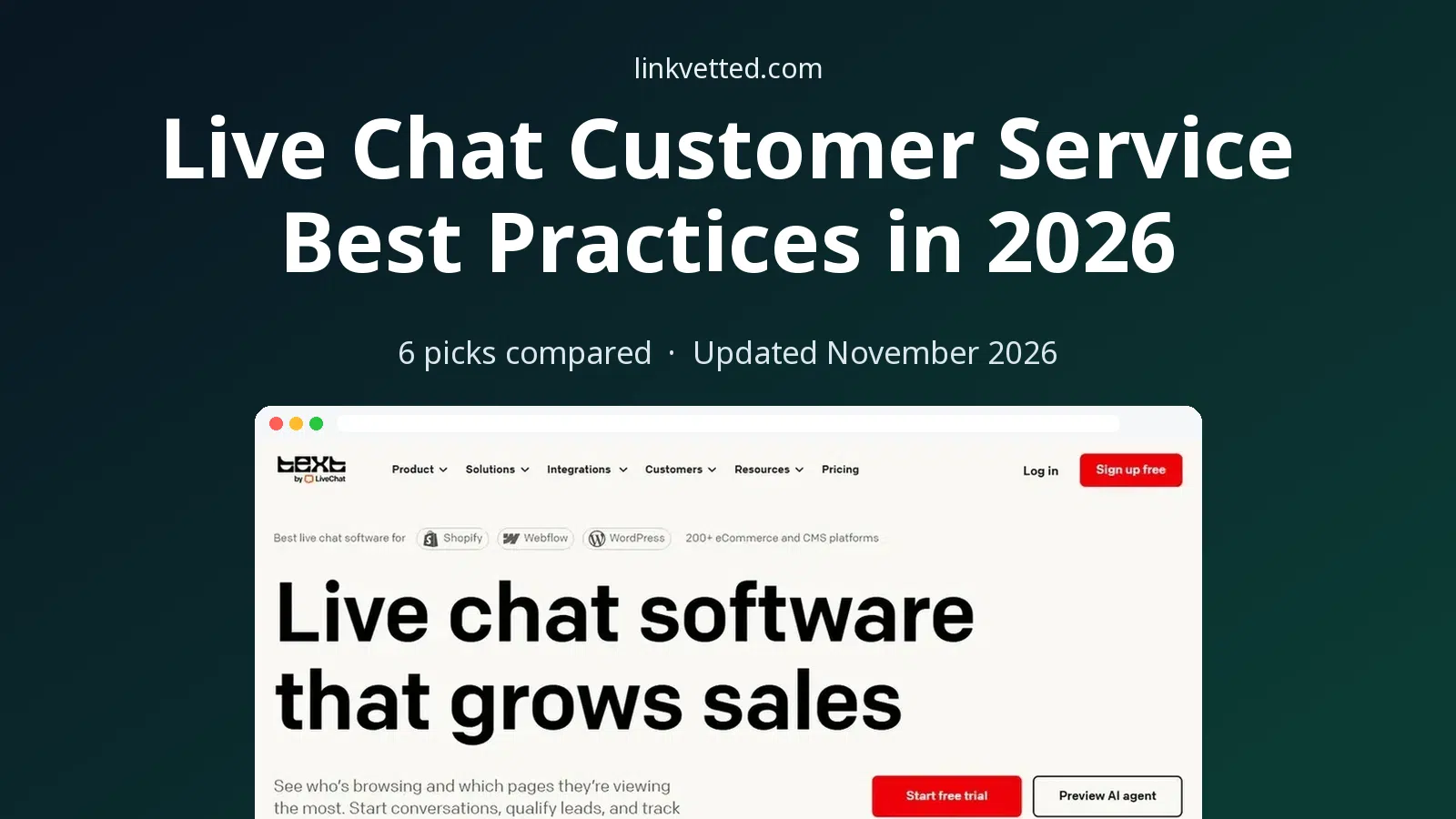
LiveChat was built for website chat with 24/7 AI answers. LiveChat is live chat software for your website with an AI Agent that answers around the clock. It also helps qualify leads and track sales from chats.
Where it is weaker: Narrower than full service suites.
For teams whose best practice is to treat chat as both a support and a revenue channel, that combination of always-on answers and lead qualification is the core appeal. The chat-first design keeps daily agent work straightforward. Beyond that, since it centers on website chat, teams that require deep ticketing, knowledge management, or multi-department workflows may outgrow it and should look at a broader service product. It also rewards configuration: lead qualification and sales tracking only pay off once your forms, routing, and goals are set up deliberately. On cost, LiveChat starts like this: $19 per user per month. Free plan details: Free trial.
- Qualify leads and track sales from chats
- AI Agent answers around the clock
- Sales tracking needs clean setup
Tidio was built for attributing chat outcomes to revenue. Tidio frames AI customer service around revenue: Lyro resolves questions immediately and turns the rest into sales, leads, and bookings you can attribute. As for the details, if you need complicated multi-team service workflows, a broader product may serve you better.
More specifically, Lyro also takes care of what it has been trained on, so unusual questions still need human backup. Teams that want to see what customer conversations earn will find that framing handy. It encourages a practice of measuring chat outcomes instead of only response speed. What you pay to start with Tidio: $24.17 per month. Tidio has a free plan.
Where it falls short: AI scope restricted to what it is trained on.
- Turns remaining chats into sales and leads
- Lyro resolves questions immediately
- Attribution relies on tracking setup
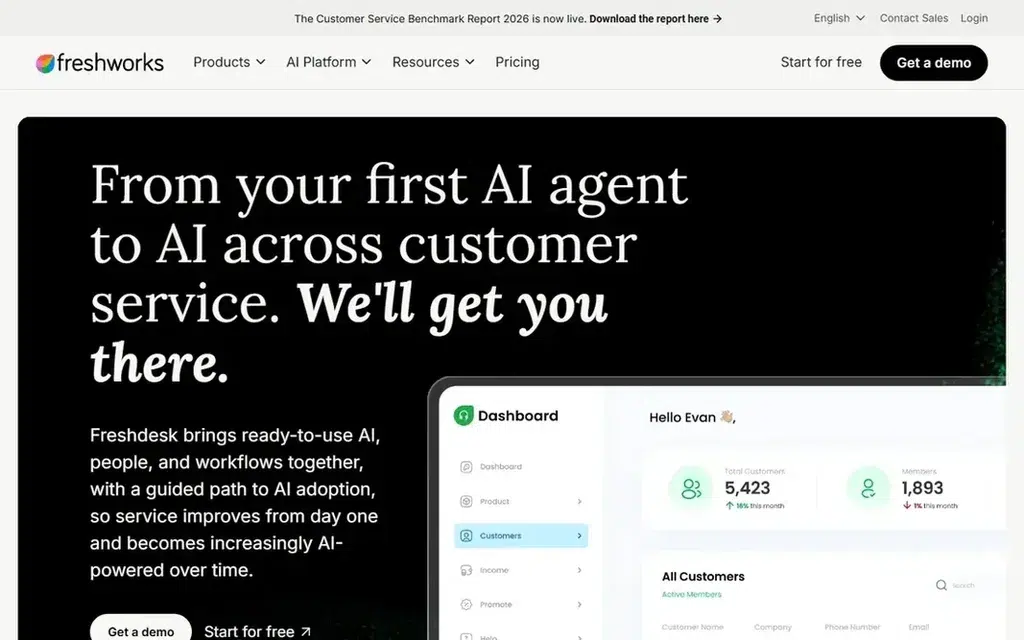
Freshdesk works best for omnichannel ticketing with automatic workflows. Automatic workflows also need thoughtful design; poorly planned rules can add friction.
Beyond that, Freshdesk is described as an AI-powered customer service option with omnichannel ticketing and automatic workflows, geared toward boosting agent productivity and delivering smooth customer experiences. Pick something more straightforward if your practice is chat-only, and choose Freshdesk when cross-channel consistency is the goal. Freshdesk shows no starting price here, so confirm the cost on the vendor site. Free plan details: Not stated.
Drawbacks to consider: Ticketing focus can feel process-heavy for chat-only teams.
- Automatic workflows to boost agent productivity
- AI-powered service features
- Automation needs planning
Drift is a good fit for conversational marketing and chat-led engagement. Drift is widely known as a conversational marketing product, using chat to engage website visitors and route them toward sales conversations.
Evaluate it against your actual conversation mix before committing. Check the vendor site for Drift pricing; none is listed in this comparison. Trial and free access: Not stated.
Watch-outs: Support depth varies by setup.
- Suits marketing-led chat programs
- Well known for conversational marketing
- Needs clear ownership between sales and support
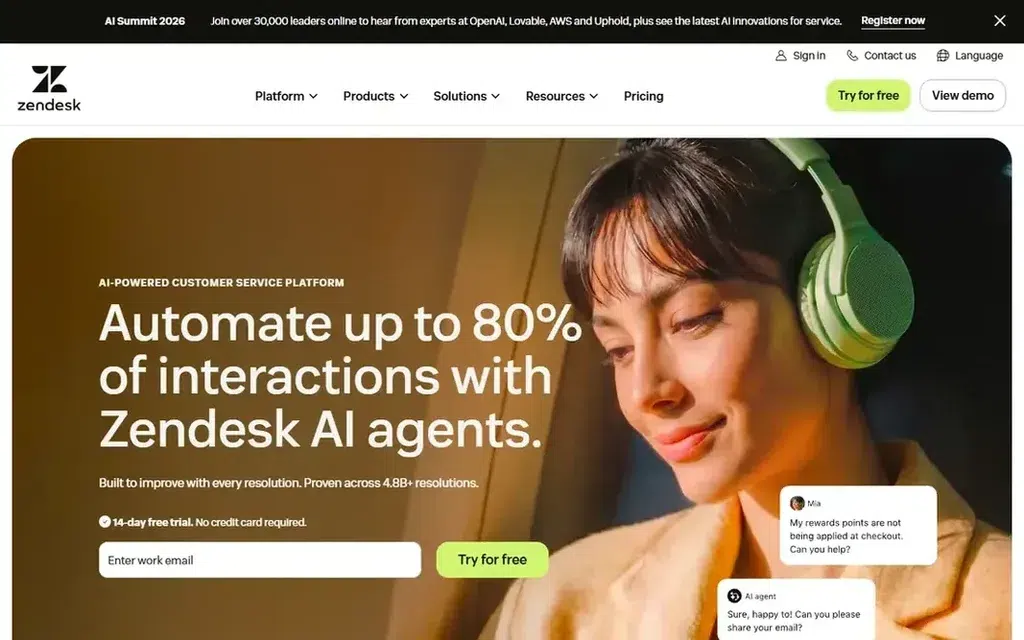
Zendesk is a good fit for AI agents resolving issues end to end. The breadth is also the limit: teams that only need a straightforward website chat box may find the system more than they need, and getting AI agents tuned to your content takes effort.
Points against: Wide system may feel heavy for small teams.
Zendesk presents itself as an AI-powered customer service system built to move beyond deflection, with AI agents that resolve issues end to end. Zendesk starts at: $19 agent/month premium yearly. Trial and free access: Free trial.
- Focus on service quality, speed, scale
- AI agents aim to resolve issues end to end
- Setup depth can take time
How we compared the tools
Selection started from tools commonly considered for live chat customer service best practices, then narrowed to 6 that have clear pricing information or a clear quote process. Prices and plan limits come from vendor pages and can change, so confirm them on the vendor site before you buy. Order on the page follows fit for the typical buyer first, then price transparency and free access. Your own requirements should decide the final pick.
Things to verify first
- Confirm the entry price on the vendor page. For Freshdesk and Drift that means a quote rather than a fixed price.
- Look at the free plan from Tidio closely: its caps decide whether it is usable for real work.
- Use real work to test the free trial from Olark, LiveChat and Zendesk, rather than a demo project.
- Before choosing Olark, weigh its main limit: marketing funnel focus over deep service tooling.
- Ask Tidio about contract length, onboarding fees and user minimums before you sign.
- Price Drift for your actual team size; headline prices rarely include add-ons or overage.
FAQ
Should live chat be handled by support or marketing?
It relies on what your visitors ask for. Tools like Drift and Olark lean toward marketing and lead qualification, whereas Zendesk and Freshdesk lean toward service workflows. Numerous teams split ownership by conversation type.
Which options for live chat customer service best practices have a free plan?
Tidio is the only tool in this list with a free plan. Free plans usually cap users, projects or features, so check the limits on the vendor page. Several others offer a trial instead. Prices, free plan details and limits for all 6 tools in this live chat customer service best practices roundup sit on the individual cards above.
Can I try these tools before paying?
Often, yes. Tidio has a free plan and Olark, LiveChat and Zendesk offer a free trial. Use your own data and a real task during the test, and check what the free tier or trial limits before you rely on it. Each of the 6 options in this live chat customer service best practices guide has its own card above with the price, free plan and limits.
What is the cheapest option for live chat customer service best practices in this list?
On published monthly entry prices, LiveChat is the lowest here at $19 per user per month. Entry price is only part of the cost, because seats, add-ons and billing terms can change the total. All 6 picks in this live chat customer service best practices comparison list a starting price, free plan details and the main limits on their cards above.
Do these tools publish their prices?
Not all of them. Freshdesk and Drift publish no starting price, so expect a quote request for those. The rest, Olark included, show a starting price, though seats and billing terms still change the final cost. For the full picture, the cards above cover all 6 entries of this live chat customer service best practices list, including price, free plan and limits.
Sources
- https://www.olark.com
- https://www.livechat.com
- https://www.tidio.com
- https://www.freshworks.com/freshdesk
- https://www.drift.com
- https://www.zendesk.com