Choosing Live Chat Software for Customer Support in 2026: 5 Options Compared
Best live chat software for customer support in 2026: 5 tools with starting prices, free plans and limits. Price notes and drawbacks come with each one.
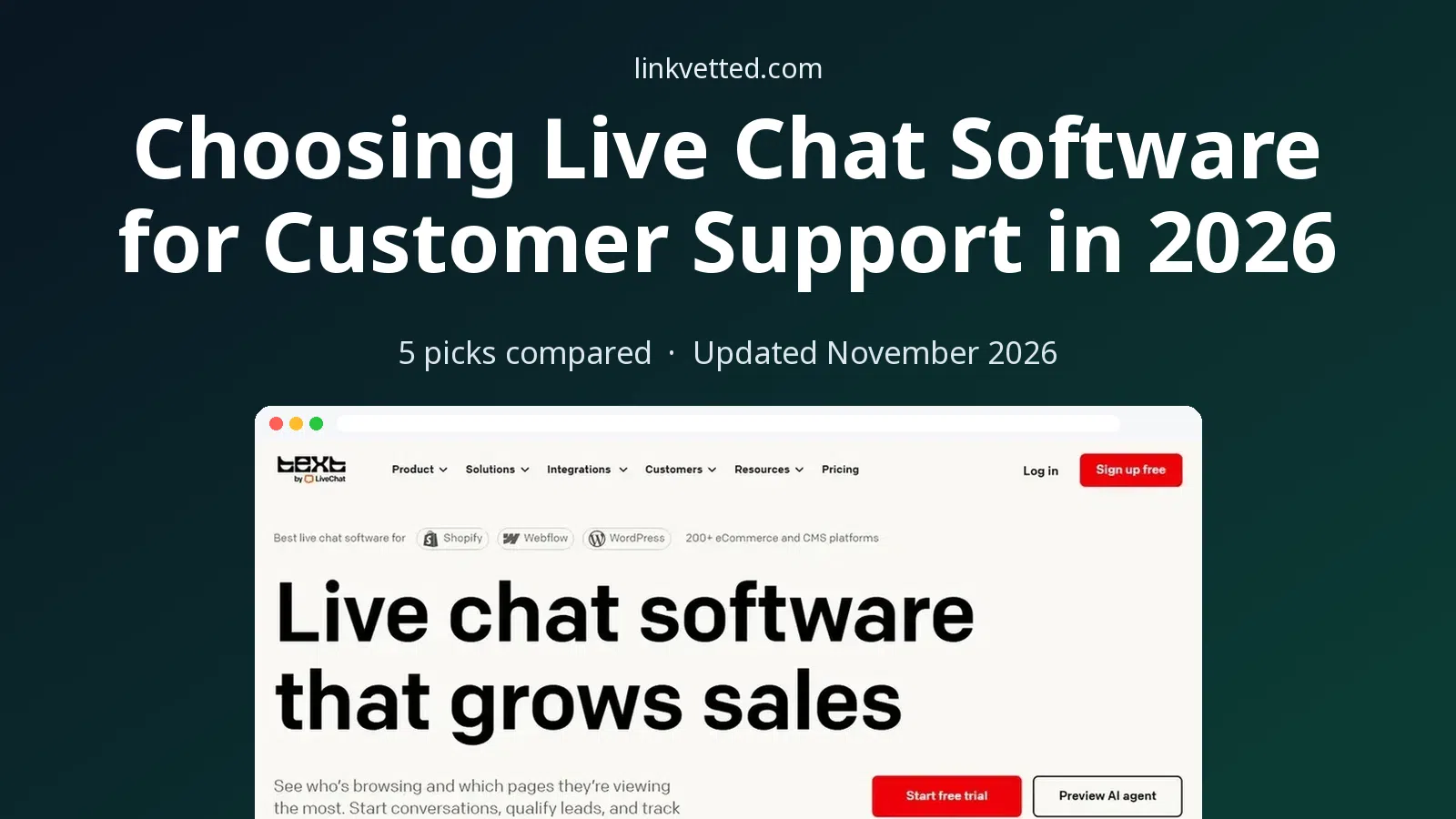
- Editor's choice
 Tidio
Turning support chats into revenue
Starts at$24.17 a monthVisit tidio.comFull review - Great alternative
 LiveChat
Website chat with round-the-clock AI
Starts at$19 per user per monthVisit livechat.comFull review - Also consider
 Zendesk
AI-driven end-to-end issue resolution
Starts at$19 agent/month premium yearlyVisit zendesk.comFull review
Direct answer
This list puts Tidio first for turning support chats into revenue. Listed starting prices: Tidio from $24.17 a month, LiveChat from $19 per user per month and Zendesk from $19 agent/month premium yearly. If your case is different, LiveChat suits website chat with round-the-clock AI and Zendesk suits AI-driven end-to-end issue resolution. The full list of 5 tools follows, with prices and free plan facts.
TL;DR:
- Number one here is Tidio, a fit for turning support chats into revenue.
- LiveChat has the lowest monthly starting price in this list: $19 per user per month.
- 2 of 5 tools offer a free plan: Tidio, Help Scout.
- Check the limits for Zendesk before you commit: can feel heavy for small teams.
Last checked November 2026. Prices and plan details were read from the vendors' own pages in November 2026; vendors change plans often, so confirm the current price on the vendor site before you buy.
Quick comparison
| Tool | Best for | Starts at | Free plan? | |
|---|---|---|---|---|
| Tidio | Turning support chats into revenue | $24.17 a month | Yes | Visit |
| LiveChat | Website chat with round-the-clock AI | $19 per user per month | Free trial | Visit |
| Zendesk | AI-driven end-to-end issue resolution | $19 agent/month premium yearly | Free trial | Visit |
 Help Scout | Customer-first brands wanting more straightforward support | $25 per user per month | Yes | Visit |
 Olark | Marketers wanting an AI agent on site | $29 per agent per month | Free trial | Visit |
Live Chat Software for Customer Support compared in detail
If you are comparing live chat software for customer support, this page covers 5 tools in one place: what each is best for, what it costs to start, whether it has a free plan, and the main limit to know about.
Tidio is designed for turning support chats into revenue. If you need deep service administration and reporting depth, compare Tidio with broader products before deciding.
What to check first: Revenue focus may not suit every support team.
What you pay to start with Tidio: $24.17 per month. Tidio has a free plan.
- Clear revenue framing for chats
- Leads and bookings
- Confirm feature depth on the vendor site
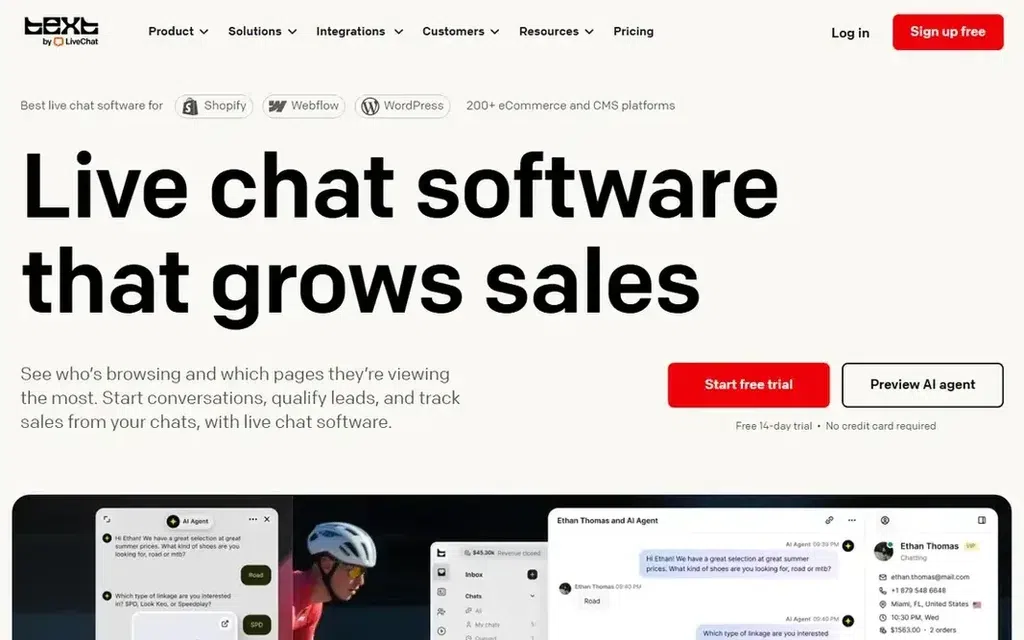
LiveChat is aimed squarely at website chat with round-the-clock AI. LiveChat is live chat software for your website with an AI Agent that answers around the clock. Consider a broader suite if support operations are the primary driver instead of chat-led conversion.
For everyday use, the product emphasizes qualifying leads and tracking sales from chats. Since the messaging leans toward sales, teams that require deep ticketing and knowledge workflows may find it narrower than full service products. On cost, LiveChat starts like this: $19 per user per month. On free options: Free trial.
Drawbacks to consider: Sales emphasis may not fit pure support.
- AI Agent answers around the clock
- Qualifies leads and tracks sales
- Fewer deep service workflows than suites
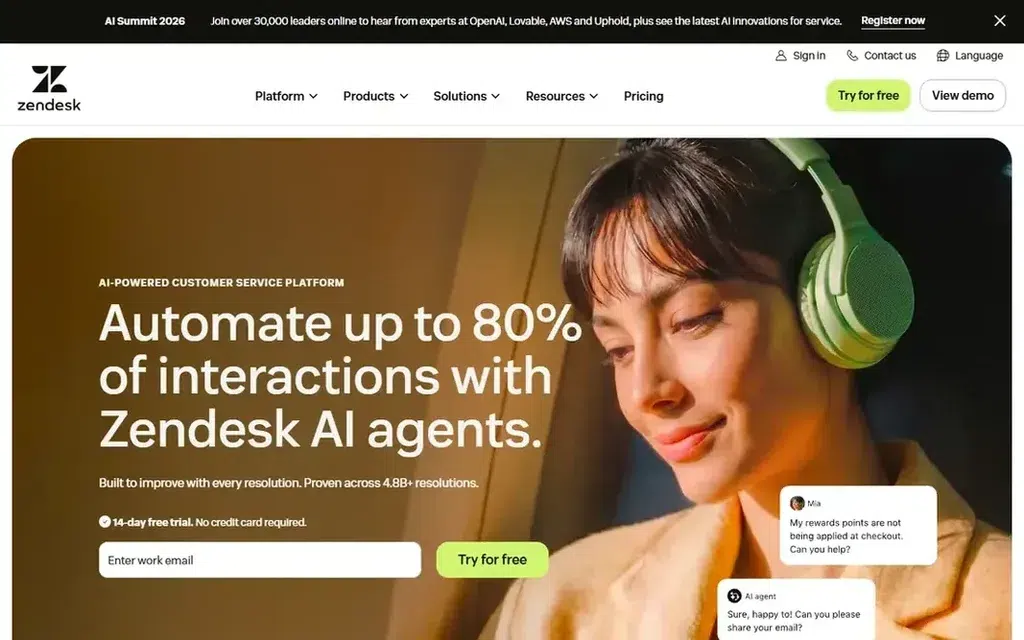
Think of Zendesk for AI-driven end-to-end issue resolution. Zendesk positions itself as an AI-powered customer service product that moves beyond deflection, with AI agents that resolve issues end to end.
It fits support organizations that want chat as part of a wider service operation and that care about improving service quality, speed and scale as conversation volume grows. Zendesk cost at the entry level: $19 agent/month premium yearly. Free access: Free trial.
Where it is weaker: Setup involves plenty of configuration choices.
- AI agents resolve issues end to end
- Focus on service quality and scale
- Can feel heavy for small teams
Think of Help Scout for customer-first brands wanting more straightforward support. It fits teams that value simplicity and a customer-first posture over sprawling feature lists.
Limits to weigh: Confirm chat specifics on the vendor site.
On cost, Help Scout starts like this: $25 per user per month. A free plan is available with Help Scout.
- Easy-to-learn features for support teams
- Positioned as cost-conscious alternative
- Chat is one part of a support suite
In short, Olark is for Marketers wanting an AI agent on site. Designed for the marketer juggling multiple jobs, it answers questions, qualifies visitors and knows when to bring in a human, with training on your own site completed in under a minute.
Honest limits: Positioned for marketers more than support teams.
Bigger support organizations with layered workflows should compare it against full service systems before committing. Starting cost for Olark: $29 per agent per month. Trial and free access: Free trial.
- Knows when to bring in a human
- AI agent trained on your own site
- Less suited to large service operations
How we chose
The comparison looks at four things: starting price, free access, how well the feature set matches live chat software for customer support, and the main limit of each tool. Prices and plan limits come from vendor pages and can change, so confirm them on the vendor site before you buy. Tools are placed by general fit for live chat software for customer support, with price clarity and free access as tie-breakers. A different team can reasonably rank them differently.
Things to verify first
- Check the vendor page for the current price: LiveChat starts at $19 per user per month here, and seats or billing terms can move it.
- Check what the free option really includes: Tidio and Help Scout offer a free plan, and usage caps differ.
- Use real work to test the free trial from LiveChat, Zendesk and Olark, rather than a demo project.
- Read the limits listed for Tidio first: revenue focus may not suit every support team.
- Check the integration list for Tidio against the tools you run today, and note which ones need a higher plan.
- Involve the people who will use LiveChat daily; a short pilot beats a long feature checklist.
FAQ
What should small teams look for in live chat software?
Small teams frequently benefit from more straightforward setup, clear handoff to humans and straightforward reporting. Help Scout and Olark position themselves around easy-to-learn, marketer-friendly experiences, whereas broader suites may need more administration.
How are the tools for live chat software for customer support ordered?
The order follows typical fit for live chat software for customer support, with Tidio first and Olark last, then price clarity and free access. It is editorial judgement, not a score, so another team could rank the tools differently.
Is Tidio the right pick for everyone comparing live chat software for customer support?
No single tool suits every team. Tidio comes first because it fits turning support chats into revenue, while LiveChat suits website chat with round-the-clock AI and Zendesk suits AI-driven end-to-end issue resolution. Match the tool to your own size, budget and workflow before deciding.
Can I try these tools before paying?
Often, yes. Tidio and Help Scout have a free plan and LiveChat, Zendesk and Olark offer a free trial. Use your own data and a real task during the test, and check what the free tier or trial limits before you rely on it.
Which options for live chat software for customer support have a free plan?
Tidio and Help Scout offer a free plan in this list. Free plans usually cap users, projects or features, so check the limits on the vendor page. Several others offer a trial instead. Each of the 5 options in this live chat software for customer support guide has its own card above with the price, free plan and limits.
Sources
- https://www.tidio.com
- https://www.livechat.com
- https://www.zendesk.com
- https://www.helpscout.com
- https://www.olark.com