Best-Rated Live Chat Tool for Startup Companies: 10 Tools Compared
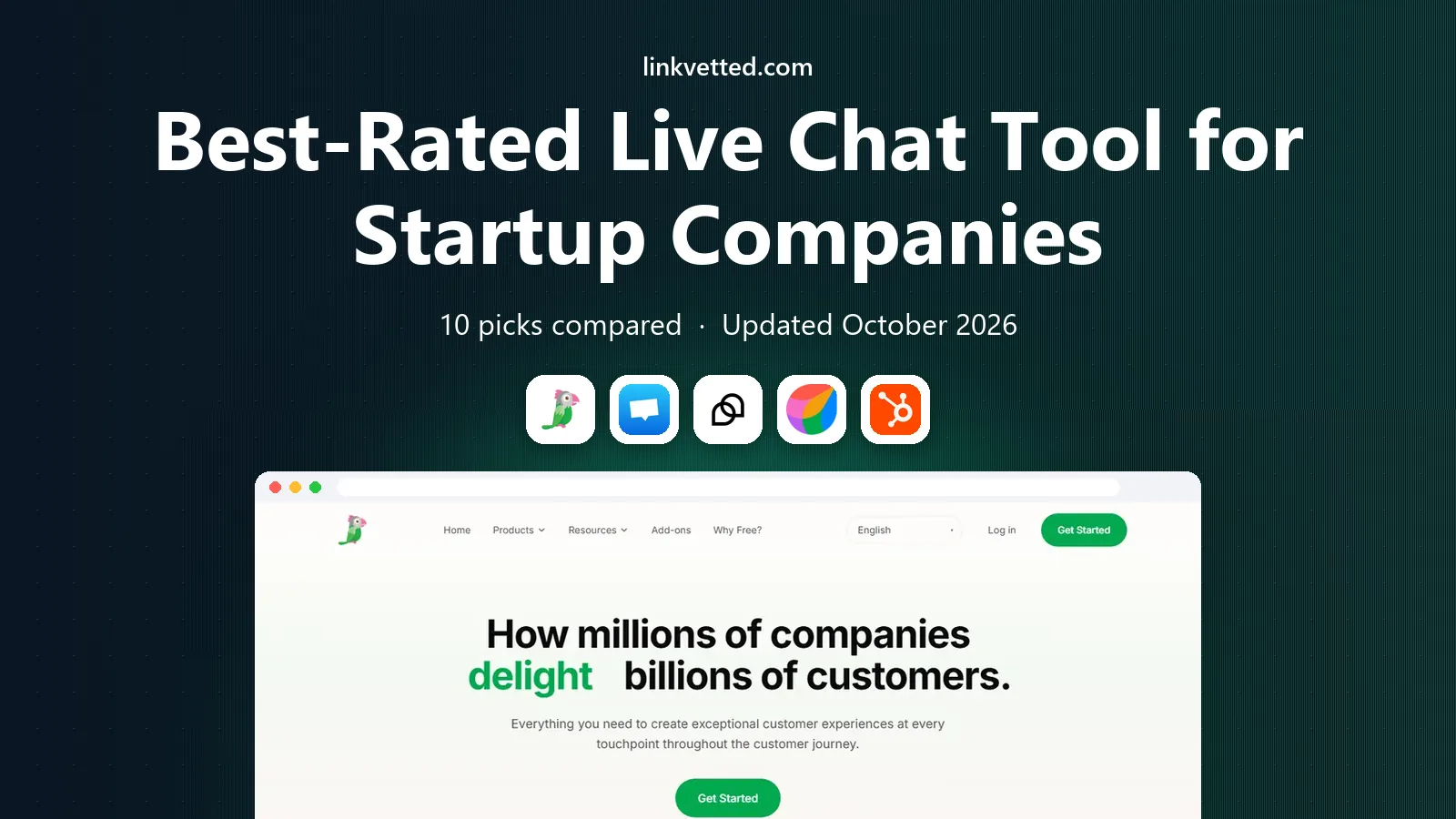
We compared the best-rated live chat tool for startup companies on price, free plans and setup speed to help small teams answer customers fast and well.
- Editor's choice
 tawk.to
Free live chat
Starts atFreeVisit tawk.toFull review - Great alternative
 Crisp
Flat workspace pricing
Starts at$45 per workspace per monthVisit crisp.chatFull review - Also consider
 Tidio
Small shops with AI help
Starts at$24.17 per monthVisit tidio.comFull review
TL;DR:
- Startups should start with a free or cheap live chat plan and upgrade only when volume, seats or automation needs force it.
- tawk.to, Freshchat, HubSpot and Crisp offer the most useful free tiers for small teams, while Intercom and Zendesk suit funded teams that need AI and scale.
- Per-agent pricing punishes growing teams, so flat workspace pricing such as Crisp can be cheaper once you pass a few seats.
- AI chatbot add-ons can dominate the bill, so model per-resolution or per-conversation costs before committing.
- The best tool is the one your team will actually staff, since unanswered chat hurts more than no chat at all.
Quick comparison
| Tool | Best for | Starts at | Free plan? | |
|---|---|---|---|---|
| tawk.to | Free live chat | Free | Yes | Visit |
| Crisp | Flat workspace pricing | $45 per workspace per month | Yes | Visit |
| Tidio | Small shops with AI help | $24.17 per month | Yes | Visit |
 Freshchat | Free plan for up to 10 agents | Free | Yes | Visit |
 HubSpot Live Chat | HubSpot CRM users | Free | Yes | Visit |
 LiveChat | Dedicated chat teams | $19 per agent per month | Free trial | Visit |
 Intercom | AI-led support at scale | $29 per seat per month | Free trial | Visit |
 Zendesk | Chat inside a full help desk | $55 per agent per month | Free trial | Visit |
 Zoho SalesIQ | Budget teams and Zoho users | $7 per operator per month | Yes | Visit |
 Olark | Simple human-first chat | $29 per agent per month | Free trial | Visit |
The best-rated live chat tools for startup companies
We compared tools on free plan quality, starting price, setup speed, channels, automation and fit for small teams. Prices below reflect 2026 pricing pages and comparisons, billed annually where stated, and they change, so confirm on the vendor site before buying. All of these tools offer a website chat widget, and most add mobile apps and integrations.
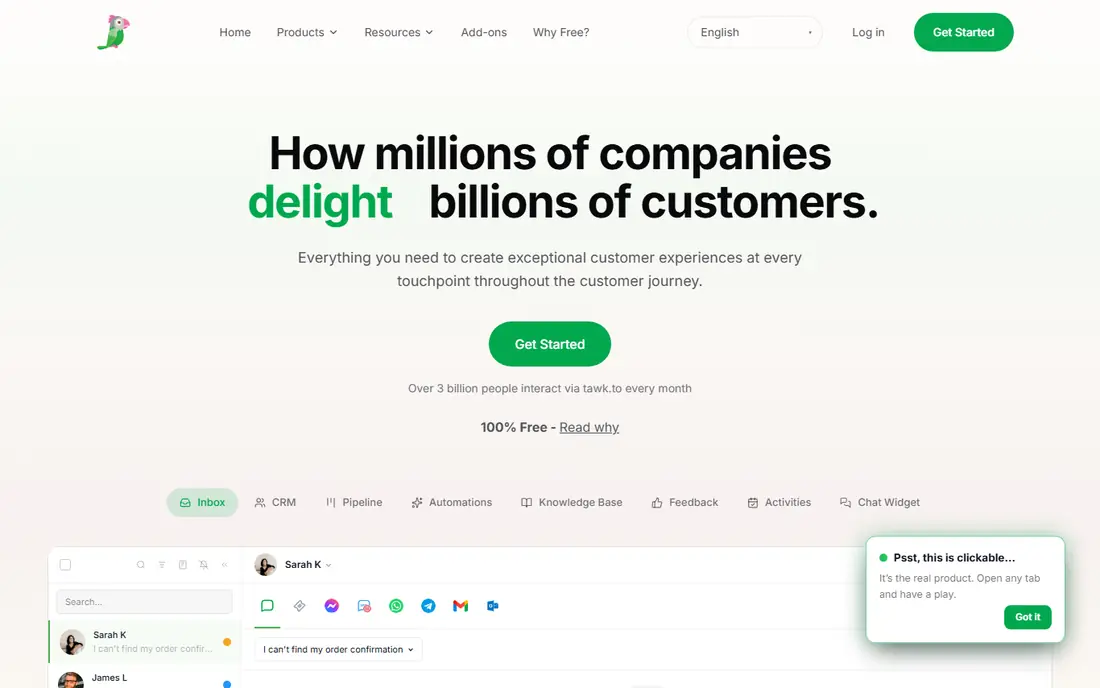
tawk.to is the obvious starting point for a startup with no support budget. The core live chat product is free, including unlimited agents, which no other tool on this list matches. Setup is a simple widget install, and ticketing, transcripts and basic reporting cover the essentials for a small team.
The limits are fair for a free product. AI Assist is a paid add-on, branding removal costs extra and the integration range is thinner than Intercom or Zendesk. For a startup that needs live chat this week at zero cost, tawk.to is hard to argue against, and you can migrate later if you outgrow it.
- Free core product with unlimited agents
- Ticketing and transcripts
- Easy widget setup
- AI features cost extra
- Branding removal is paid
- Fewer native integrations than suites
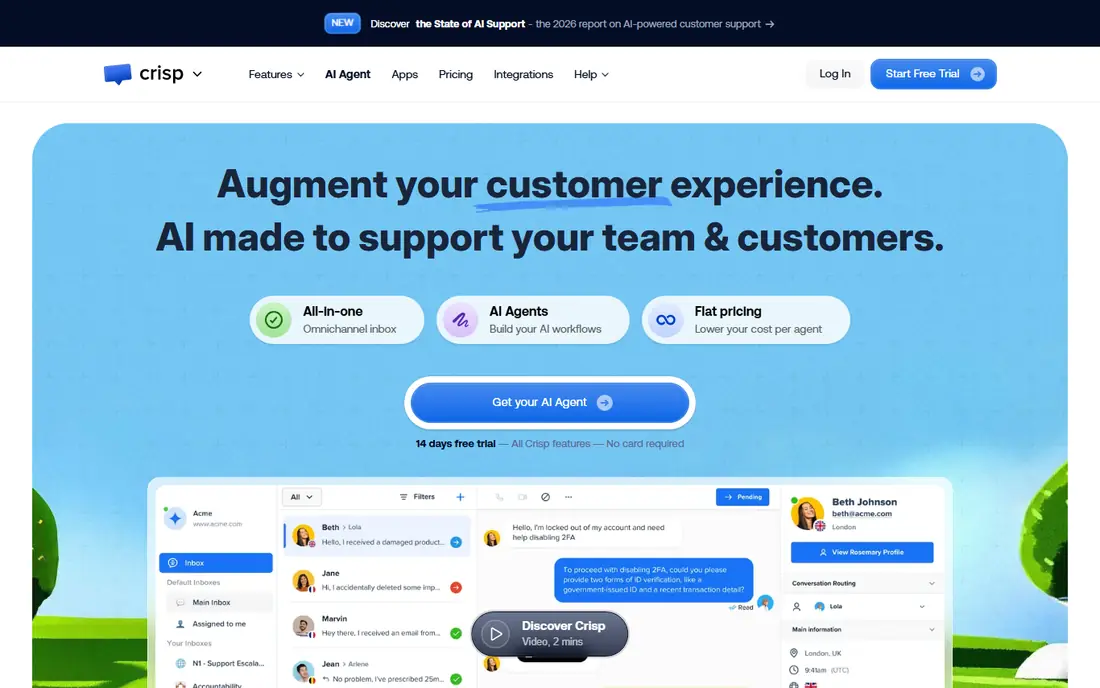
Crisp stands out for startups because it charges per workspace rather than per agent, which keeps costs predictable as the team grows. A free plan covers 2 seats, and paid plans start near 45 dollars per workspace per month with 4 seats. The shared inbox, chatbot credits and mobile apps cover most startup needs without a per-seat surprise.
Automation, routing and help desk features sit on higher tiers, so larger support operations may need the Plus plan. For a startup with several people answering chat, Crisp often works out cheaper than per-agent rivals, and the flat price makes budgeting simple.
- Flat pricing per workspace, not per agent
- Free plan for 2 seats
- Shared inbox and chatbot credits
- Advanced automation sits on higher tiers
- Seat bundles can feel rigid
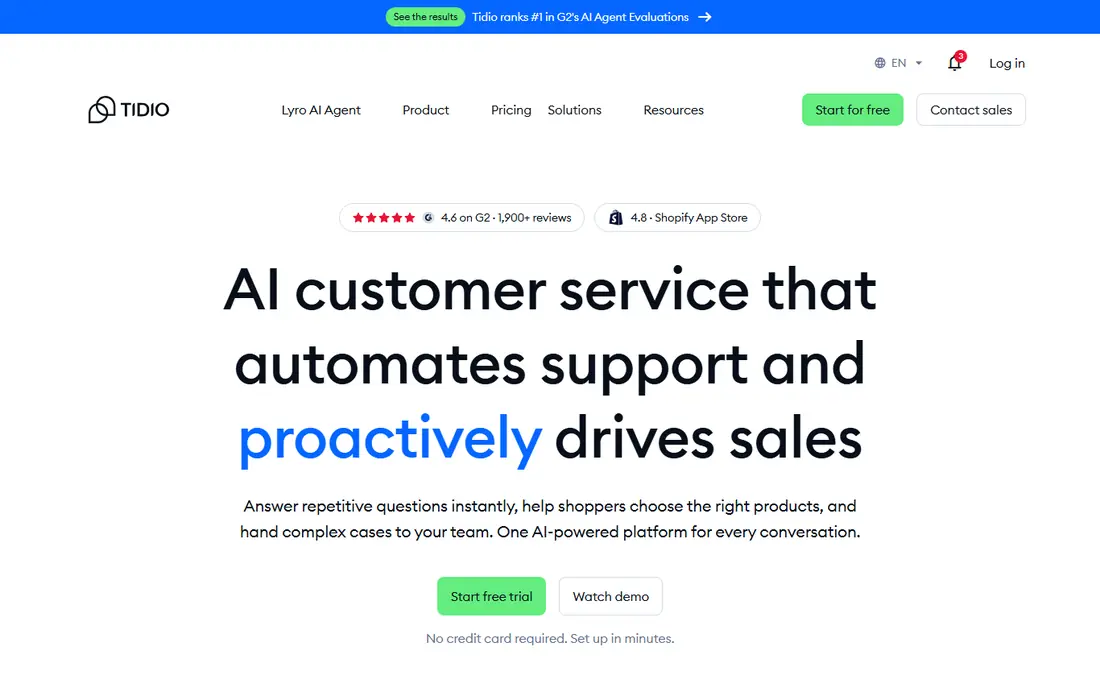
Tidio suits small ecommerce and service startups that want chat plus a capable AI chatbot. The free plan covers a small number of conversations per month, and paid plans start near 24 dollars per month billed annually. Lyro, its AI agent, can answer common questions outside hours, which helps tiny teams cover more of the day.
Watch the conversation meter. As chat volume grows, per-conversation AI costs and plan limits can raise the bill faster than a flat per-agent tool. For a low-volume startup that wants AI help early, Tidio is a friendly and affordable start.
- Free plan with limited conversations
- Lyro AI chatbot add-on
- Good for ecommerce startups
- Conversation limits bite as volume grows
- AI billed per conversation
Freshchat, part of Freshworks, offers one of the most generous free plans in live chat, covering up to 10 agents. That makes it a strong pick for a startup that already has several support or sales people. Paid growth plans start near 19 dollars per agent per month billed annually, adding routing, bots and more channels.
The free plan is genuinely usable, not a demo, though advanced routing, multiple SLAs and some AI features need paid tiers. If your startup already uses Freshworks tools, Freshchat slots in cleanly. Even standalone, its free tier is a reason to try it first.
- Free plan for up to 10 agents
- WhatsApp and Messenger channels
- Freddy AI options
- Advanced routing and SLAs need paid tiers
- Freshworks ecosystem works best together
HubSpot Live Chat is free and ties every conversation to a CRM contact record, which is a major advantage for startups already on HubSpot. Chatflows, rule-based bots and a shared inbox cover the basics, and conversations flow into the same system as email and deals. For a HubSpot-centred startup, this is the natural first chat tool.
The free version carries HubSpot branding, and serious AI, advanced routing and service analytics sit in paid Service Hub tiers. If you are not on HubSpot, a dedicated chat tool may fit better. If you are, HubSpot Live Chat gives you capable chat at no extra cost.
- Free live chat with CRM contact records
- Chatflows and bots
- Shared inbox
- Free chat carries HubSpot branding
- Advanced AI and routing need paid Service Hub
LiveChat is the purest chat tool on this list, built for teams whose main job is live chat. Paid plans start near 19 dollars per agent per month billed annually, with widget customisation, canned responses, chat ratings and reporting that chat-heavy teams appreciate. It integrates with many CRMs and ecommerce platforms.
There is no free plan, only a trial, and AI chatbot and help desk features are separate products with their own prices. For a startup that wants one excellent chat widget without suite complexity, LiveChat is a strong paid choice. Budget-conscious teams should compare it with Crisp and tawk.to first.
- Focused, mature chat product
- Strong widget customisation
- Good reporting
- No free plan, only a trial
- AI and help desk are separate paid products
Intercom is the premium pick for startups that are scaling support and want AI to carry a large share of conversations. Its Fin AI agent resolves common questions, while workflows, product tours and in-app messaging go beyond basic chat. Entry pricing sits near 29 dollars per seat per month billed annually, with a trial but no free plan.
The bill needs modelling. Fin resolutions are metered on top of seat prices, so high AI volume can dominate costs. Intercom suits funded SaaS startups with real support volume and a team to manage it. Very early startups should start cheaper and graduate to Intercom when volume justifies it.
- Powerful AI agent Fin
- In-app and website messaging
- Workflows and multi-team inboxes
- AI resolutions billed on top
- Costs rise fast with seats and volume
Zendesk is the choice when live chat is one channel inside a larger support operation. Its Suite plans combine chat with email, voice, social and a full ticketing system, with AI copilot options on top. Suite Team pricing sits near 55 dollars per agent per month billed annually, with a trial but no free plan.
For a two-person startup, Zendesk is usually too much and too costly, and note that lower support-only tiers do not include chat. For a growing startup building a real support department, Zendesk gives chat a proper home inside a system that scales.
- Full omnichannel help desk
- Chat plus email, voice and social
- Strong reporting
- Chat sits in higher Suite tiers
- Pricey for tiny teams
Zoho SalesIQ is the budget pick for startups already in the Zoho world, and a good one even outside it. A free plan covers 3 operators, and paid plans start near 7 dollars per operator per month billed annually, which undercuts most rivals. Visitor tracking, lead scoring and chat triggers help sales-led startups engage visitors proactively.
Zoho Desk, the full help desk, is separate, so support teams that need ticketing depth should factor that in. Free plan chat limits also apply. For a cost-conscious startup that wants live chat plus visitor insight, SalesIQ is excellent value.
- Very low starting price
- Free plan for 3 operators
- Visitor tracking and chat
- Help desk is a separate product
- Free plan chat limits apply
Olark keeps live chat deliberately simple: a clean widget, co-browsing for helping visitors on the page, transcripts and straightforward reporting. Pricing sits near 29 dollars per agent per month, with a trial but no free plan. Teams that want human chat without bot complexity, and that value co-browsing for demos or support, like Olark's focus.
The AI website agent is a separate, much higher-priced plan, so Olark is not the pick for AI-led support. For a startup that wants friendly, human chat done well, with minimal setup, Olark remains a respected option.
- Simple setup
- Co-browsing
- Human-first design with no forced bots
- No free plan beyond trial
- AI agent is a separate high-priced plan
How we picked these
We compared 2026 pricing pages, free plan terms and feature coverage across live chat tools, favouring products with a current free plan or trial and a clear startup fit. We weighed per-agent versus flat pricing, AI cost models and channel breadth. We did not run live support operations on these tools, so our findings reflect vendor pricing, documentation and third-party comparisons rather than hands-on support use.
How to choose chat for a young startup
Start with staffing, not software. Decide who answers chat and during which hours, and write a short reply-time promise you can keep. An unanswered chat widget damages trust, so start with limited hours and clear offline messaging rather than pretending to be always on. Next, pick the cheapest tool that covers your channels and team size, and use its free plan or trial to learn your real conversation volume.
Then measure before upgrading. Track conversations per week, first response time, resolution rate and how many chats become customers. Those numbers tell you whether you need AI, routing or a help desk, and they protect you from buying suite features you never use. Finally, write canned replies for common questions and a simple escalation path to email, so chat stays fast even when the team is small.
FAQ
What is the best free live chat tool for a startup?
tawk.to offers the most generous free core product, with unlimited agents at no cost. Freshchat's free plan for up to 10 agents and HubSpot's free chat for CRM users are also strong. The best free pick depends on whether you need unlimited agents, CRM records or a simple widget.
How much should a startup pay for live chat?
Many startups pay nothing at first using a free plan, then move to roughly 7 to 45 dollars per month for a small team on a basic paid plan. Per-agent tools rise with headcount, while flat workspace tools stay steadier. AI add-ons can add more than the base plan, so model those costs separately.
Is Intercom worth it for a small startup?
Intercom is powerful, but its seat plus AI resolution pricing usually suits funded startups with real support volume. Very early teams often get better value from Crisp, Tidio, Freshchat or tawk.to, then move to Intercom when chat volume and team size justify it.
Do I need a chatbot as well as live chat?
Not at first. A chatbot helps when common questions repeat and the team cannot cover all hours, but a small team can start with human chat and canned replies. Add AI once you know your top questions and your conversation volume, since AI is billed per conversation or resolution on most tools.
How do I keep chat response times fast with a tiny team?
Limit chat hours to times you can staff, show clear offline messaging and use canned replies for common answers. Route sales and support questions separately where possible, and set a realistic reply-time goal. Fast, honest replies during set hours beat slow replies around the clock.