Best Live Chat Software in 2026: 8 Tools Compared
Compare the best live chat software in 2026, from Intercom and Zendesk to LiveChat, Tidio, Freshchat and Crisp, with pricing and free plans for growing teams.
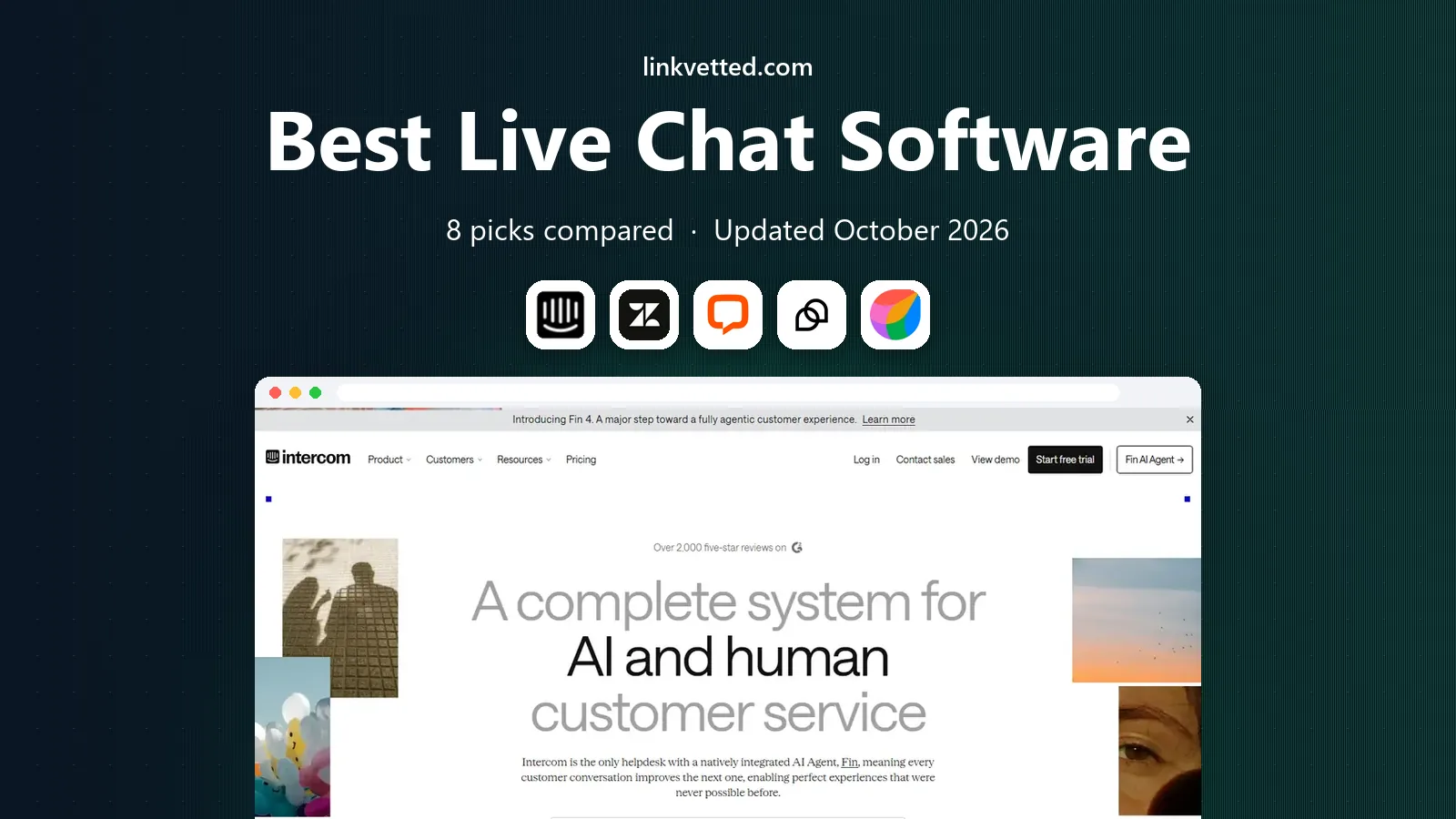
- Editor's choice
 Intercom
SaaS chat and AI agent
Starts at$29 per seat per monthVisit intercom.comFull review - Great alternative
 Zendesk
Full ticketing plus chat
Starts at$55 per agent per monthVisit zendesk.comFull review - Also consider
 LiveChat
Fast SMB live chat
Starts at$19 per user per monthVisit livechat.comFull review
TL;DR:
- Intercom is the best chat first platform for SaaS teams, while Zendesk is best when live chat must sit inside a full ticketing suite.
- LiveChat and Tidio are strong picks for small and mid-size teams that want fast setup and clear per agent pricing.
- Free plans from Tawk.to, Crisp and Tidio can run a small site well, but AI features, extra seats and ticket limits often cost extra.
- Check how AI is billed before you choose. Some tools charge per seat, others charge per AI resolution, and that difference changes the total cost at scale.
Quick comparison
| Tool | Best for | Starts at | Free plan? | |
|---|---|---|---|---|
| Intercom | SaaS chat and AI agent | $29 per seat per month | Free trial | Visit |
| Zendesk | Full ticketing plus chat | $55 per agent per month | Free trial | Visit |
| LiveChat | Fast SMB live chat | $19 per user per month | Free trial | Visit |
 Tidio | Small ecommerce stores | Free | Yes | Visit |
 Freshchat | Omnichannel SaaS support | Free | Yes | Visit |
 Crisp | Startup shared inbox | $45 per workspace per month | Yes | Visit |
 HubSpot Service Hub | Sales, marketing and support in one | Free | Yes | Visit |
 Tawk.to | Free live chat for small sites | Free | Yes | Visit |
The best live chat software
Live chat is now more than a widget on a website. Customers expect a fast answer, a bot that can solve simple questions, and a smooth handoff to a human when the question gets complex. The tools below cover that range, from free widgets for a small site to full helpdesks for large support teams. The right pick depends on your team size, your channels and how much AI you want to use.

Intercom is built around chat first, and its Messenger widget is still one of the best on the web. It supports live chat, in app messages, onboarding flows and product tours, plus the Fin AI agent for routine questions. Fin is billed per resolution, which means you pay when it actually solves a question, not for every chat it touches.
That per resolution model is fair for many teams, but it can spike costs if your volume is high or if Fin handles many questions. Intercom also treats phone as an add-on, so teams that need strong voice support may need another tool. For SaaS teams that live in chat and want strong AI automation, Intercom is a natural default.
- Excellent Messenger widget
- Fin AI agent billed per resolution
- Strong in app messaging and onboarding
- AI resolution costs can add up at volume
- Phone support is an add-on
- Pricing can be complex
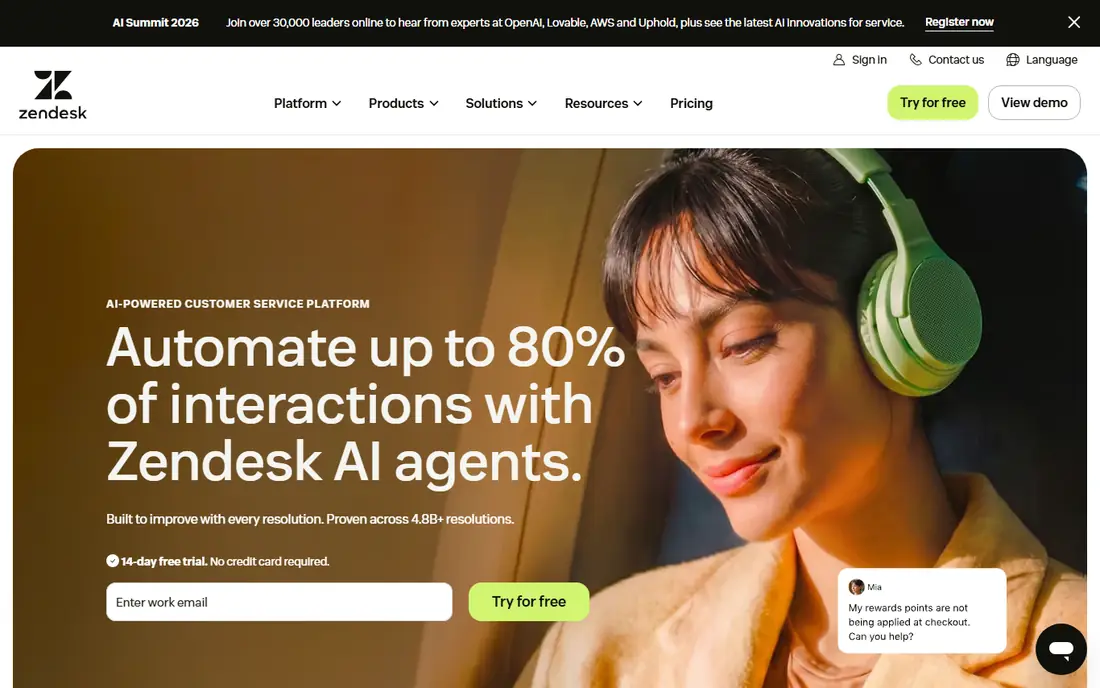
Zendesk is a ticketing suite that added live chat, rather than a chat tool that added tickets. That history shows in its strengths: routing, SLAs, skills based assignment, reporting and a large catalog of apps and integrations. Live chat sits inside the Suite plan, alongside email, phone, social and self service, so a customer can move between channels without losing context.
The entry price for Suite Team, which includes chat, is higher than Intercom or LiveChat, and setup takes more time for a small team. AI features are also add-ons on many plans. Zendesk is best for larger teams and enterprises that need full omnichannel support, clear SLAs and deep reporting, not for a small site that only needs a chat widget.
- Full ticketing suite with chat
- Strong routing, SLAs and reporting
- Large app catalog
- Higher entry price for chat plus tickets
- Setup takes more time
- AI add-ons cost extra

LiveChat is a dedicated live chat tool, and that focus makes it fast to set up and pleasant for agents to use. The console is clean, chat routing is simple, and canned responses, tags and file sharing cover most daily needs. It integrates with common helpdesks, CRMs and ecommerce platforms, so it can sit alongside tools you already use.
It is not a full helpdesk in the Zendesk sense. Email ticketing and advanced workflow features are lighter, so teams that handle many channels may need a second tool. LiveChat is best for small and mid-size teams where chat is the main channel and speed matters more than complex ticketing.
- Fast agent console
- Easy website setup
- Good chat routing and canned responses
- Ticketing is lighter than Zendesk
- AI features are add-ons
- Per user pricing adds up for large teams
Tidio is built for small online stores that need chat, chatbots and automation without a large budget. The free plan covers basic live chat, and paid plans add AI agents, automation flows and more conversations. Integrations with Shopify and WordPress make setup quick, and proactive messages can recover carts and answer shipping questions.
Limits apply on low plans, especially for AI conversations and handled tickets, so check the current plan details before you rely on it for high volume. Tidio is not built for enterprise queues with complex routing. For a small store that wants chat plus a simple AI agent at a fair price, it is a strong pick.
- Free plan to start
- Chatbots and automation for ecommerce
- Shopify and WordPress integrations
- AI and conversation limits on low plans
- Less suited to large enterprise queues
- Advanced reporting is paid
Freshchat, part of Freshworks, offers a free plan for up to ten agents, which is generous for a small team. It covers live chat, email, social and messaging apps in one inbox, with bots, canned responses and team inboxes. Teams that already use Freshdesk or Freshsales will find the shared data and workflow useful.
Paid plans add more agents, automation and AI features, and costs rise with team size. The interface can also feel busy when many channels are active. Freshchat is best for SaaS and IT teams that want an omnichannel inbox with a free starting point, and who may grow into the wider Freshworks suite.
- Free plan for up to ten agents
- Omnichannel inbox
- Part of the Freshworks suite
- Growth plan pricing rises with agents
- AI features are paid add-ons
- Interface can feel busy
Crisp charges per workspace, not per agent, which changes the maths for a growing startup. A small team can add agents without the per seat cost rising each time, and the shared inbox covers live chat, email and social messages. The free plan is useful for testing, and the paid plans add automation, knowledge base and more.
For a one person site, the flat workspace price may be higher than a per agent tool with a free plan. The app catalog is also smaller than Zendesk. Crisp is best for startups with a growing support team that wants predictable pricing and a single inbox, rather than a per seat bill that grows with every hire.
- Flat workspace pricing, not per agent
- Shared inbox for chat, email and social
- Good for startups
- Higher flat price for a tiny team
- Advanced automation is paid
- Smaller app catalog than Zendesk
HubSpot Service Hub suits teams that already use HubSpot for sales or marketing. Live chat, tickets, knowledge base and customer feedback sit in the same CRM, so an agent can see a customer history, deals and past tickets in one place. The free plan covers basic chat and tickets, and Starter plans add more seats and automation.
If you only need live chat and nothing else, HubSpot is more tool than you need, and paid plans can become expensive as seats and features grow. It is best for B2B teams that want sales, marketing and support aligned in one system, with live chat as part of that wider workflow.
- Free CRM and chat tools
- Shared view of sales, marketing and support
- Good reporting
- Paid plans rise with seats and features
- Chat alone is less focused than LiveChat
- Setup takes time for full use
Tawk.to is the simplest free option on this list. Core live chat is free, with a widget you can add to a website in minutes, plus mobile apps so agents can reply on the go. For a small site, blog or local business with low chat volume, it covers the basics without a monthly bill.
Paid add-ons remove branding, add video and voice features, and offer managed chat services, but the free product is not a full helpdesk. Ticketing, advanced routing and reporting are lighter than Zendesk or Freshchat. Tawk.to is best for bootstrapped businesses that need live chat now and want to upgrade later, when volume justifies a paid tool.
- Free forever for core live chat
- Easy widget setup
- Mobile apps for agents
- Paid add-ons for removing branding and extra features
- No full helpdesk depth
- Support is community based for free users
How we picked these
We compared official pricing pages, free plans, channel coverage and public reviews for live chat tools with a working product in October 2026. We favored tools with a clear chat widget, a human agent console and a path from free or low cost plans to paid plans. We left out tools that only offered chatbots with no human handoff, and tools with no public pricing or free trial.
How to choose live chat software for your team
Start with volume and channels. If chat is your only channel and your team is small, LiveChat, Tidio or Tawk.to will be faster to set up than a full suite. If you also handle email, phone and social tickets, Zendesk, Freshchat or HubSpot will keep everything in one inbox and stop tickets from falling between tools.
Next, check AI billing in detail. Intercom charges per Fin resolution, Zendesk charges for AI add-ons, and other tools charge per conversation or per seat. Run a test with your real chat volume for a month, and compare the total bill, not just the seat price. A tool with a low seat price and high AI costs can be more expensive than a tool with a higher seat price and included AI.
Finally, test the agent experience, not just the customer widget. Ask agents to handle a busy hour with canned responses, tags, transfers and internal notes, and check how easily they can move a chat to a ticket. A widget that looks good to customers but slows agents down will hurt service quality. Choose the tool your agents can use quickly under pressure.
FAQ
What is the best live chat software for small businesses?
LiveChat and Tidio are strong picks for small businesses, thanks to fast setup and clear pricing. Tawk.to is the best free starting point, while Crisp suits startups that want flat workspace pricing as they grow.
Is live chat software free?
Yes, for basic use. Tawk.to offers core live chat for free, and Tidio, Freshchat, Crisp and HubSpot offer free plans with limits. Paid plans add more agents, AI features, automation and reporting.
What is the difference between Intercom and Zendesk?
Intercom is a chat first platform with an AI agent billed per resolution, while Zendesk is a full ticketing suite that includes live chat. Choose Intercom for chat led SaaS support, and Zendesk for enterprise omnichannel support with SLAs and deep reporting.
Can live chat increase sales?
Yes. A fast answer can remove doubt at checkout, and proactive messages can recover carts or explain shipping and returns. Tools such as Tidio and LiveChat include proactive chat and product information to help turn a chat into a sale.
Do I need a chatbot, or is live chat enough?
Live chat alone works for low volume sites, but a chatbot helps when volume grows or when many questions repeat. Look for a tool with a smooth handoff from bot to human, so customers are not stuck in a bot loop when they need a person.
How much does live chat software cost?
Expect to pay from free for basic tools, to $19 per user per month for LiveChat, $29 per seat per month for Intercom, and $55 per agent per month for Zendesk Suite Team. AI resolutions, extra seats and add-ons can add to the total, so check the full bill before you choose.