Best Live Chat Software for Small Business in 2026: 9 Tools Compared
Compare the best live chat software for small business in 2026, with pricing, free plans, AI options, and expert picks for small teams. Read our full guide.
- Editor's choice
 Intercom
Growing teams using AI and messaging
Starts atSee websiteVisit intercom.comFull review - Great alternative
 Zendesk
Support teams using a full help desk
Starts atSee websiteVisit zendesk.comFull review - Also consider
 LiveChat
Dedicated website chat teams
Starts atSee websiteVisit livechat.comFull review
TL;DR:
- Small teams do not need an enterprise suite, and several strong tools offer a free plan or a low starting price.
- AI answers work best for repeat questions, while complex or sensitive chats still need a person in the loop.
- Flat workspace pricing can save money when many staff answer chats, while per-agent pricing suits a team of one or two.
- The best live chat software for business depends on where chats land, such as a website, a store, or a help desk.
Quick comparison
| Tool | Best for | Starts at | Free plan? | |
|---|---|---|---|---|
| Intercom | Growing teams using AI and messaging | See website | Free trial | Visit |
| Zendesk | Support teams using a full help desk | See website | Free trial | Visit |
| LiveChat | Dedicated website chat teams | See website | Free trial | Visit |
 Tidio | Small online stores | See website | Yes | Visit |
 Crisp | Small teams wanting flat pricing | See website | Yes | Visit |
 Zoho SalesIQ | Small teams already using Zoho | See website | Yes | Visit |
 HubSpot | Teams using HubSpot CRM | Free | Yes | Visit |
 tawk.to | Teams wanting a free core product | Free | Yes | Visit |
 Freshchat | Small teams wanting a free tier | See website | Yes | Visit |
The best live chat software for small business
We compared official feature pages, pricing pages, app listings, and public reviews to find tools that fit a small team, a small budget, and a real website.
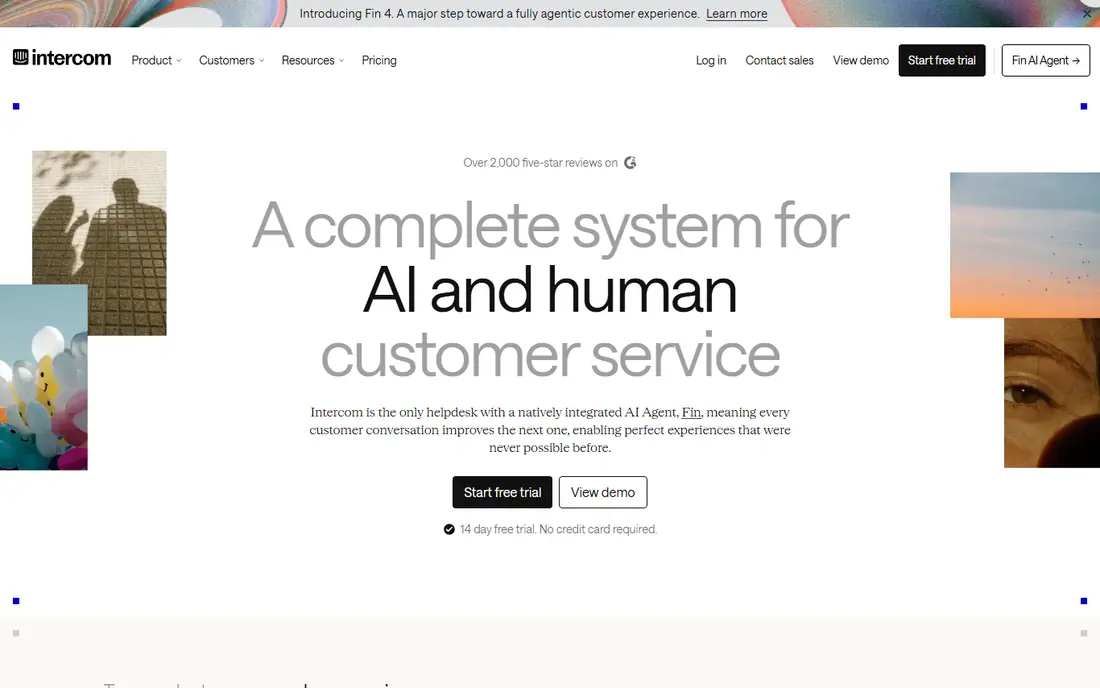
Intercom suits a small business that is growing fast and wants chat, email, and self-service in one system. Its AI agent, Fin, can answer repeat questions and hand off the rest to a person, which helps a lean team cover more hours without hiring at once. The shared inbox keeps context in one thread, so a customer does not have to repeat the same story. The catch is cost control. Per-seat pricing plus charges tied to AI resolutions can add up in a busy month, so check the current pricing page before you commit. For a team that mainly needs a chat box on a website, Intercom may be more than you need, but for a team building a support operation, it is a strong lead.
- Strong AI agent
- Shared inbox and help center in one place
- Wide integration library
- Costs can rise with seats and AI resolutions
- Setup takes more time than a simple widget

Zendesk makes sense when live chat is only part of the job. A chat can turn into a ticket, and that ticket can stay linked to the customer record, past orders, and earlier messages. That history matters when a problem takes more than one conversation to fix. For a team of one or two, the full suite can feel heavy, and the learning curve is real. If you already use Zendesk for email, adding its chat keeps everything in one place. If you do not need a full help desk, a simpler tool on this list may fit better.
- Chat inside a mature help desk
- Strong ticket, macro, and reporting tools
- Many integrations
- Can feel large for a very small team
- Some features sit on higher tiers
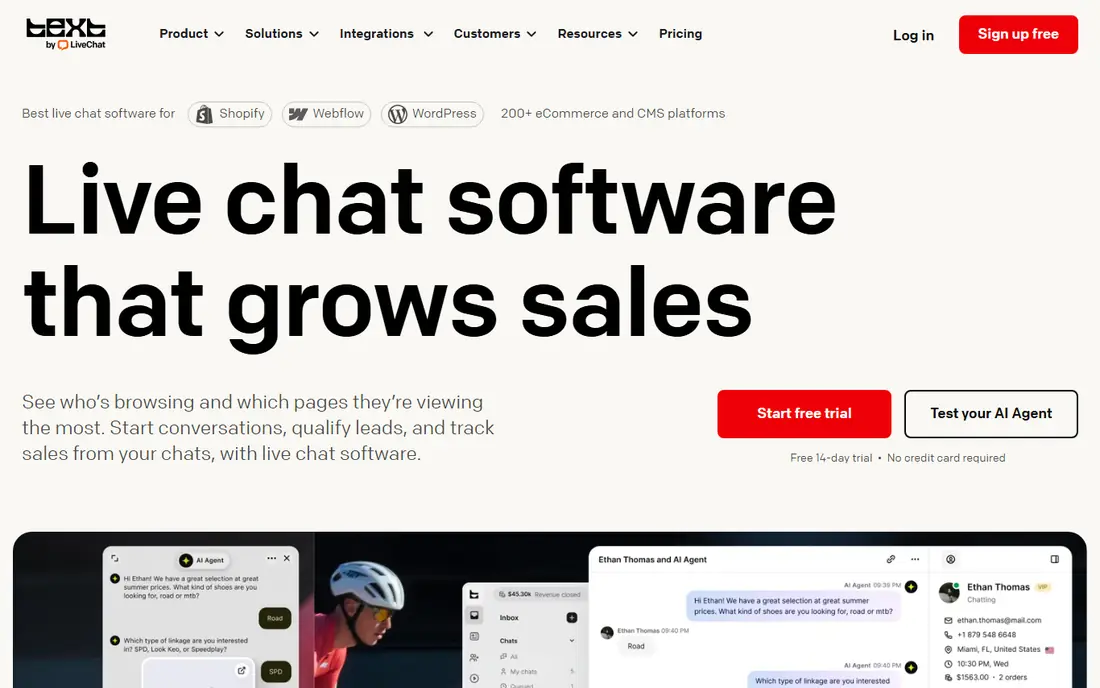
LiveChat is built around the chat window itself, and that focus shows in the agent view. Agents can see visitor details, route chats by skill or page, and use saved replies for common answers. For a store or service site where chat drives sales, those small speed gains add up across a day. The downside is scope. LiveChat does not try to be a full help desk, so teams that also handle a large email queue may need a second tool. If chat is your main channel, that trade can be worth it, and the trial gives you time to test the console with real visitors.
- Focused chat console for agents
- Chat routing, canned responses, and tags
- Strong ecommerce integrations
- No free plan
- Adding a full help desk costs more elsewhere
Tidio is a good first pick for a small store that wants chat without a long setup. You can add the widget, set basic automation, and answer from one inbox. Its AI agent, Lyro, can handle order status, shipping, and other repeat questions, which frees staff for sales and problem solving. The free plan has limits, so a store with heavy chat volume should check what counts toward those limits. Still, for a new or small store, Tidio gives a useful mix of live chat, automation, and store integrations at a low entry cost.
- Free plan for getting started
- AI agent for common store questions
- Easy setup for ecommerce sites
- Higher tiers can rise with conversation volume
- Some advanced features need a paid plan
Crisp stands out for a team where several people share support. Instead of charging per agent on every plan, it prices by workspace, which can keep costs steadier as you add staff. The shared inbox covers chat and email, and a simple knowledge base can deflect repeat questions. Crisp is less polished than Intercom for large AI workflows, and its AI use may be credit based. For a startup, an agency, or a small shop with three or four people answering chats, that flat pricing and simple setup are the main reasons to choose it.
- Flat workspace pricing for teams
- Chat, email, and knowledge base in one inbox
- Free plan for up to two seats
- AI features work on credits on some plans
- Some integrations need a higher tier
Zoho SalesIQ pairs live chat with visitor tracking, so you can see which pages a visitor viewed before they asked a question. That context helps a sales team answer with a relevant next step, rather than a generic greeting. It also plugs into Zoho CRM and Zoho Desk, which matters if those tools already hold your customer data. Outside Zoho, the case is weaker, and the interface can feel busy at first. Inside Zoho, though, it is a low cost way to add chat, and the free plan lets a very small team start without a new subscription.
- Visitor tracking and live chat in one tool
- Free plan for small teams
- Works well with Zoho CRM and Desk
- Interface feels less modern than some rivals
- Best value comes inside the Zoho ecosystem
HubSpot is the easiest pick for a team already on HubSpot. Live chat is free with the CRM, chats attach to contact records, and you can build simple chatflows that route visitors or collect details outside hours. That link between chat and CRM helps sales follow up without copying notes between tools. The limit is that deeper service reporting, advanced automation, and team management features sit behind paid tiers. If you want only chat and a basic CRM, the free tier goes a long way. If you need a full service desk, compare the paid tiers against Zendesk before you decide.
- Free live chat with the free CRM
- Chats link to contact records
- Chatflows and simple bots included
- Advanced service features need paid Service Hub tiers
- Reporting depth grows only on paid plans
tawk.to is the clear budget pick on this list, because its core chat product is free and does not cap agents in the way many free plans do. You get a widget, a dashboard, tickets, and a knowledge base, plus mobile apps for answering away from a desk. For a new business, that is a lot of function for no monthly fee. The trade is branding on the free widget and a simpler AI offer than paid rivals. Paid add-ons can remove branding and add AI help, but even without them, tawk.to covers the basics well. It is a sensible choice when cash is tight and chat volume is still modest.
- Free core live chat with unlimited agents
- Tickets, knowledge base, and mobile apps
- Paid add-ons are optional
- Free version shows tawk.to branding
- AI and some extras cost extra
Freshchat, from Freshworks, gives small teams a generous starting point, with a free tier that can cover a whole small support team. It includes bots for common questions, proactive messages based on visitor behavior, and a clean agent view. Teams that later need Freshdesk or Freshsales can stay inside the same vendor family. The catch is that the most useful automation and reporting sit on paid plans, and plan details have shifted in past years. Read the current pricing page and test the free tier with your real chat volume. For a small team that wants a free start and a clear upgrade path, Freshchat earns a place here.
- Free plan for up to ten agents on some tiers
- Bots and campaigns for proactive chat
- Part of the Freshworks suite
- Best features need paid plans
- Pricing and limits have changed over time, so check current terms
How we picked these
We compared official feature pages, pricing pages, app store listings, privacy policies, and public reviews, and we favored tools that a small business can set up without a developer team. We looked for a working website widget, a usable agent inbox, clear pricing or a free plan, and integrations with common stores and CRMs. We also weighed the honest costs, such as per-agent fees, AI charges, and limits on free tiers, because headline prices rarely tell the full story.
What to check before you choose
Start with volume, not features. A team that gets five chats a day needs a simple widget and a good mobile app, while a team that gets fifty chats a day needs routing, saved replies, and reporting. Count who will answer chats, when you need cover, and whether chat must link to email, orders, or a CRM. Those answers narrow this list fast.
Match the pricing model to your team size
Per-agent pricing punishes a team where many staff answer chats part time, while flat workspace pricing rewards that pattern. Free plans help at the start, but check seat limits, conversation limits, and branding rules. Also ask how AI is billed, because per-resolution charges can change the monthly total more than the seat price does.
Test the agent experience, not just the widget
Install the widget on a test page and answer chats from a phone and a laptop. Check how fast the console loads, how easy it is to transfer a chat, and whether canned replies and customer history are one click away. A pretty widget with a slow inbox will frustrate staff and customers alike.
Plan for after-hours chats
Most small teams cannot staff chat around the clock. Look for offline forms, chatbots for repeat questions, and a knowledge base that answers common queries. Make the hours clear on the widget, and make sure offline messages reach the right inbox in the morning. That setup matters more than any single feature on a pricing page.
FAQ
What is the best live chat software for small business?
For most small teams, Tidio, Crisp, HubSpot, or tawk.to are strong starting points, because they offer free plans and simple setup. Intercom and Zendesk suit teams that need AI scale or a full help desk. Pick based on team size, chat volume, and whether you already use a CRM, rather than on brand alone.
What is the best free live chat software?
tawk.to offers a free core product with unlimited agents, while HubSpot offers free live chat inside its free CRM. Tidio, Crisp, Zoho SalesIQ, and Freshchat also offer free tiers, but each limits seats, conversations, or features. Test the free tier with real traffic before you rely on it.
Which is the best live chat software for websites?
LiveChat, Tidio, and Crisp are strong for websites because they focus on the widget, routing, and agent console. HubSpot and Zoho SalesIQ add value when the website feeds a CRM. The best choice depends on whether chat must drive sales, support, or both.
What are the best live chat companies for small businesses?
The best live chat companies in this list include Intercom, Zendesk, LiveChat, Tidio, Crisp, Zoho, HubSpot, tawk.to, and Freshworks. Each has a different strength, from AI support to flat pricing to a free core product. Compare pricing models and trial the console before you sign a yearly plan.
How much does live chat software cost?
Costs range from free to a per-agent monthly fee, plus possible AI charges. Small teams can often start free, then move to a paid plan as volume grows. Always check whether seats, AI resolutions, extra channels, or branding removal are billed separately.
Do I need AI chat, or is a human team enough?
A human team is enough at low volume, and it often gives better answers for complex problems. AI helps most with repeat questions such as order status, hours, and returns. Use AI to deflect those questions, and keep a clear path to a person for anything sensitive or unusual.