Best Customer Support Software in 2026: 9 Tools Compared
Compare the best customer support software in 2026, with per agent prices, free plans, AI features and honest limits for teams of every size. in detail.
- Editor's choice
 Zendesk
Enterprise ticketing at scale
Starts at$55 per agent per monthVisit zendesk.comFull review - Great alternative
 Freshdesk
Small and mid-market ticketing
Starts at$19 per agent per monthVisit freshworks.comFull review - Also consider
 Intercom
In-app support and AI agent
Starts at$29 per seat per monthVisit intercom.comFull review
TL;DR:
- Zendesk is the most mature ticketing platform, but its real cost grows fast once AI features are added.
- Freshdesk and Zoho Desk give small and mid-size teams strong ticketing at lower seat prices.
- Help Scout suits email first teams that want simplicity, while Intercom suits companies whose support lives inside an app.
- AI pricing is now a second bill at many vendors, so check per resolution fees as well as seat prices.
Quick comparison
| Tool | Best for | Starts at | Free plan? | |
|---|---|---|---|---|
| Zendesk | Enterprise ticketing at scale | $55 per agent per month | Free trial | Visit |
| Freshdesk | Small and mid-market ticketing | $19 per agent per month | Free trial | Visit |
| Intercom | In-app support and AI agent | $29 per seat per month | Free trial | Visit |
 Help Scout | Email first small teams | $25 per user per month | Yes | Visit |
 Zoho Desk | Budget teams and Zoho users | $14 per agent per month | Yes | Visit |
 HubSpot Service Hub | Teams already on HubSpot CRM | See website | Yes | Visit |
 LiveAgent | Ticketing, chat, and call center in one tool | $15 per agent per month | Free trial | Visit |
 Gorgias | Ecommerce and Shopify stores | $10 per month | No | Visit |
 Front | Shared inboxes for account and success teams | $25 per seat per month | No | Visit |
The best customer support software
Customer support software brings tickets, live chat, email, and help centers into one place, so a team can answer faster and keep a record of every conversation. The right tool depends on your channels, your team size, and how much you want AI to handle on its own.
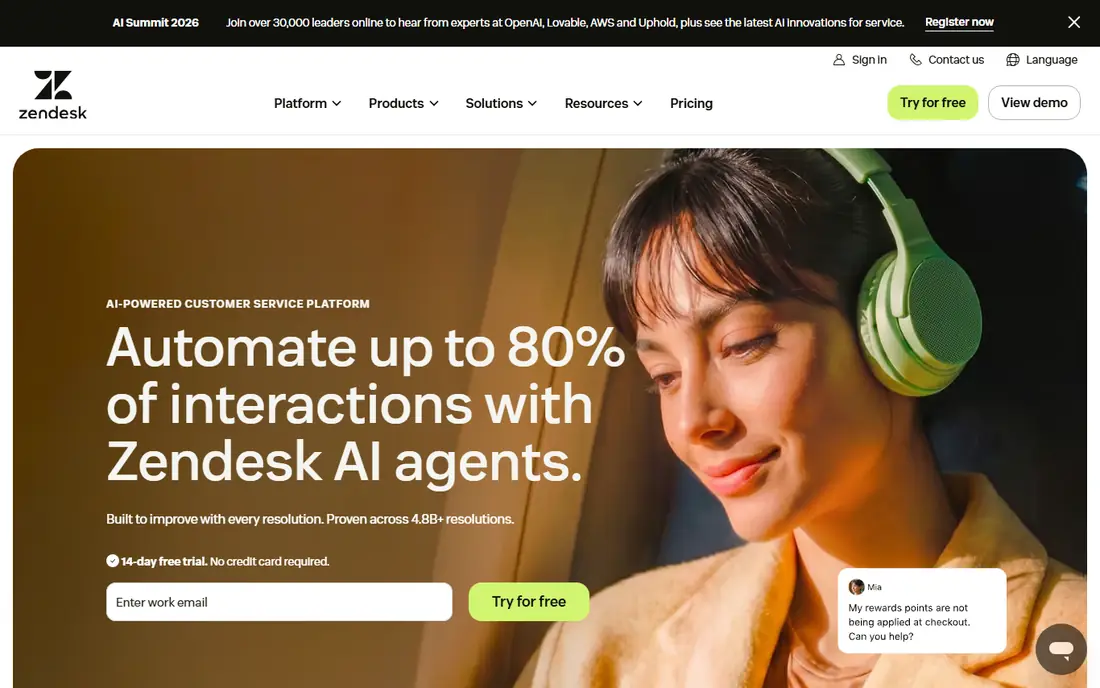
Zendesk is the enterprise standard for a reason. Its Suite plans cover ticketing, live chat, email, phone, social messaging, and a help center, with routing, service level agreements, and reporting that satisfy large support operations. The marketplace adds hundreds of integrations, from CRM systems to workforce tools.
For a growing support team, that depth pays off. You can automate triage, route tickets by skill or language, track service levels, and build reports that show where volume is coming from. Zendesk also supports AI agents and copilot features, though those add a second layer of cost.
That cost is the honest catch. The Suite Team plan starts at 55 dollars per agent per month on annual billing, and AI features add per agent fees plus per resolution charges. Small teams should test Freshdesk or Help Scout first, and move to Zendesk when scale demands it.
- Deepest ticketing, routing, and reporting in this list
- Huge app marketplace
- Strong omnichannel support
- Real cost rises with AI add-ons
- Can feel complex for small teams
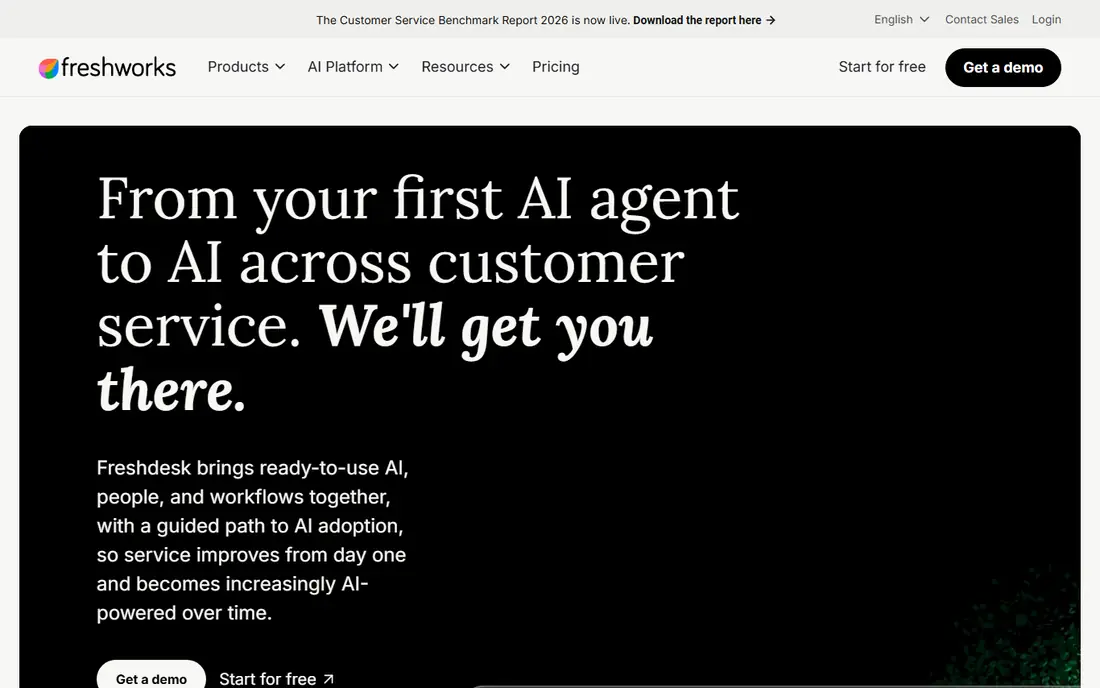
Freshdesk is the most practical pick for many small and mid-size teams. It covers email, chat, phone, and social tickets, plus a knowledge base, automations, and service level management, at a lower seat price than Zendesk. Most teams can get it live in days, not weeks.
The Growth plan starts at 19 dollars per agent per month on annual billing, with Pro at 55 dollars and Enterprise at 89 dollars. That range lets a team start small and add features as volume grows. Freshworks also offers Freddy AI features for agent assistance and automated sessions, though copilot pricing is separate.
Freshdesk has no permanent free plan, only a 14 day trial, so budget for at least the Growth tier. If you need a free start, Help Scout or Zoho Desk may fit better. For a balance of price, features, and speed, Freshdesk is hard to beat.
- Fast to set up
- Multichannel ticketing and knowledge base
- Lower seat price than Zendesk
- No free plan, only a trial
- AI copilot costs extra on higher tiers
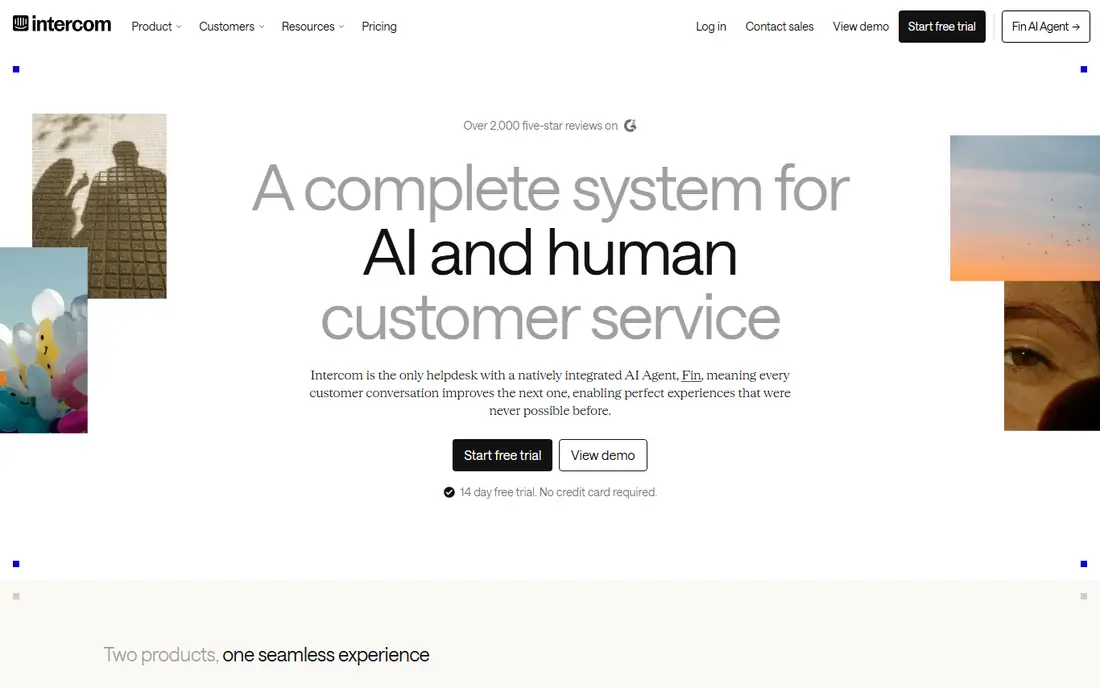
Intercom is built for companies whose support happens inside a website or app. Its messenger, help center, and ticketing tools live where customers already are, and its Fin AI agent can resolve common questions on its own. That in-app focus suits SaaS companies, marketplaces, and mobile apps.
The Essential plan starts at 29 dollars per seat per month on annual billing, with Advanced and Expert tiers above it. Fin is charged per outcome, reported at 99 cents per resolved conversation, which is a separate bill from seats. That model rewards teams whose AI agent resolves a high share of chats, and punishes teams with low resolution rates.
Intercom is less natural for email only support teams, and the combined seat plus outcome cost can grow fast. For product led companies that want AI first support inside their app, it remains one of the best customer support platforms available.
- Strong in-app messenger and Fin AI agent
- Good for SaaS and app based companies
- Modern interface
- Seat price plus per outcome AI fees
- Less suited to email only teams
Help Scout keeps support close to email, which is exactly what many small teams want. The shared inbox, saved replies, collision detection, and help center cover the daily work without a steep learning curve. New agents can start answering tickets on day one, with little training.
The free plan covers up to 5 users, one inbox, and 100 contacts a month, which is a genuine free start. Paid plans start at 25 dollars per user per month for Standard on annual billing, with Plus and Pro above it. AI Answers are charged at 75 cents per resolution, with a spending cap you can set.
Help Scout is not the best pick for phone heavy or WhatsApp first support, and it lacks some enterprise workflow depth. For email first teams that value simplicity and a clean interface, it is a strong, honest choice.
- Simple shared inbox that feels like email
- Free plan for up to 5 users
- Help center included
- Less strong for phone or WhatsApp heavy support
- AI answers cost per resolution
Zoho Desk is the cheapest per agent help desk in this list, and that matters for small teams. The free edition covers up to 3 agents, and paid plans start with Express and Standard, with Standard reported at 14 dollars per agent per month on annual billing. Professional and Enterprise tiers add more automation and AI features.
If your company already uses Zoho CRM, Books, or other Zoho apps, the integration is a real benefit. Tickets, customer records, and sales data sit in one ecosystem, which reduces copy paste work. Zoho Desk also covers email, chat, phone, and social tickets, plus a knowledge base.
The catch is that the most useful AI features, including Zia assistance, sit on Professional and above. The interface also feels less polished than Zendesk or Intercom. For budget teams, though, Zoho Desk gives a lot of help desk for very little money.
- Very low entry price
- Free edition for up to 3 agents
- Strong if you already use Zoho apps
- Most useful AI features sit on higher plans
- Interface feels less polished than rivals
HubSpot Service Hub makes most sense for teams already running their business on HubSpot. Tickets, live chat, knowledge base, and customer feedback sit next to contact records, deals, and marketing data, so support agents see the full customer story without switching tools.
Free service tools cover up to 2 users, which is enough to test the basics. Paid Starter, Professional, and Enterprise tiers add automation, service level management, and AI features, with usage based credits on some plans. Reporting connects support work to revenue and retention, which helps leaders justify support spending.
Pricing varies by bundle and seat count, and Professional tiers can carry a one time onboarding fee. If you are not already on HubSpot, a standalone help desk may be simpler and cheaper. If you are, Service Hub is a natural fit.
- Tickets and chat next to the HubSpot CRM
- Free service tools for up to 2 users
- Strong reporting
- Higher tiers carry onboarding fees
- Pricing varies by seat and hub bundle
LiveAgent is a solid all rounder for small and mid-size businesses that need more than email. It combines ticketing, live chat, a knowledge base, and a built in call center, so a team can handle phone, chat, and email from one dashboard. That breadth at 15 dollars per agent per month is good value.
The 30 day trial is longer than most rivals, which gives teams time to test phone and chat workflows properly. LiveAgent also supports social tickets, canned responses, and automation rules that route tickets to the right agent. For a team moving from a shared inbox to a real help desk, it is a manageable step up.
The interface feels dated in places, and AI features are lighter than Intercom or Zendesk. If cutting edge AI is your priority, look elsewhere. If you want a dependable, affordable help desk with a call center included, LiveAgent deserves a trial.
- Ticketing plus live chat and built in call center
- Good value for SMBs
- 30 day trial
- Interface feels dated in places
- Fewer AI features than Intercom or Zendesk
Gorgias is built for ecommerce, and that focus shows in every feature. It pulls order, shipping, and customer data from Shopify and other stores into the ticket view, so agents can answer order questions without opening another tab. Macros can refund, update, or track an order in a few clicks.
Pricing is by ticket volume, starting at 10 dollars a month for 50 tickets, rather than per seat. That model suits lean stores with high ticket volume and a small team, since you do not pay for every agent. AI features for automated replies are available as add-ons, charged per resolved ticket.
Gorgias is less useful outside ecommerce, and there is no free plan. For a Shopify store drowning in where is my order tickets, it is one of the best customer support tools in this list.
- Priced by ticket volume, not per seat
- Deep Shopify integration
- Good for order questions
- Less suited to non ecommerce support
- No free plan
Front is a shared inbox platform for teams that manage email, SMS, and social messages together. It suits account management, customer success, and support teams that need to collaborate on conversations, assign owners, and keep internal comments separate from customer replies.
The Starter plan starts at 25 dollars per seat per month on annual billing, for teams up to 10 seats, with higher tiers adding more automation and analytics. Front feels more like a team inbox than a traditional ticket queue, which helps teams that handle relationship work alongside support tickets.
Front has no free plan, and it is not a full help desk replacement for large ticket operations. For teams that live in email and need shared ownership, clear assignment, and internal discussion, it is a strong choice.
- Shared email, SMS, and social in one inbox
- Good collaboration tools
- Strong for account teams
- No free plan
- Pricing rises with team size and add-ons
How we picked these
We compared official pricing pages, feature documentation, and recent pricing reviews for customer support platforms available in the United States in October 2026. We favored tools with clear seat pricing, a trial or free plan, and coverage of at least two support channels. We flagged AI per resolution fees separately, because they change the real monthly cost.
How to choose the right support tool
Start with your channels. If most tickets arrive by email, Help Scout or Front may be enough. If customers expect in-app chat, Intercom is stronger. If you handle phone, chat, and email together, Zendesk, Freshdesk, or LiveAgent cover more ground.
Count the real cost, not just the seat price
Add seat fees, AI per resolution fees, onboarding fees, and any required add-ons for your volume. A tool that looks cheap per seat can cost more than a pricier rival once AI usage is included. Run the math for a typical month, not just the headline price.
Test with real tickets
Run a two week trial with real tickets, real agents, and real customers if possible. Check routing, macros, knowledge base search, and reporting under load. A demo with sample data hides the friction that shows up on a busy Monday.
Plan your help center early
A good help center deflects tickets before they arrive. Pick a tool whose knowledge base is easy to write, search, and update, and let your AI agent draw from it. That habit pays off more than any single feature.
FAQ
What is the best customer support software?
Zendesk is the most mature choice for large teams, Freshdesk is the best balance for many small and mid-size teams, and Help Scout suits email first teams. Intercom leads for in-app support, while Zoho Desk is the cheapest per agent option in this list.
What is the best customer support platform for small businesses?
Freshdesk, Help Scout, and Zoho Desk are all strong for small businesses. Freshdesk offers the most features per dollar, Help Scout is the simplest to learn, and Zoho Desk has the lowest entry price and a free edition for up to 3 agents.
What is the best customer support tool for ecommerce?
Gorgias is built for ecommerce, with Shopify integration and ticket volume pricing. It pulls order data into tickets, which speeds up the most common store questions. Zendesk and Freshdesk also work for ecommerce, but Gorgias is more specialized.
Does customer support software include AI?
Most tools now include AI, but pricing differs. Some charge per agent for a copilot, others charge per AI resolution, and some include basic AI on higher plans. Check both the seat price and the AI price before you budget.
Is there a free customer support software option?
Yes. Help Scout offers a free plan for up to 5 users, Zoho Desk offers a free edition for up to 3 agents, and HubSpot offers free service tools for up to 2 users. Free plans have limits on users, contacts, or features, so check them before you rely on one.
How much does customer support software cost per agent?
Seat prices in this list range from 14 dollars per agent per month for Zoho Desk Standard to 55 dollars for Zendesk Suite Team, before AI fees. Gorgias is different, because it charges by ticket volume from 10 dollars a month. Always add AI and onboarding costs to the seat price.