Choosing Backlink Tools for WordPress Sites in 2026: 6 Options Compared
A practical guide to the best backlink tools for WordPress sites in 2026, compared from vendor documentation and public sources, with limits and fit.
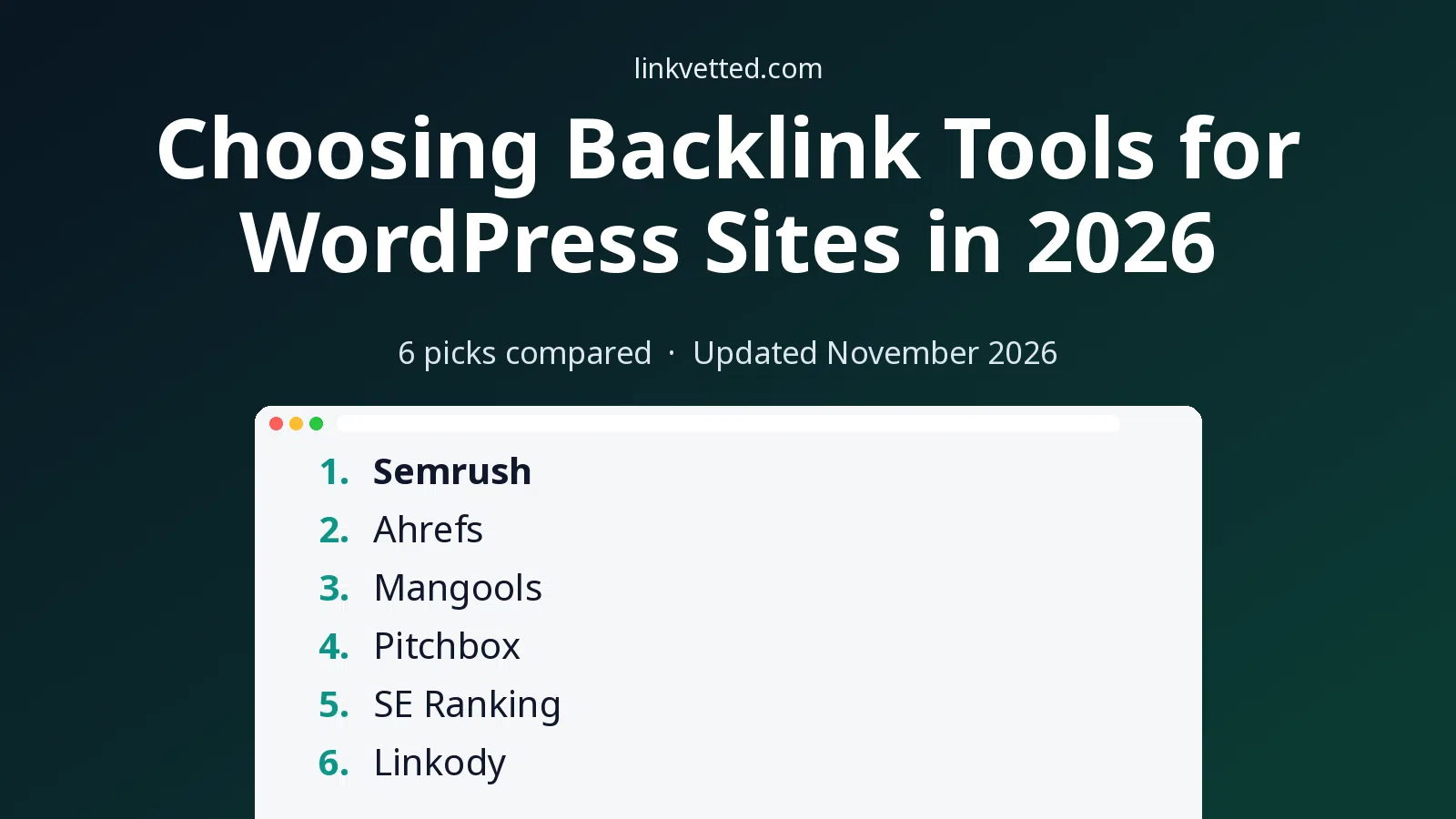
- Editor's choice
 Semrush
All-round link research and monitoring
Starts atSee websiteVisit semrush.comFull review - Great alternative
 Ahrefs
Backlink monitoring and link audits
Starts atSee websiteVisit ahrefs.comFull review - Also consider
 Mangools
Budget link research
Starts atSee websiteVisit mangools.comFull review
Direct answer
My top pick is Semrush for most WordPress sites, because its backlink index, link gap analysis and competitor views cover the whole workflow from finding opportunities to checking what you built. For tighter budgets, Mangools covers the basics of link research, and for outreach and link management, Pitchbox handles prospecting and follow-up. If you mainly want to monitor links pointing at your WordPress pages, Ahrefs is a strong alternative.
TL;DR:
- WordPress itself does not manage backlinks, so you need an external tool to find, track and audit links.
- Match the tool to your job: research, monitoring, outreach or a mix of all three.
- Check how each tool handles your WordPress permalink structure and redirects before you commit.
- Free plans and trials vary a lot, so confirm current terms on the vendor site.
- No tool guarantees rankings; links are one input among many.
Last checked November 2026. Plan prices are not quoted in this guide because they change often; see each vendor's own pricing page for current figures before you buy.
Quick comparison
| Tool | Best for | Starts at | Free plan? | |
|---|---|---|---|---|
| Semrush | All-round link research and monitoring | See website | Not stated | Visit |
| Ahrefs | Backlink monitoring and link audits | See website | Not stated | Visit |
| Mangools | Budget link research | See website | Not stated | Visit |
 Pitchbox | Outreach and link management | See website | Not stated | Visit |
 SE Ranking | Agencies managing several WordPress sites | See website | Not stated | Visit |
 Linkody | Simple backlink monitoring | See website | Not stated | Visit |
The best backlink tools for WordPress sites compared
I compared these tools from vendor documentation and public sources, not from hands-on tests. I looked at what each tool says it does, how it fits a WordPress workflow, and where the limits sit. The picks below are the ones I would point a WordPress site owner to first, depending on whether the job is research, monitoring or outreach.
Semrush is a broad SEO platform with a backlink analysis area that covers referring domains, anchor text, link types and competitor comparisons. For a WordPress site, that means you can look at who links to competing pages, spot patterns in anchor text, and check whether links to your own pages look natural. It suits site owners and small agencies that want one place for link research and on-site checks.
In a WordPress workflow, I would use Semrush to build a list of referring domains for a few competitor URLs, then filter for pages that link to several competitors but not to you. From there, you can review each domain by hand before deciding whether it is worth an outreach email. The tool also helps you watch new and lost links over time, which matters when you change permalinks or move content.
The main limit is scope. If you only need a simple list of who links to your homepage, Semrush is more than you need. Small sites with a tight budget should compare it against lighter tools before committing.
- Large backlink index
- Competitor and link gap views
- Audit tools for on-site issues
- Feature depth can overwhelm beginners
- Pricing scales with seats and limits
Ahrefs is known for its backlink data and site explorer views. You can look at referring domains, anchor text distribution, and new or lost links for a URL. For WordPress sites, this is useful when you want a clear picture of what links point at specific posts and pages, especially after a content migration or a change to URL structure.
The workflow I would follow is to pull the backlink profile for your key pages, note the domains that look relevant, and compare them with a competitor. Ahrefs also lets you track link changes, which helps when you want to see whether an outreach campaign produced links or whether old links dropped off. You can export lists and work through them in a spreadsheet.
The drawback is that Ahrefs is a large platform and its backlink features sit inside a wider toolset. If you only want a lightweight monitor, it may be more than you need. It is best for teams that will use the data regularly.
- Detailed backlink and referring domain data
- Strong site explorer views
- Useful link change tracking
- Data is tied to its own crawl
- Can be costly for occasional use
Mangools is a set of SEO tools that includes a backlink checker. It is aimed at people who want clear data without a large platform. For a WordPress site owner who is starting to look at links, it gives you a way to see referring domains, top pages and anchor text for a URL, and to compare a few competitors.
In practice, I would use Mangools to check the link profile of a handful of competing pages, then shortlist domains that look like real sites rather than link farms. The interface is simple enough that you can move from a URL to a list of referring domains quickly, which suits a small site with limited time. You can then review candidates by hand before any outreach.
The limit is depth. Mangools does not aim to match the largest backlink indexes, so very large or competitive niches may need a bigger tool. It fits small sites and people who want a straightforward starting point.
- Simple interface
- Backlink checker with key metrics
- Good for smaller sites
- Smaller data set than larger suites
- Fewer advanced link views
Pitchbox is an outreach platform rather than a backlink database. It helps you build prospect lists, send and track outreach emails, and manage follow-ups. For WordPress site owners who already know which sites they want links from, it gives a structured way to run the conversation and keep track of who replied.
The way it fits a WordPress workflow is after research. You would use a separate tool to find candidate domains, then load them into Pitchbox, group them by topic, and run a sequence of emails. You can log replies and mark which prospects turned into links, which makes it easier to see what worked and what did not.
The clear limit is that Pitchbox does not find links for you. If you need discovery and monitoring, you still need another tool. It suits site owners and agencies that run regular outreach and want the process in one place.
- Built around prospecting and follow-up
- Manages outreach campaigns
- Tracks replies and status
- Not a link discovery tool on its own
- Aimed at teams running campaigns
SE Ranking is an SEO platform with backlink research and monitoring features. It is often used by agencies that manage several sites, which fits WordPress owners who run more than one property or who handle client sites. You can review referring domains, compare against competitors and watch link changes over time.
For WordPress work, I would use it to keep a separate view for each site, so link data does not get mixed up. You can pull competitor backlink lists, shortlist domains, and check whether new links appear after outreach. The competitor comparison is useful when you want to see which domains link to several sites in your niche.
The drawback is that it is less known than the largest suites, so some buyers may not have heard of it. It is best for people who manage multiple WordPress sites and want link research and monitoring in one account.
- Backlink research and monitoring
- Competitor comparison
- Suits multi-site work
- Less familiar to some buyers
- Feature set varies by plan
Linkody is a backlink monitoring tool. Its focus is on watching the links that point to your site and alerting you when links are added or lost. For a WordPress site, that is useful after you have built links and want to know whether they stay live, or when you want a simple view of your referring domains without a large platform.
In a WordPress workflow, I would add the key URLs, review the link list, and check for changes on a regular schedule. That helps you spot a link that disappeared or a new one that appeared without your knowledge. You can then decide whether any action is needed, such as contacting a site owner.
The limit is that Linkody is a monitor, not a research platform. If you need competitor link discovery or outreach tools, you will need something else alongside it. It suits site owners who mainly want to keep an eye on existing links.
- Focused on monitoring links
- Tracks new and lost links
- Simple to review
- Narrower than full SEO suites
- Not built for deep research
How I chose
I chose these tools by reading vendor documentation and public sources, then matching each one to common WordPress jobs: finding link opportunities, checking a backlink profile, running outreach and monitoring links over time. I did not run hands-on tests, so the notes here describe what each vendor says the tool does and where it fits, not measured results. I also looked at limits, such as whether a tool is a full platform or a single-purpose monitor.
I kept the list to tools that are currently operating and have a clear public homepage. I avoided picks that only make sense for large enterprises or that require a separate data source to be useful. Where a tool is narrow, I say so, because a WordPress site owner with a small budget should not pay for features they will not use. The comparison is a starting point for your own checks against current vendor terms.
What to check before you buy
- Confirm the tool can handle your WordPress permalink structure, including any redirects or changed slugs.
- Check whether backlink monitoring covers the specific pages you care about, not just the homepage.
- Look at how the tool exports data, so you can review candidates in a spreadsheet.
- Confirm the current free plan or trial terms on the vendor site before you rely on them.
- Decide whether you need discovery, monitoring or outreach, and avoid paying for all three if you need one.
- Review how often link data updates, since monitoring is only useful if it is current enough for your workflow.
FAQ
Do I need a plugin to manage backlinks on WordPress?
No. WordPress does not manage backlinks itself, and a plugin is not required for link research or monitoring. The tools in this guide work outside WordPress by crawling the web and reporting links to your URLs. A plugin can help with on-site SEO, but backlink data comes from external tools. Check each vendor's documentation for how it collects and updates link data.
Can these tools find links for me automatically?
They can surface candidate domains and show who links to competitors, but they do not secure links for you. You still need to review each domain and decide whether it is relevant, then reach out if appropriate. Tools like Pitchbox help manage that outreach. No tool can promise links or rankings, and you should treat any such claim with caution.
Which tool is best for a small WordPress blog?
For a small blog, a lighter tool such as Mangools or Linkody is often enough. Mangools helps with basic link research, while Linkody focuses on monitoring. If you only want to see who links to your posts and whether those links stay live, a monitor is the simpler choice. Compare current plans on each vendor site before deciding.
How often should I check my backlinks?
It depends on how active your link building is. If you run regular outreach, a weekly or monthly review helps you catch new and lost links. If you rarely build links, a quarterly check may be enough. The important part is to review changes and confirm that links you expected are still live, rather than checking every day without acting on the data.
Do backlinks from these tools guarantee higher rankings?
No. Backlinks are one factor among many, and no tool can guarantee rankings. The tools here help you find, track and audit links, but the value of a link depends on relevance and quality. Use the data to make better decisions, and avoid any tactic that promises quick rankings through low-quality links.
Sources
- https://www.semrush.com
- https://ahrefs.com
- https://mangools.com
- https://pitchbox.com
- https://seranking.com
- https://www.linkody.com