6 Best Internal Linking Plugins for WordPress for 2026, Vetted and Compared
A practical comparison of the best internal linking plugins for WordPress in 2026, covering automatic suggestions, manual control, and reporting features.
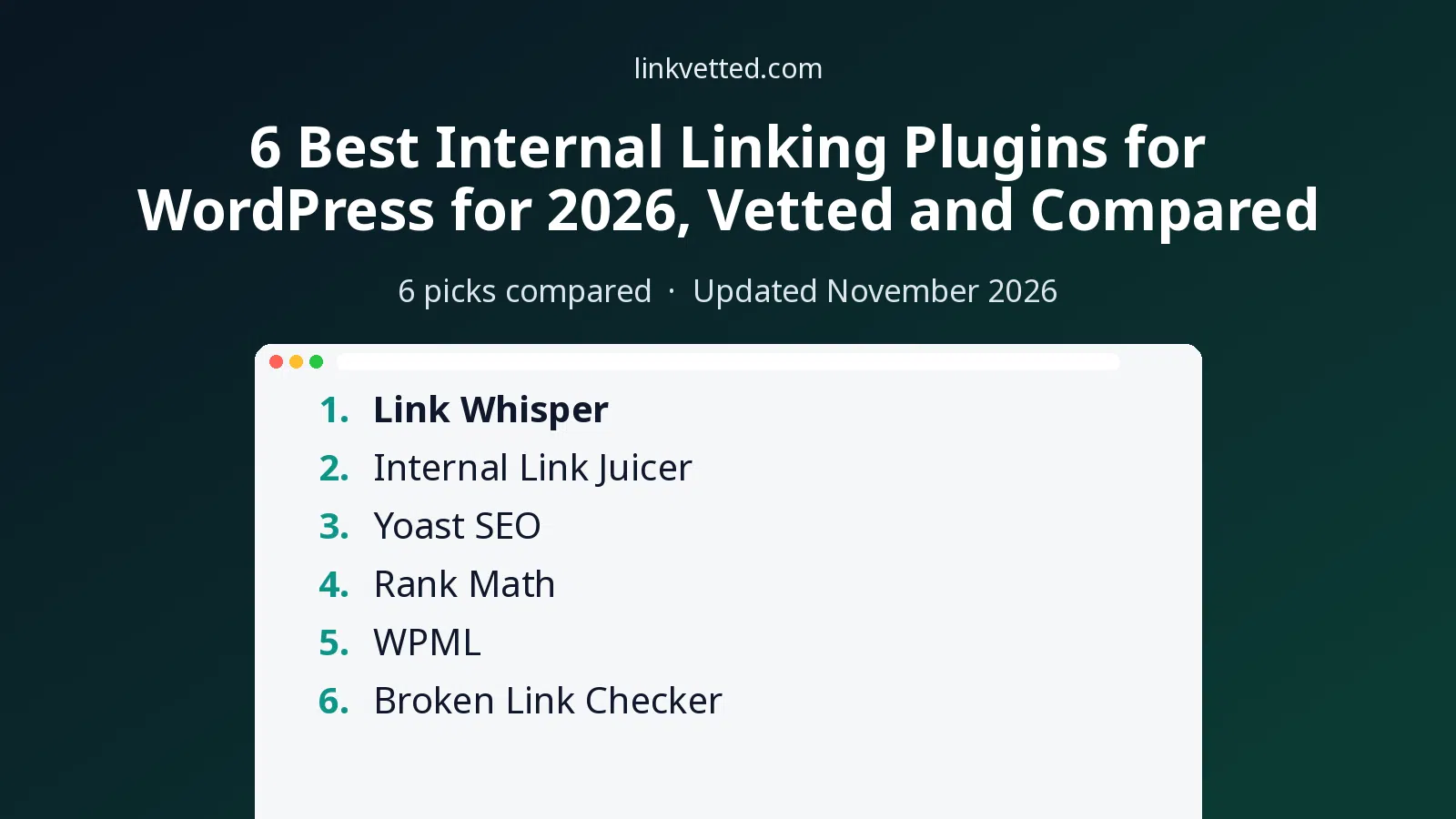
- Editor's choiceLink Whisper
In-editor link suggestions and reports
Starts atSee websiteVisit linkwhisper.comFull review - Great alternativeInternal Link Juicer
Automatic keyword-based internal linking
Starts atSee websiteVisit internallinkjuicer.comFull review - Also consider
 Yoast SEO
Internal linking inside a full SEO plugin
Starts atSee websiteVisit yoast.comFull review
Direct answer
My first pick is Link Whisper, because it combines automatic link suggestions with reporting inside the WordPress editor, which suits most sites that need to fix internal linking at scale. For teams that want a free starting point, Internal Link Juicer handles automatic linking by keyword. If you prefer a broader SEO suite that includes internal link tools, Yoast SEO is the safer choice.
TL;DR:
- Internal linking plugins differ mainly in how much control they give you over which links get added and where.
- Automatic linking by keyword is fast but can create odd anchors if you do not review the output.
- Editor-based suggestions keep the work inside WordPress, which reduces context switching for writers.
- Reporting features matter if you need to find orphan pages or pages with too few incoming links.
- No plugin replaces a clear site structure and a plan for which pages should rank.
Last checked November 2026. Plan prices are not quoted in this guide because they change often; see each vendor's own pricing page for current figures before you buy.
Quick comparison
| Tool | Best for | Starts at | Free plan? | |
|---|---|---|---|---|
| Link Whisper | In-editor link suggestions and reports | See website | No free plan | Visit |
| Internal Link Juicer | Automatic keyword-based internal linking | See website | Free plan | Visit |
| Yoast SEO | Internal linking inside a full SEO plugin | See website | Free plan | Visit |
 Rank Math | SEO and internal link tools together | See website | Free plan | Visit |
| WPML | Internal linking on multilingual sites | See website | No free plan | Visit |
| Broken Link Checker | Finding and fixing broken internal links | See website | Free plan | Visit |
The best internal linking plugins for WordPress compared
I put this comparison together from vendor documentation and public sources, and I did not run hands-on tests of each plugin. The aim is to show what each tool is built for and where it tends to fall short, so you can match one to your workflow.
Link Whisper
Best for: In-editor link suggestions and reports
Link Whisper is a WordPress plugin built around internal link suggestions. As you write or edit a post, it proposes pages on your site that could be linked from the current content. It also provides reports that show how internal links are distributed across the site. This fits content teams that publish often and want linking to happen during writing rather than in a separate audit.
The workflow is editor-first. You write a post, review the suggested links, and accept or reject each one. Because suggestions appear in context, you can judge whether the anchor text and target page make sense. Reports help you spot pages that receive few internal links, which is useful when you want to strengthen older content without rewriting it from scratch.
The main limit is that there is no free plan, so you cannot trial it without paying. Also, suggestions are suggestions: accepting them without reading the anchor text can produce awkward phrasing. Skip it if you want a fully free tool or if you rarely publish new content.
- Suggests internal links as you write
- shows reports on internal links
- works inside the WordPress editor
- No free version
- automatic suggestions still need manual review
Internal Link Juicer
Best for: Automatic keyword-based internal linking
Internal Link Juicer automates internal linking by matching keywords in your content to target pages. You define keywords and the pages they should point to, and the plugin adds links as posts are published or updated. It suits blogs and content sites that want a baseline of internal links without editing every post by hand.
The settings let you control how many links are added per post and which post types are affected, which keeps the output from becoming excessive. For a site with hundreds of posts, this can fill gaps that manual editing would take weeks to cover. It is a practical option when you want consistent linking with limited effort.
The trade-off is anchor quality. Automatic matching can produce anchors that do not fit the sentence, and you have less control over each individual link than with an editor-based tool. Review the settings and spot-check posts. Skip it if you need precise control over every anchor.
- Free version available
- automates links from keywords
- settings to limit how many links are added
- Automatic anchors can read oddly
- less control per individual link
Yoast SEO is a long-standing WordPress SEO plugin that also covers internal linking. It offers internal link suggestions while editing and blocks that help you add related links. For sites already using Yoast for titles, meta descriptions, and schema, keeping linking in the same plugin reduces the number of tools editors need to learn.
Its internal linking features are not as deep as a dedicated linking plugin. The value is convenience: the plugin is already installed, editors know the interface, and link suggestions appear where they write. For many small and mid-sized sites, that is enough to improve internal linking without adding another subscription.
The limit is depth. If your main goal is a full internal link audit with detailed reports, a dedicated tool will go further. Skip Yoast as your linking tool if internal linking is the primary problem you are solving, but keep it if you want one plugin for general SEO.
- Widely used SEO plugin
- internal link blocks and suggestions
- familiar interface for many editors
- Linking is one feature among many
- advanced features sit in the paid version
Rank Math is a WordPress SEO plugin that includes internal linking tools alongside schema, redirects, and on-page checks. It is a common alternative for sites that want a broad SEO plugin with a free tier. The internal linking features help you add related links while editing and review link structure from the dashboard.
For internal linking specifically, the advantage is that link work happens next to the other SEO tasks you already do in the editor. You can check a post's links while reviewing its title and description, which keeps the process in one place. The free version covers many needs, and the paid version adds more automation and reporting.
The drawback is complexity. Rank Math has many settings, and the linking tools are one part of that system, so the interface can feel busy if you only want linking. Skip it if you want a single-purpose linking plugin with a narrow feature set.
- Free version with many features
- internal linking tools in the editor
- built-in schema and redirects
- Setup has many options
- linking features are part of a larger system
WPML
Best for: Internal linking on multilingual sites
WPML is a WordPress plugin for building multilingual sites. Its relevance to internal linking is that it manages links between translated versions of the same page, so a visitor on the French version of a post is linked to the French version of related content rather than the English one. That is a linking problem general plugins do not solve well.
If your site publishes in more than one language, internal linking gets complicated fast. WPML handles the relationships between translations and keeps navigation consistent across languages. For a multilingual site, that structure is the foundation that any linking work sits on.
The limit is scope. WPML is not a general internal linking suggestion tool, and it does not replace a plugin that proposes links within a single language. Skip it if your site is monolingual; you will pay for features you do not need.
- Handles links between translated pages
- manages multilingual site structure
- widely used for WordPress translations
- Built for multilingual sites
- not a general internal linking tool
Broken Link Checker
Best for: Finding and fixing broken internal links
Broken Link Checker is a free WordPress plugin that scans your content for broken links, including internal links to pages you have deleted or renamed. It lists the problems in a dashboard where you can edit or remove each link. It is a maintenance tool rather than a linking strategy tool, but broken internal links waste link equity and frustrate visitors.
Internal linking work is not only about adding links; it is also about keeping existing ones working. When you delete or change a URL, old internal links break. This plugin finds those cases so you can point them at the right page or remove them. For a site that has been running for years, that cleanup is often the first step.
The limit is that it does not suggest new internal links or report on link distribution. It also scans in the background, which can be slow on large sites. Use it alongside a suggestion tool, not instead of one.
- Free plugin
- scans posts for broken links
- lets you edit or remove links from a dashboard
- Does not suggest new links
- scanning large sites can be slow
How I chose
I compared these plugins by reading vendor documentation, public feature pages, and WordPress.org listings where available. I looked at what each tool is designed to do, how it fits into a WordPress editing workflow, and what its documentation says about limits. I did not install and test each plugin, so this is a documentation-based comparison rather than a test report.
The selection favors tools that solve different parts of internal linking: suggestions while writing, automatic linking by keyword, linking inside a broader SEO suite, multilingual linking, and broken link cleanup. I left out tools where I could not confirm current availability or an official homepage. I also avoided any tool that markets spam-style automated link building, since that is not what a WordPress site needs for internal links.
What to check before you buy
- Confirm the plugin supports your WordPress version and your theme's editor setup.
- Check whether suggestions appear in the editor you actually use, such as the block editor.
- Look at how the plugin handles anchor text, since automatic anchors can read poorly.
- Check whether it reports on orphan pages or pages with few internal links, if that matters to you.
- Confirm the plugin works with your post types, including custom post types if you use them.
- Read the changelog and support forum activity to see whether the plugin is maintained.
FAQ
Do internal linking plugins help SEO?
They can help by making it easier to add relevant links between pages, which helps search engines and visitors find content. But a plugin only automates the mechanics. The benefit depends on whether the links are relevant and whether your site structure makes sense. No plugin guarantees rankings.
Is automatic internal linking safe?
It can be, if you review the output. Automatic linking by keyword can create anchors that do not fit the sentence or links to pages that are not the best target. Set limits, spot-check posts, and adjust keywords over time. Treat automation as a first pass, not a final result.
Can I use more than one internal linking plugin?
Yes, but be careful about overlap. Two plugins that both add automatic links can produce too many links in a post or conflicting anchors. A common setup is one suggestion tool plus a broken link checker, since those do different jobs. Test on a staging site before running both on a live site.
Do I need a paid plugin for internal linking?
Not always. Free options cover automatic linking and broken link checks. Paid tools tend to add reporting, editor suggestions, and more control. If your site is small and you publish occasionally, a free plugin plus manual linking may be enough. Larger content sites usually get more from a paid tool.
How many internal links should a post have?
There is no fixed number. The useful guide is relevance: link to pages that help the reader go deeper, and avoid stuffing links into every paragraph. A handful of contextual links in a long post is often more useful than dozens of forced ones. Check your analytics to see which linked pages people actually visit.
Sources
- https://linkwhisper.com
- https://internallinkjuicer.com
- https://yoast.com
- https://rankmath.com
- https://wpml.org
- https://wordpress.org/plugins/broken-link-checker/